
TWRP Installation Guide PC
our life
TWRP Installation Guide'i GameLoop Emulator ile PC'ye indirin
PC'de TWRP Installation Guide
our life geliştiricisinden gelen TWRP Installation Guide, geçmişte Android systerm üzerinde çalışıyor.
Artık TWRP Installation Guide'i PC'de GameLoop ile sorunsuz bir şekilde oynayabilirsiniz.
GameLoop kitaplığından veya arama sonuçlarından indirin. Artık yanlış zamanda pile bakmak veya sinir bozucu aramalar yapmak yok.
TWRP Installation Guide bilgisayarın keyfini büyük ekranda ücretsiz olarak çıkarın!
TWRP Installation Guide Tanıtım
TWRP Installation Guide
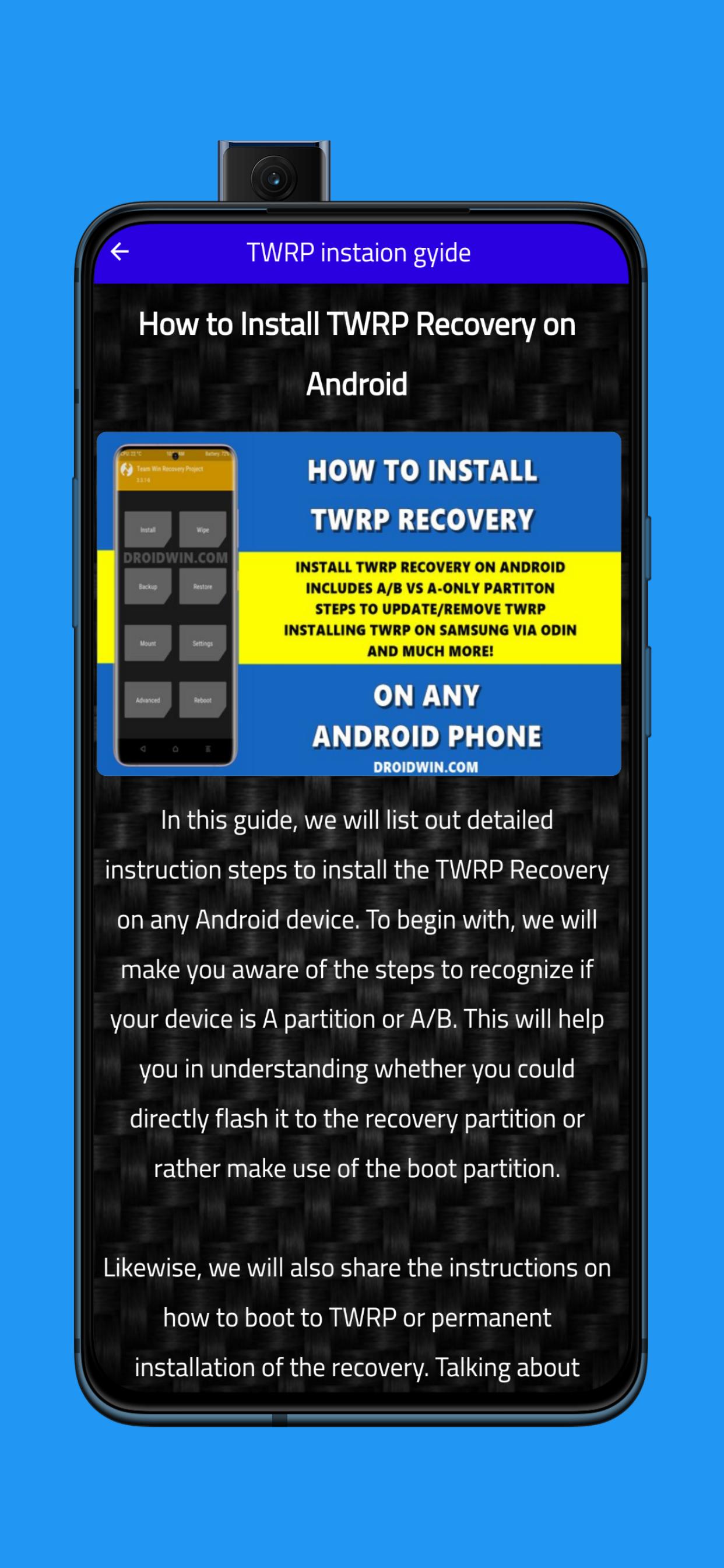
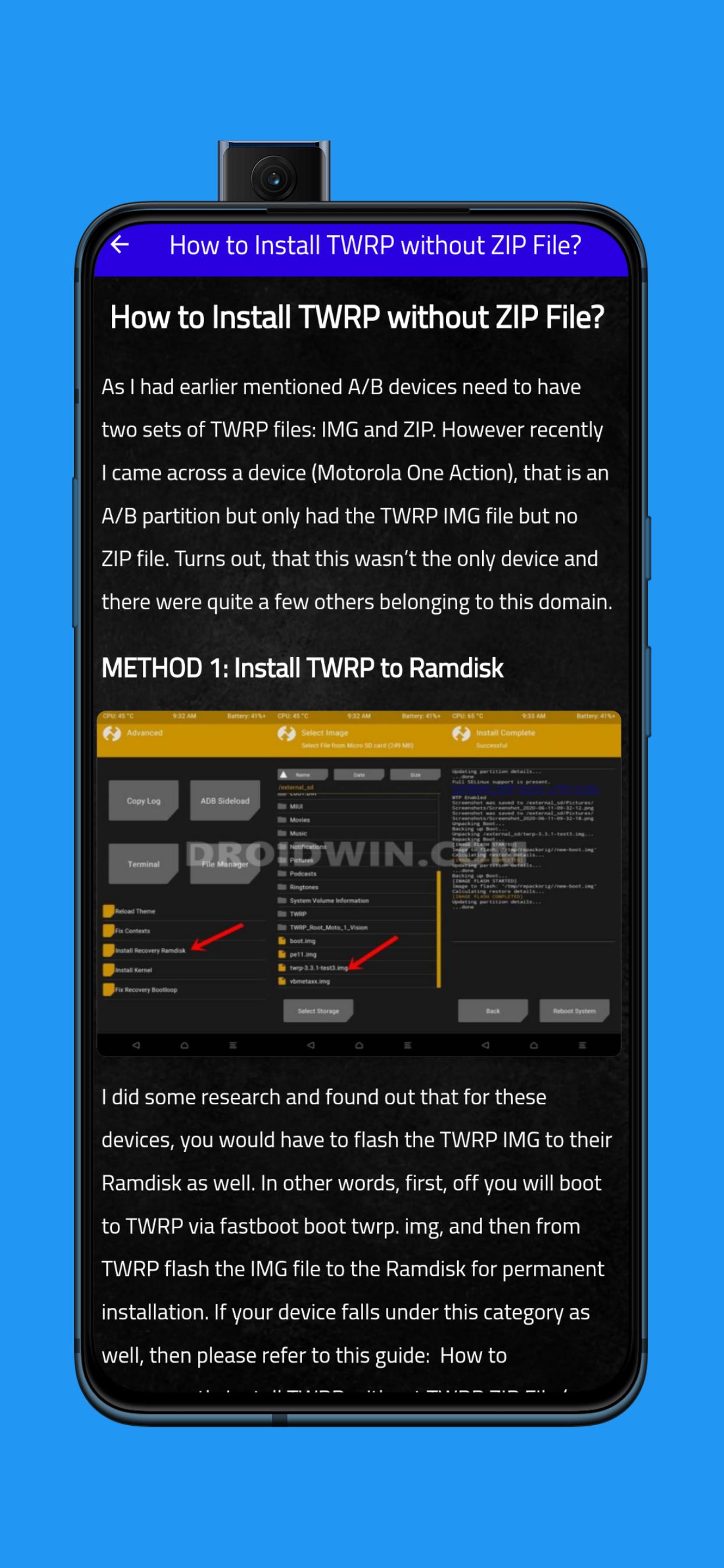
How to Install TWRP Recovery on Android
In this guide, we will list out detailed instruction steps to install the TWRP Recovery on any Android device. To begin with, we will make you aware of the steps to recognize if your device is A partition or A/B. This will help you in understanding whether you could directly flash it to the recovery partition or rather make use of the boot partition.
Likewise, we will also share the instructions on how to boot to TWRP or permanent installation of the recovery. Talking about which, you will be able to learn the type of recovery file you would be needing (twrp.img and twrp.zip) and more importantly when they would be needed. It’s going to be a long journey ahead, so stick with us!
Ön izleme
Etiketler
AraçlarBilgi
geliştirici
our life
En Son Sürüm
1
Son güncelleme
2022-10-25
Kategori
Araçlar
üzerinde mevcut
Google Play
Daha fazla göster
PC'de GameLoop ile TWRP Installation Guide nasıl oynanır
1. Resmi web sitesinden GameLoop'u indirin, ardından GameLoop'u kurmak için exe dosyasını çalıştırın.
2. GameLoop'u açın ve “TWRP Installation Guide”i arayın, arama sonuçlarında TWRP Installation Guide'i bulun ve “Yükle”ye tıklayın.
3. GameLoop'ta TWRP Installation Guide oynamanın keyfini çıkarın.
Minimum requirements
OS
Windows 8.1 64-bit or Windows 10 64-bit
GPU
GTX 1050
CPU
i3-8300
Memory
8GB RAM
Storage
1GB available space
Recommended requirements
OS
Windows 8.1 64-bit or Windows 10 64-bit
GPU
GTX 1050
CPU
i3-9320
Memory
16GB RAM
Storage
1GB available space