PsPsClock"Rect" Clock & Cal PC
PsPsClock
PsPsClock"Rect" Clock & Cal'i GameLoop Emulator ile PC'ye indirin
PC'de PsPsClock"Rect" Clock & Cal
PsPsClock geliştiricisinden gelen PsPsClock"Rect" Clock & Cal, geçmişte Android systerm üzerinde çalışıyor.
Artık PsPsClock"Rect" Clock & Cal'i PC'de GameLoop ile sorunsuz bir şekilde oynayabilirsiniz.
GameLoop kitaplığından veya arama sonuçlarından indirin. Artık yanlış zamanda pile bakmak veya sinir bozucu aramalar yapmak yok.
PsPsClock"Rect" Clock & Cal bilgisayarın keyfini büyük ekranda ücretsiz olarak çıkarın!
PsPsClock"Rect" Clock & Cal Tanıtım
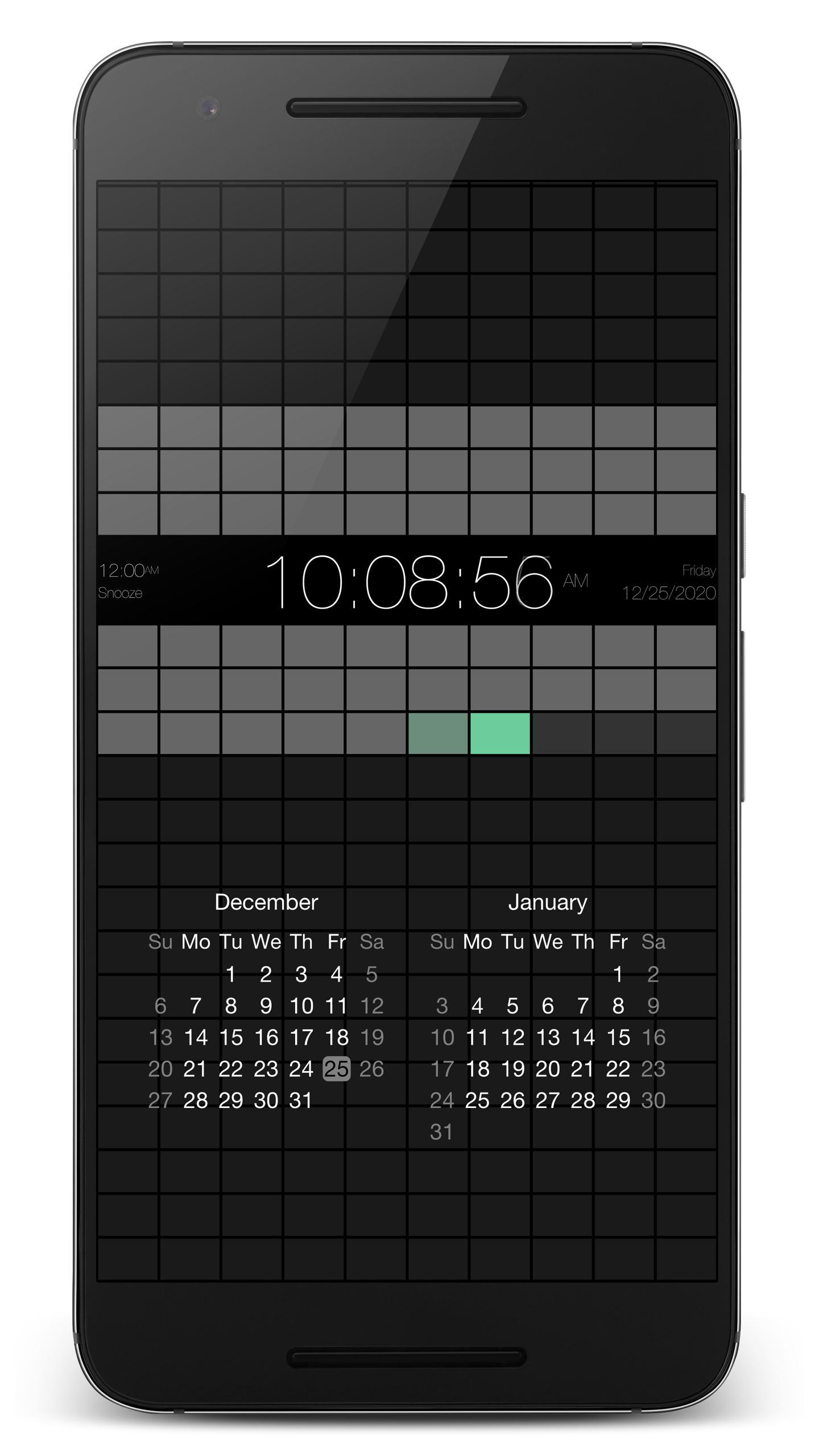
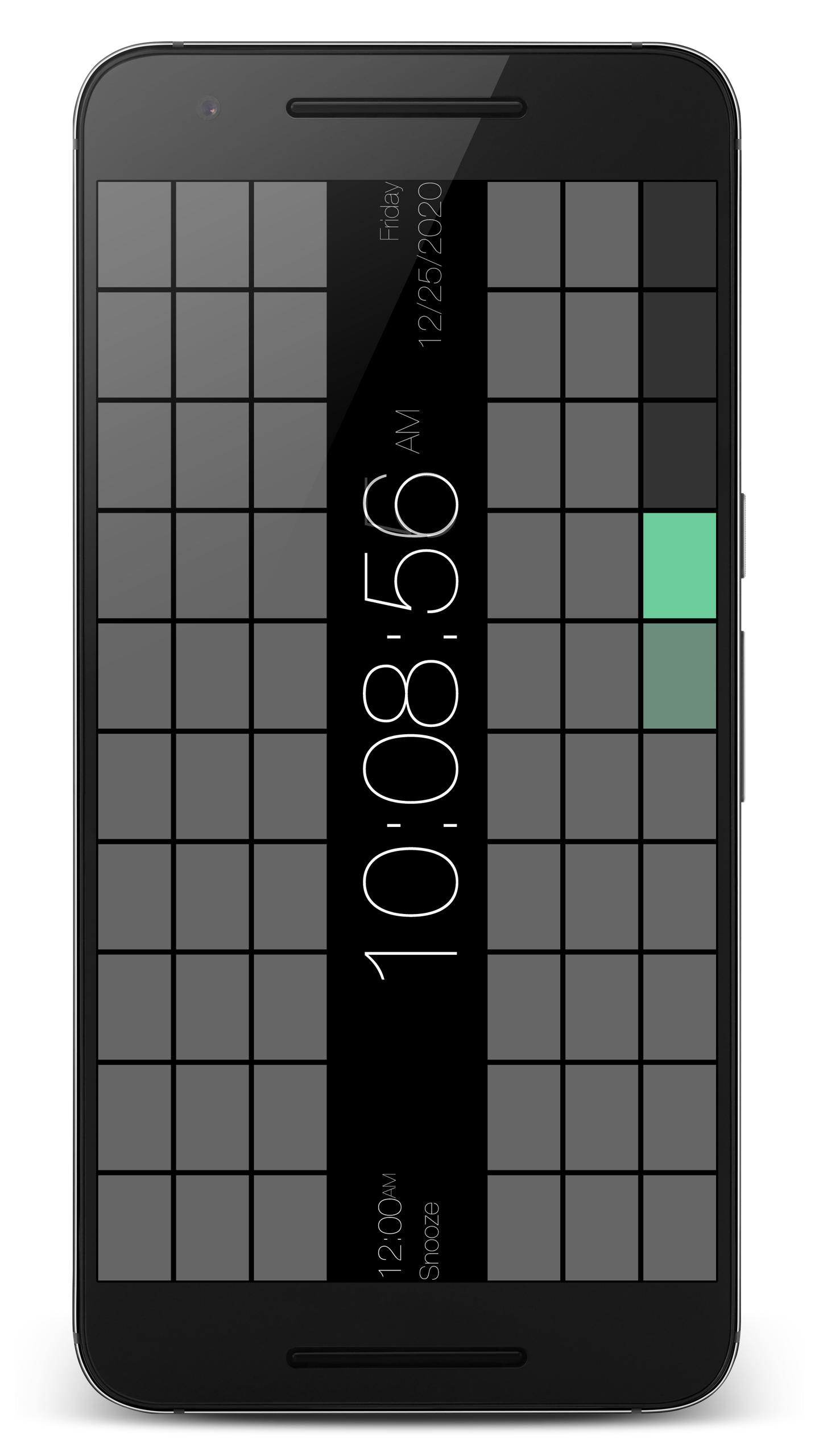
PsPsClock series #5 "Rect". Rect with changing color.
Notice
- If you select "DENY" for the question "Allow ’Rect’ to access photos, media, and files on your device?" on the first launch with Android 6.0 or later, you can not select the audio file of internal or sd card for alarm.
Main Features
- Time: Always
- Date: Show / Hide
- Alarm: Show / Hide
- Second: Show / Hide
- Calendar: Show / Hide (Only in portrait orientation)
- Hour Format: 12h(1-12+AM/PM) / 12h(0-11+AM/PM) / 24h(0-23) / 24h(5-28)
- Date Format: MDY / YMD / DMY / YDM
- AM/PM Position: Succeed / Precede
- First DoW: Sunday / Monday / Saturday (Only the calendar)
- Color: Select colors
- Fixing System Bar: Enable / Disable
- Status Bar: Show / Hide
- Disabling Auto Sleep: Enable / Disable
Alarm Details
- Alarm: Enable / Disable (Stop at single-tapping on the screen)
- Snooze: Enable / Disable
- Sound: Internal or SD card Audio files.
- Repeat: Each day of the week. Enable / Disable
- Snooze Interval: 2min / 3min / 5min / 10min / 15min / 20min / 30min
- Vibrate: Enable / Disable
- Blink Screen: Enable / Disable
- Notification: Enable / Disable
Purpose of using permissions
- read the contents of your USB storage: Used to read sound files Internal or SD card.
- view network connections: Used to display ads.
- full network access: Used to display ads.
- run at startup: Used to the alarm work at reboot.
- control vibration: Used to vibrate the alarm.
- prevent device from sleeping: Used to prevent device from sleeping.
It is not used for purposes other than the above.
I'm poor at English, Sorry...
Ön izleme
Etiketler
AraçlarBilgi
geliştirici
PsPsClock
En Son Sürüm
1.0.612
Son güncelleme
2022-04-22
Kategori
Araçlar
üzerinde mevcut
Google Play
Daha fazla göster
PC'de GameLoop ile PsPsClock"Rect" Clock & Cal nasıl oynanır
1. Resmi web sitesinden GameLoop'u indirin, ardından GameLoop'u kurmak için exe dosyasını çalıştırın.
2. GameLoop'u açın ve “PsPsClock"Rect" Clock & Cal”i arayın, arama sonuçlarında PsPsClock"Rect" Clock & Cal'i bulun ve “Yükle”ye tıklayın.
3. GameLoop'ta PsPsClock"Rect" Clock & Cal oynamanın keyfini çıkarın.
Minimum requirements
OS
Windows 8.1 64-bit or Windows 10 64-bit
GPU
GTX 1050
CPU
i3-8300
Memory
8GB RAM
Storage
1GB available space
Recommended requirements
OS
Windows 8.1 64-bit or Windows 10 64-bit
GPU
GTX 1050
CPU
i3-9320
Memory
16GB RAM
Storage
1GB available space