Provision PnP PC
Provision-ISR Limited
Provision PnP'i GameLoop Emulator ile PC'ye indirin
PC'de Provision PnP
Provision-ISR Limited geliştiricisinden gelen Provision PnP, geçmişte Android systerm üzerinde çalışıyor.
Artık Provision PnP'i PC'de GameLoop ile sorunsuz bir şekilde oynayabilirsiniz.
GameLoop kitaplığından veya arama sonuçlarından indirin. Artık yanlış zamanda pile bakmak veya sinir bozucu aramalar yapmak yok.
Provision PnP bilgisayarın keyfini büyük ekranda ücretsiz olarak çıkarın!
Provision PnP Tanıtım
Provision PnP application by Provision-ISR allows you to quickly setup and connect to any of Provision-ISR's Plug and Play cameras and effectively gain full control over it.
From basic 360 degree/Digital Zoom controls to Bi-Directional audio, playing back recorded videos and setting up the camera, with Provision PnP in hand you will have everything you need to operate your PnP cameras.
Main Features:
o Quick WiFi setup
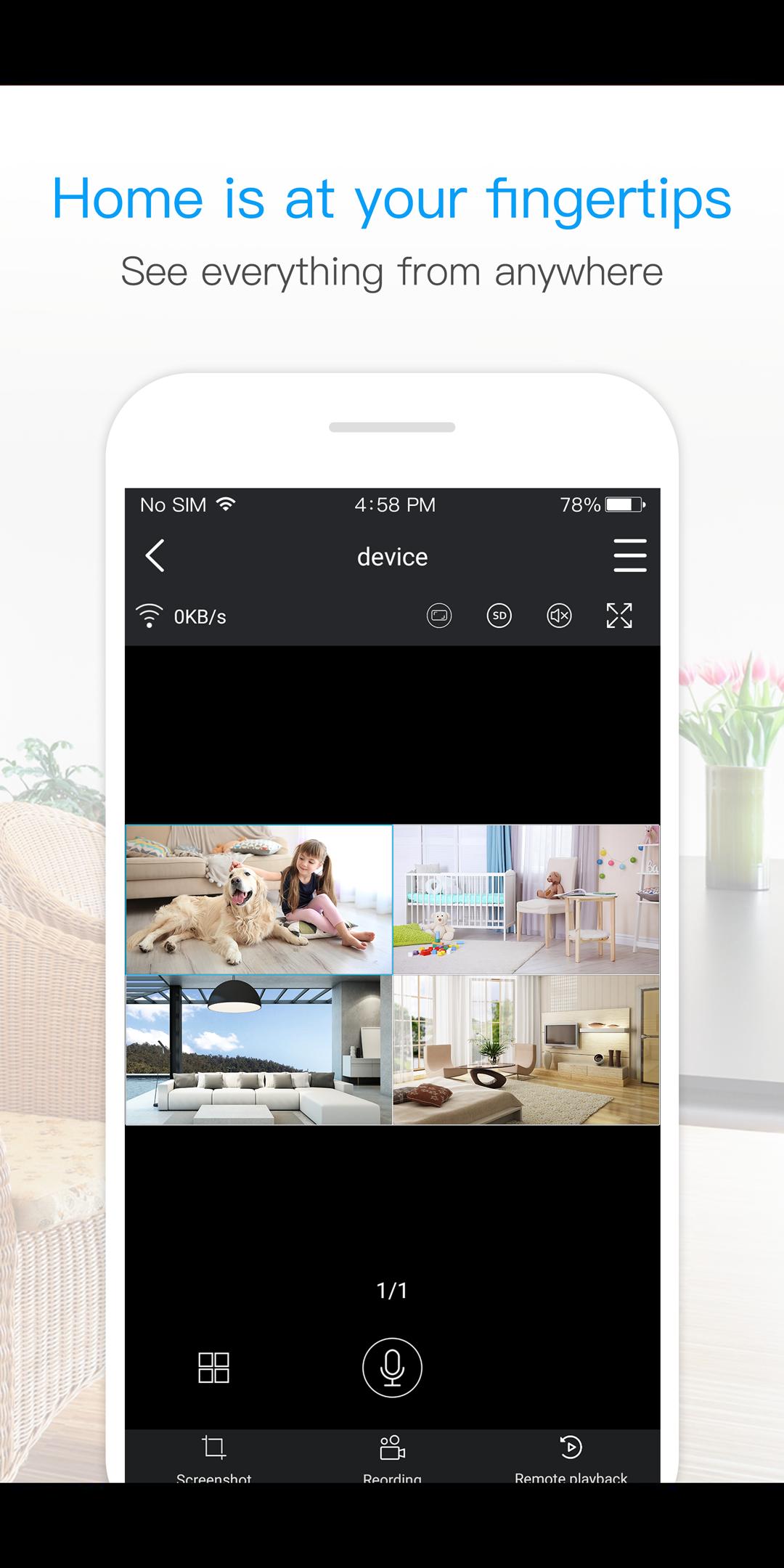
o Live View of single or multi camera display mode (Up to 4 cameras)
o Single login for all devices
o Camera access from anywhere in the world based on your user name
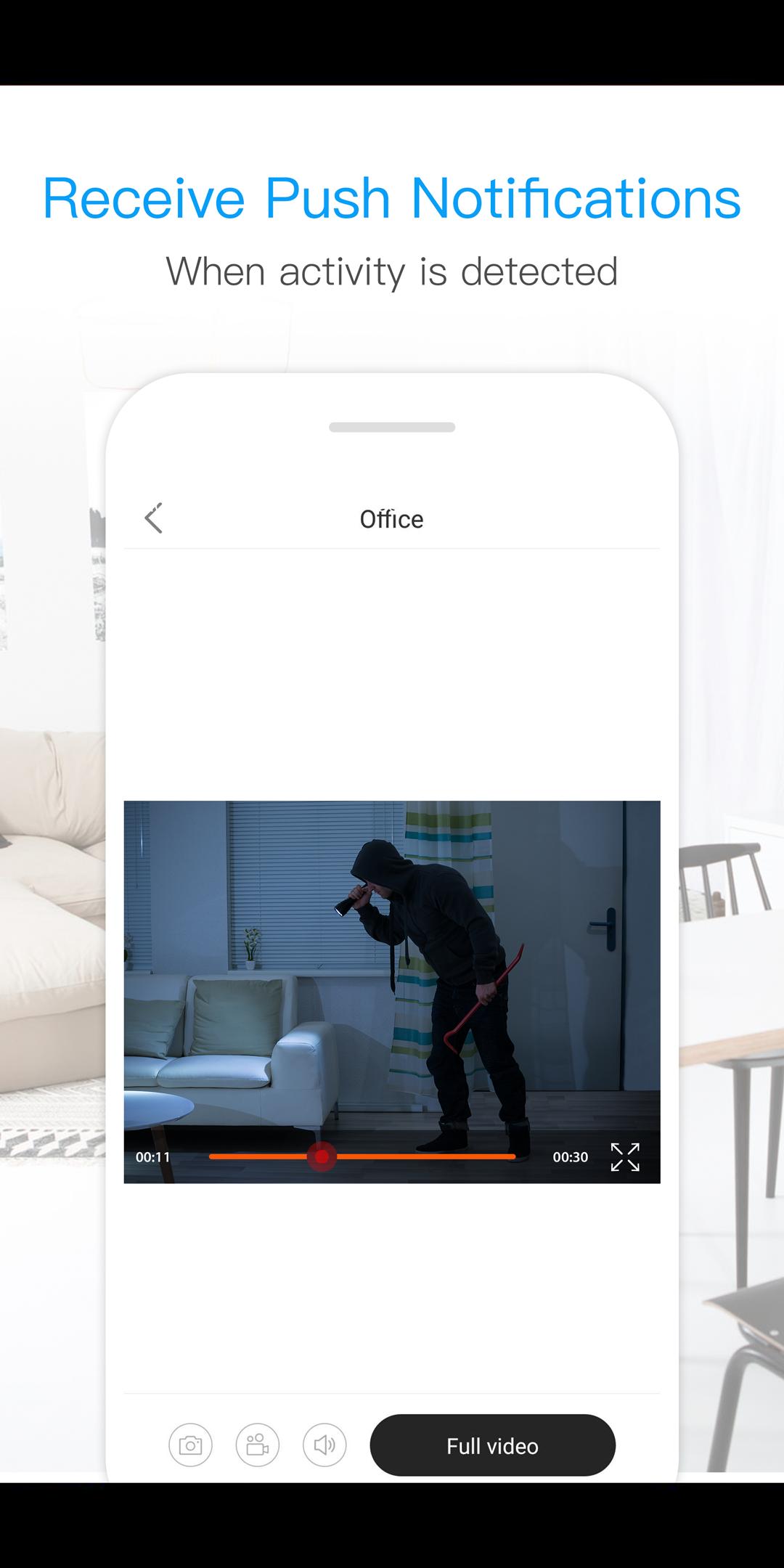
o Motion alarm with alarm schedule*
o Push Notifications
o 2 Way Audio Support - listen and talk
o Local video recording and playback on your mobile
o Landscape view with full features
o Image snapshot.
o Remote playback
o Camera configuration
o Color adjustment
o 360 degree different mode control *
o Digital Zoom
o Remote Firmware update
*(Supported Cameras Only)
Ön izleme
Bilgi
geliştirici
Provision-ISR Limited
En Son Sürüm
3.3.30
Son güncelleme
2021-08-13
Kategori
Araçlar
üzerinde mevcut
Google Play
Daha fazla göster
PC'de GameLoop ile Provision PnP nasıl oynanır
1. Resmi web sitesinden GameLoop'u indirin, ardından GameLoop'u kurmak için exe dosyasını çalıştırın.
2. GameLoop'u açın ve “Provision PnP”i arayın, arama sonuçlarında Provision PnP'i bulun ve “Yükle”ye tıklayın.
3. GameLoop'ta Provision PnP oynamanın keyfini çıkarın.
Minimum requirements
OS
Windows 8.1 64-bit or Windows 10 64-bit
GPU
GTX 1050
CPU
i3-8300
Memory
8GB RAM
Storage
1GB available space
Recommended requirements
OS
Windows 8.1 64-bit or Windows 10 64-bit
GPU
GTX 1050
CPU
i3-9320
Memory
16GB RAM
Storage
1GB available space