Personalized Volume Control PC
Kumar.Studio
Personalized Volume Control'i GameLoop Emulator ile PC'ye indirin
PC'de Personalized Volume Control
Kumar.Studio geliştiricisinden gelen Personalized Volume Control, geçmişte Android systerm üzerinde çalışıyor.
Artık Personalized Volume Control'i PC'de GameLoop ile sorunsuz bir şekilde oynayabilirsiniz.
GameLoop kitaplığından veya arama sonuçlarından indirin. Artık yanlış zamanda pile bakmak veya sinir bozucu aramalar yapmak yok.
Personalized Volume Control bilgisayarın keyfini büyük ekranda ücretsiz olarak çıkarın!
Personalized Volume Control Tanıtım
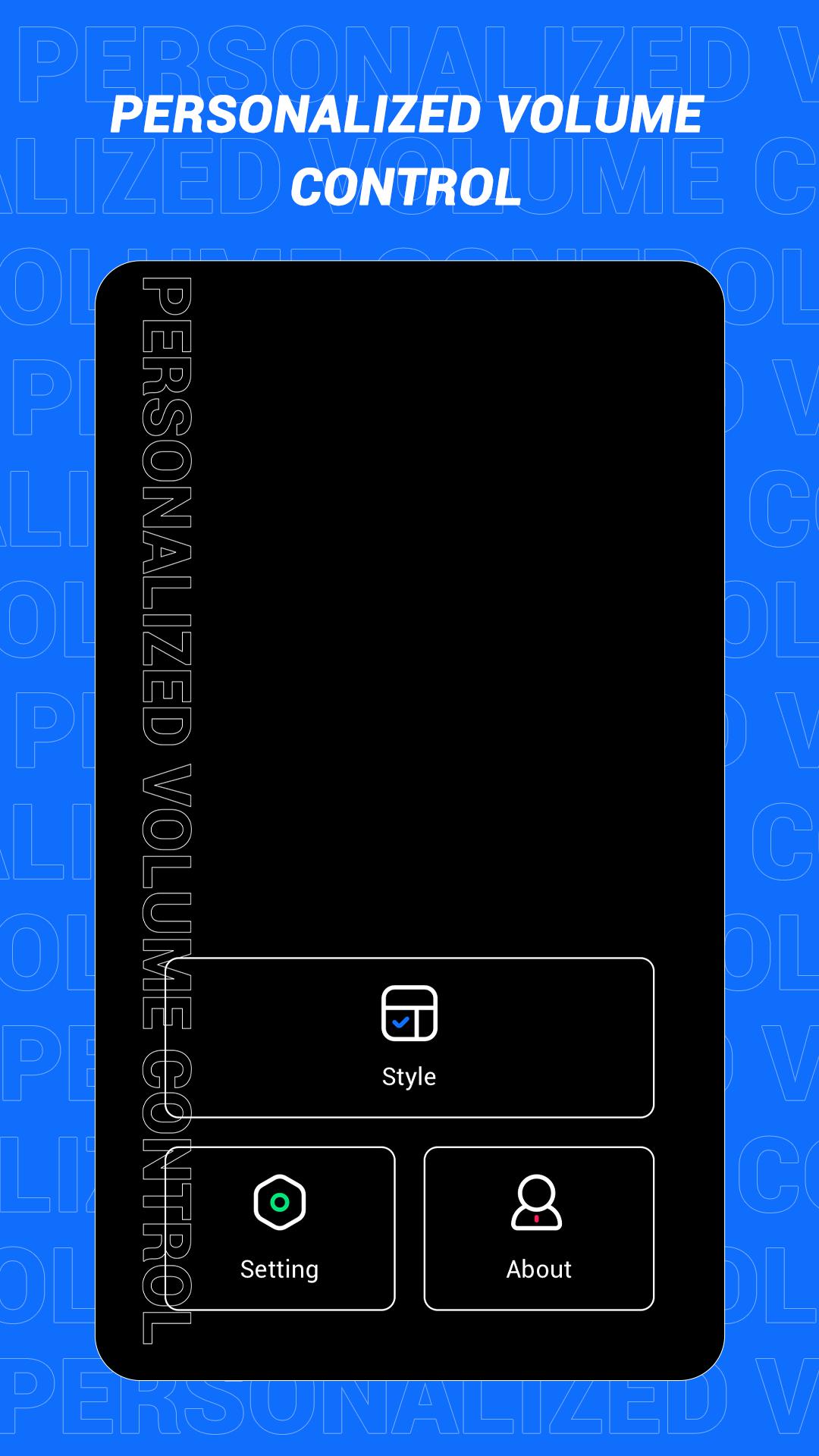
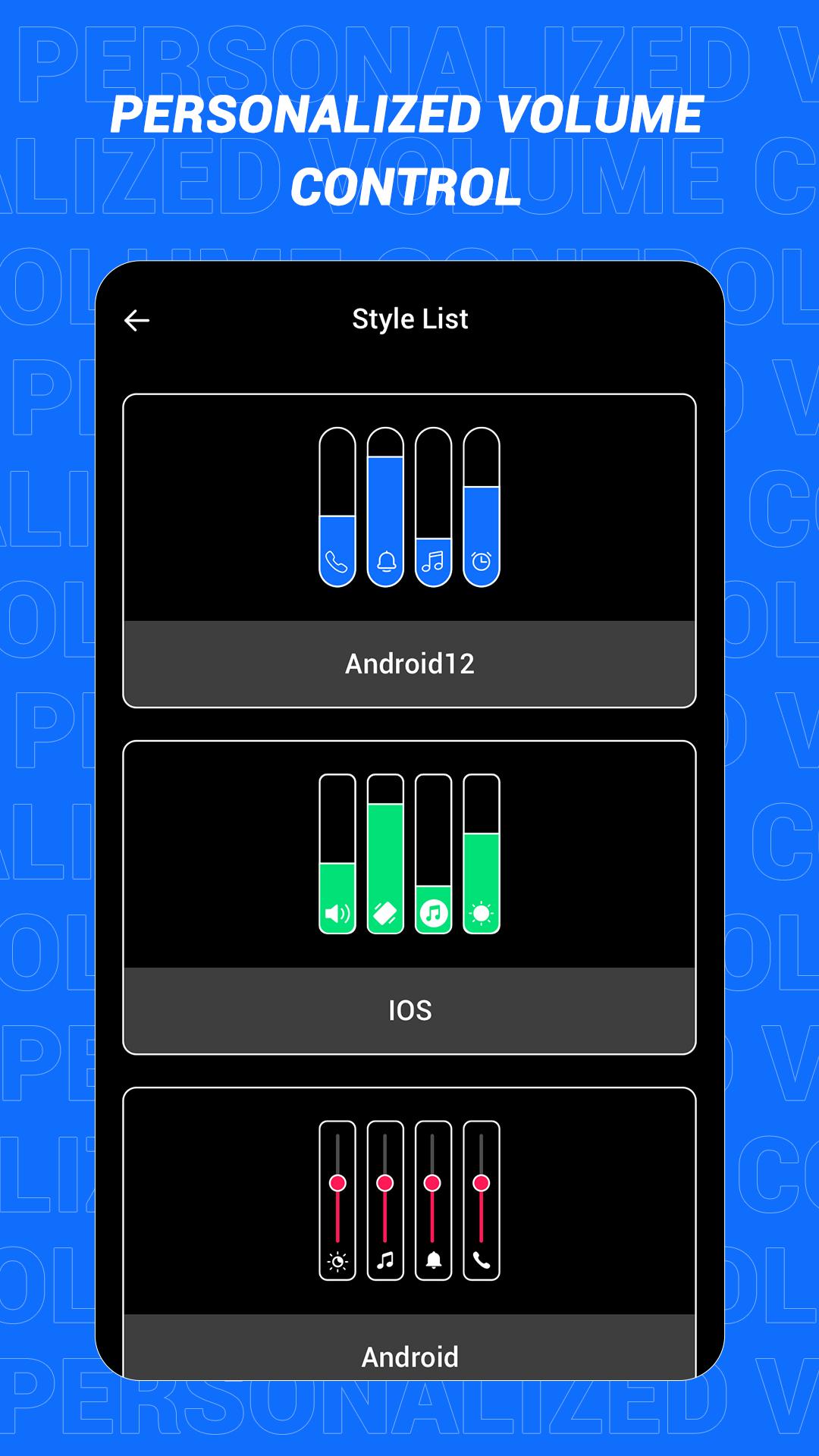
This is an app that can quickly change the style of the sound control panel. The volume control panel is to remind the user of the specific volume of the device and to adjust the volume more conveniently. In this software, a variety of panel styles are provided for users, and users can choose and set them at will. If you want a different color, you can choose your favorite color. In this app, users can also increase the brightness adjustment slider according to the actual situation!
Main features:
1. Provide a variety of volume panel styles to choose from
2. You can change the panel color to your favorite color
3. You can add shortcuts for multiple functions
4. Support more detailed function settings
Disclaimer: This application is only a tool application and will not collect any information from you, please rest assured!
Ön izleme
Etiketler
AraçlarBilgi
geliştirici
Kumar.Studio
En Son Sürüm
1.1
Son güncelleme
2022-08-08
Kategori
Araçlar
üzerinde mevcut
Google Play
Daha fazla göster
PC'de GameLoop ile Personalized Volume Control nasıl oynanır
1. Resmi web sitesinden GameLoop'u indirin, ardından GameLoop'u kurmak için exe dosyasını çalıştırın.
2. GameLoop'u açın ve “Personalized Volume Control”i arayın, arama sonuçlarında Personalized Volume Control'i bulun ve “Yükle”ye tıklayın.
3. GameLoop'ta Personalized Volume Control oynamanın keyfini çıkarın.
Minimum requirements
OS
Windows 8.1 64-bit or Windows 10 64-bit
GPU
GTX 1050
CPU
i3-8300
Memory
8GB RAM
Storage
1GB available space
Recommended requirements
OS
Windows 8.1 64-bit or Windows 10 64-bit
GPU
GTX 1050
CPU
i3-9320
Memory
16GB RAM
Storage
1GB available space