
Jump VPN PC
Vision studio
Jump VPN'i GameLoop Emulator ile PC'ye indirin
PC'de Jump VPN
Vision studio geliştiricisinden gelen Jump VPN, geçmişte Android systerm üzerinde çalışıyor.
Artık Jump VPN'i PC'de GameLoop ile sorunsuz bir şekilde oynayabilirsiniz.
GameLoop kitaplığından veya arama sonuçlarından indirin. Artık yanlış zamanda pile bakmak veya sinir bozucu aramalar yapmak yok.
Jump VPN bilgisayarın keyfini büyük ekranda ücretsiz olarak çıkarın!
Jump VPN Tanıtım
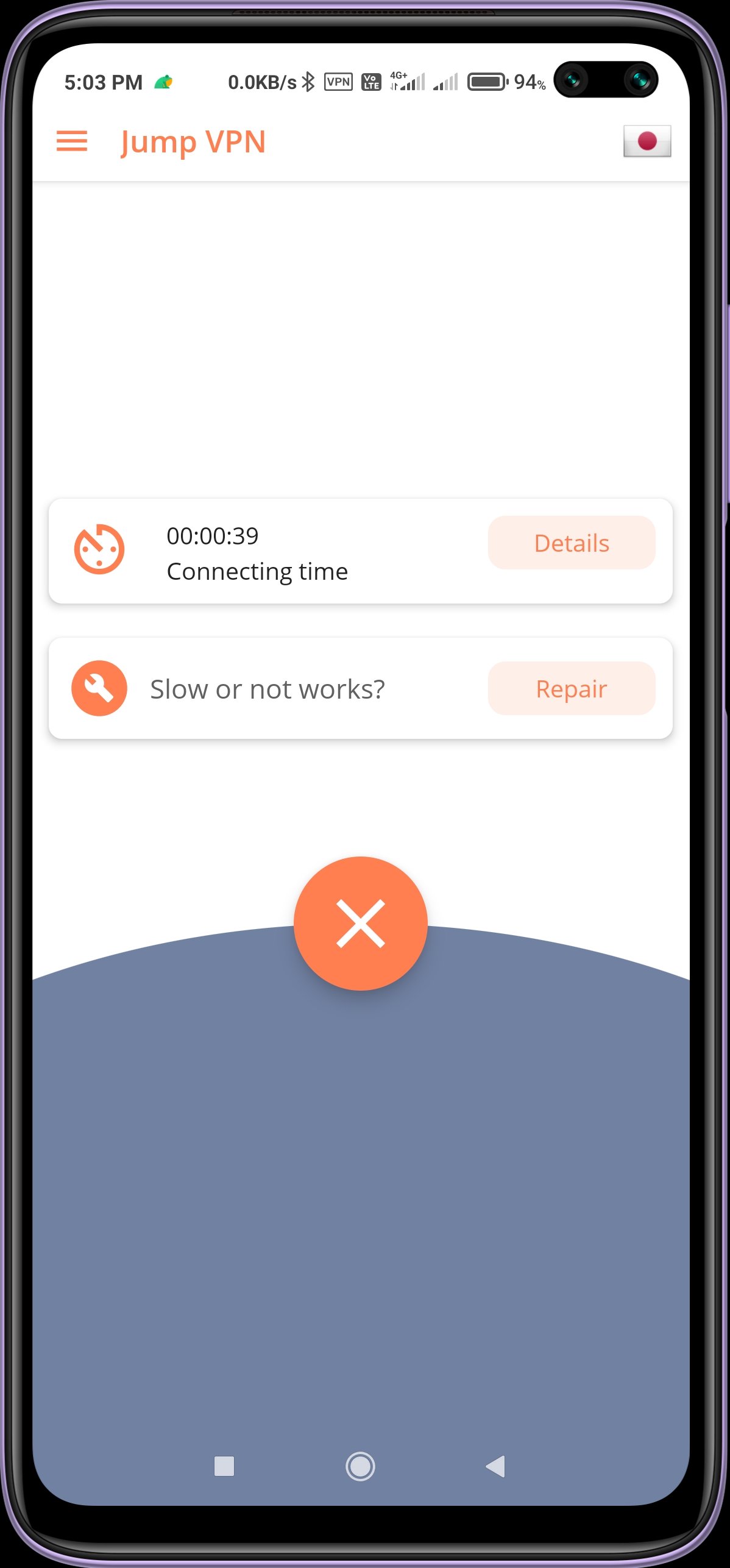
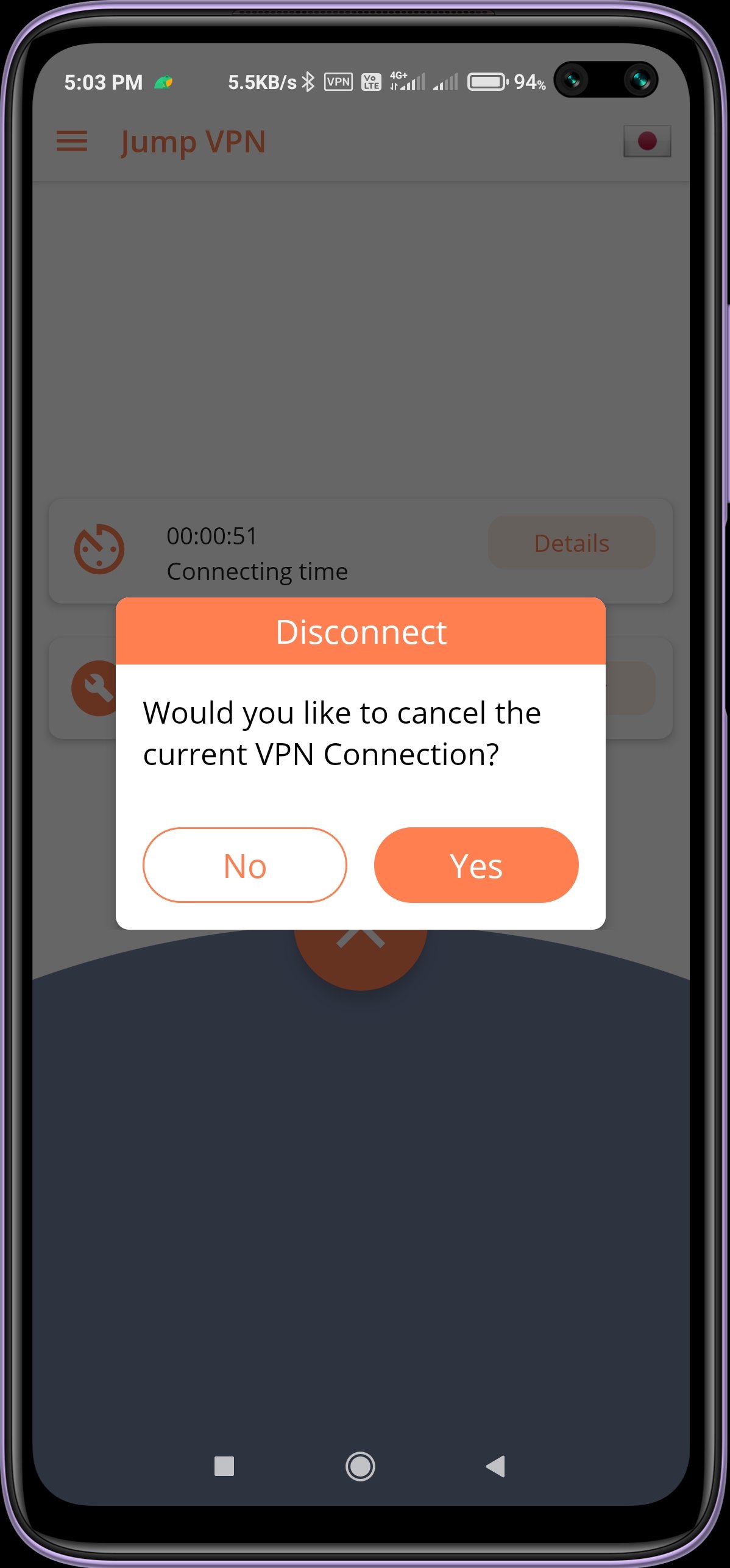
Jump VPN - fast and secure.
Easy to use, one click to connect VPN.
*Beautiful user interface
*Unblock sites and apps easily.
* One-click to connect VPN
* Easy to use: One tap to connect VPN server
* Anonymous and secure internet.
* Use all servers easily.
* Save space on your phone and make your phone run faster. Never lag your phone!
* High speed and unlimited connection
* No speed limit
* Jump VPN compatible with WiFi, 5G, LTE, 3G, and all mobile data carriers
* Protect your privacy, keep you safe from 3rd party tracking
* VPN Proxy Server to Unblock Sites and Unblock Apps
* Unlimited VPN service
* Using most secure VPN solution
* No additional permissions required
If Jump VPN connect failed, don't worry, you can follow these steps to fix it:
1) Click the flag icon
2) Click the refresh button to check servers
3) Choose the fastest and most stable server to reconnect
Ön izleme
Bilgi
geliştirici
Vision studio
En Son Sürüm
1.0.0.19
Son güncelleme
2022-04-12
Kategori
Araçlar
üzerinde mevcut
Google Play
Daha fazla göster
PC'de GameLoop ile Jump VPN nasıl oynanır
1. Resmi web sitesinden GameLoop'u indirin, ardından GameLoop'u kurmak için exe dosyasını çalıştırın.
2. GameLoop'u açın ve “Jump VPN”i arayın, arama sonuçlarında Jump VPN'i bulun ve “Yükle”ye tıklayın.
3. GameLoop'ta Jump VPN oynamanın keyfini çıkarın.
Minimum requirements
OS
Windows 8.1 64-bit or Windows 10 64-bit
GPU
GTX 1050
CPU
i3-8300
Memory
8GB RAM
Storage
1GB available space
Recommended requirements
OS
Windows 8.1 64-bit or Windows 10 64-bit
GPU
GTX 1050
CPU
i3-9320
Memory
16GB RAM
Storage
1GB available space