
Jota+ Google Drive Connector PC
Aquamarine Networks.
Jota+ Google Drive Connector'i GameLoop Emulator ile PC'ye indirin
PC'de Jota+ Google Drive Connector
Aquamarine Networks. geliştiricisinden gelen Jota+ Google Drive Connector, geçmişte Android systerm üzerinde çalışıyor.
Artık Jota+ Google Drive Connector'i PC'de GameLoop ile sorunsuz bir şekilde oynayabilirsiniz.
GameLoop kitaplığından veya arama sonuçlarından indirin. Artık yanlış zamanda pile bakmak veya sinir bozucu aramalar yapmak yok.
Jota+ Google Drive Connector bilgisayarın keyfini büyük ekranda ücretsiz olarak çıkarın!
Jota+ Google Drive Connector Tanıtım
Jota+ Google Drive Connector is a plugin to connect Jota+ with Google Drive.
Install this plugin then you can activate the connectivity to Google Drive of Jota+.
This app only connect to Google Drive server.
----------------------------
This app needs Jota+ and Jota+★PRO-KEY.
----------------------------
Caution: You CAN'T edit Google Docs files.
----------------------------
How to use connector.
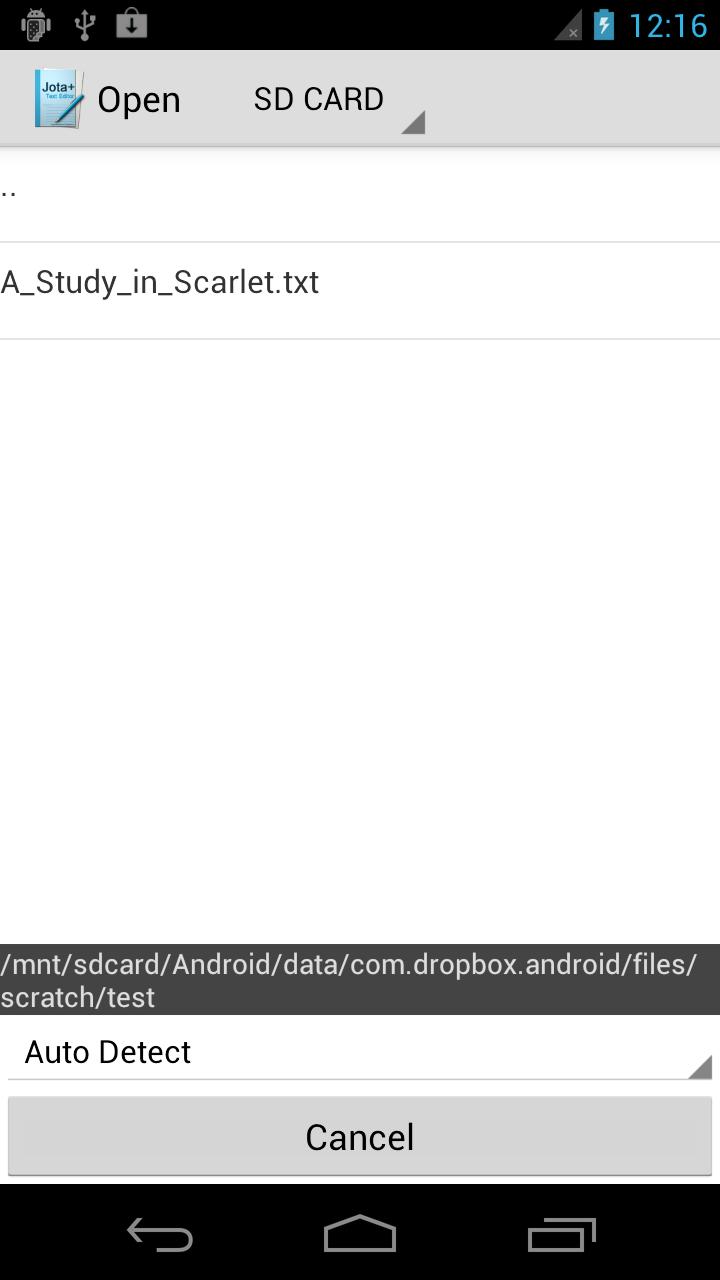
- Touch 'Open' on the toolbar then file browser will open.
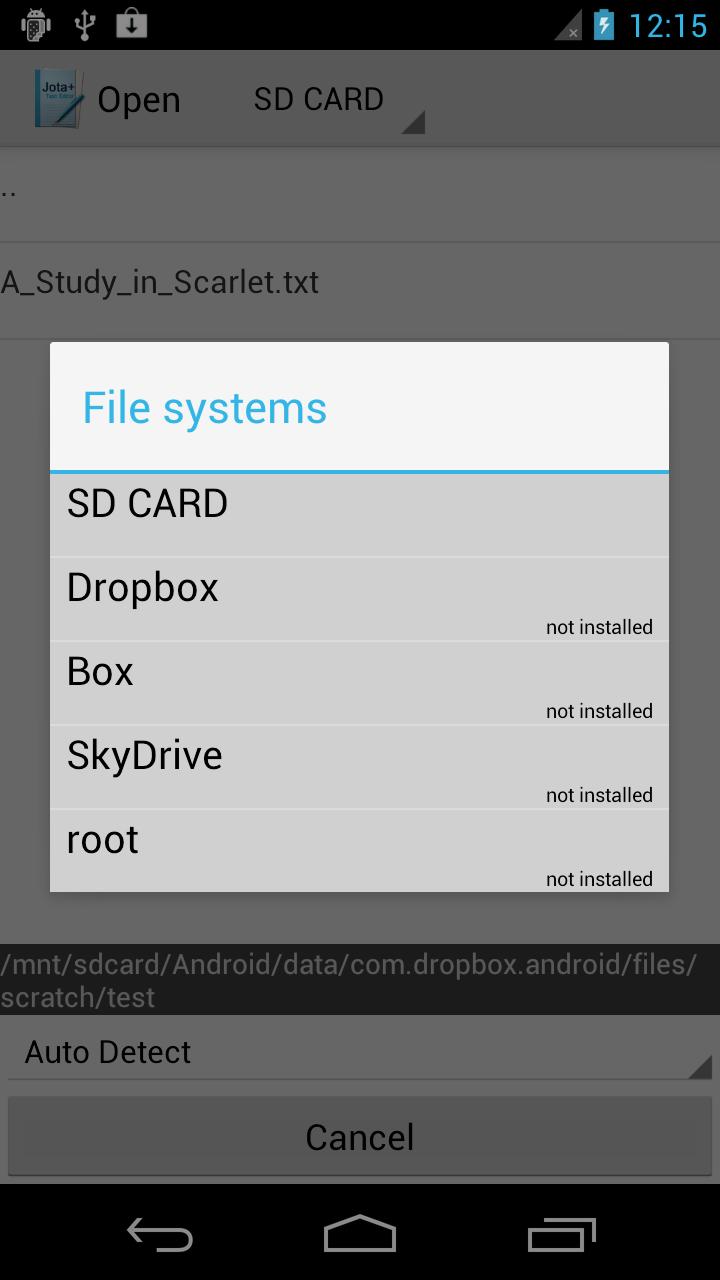
- Click Jota+ icon on the top-left corner then click "Settings-Storage".
- Select one which you want and install a connector.
- Log in to the connector.
- Again open the drawer.
- Click the name of the connector.
- Browse directory on the file system.
- Open a file.
Don't use explorer apps.
Ön izleme
Bilgi
geliştirici
Aquamarine Networks.
En Son Sürüm
1.07
Son güncelleme
2015-03-31
Kategori
Araçlar
üzerinde mevcut
Google Play
Daha fazla göster
PC'de GameLoop ile Jota+ Google Drive Connector nasıl oynanır
1. Resmi web sitesinden GameLoop'u indirin, ardından GameLoop'u kurmak için exe dosyasını çalıştırın.
2. GameLoop'u açın ve “Jota+ Google Drive Connector”i arayın, arama sonuçlarında Jota+ Google Drive Connector'i bulun ve “Yükle”ye tıklayın.
3. GameLoop'ta Jota+ Google Drive Connector oynamanın keyfini çıkarın.
Minimum requirements
OS
Windows 8.1 64-bit or Windows 10 64-bit
GPU
GTX 1050
CPU
i3-8300
Memory
8GB RAM
Storage
1GB available space
Recommended requirements
OS
Windows 8.1 64-bit or Windows 10 64-bit
GPU
GTX 1050
CPU
i3-9320
Memory
16GB RAM
Storage
1GB available space