iOS Launcher: Lock Screen & Control Center PC
MuVid Apps
iOS Launcher: Lock Screen & Control Center'i GameLoop Emulator ile PC'ye indirin
PC'de iOS Launcher: Lock Screen & Control Center
MuVid Apps geliştiricisinden gelen iOS Launcher: Lock Screen & Control Center, geçmişte Android systerm üzerinde çalışıyor.
Artık iOS Launcher: Lock Screen & Control Center'i PC'de GameLoop ile sorunsuz bir şekilde oynayabilirsiniz.
GameLoop kitaplığından veya arama sonuçlarından indirin. Artık yanlış zamanda pile bakmak veya sinir bozucu aramalar yapmak yok.
iOS Launcher: Lock Screen & Control Center bilgisayarın keyfini büyük ekranda ücretsiz olarak çıkarın!
iOS Launcher: Lock Screen & Control Center Tanıtım
Are You Lover of I phone? You wants to convert your android mobile in ios?
You are at the right place. This Android Application is designed for all iphone lover who want experience Apple Phone on Android.. This ios Luncher is makes your phone better than before.
Control Center: you can swipe up to open control center, set wifi, Brightness, Volume, flashlight, etc.
Weather and Suggestion widget: We provide a Weather and Suggestion widget, you can get the weather forecast in recent days.
Smart search: Simple search by swiping down anywhere on the screen.
In Our Application We Provide various Stylish Theme Adaptive to the themes you select, which can bring you smooth interface like iOS 13 like experience. ios Launcher is a fast and lightweight App designed especially for Android phone launchers and tablet launchers.
This Launcher is totally free for all android user. You can fell like your phone is iphone 13.
Features of iOS Launcher:-
- Beautiful Wallpaper to decorate your android screen.
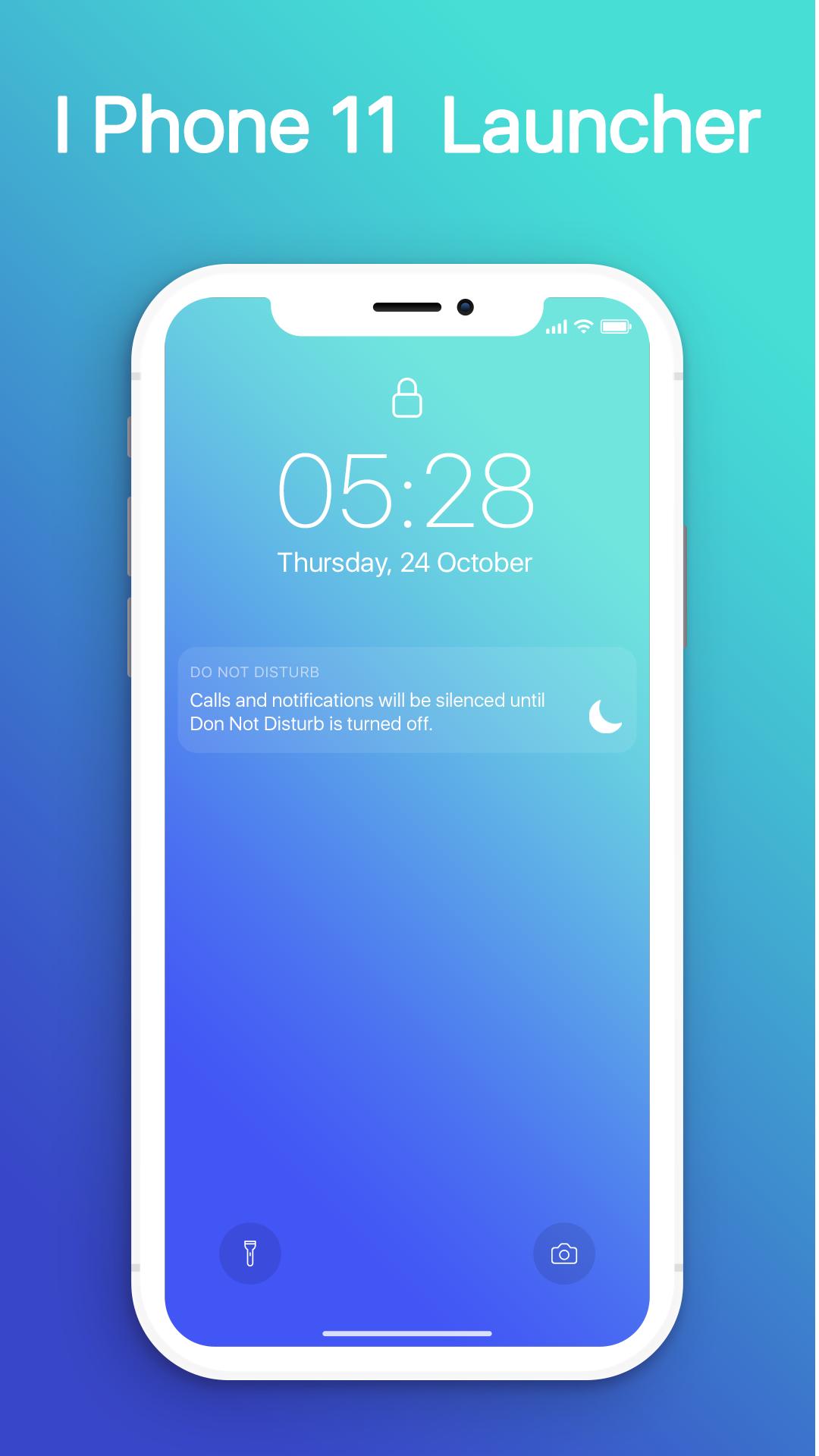
- Swipe down to display notification bar like iPhone 13.
- Control Center like iOS 13.
- Hide application use 3D touch or add in app settings.
- Smart Search: quickly find anything on your device.
- Free to use.
- Stylish Theme, icon pack for iOS 13.
- Notification Center: Show you notification history.
Ön izleme
Bilgi
geliştirici
MuVid Apps
En Son Sürüm
1.3
Son güncelleme
2019-11-16
Kategori
Araçlar
üzerinde mevcut
Google Play
Daha fazla göster
PC'de GameLoop ile iOS Launcher: Lock Screen & Control Center nasıl oynanır
1. Resmi web sitesinden GameLoop'u indirin, ardından GameLoop'u kurmak için exe dosyasını çalıştırın.
2. GameLoop'u açın ve “iOS Launcher: Lock Screen & Control Center”i arayın, arama sonuçlarında iOS Launcher: Lock Screen & Control Center'i bulun ve “Yükle”ye tıklayın.
3. GameLoop'ta iOS Launcher: Lock Screen & Control Center oynamanın keyfini çıkarın.
Minimum requirements
OS
Windows 8.1 64-bit or Windows 10 64-bit
GPU
GTX 1050
CPU
i3-8300
Memory
8GB RAM
Storage
1GB available space
Recommended requirements
OS
Windows 8.1 64-bit or Windows 10 64-bit
GPU
GTX 1050
CPU
i3-9320
Memory
16GB RAM
Storage
1GB available space