
FaviconExtractor - Get favicon icon from web sites PC
Kyumpany
FaviconExtractor - Get favicon icon from web sites'i GameLoop Emulator ile PC'ye indirin
PC'de FaviconExtractor - Get favicon icon from web sites
Kyumpany geliştiricisinden gelen FaviconExtractor - Get favicon icon from web sites, geçmişte Android systerm üzerinde çalışıyor.
Artık FaviconExtractor - Get favicon icon from web sites'i PC'de GameLoop ile sorunsuz bir şekilde oynayabilirsiniz.
GameLoop kitaplığından veya arama sonuçlarından indirin. Artık yanlış zamanda pile bakmak veya sinir bozucu aramalar yapmak yok.
FaviconExtractor - Get favicon icon from web sites bilgisayarın keyfini büyük ekranda ücretsiz olarak çıkarın!
FaviconExtractor - Get favicon icon from web sites Tanıtım
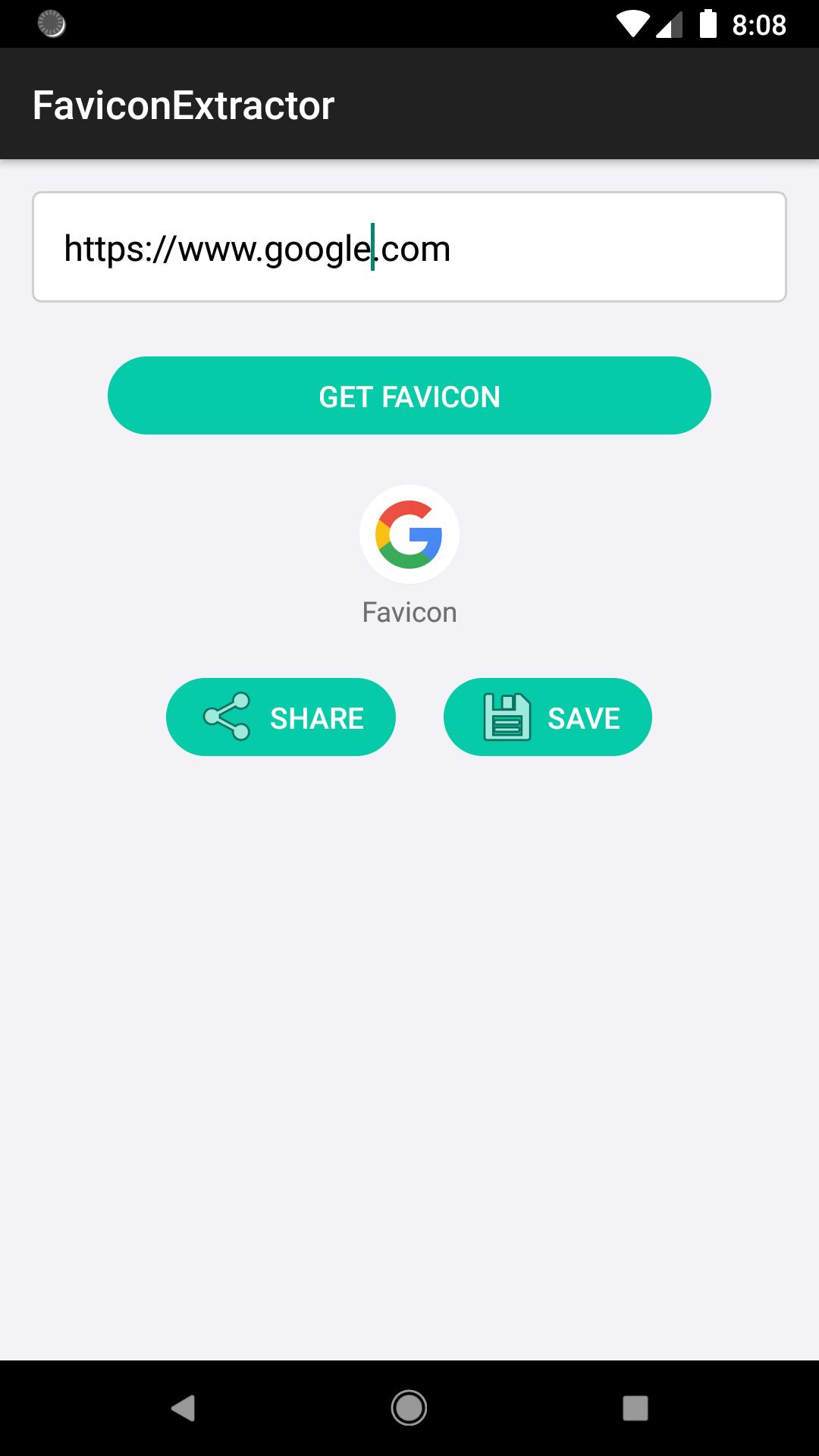
If you don't know how to get favicon icons from web sites, use this simple app to download favicon icons.
This app is pretty easy to use even for beginners.
Features
▷ Get favicon icons from web sites
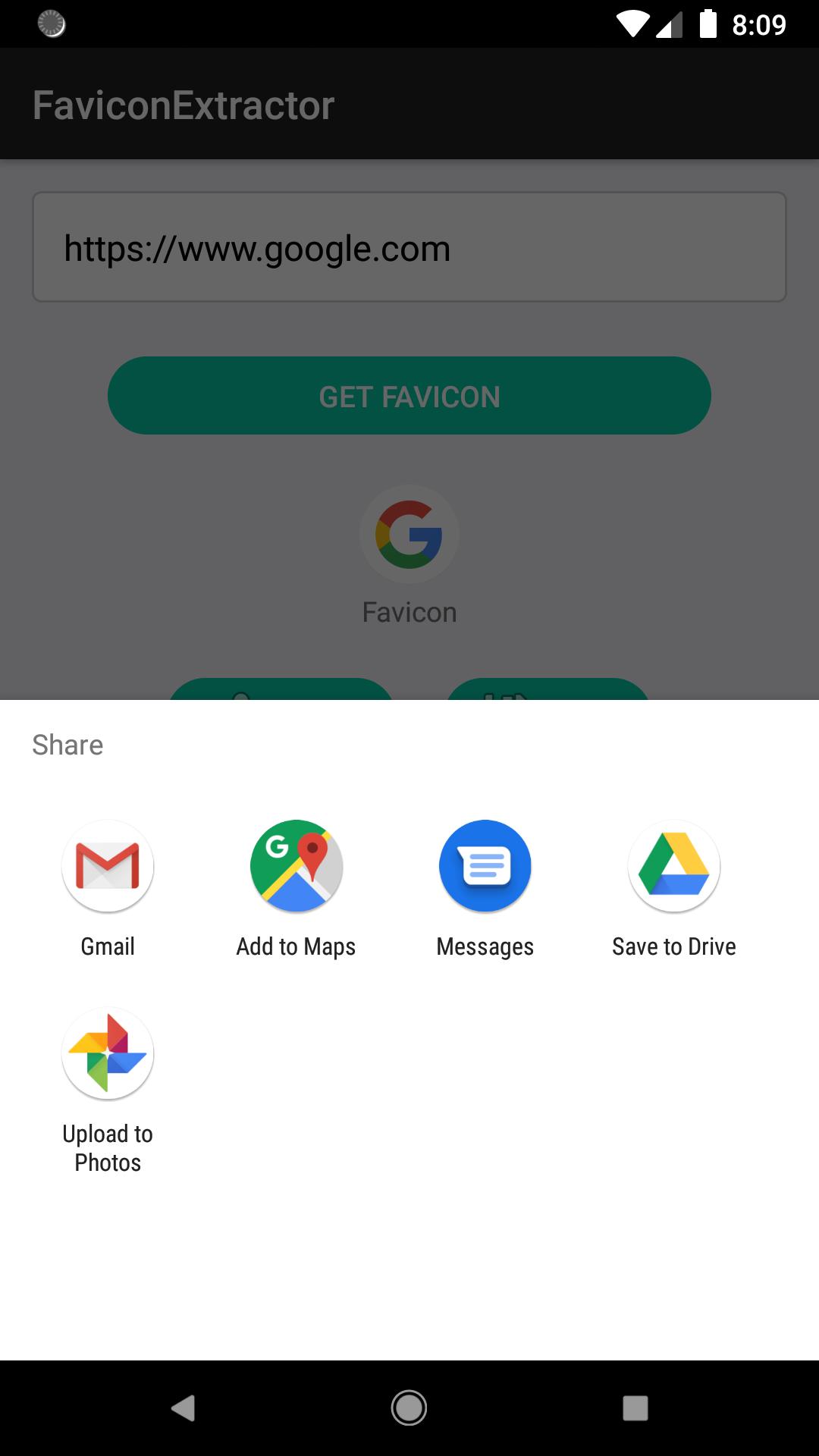
▷ Share favicon icons
▷ Save favicon icons
Favicon definition from https://en.wikipedia.org/wiki/Favicon
▷ A favicon also known as a shortcut icon, website icon, tab icon, URL icon, or bookmark icon, is a file containing one or more small icons, associated with a particular website or web page. A web designer can create such an icon and upload it to a website (or web page) by several means, and graphical web browsers will then make use of it. Browsers that provide favicon support typically display a page's favicon in the browser's address bar (sometimes in the history as well) and next to the page's name in a list of bookmarks. Browsers that support a tabbed document interface typically show a page's favicon next to the page's title on the tab, and site-specific browsers use the favicon as a desktop icon.[
Ön izleme
Bilgi
geliştirici
Kyumpany
En Son Sürüm
1.0.9
Son güncelleme
2020-11-27
Kategori
Araçlar
üzerinde mevcut
Google Play
Daha fazla göster
PC'de GameLoop ile FaviconExtractor - Get favicon icon from web sites nasıl oynanır
1. Resmi web sitesinden GameLoop'u indirin, ardından GameLoop'u kurmak için exe dosyasını çalıştırın.
2. GameLoop'u açın ve “FaviconExtractor - Get favicon icon from web sites”i arayın, arama sonuçlarında FaviconExtractor - Get favicon icon from web sites'i bulun ve “Yükle”ye tıklayın.
3. GameLoop'ta FaviconExtractor - Get favicon icon from web sites oynamanın keyfini çıkarın.
Minimum requirements
OS
Windows 8.1 64-bit or Windows 10 64-bit
GPU
GTX 1050
CPU
i3-8300
Memory
8GB RAM
Storage
1GB available space
Recommended requirements
OS
Windows 8.1 64-bit or Windows 10 64-bit
GPU
GTX 1050
CPU
i3-9320
Memory
16GB RAM
Storage
1GB available space