FM Radio PC
Zoftech divine
FM Radio'i GameLoop Emulator ile PC'ye indirin
PC'de FM Radio
Zoftech divine geliştiricisinden gelen FM Radio, geçmişte Android systerm üzerinde çalışıyor.
Artık FM Radio'i PC'de GameLoop ile sorunsuz bir şekilde oynayabilirsiniz.
GameLoop kitaplığından veya arama sonuçlarından indirin. Artık yanlış zamanda pile bakmak veya sinir bozucu aramalar yapmak yok.
FM Radio bilgisayarın keyfini büyük ekranda ücretsiz olarak çıkarın!
FM Radio Tanıtım
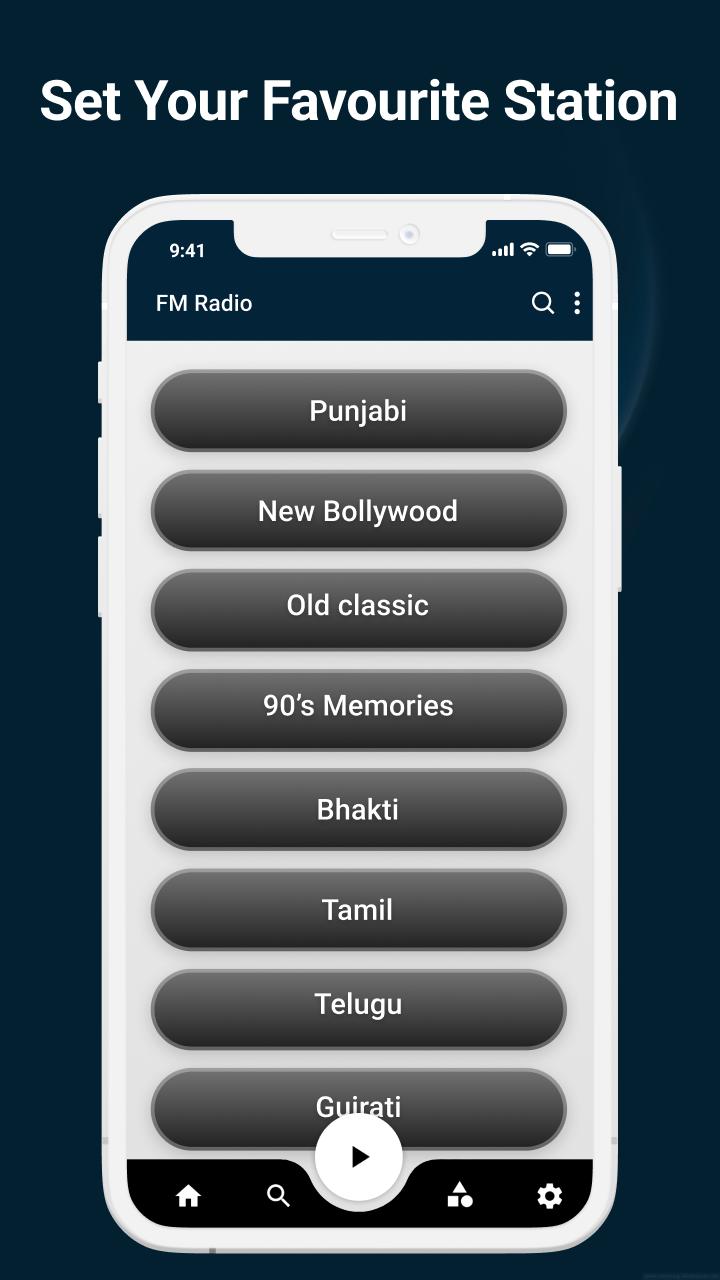
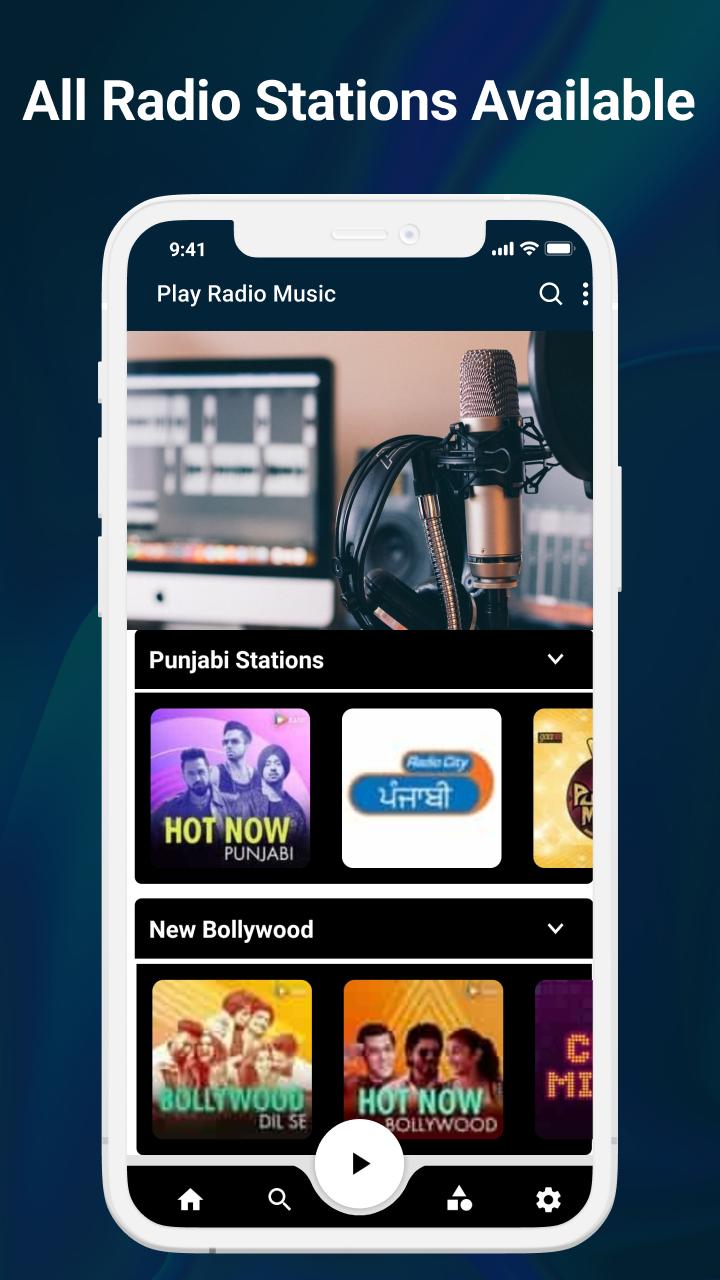
FM Radio 📻 app makes it simple to listen to your favorite FM and online radio stations. With our free radio 🔉 app in seconds. It's really simple to locate any international radio station. Look for new music by genres, such as pop radio or rock radio, or by categories, such as news radio or sports broadcasts radio, to find new stations then use this best radio app for android 🎧.
💃 Main Features 💃
• Listen without boundaries
• Live radio station India 📡
• Save your favorite stations
• Stream radio stations🎶
• Go to sleep to radio stations
• High-quality radio 🎼
• Stable listening
💃Other Features 💃
• Simple and easy to use
• Clean user interface
• Fast and easy search
If you have any suggestions regarding this application then let us know at:zoftechdivine557@gmail.com
Ön izleme
Etiketler
AraçlarBilgi
geliştirici
Zoftech divine
En Son Sürüm
1.0.3FM
Son güncelleme
2022-08-01
Kategori
Araçlar
üzerinde mevcut
Google Play
Daha fazla göster
PC'de GameLoop ile FM Radio nasıl oynanır
1. Resmi web sitesinden GameLoop'u indirin, ardından GameLoop'u kurmak için exe dosyasını çalıştırın.
2. GameLoop'u açın ve “FM Radio”i arayın, arama sonuçlarında FM Radio'i bulun ve “Yükle”ye tıklayın.
3. GameLoop'ta FM Radio oynamanın keyfini çıkarın.
Minimum requirements
OS
Windows 8.1 64-bit or Windows 10 64-bit
GPU
GTX 1050
CPU
i3-8300
Memory
8GB RAM
Storage
1GB available space
Recommended requirements
OS
Windows 8.1 64-bit or Windows 10 64-bit
GPU
GTX 1050
CPU
i3-9320
Memory
16GB RAM
Storage
1GB available space