
ProGuard VPN PC
Country VPN
ProGuard VPN'i GameLoop Emulator ile PC'ye indirin
PC'de ProGuard VPN
Country VPN geliştiricisinden gelen ProGuard VPN, geçmişte Android systerm üzerinde çalışıyor.
Artık ProGuard VPN'i PC'de GameLoop ile sorunsuz bir şekilde oynayabilirsiniz.
GameLoop kitaplığından veya arama sonuçlarından indirin. Artık yanlış zamanda pile bakmak veya sinir bozucu aramalar yapmak yok.
ProGuard VPN bilgisayarın keyfini büyük ekranda ücretsiz olarak çıkarın!
ProGuard VPN Tanıtım
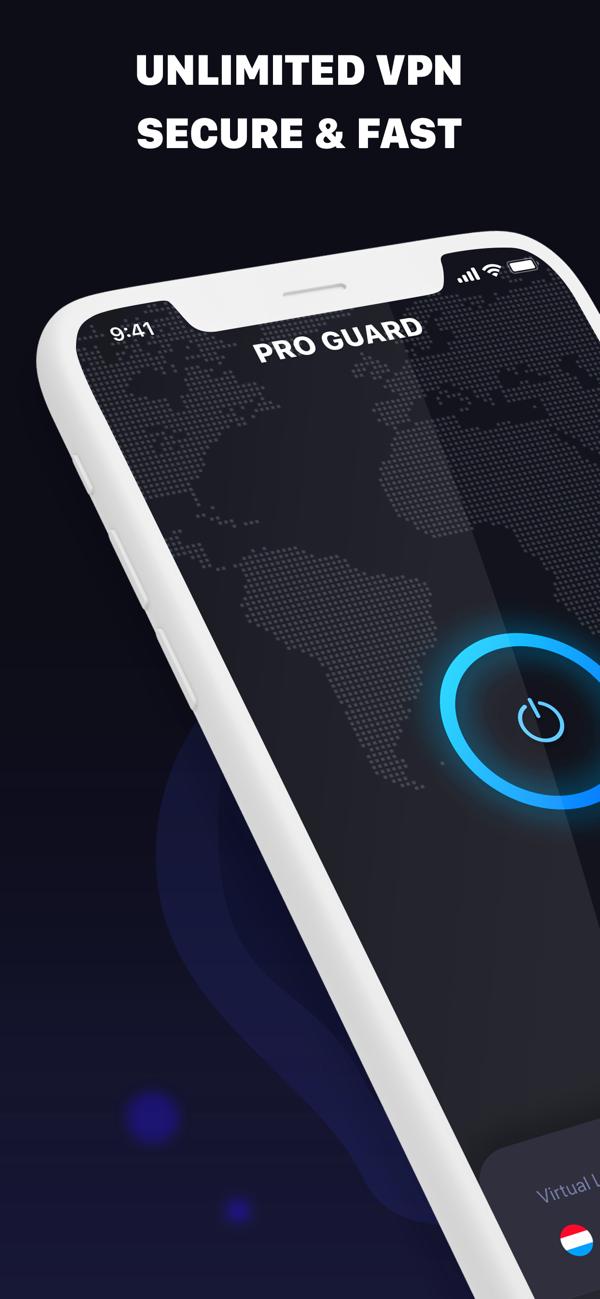
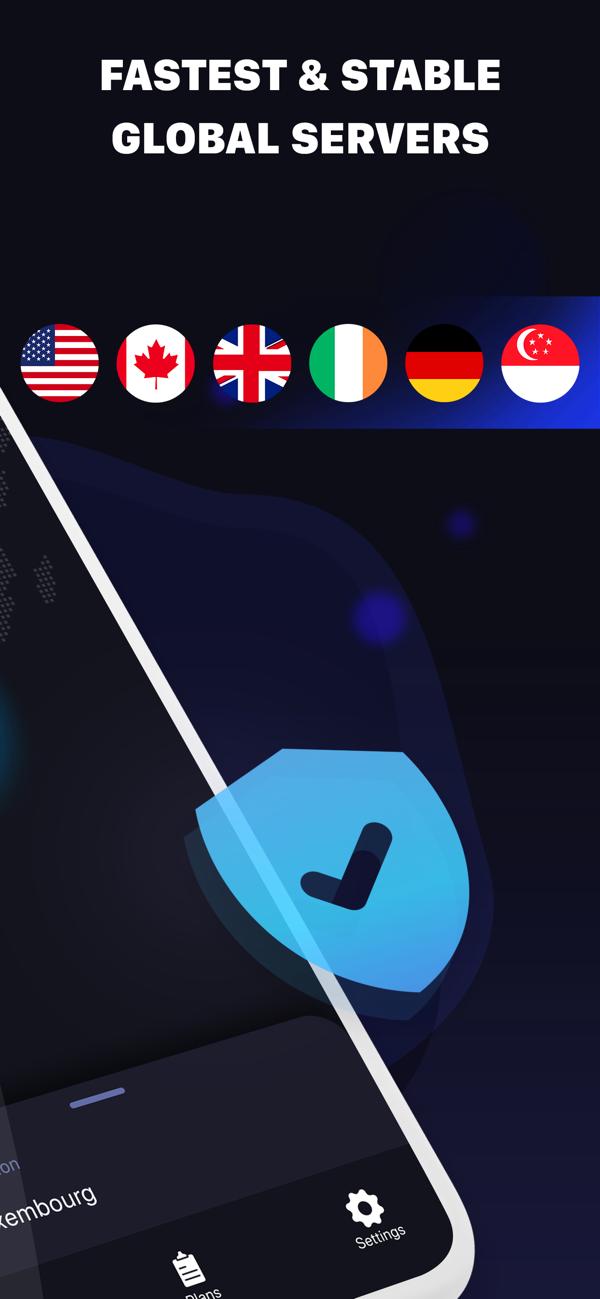
ProGuard VPN provides online anonymity and mobile access to websites and apps while keeping your information secure as you browse! Enjoy private web-browsing simply by pressing a button.
Features:
* ANONYMITY - stay anonymous while browsing the web with a dynamic IP address.
* PRIVACY - be protected against someone sniffing your connection with advanced AES 128 bit encryption and IPsec protocol on all our VPN servers.
* SECURITY - get the extra level of security for your personal data when connected to public Wi-Fi hotspots or shopping online.
How to use VPN:
1) Open the app and pick the vpn server location you want to connect to from the bottom bar
2) Tap the trigger to connect
3) Enjoy private and secure web-browsing
Ön izleme
Bilgi
geliştirici
Country VPN
En Son Sürüm
14.0
Son güncelleme
2021-06-12
Kategori
Araçlar
üzerinde mevcut
Google Play
Daha fazla göster
PC'de GameLoop ile ProGuard VPN nasıl oynanır
1. Resmi web sitesinden GameLoop'u indirin, ardından GameLoop'u kurmak için exe dosyasını çalıştırın.
2. GameLoop'u açın ve “ProGuard VPN”i arayın, arama sonuçlarında ProGuard VPN'i bulun ve “Yükle”ye tıklayın.
3. GameLoop'ta ProGuard VPN oynamanın keyfini çıkarın.
Minimum requirements
OS
Windows 8.1 64-bit or Windows 10 64-bit
GPU
GTX 1050
CPU
i3-8300
Memory
8GB RAM
Storage
1GB available space
Recommended requirements
OS
Windows 8.1 64-bit or Windows 10 64-bit
GPU
GTX 1050
CPU
i3-9320
Memory
16GB RAM
Storage
1GB available space