
Call Recorder PC
Lucky Mobile Apps
Call Recorder'i GameLoop Emulator ile PC'ye indirin
PC'de Call Recorder
Lucky Mobile Apps geliştiricisinden gelen Call Recorder, geçmişte Android systerm üzerinde çalışıyor.
Artık Call Recorder'i PC'de GameLoop ile sorunsuz bir şekilde oynayabilirsiniz.
GameLoop kitaplığından veya arama sonuçlarından indirin. Artık yanlış zamanda pile bakmak veya sinir bozucu aramalar yapmak yok.
Call Recorder bilgisayarın keyfini büyük ekranda ücretsiz olarak çıkarın!
Call Recorder Tanıtım
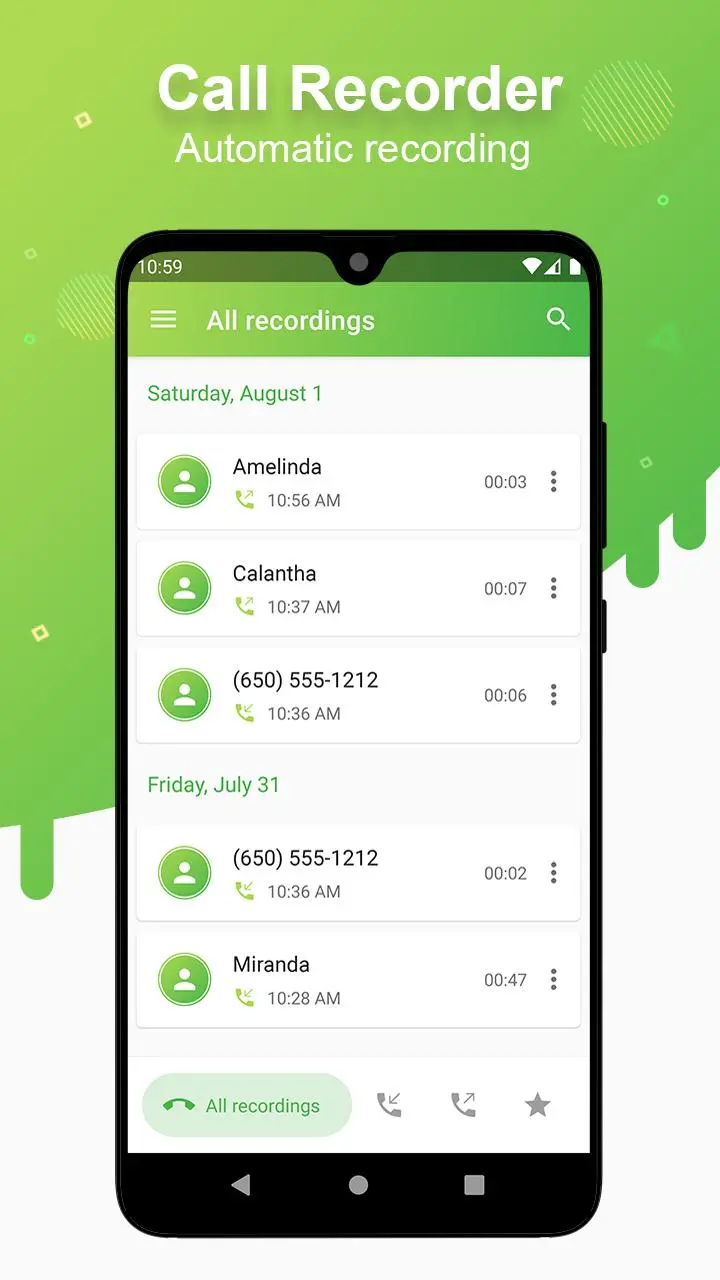
Automatic call recorder, best call recorder for Android, supports latest Android versions.
Please download Call Recorder, you can record any incoming and outgoing calls with high quality. Call recording is automatic and very reliable.
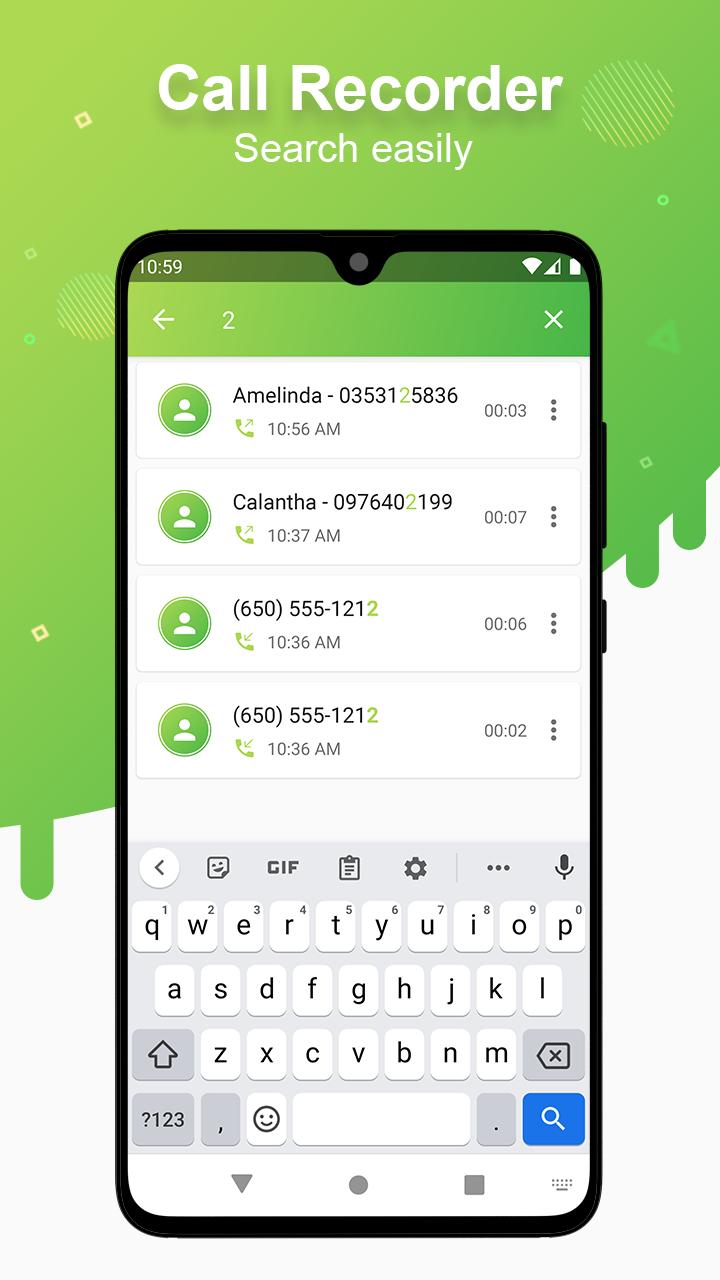
The call recorder is easy to use, easy to manage your recording files.
The call recorder is protected by a PIN code to prevent unauthorized access.
Functions:
• Automatically record incoming and outgoing calls
• Accurate identification of caller phone numbers
• Listen to the recordings again
• Add favorite recordings
• Easily share or delete recordings
• Set to automatically delete the recording after a certain period of time
• Change audio channel (mono or stereo), bit rate, sampling frequency
• Change audio source recording
• Change the path to save files
• Protect the recordings with a PIN
• Support dark mode
• Support your language
• A lot of other features are waiting for you to discover
Using our application to record calls, you can feel the advantages of a high quality recording application in compare with another recording app in Google Play market.
If you have any questions or problems you want to fix, please email me, I will help you.
Your 5-star rating will encourage us to create and develop many of the best free apps.
Ön izleme
Etiketler
AraçlarBilgi
geliştirici
Lucky Mobile Apps
En Son Sürüm
111
Son güncelleme
2025-09-18
Kategori
Araçlar
üzerinde mevcut
Google Play
Daha fazla göster
PC'de GameLoop ile Call Recorder nasıl oynanır
1. Resmi web sitesinden GameLoop'u indirin, ardından GameLoop'u kurmak için exe dosyasını çalıştırın.
2. GameLoop'u açın ve “Call Recorder”i arayın, arama sonuçlarında Call Recorder'i bulun ve “Yükle”ye tıklayın.
3. GameLoop'ta Call Recorder oynamanın keyfini çıkarın.
Minimum requirements
OS
Windows 8.1 64-bit or Windows 10 64-bit
GPU
GTX 1050
CPU
i3-8300
Memory
8GB RAM
Storage
1GB available space
Recommended requirements
OS
Windows 8.1 64-bit or Windows 10 64-bit
GPU
GTX 1050
CPU
i3-9320
Memory
16GB RAM
Storage
1GB available space