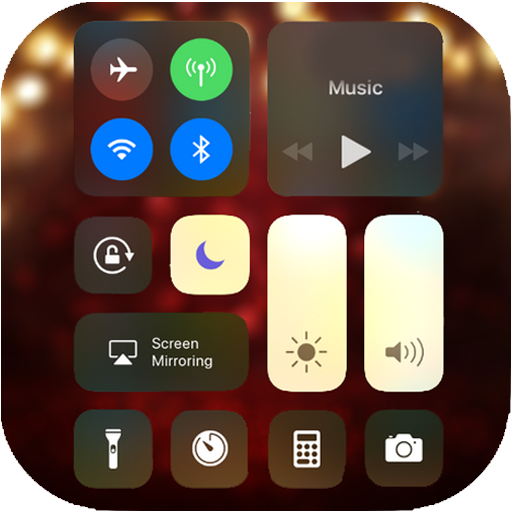
Control Center iOS 13 PC
4 mb
Control Center iOS 13'i GameLoop Emulator ile PC'ye indirin
PC'de Control Center iOS 13
4 mb geliştiricisinden gelen Control Center iOS 13, geçmişte Android systerm üzerinde çalışıyor.
Artık Control Center iOS 13'i PC'de GameLoop ile sorunsuz bir şekilde oynayabilirsiniz.
GameLoop kitaplığından veya arama sonuçlarından indirin. Artık yanlış zamanda pile bakmak veya sinir bozucu aramalar yapmak yok.
Control Center iOS 13 bilgisayarın keyfini büyük ekranda ücretsiz olarak çıkarın!
Control Center iOS 13 Tanıtım
Control Center IOS 13 is an easy tool for Android devices. It's fast, it's smooth and it's totally FREE.
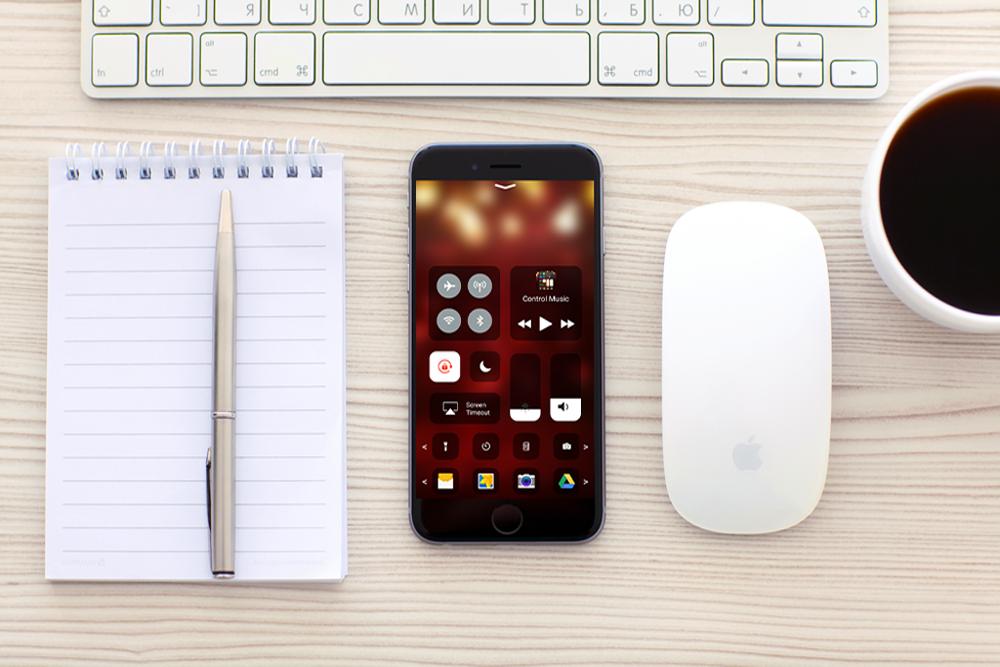
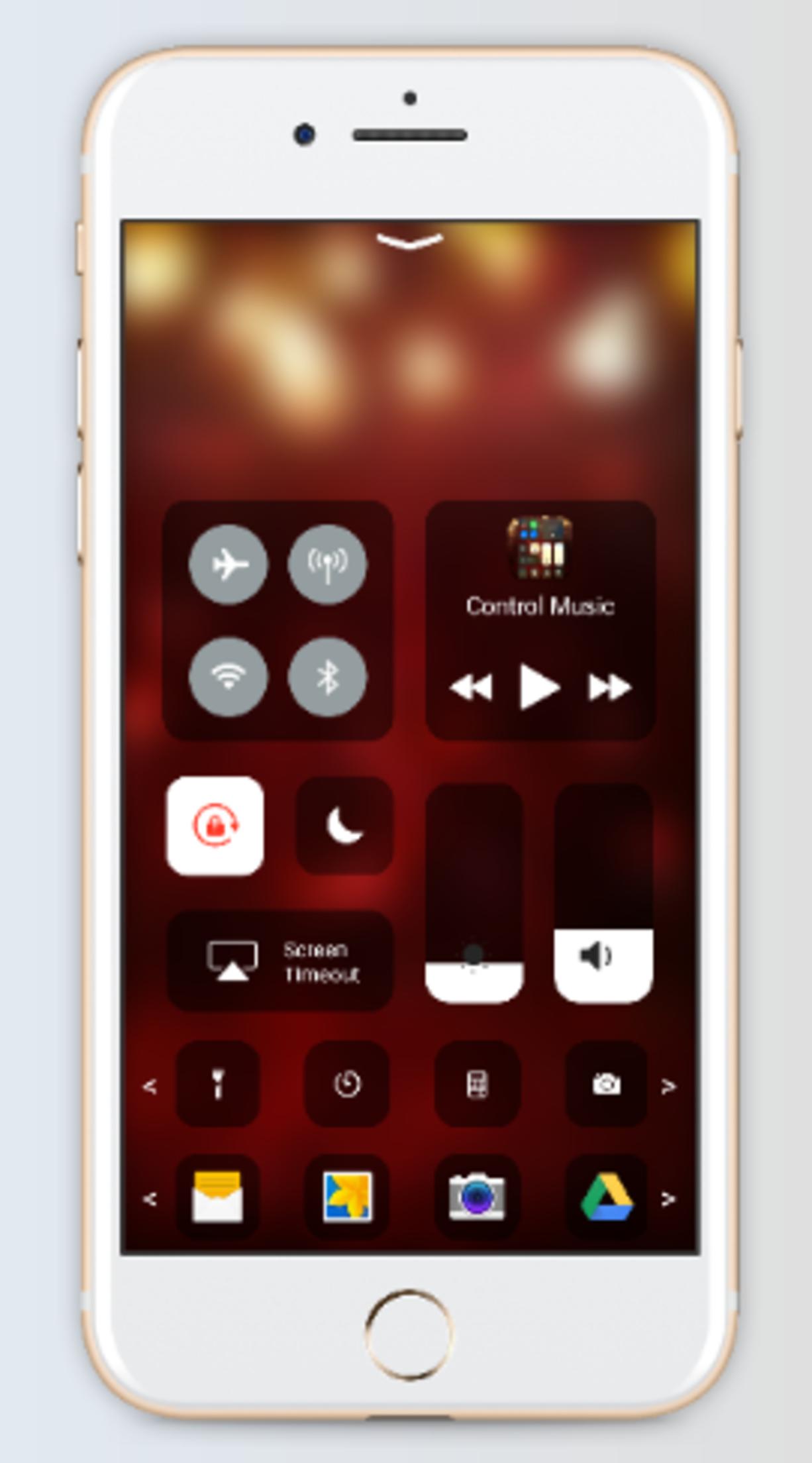
With a floating bar on the screen, you can easily use your Android smartphone. More conveniently, you can quickly access all your favorite applications, games, settings and quick screen change, screen capture, screen recording.
The Control Center 13 is also an ideal application to protect the physical buttons (volume button). It is very useful for large screen smartphones.And Notification center IOS 13 support you access to notification quickly and clear and reply and more
How to use:
To open the iOS 13 Control Center
★ Slide up, slide down, slide to the right or slide to the left from the edge of the screen.
To close the iOS 13 Control Center
★ Slide up, slide down, slide your finger to the right, slide your finger to the left or touch the top of the screen, or press the Back, Home, Recent button.
customize:
★ Change the opacity of the bar.
★ Add or remove applications or controls in the Control Center IOS 13.
★ You can change the color of the bar with your favorite color, totally free.
★ Change the position of the bar (left, right, down)
★ Change the size of the bar (width, height)
Features of iCenter:
★ Easy access to the music player from the control center. You are the next song, play song, preview song and more.
★ Alarm: Configure the alarm quickly and more the configuration of the application in the control center Ios 13.
★ Wi-Fi: you can enable or disable easy WiFi control.
★ Do not disturb: it is silent call, alert and notification.
★ Volume up and down easy in the control center 13
★ Bright: you can slide up and down to obtain brightness.
★ Data: You can activate / deactivate data.
★ Camera: You can access the camera and take pictures easily.
THANK YOU FOR YOUR USE OF MY APPLICATION! :)
Ön izleme
Bilgi
geliştirici
4 mb
En Son Sürüm
2.0
Son güncelleme
2019-05-10
Kategori
Araçlar
üzerinde mevcut
Google Play
Daha fazla göster
PC'de GameLoop ile Control Center iOS 13 nasıl oynanır
1. Resmi web sitesinden GameLoop'u indirin, ardından GameLoop'u kurmak için exe dosyasını çalıştırın.
2. GameLoop'u açın ve “Control Center iOS 13”i arayın, arama sonuçlarında Control Center iOS 13'i bulun ve “Yükle”ye tıklayın.
3. GameLoop'ta Control Center iOS 13 oynamanın keyfini çıkarın.
Minimum requirements
OS
Windows 8.1 64-bit or Windows 10 64-bit
GPU
GTX 1050
CPU
i3-8300
Memory
8GB RAM
Storage
1GB available space
Recommended requirements
OS
Windows 8.1 64-bit or Windows 10 64-bit
GPU
GTX 1050
CPU
i3-9320
Memory
16GB RAM
Storage
1GB available space