Boot Animations Changer PC
Engineering Hub
Boot Animations Changer'i GameLoop Emulator ile PC'ye indirin
PC'de Boot Animations Changer
Engineering Hub geliştiricisinden gelen Boot Animations Changer, geçmişte Android systerm üzerinde çalışıyor.
Artık Boot Animations Changer'i PC'de GameLoop ile sorunsuz bir şekilde oynayabilirsiniz.
GameLoop kitaplığından veya arama sonuçlarından indirin. Artık yanlış zamanda pile bakmak veya sinir bozucu aramalar yapmak yok.
Boot Animations Changer bilgisayarın keyfini büyük ekranda ücretsiz olarak çıkarın!
Boot Animations Changer Tanıtım
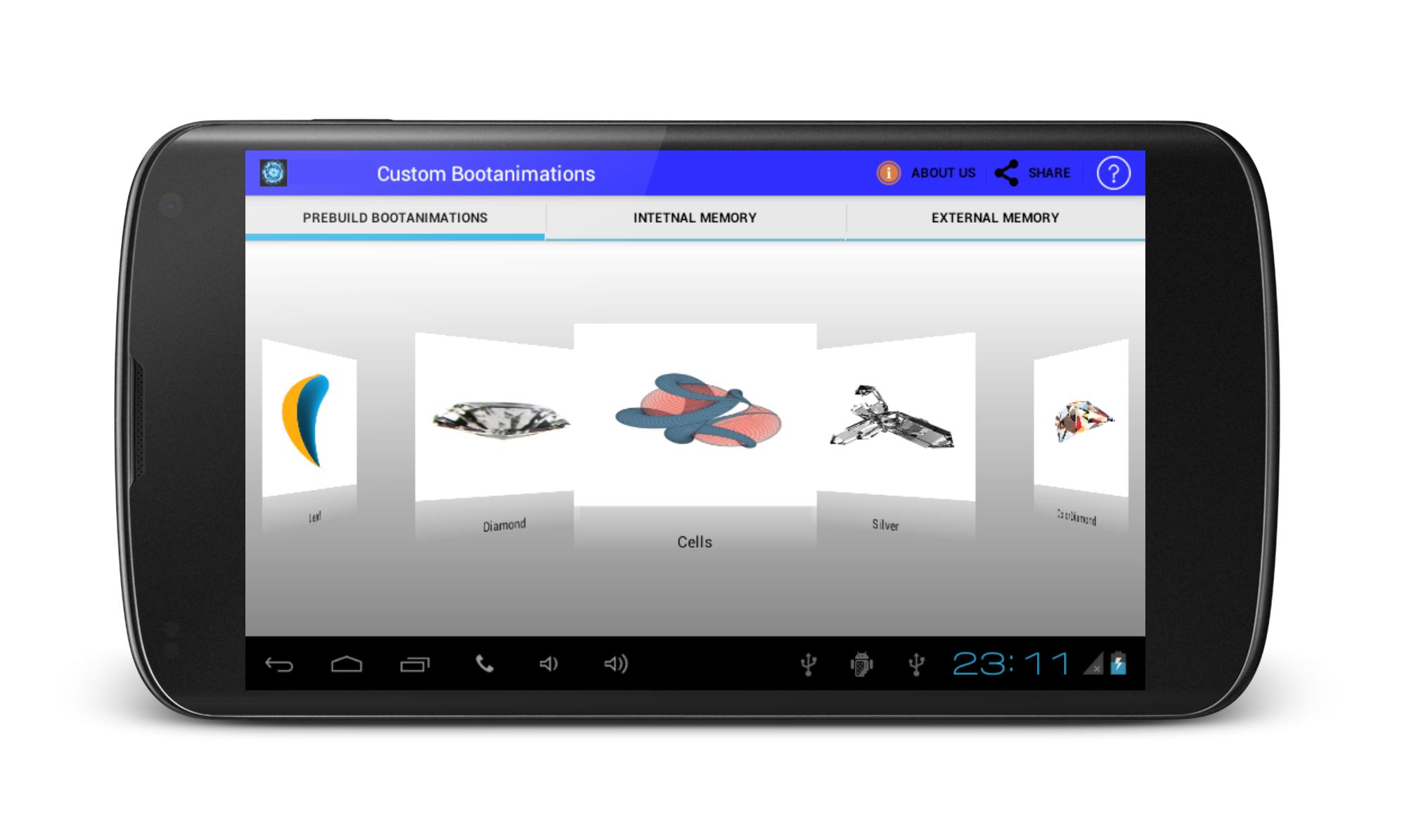
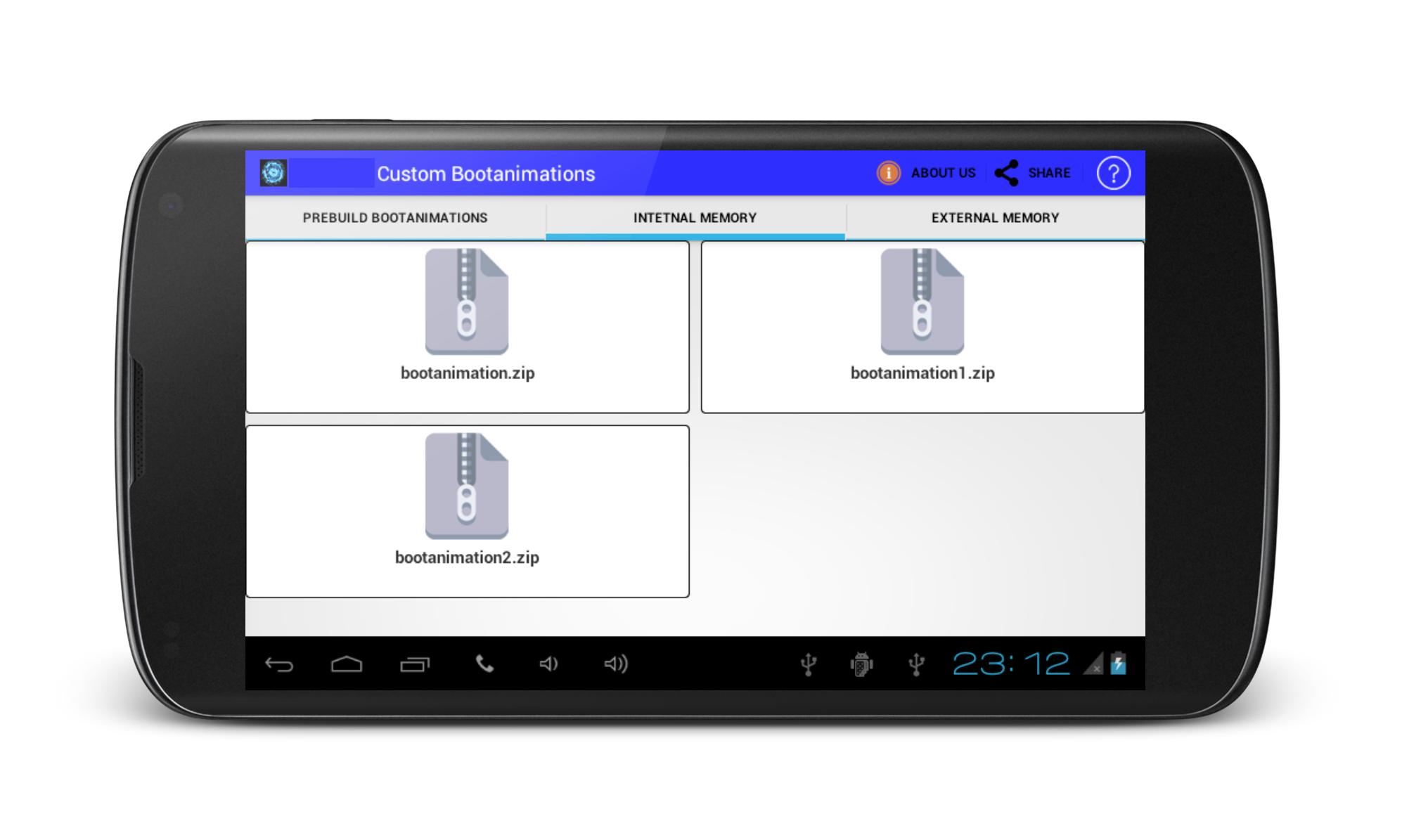
Custom BootAnimations is ROM Tool Box.If you are geting bored with your traditional boot animations on your phone, get change your phone pree-build custom boot animations if your device is rooted.Custom bootanimations Changer offered various types of pree installed bootanimations in applications. Install boot animations using sd card, But your phone must be rooted.
Note: It also works on non rooted device if your android device directory structure contain local folder.
Disclaimer:
Android OS has few places where boot anmimations can be installed.Many mobile manufacturer designed own Custom ROM & Kernel so it,s directory structure may be differ. So it may not work here. May be boot animation file format be diffrent from zip file so there it may failure to work.
Unfortunately,We have not tested on every device.We have tested on devices which owned.
Ön izleme
Bilgi
geliştirici
Engineering Hub
En Son Sürüm
1.6
Son güncelleme
2016-08-29
Kategori
Araçlar
üzerinde mevcut
Google Play
Daha fazla göster
PC'de GameLoop ile Boot Animations Changer nasıl oynanır
1. Resmi web sitesinden GameLoop'u indirin, ardından GameLoop'u kurmak için exe dosyasını çalıştırın.
2. GameLoop'u açın ve “Boot Animations Changer”i arayın, arama sonuçlarında Boot Animations Changer'i bulun ve “Yükle”ye tıklayın.
3. GameLoop'ta Boot Animations Changer oynamanın keyfini çıkarın.
Minimum requirements
OS
Windows 8.1 64-bit or Windows 10 64-bit
GPU
GTX 1050
CPU
i3-8300
Memory
8GB RAM
Storage
1GB available space
Recommended requirements
OS
Windows 8.1 64-bit or Windows 10 64-bit
GPU
GTX 1050
CPU
i3-9320
Memory
16GB RAM
Storage
1GB available space