
Back Button - Anywhere PC
Nu-Kob
Back Button - Anywhere'i GameLoop Emulator ile PC'ye indirin
PC'de Back Button - Anywhere
Nu-Kob geliştiricisinden gelen Back Button - Anywhere, geçmişte Android systerm üzerinde çalışıyor.
Artık Back Button - Anywhere'i PC'de GameLoop ile sorunsuz bir şekilde oynayabilirsiniz.
GameLoop kitaplığından veya arama sonuçlarından indirin. Artık yanlış zamanda pile bakmak veya sinir bozucu aramalar yapmak yok.
Back Button - Anywhere bilgisayarın keyfini büyük ekranda ücretsiz olarak çıkarın!
Back Button - Anywhere Tanıtım
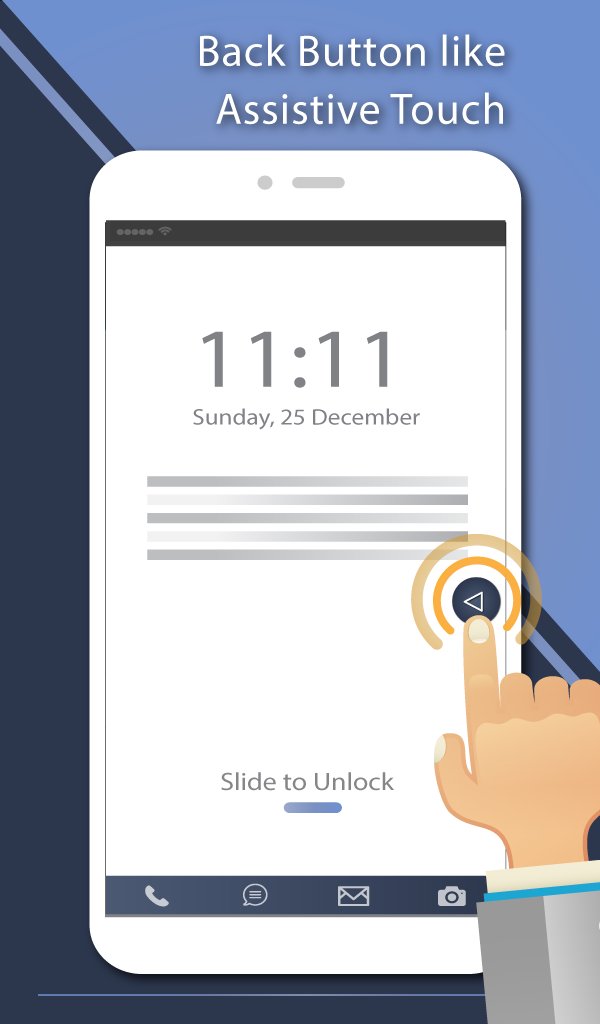
“Back Button - Anywhere” is an easy touch tool that can replace a failed and broken back button.
It's fast, smooth, and totally FREE.
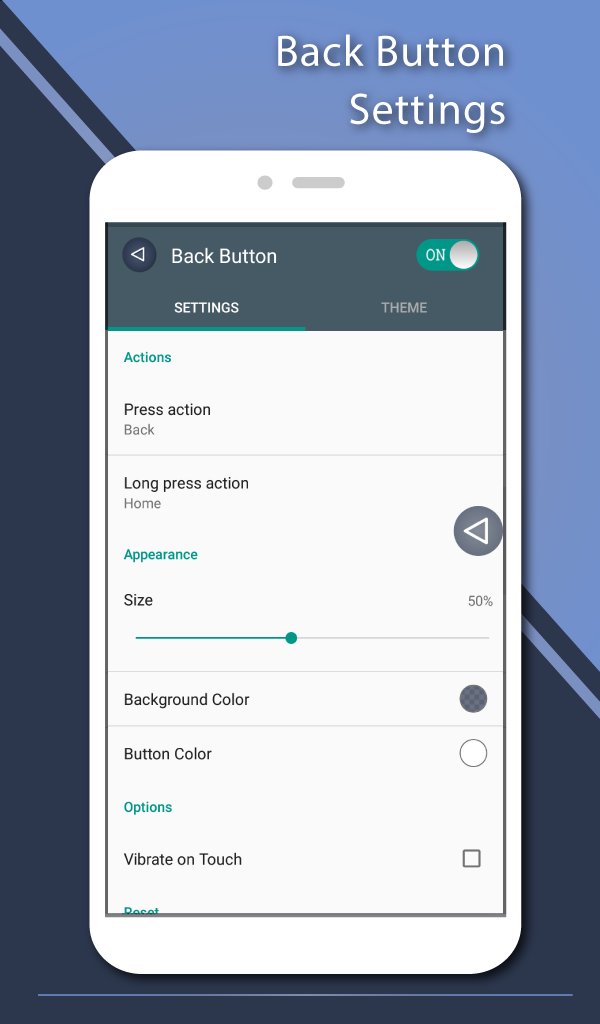
This app provides several features, themes and colors to make awesome back button. It is easy to press or long press on a button like assistive touch. You can also drag the button to anywhere on screen.
◄◄ Key Features ◄◄
- Ability to change color of background and icon
- Ability to change icon of Back Button easily with many pretty theme
- You can move the button to anywhere on screen
- Gesture Setting for Floating Button (One click, Double click and Long click)
- Ability to set vibrate on touch
- Vertical and horizontal support
- Several theme support
◄◄ Support command for press and long press actions ◄◄
- Back
- Home
- Recents
- Lock screen (require Device Administrator activation)
- Toggle Wi-Fi on/off
- Power menu
- Split screen
- Launch camera
- Open volume control
- Voice command
- Web search
- Toggle notification panel
- Toggle quick setting panel
- Launch dialer
- Launch web browser
- Launch settings
- Launch this application
- Launch any application on your device
Accessibility Service Usage.
Back Button - Anywhere requires accessibility service permission in order to enable core functionality. The application will not read the sensitive data and any content on your screen. In addition, the application will not collect and share the data from accessibility service with any third-party.
By enabling the service, the application will support commands for press and long press actions with the following features:
- Back action (Core feature)
- Home and Recent actions
- Lock Screen
- Popup notification, Quick settings, Power dialogs
- Toggle split screen
- Take a screenshot
If you disable the accessibility service, the main features cannot work properly.
Frequently asked questions:
How to uninstall this app?
- If you use lock screen function, it requires turning on Device Administration. If you want to uninstall this app, please open app and go to setting. There will be an uninstall menu to help you easily uninstall this application.
Ön izleme
Etiketler
AraçlarBilgi
geliştirici
Nu-Kob
En Son Sürüm
2.0.7
Son güncelleme
2024-02-14
Kategori
Araçlar
üzerinde mevcut
Google Play
Daha fazla göster
PC'de GameLoop ile Back Button - Anywhere nasıl oynanır
1. Resmi web sitesinden GameLoop'u indirin, ardından GameLoop'u kurmak için exe dosyasını çalıştırın.
2. GameLoop'u açın ve “Back Button - Anywhere”i arayın, arama sonuçlarında Back Button - Anywhere'i bulun ve “Yükle”ye tıklayın.
3. GameLoop'ta Back Button - Anywhere oynamanın keyfini çıkarın.
Minimum requirements
OS
Windows 8.1 64-bit or Windows 10 64-bit
GPU
GTX 1050
CPU
i3-8300
Memory
8GB RAM
Storage
1GB available space
Recommended requirements
OS
Windows 8.1 64-bit or Windows 10 64-bit
GPU
GTX 1050
CPU
i3-9320
Memory
16GB RAM
Storage
1GB available space