
Azure Storage Explorer PC
my.app.factory
Azure Storage Explorer'i GameLoop Emulator ile PC'ye indirin
PC'de Azure Storage Explorer
my.app.factory geliştiricisinden gelen Azure Storage Explorer, geçmişte Android systerm üzerinde çalışıyor.
Artık Azure Storage Explorer'i PC'de GameLoop ile sorunsuz bir şekilde oynayabilirsiniz.
GameLoop kitaplığından veya arama sonuçlarından indirin. Artık yanlış zamanda pile bakmak veya sinir bozucu aramalar yapmak yok.
Azure Storage Explorer bilgisayarın keyfini büyük ekranda ücretsiz olarak çıkarın!
Azure Storage Explorer Tanıtım
**IMPORTANT!**: Personal accounts with an @outlook.com/hotmail.com domain cannot be used with this app. This is a limitation with Microsoft AAD unfortunately. You will need to use an organizational account or add a user in your tenant which has your tenant's domain. For ex: user@yourtenantname.onmicrosoft.com.
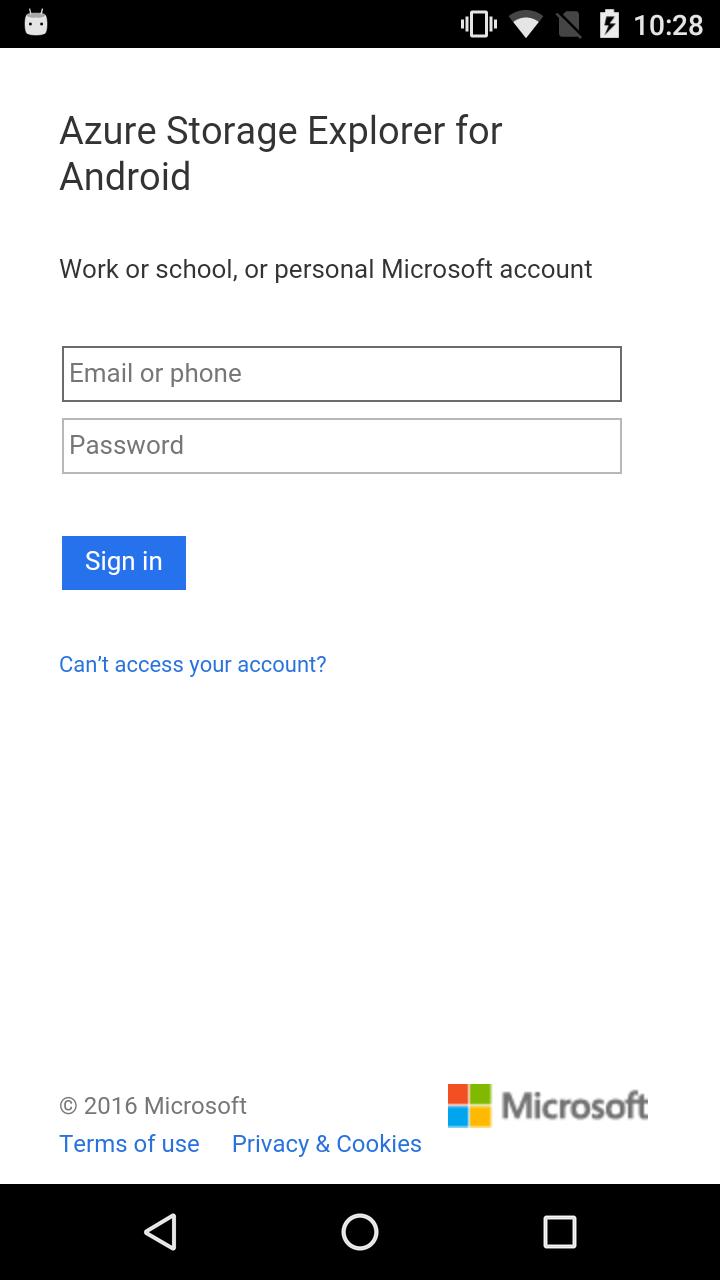
This app allows you to sign-in with you Azure credentials and automatically pulls all of your subscriptions and the (classic and ARM) storage accounts associated with them.
Features:
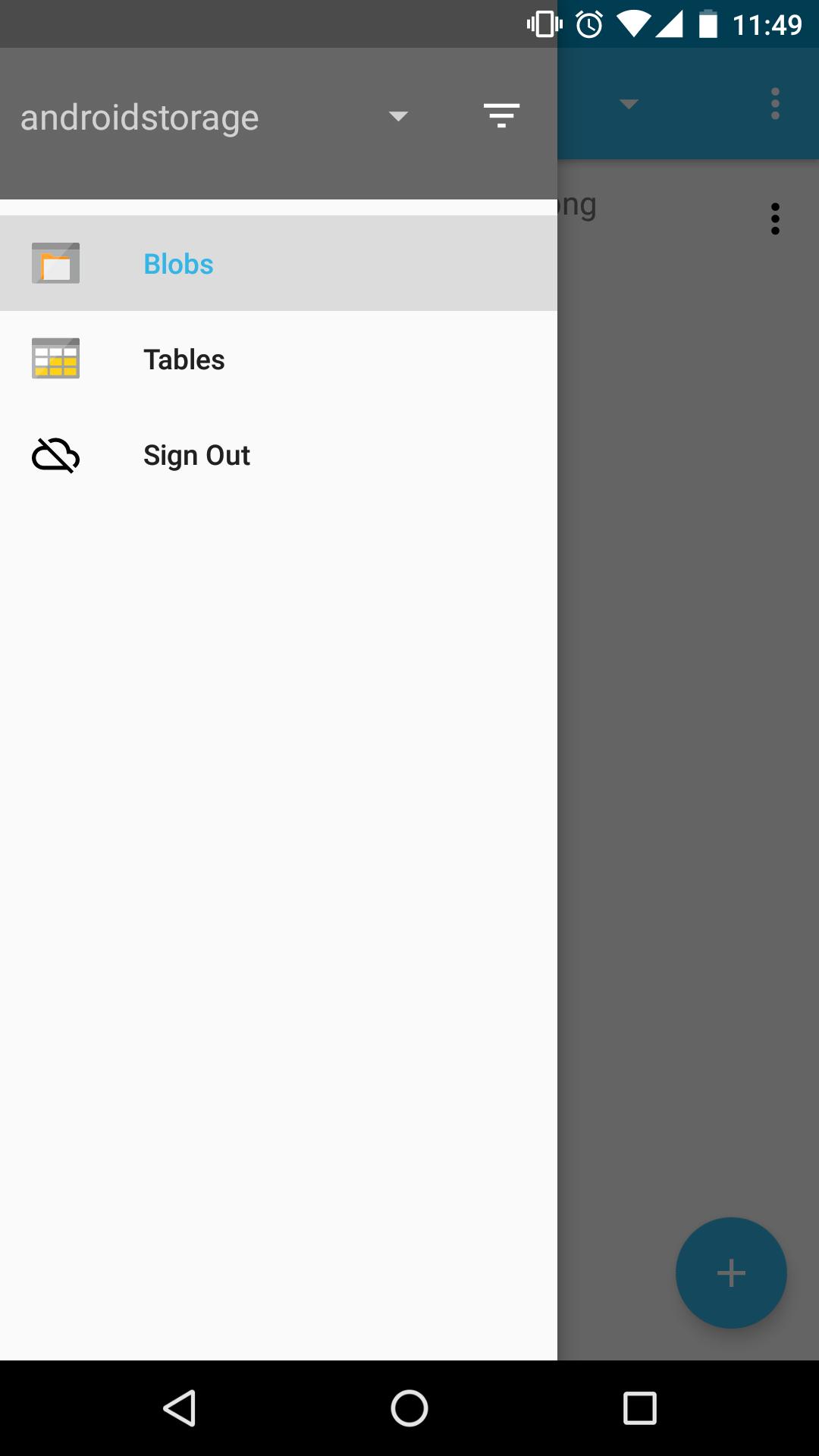
- View all of your storage accounts
- Filter and view storage accounts from specific subscriptions
- Navigate through your blob directories
- Preview blobs
- View blob properties
- Upload/download/delete blobs
- Create blob containers
- View storage tables
- View table entities
Coming soon!
- View entity metadata
- Create storage table
This app is open-sourced on GitHub! https://github.com/praneetloke/AzureStorageExplorerAndroid. Have a problem with the app? Submit an issue https://github.com/praneetloke/AzureStorageExplorerAndroid/issues.
Ön izleme
Bilgi
geliştirici
my.app.factory
En Son Sürüm
1.0.0
Son güncelleme
2018-10-19
Kategori
Araçlar
üzerinde mevcut
Google Play
Daha fazla göster
PC'de GameLoop ile Azure Storage Explorer nasıl oynanır
1. Resmi web sitesinden GameLoop'u indirin, ardından GameLoop'u kurmak için exe dosyasını çalıştırın.
2. GameLoop'u açın ve “Azure Storage Explorer”i arayın, arama sonuçlarında Azure Storage Explorer'i bulun ve “Yükle”ye tıklayın.
3. GameLoop'ta Azure Storage Explorer oynamanın keyfini çıkarın.
Minimum requirements
OS
Windows 8.1 64-bit or Windows 10 64-bit
GPU
GTX 1050
CPU
i3-8300
Memory
8GB RAM
Storage
1GB available space
Recommended requirements
OS
Windows 8.1 64-bit or Windows 10 64-bit
GPU
GTX 1050
CPU
i3-9320
Memory
16GB RAM
Storage
1GB available space