Action Widgets PC
Hoot Apps
Action Widgets'i GameLoop Emulator ile PC'ye indirin
PC'de Action Widgets
Hoot Apps geliştiricisinden gelen Action Widgets, geçmişte Android systerm üzerinde çalışıyor.
Artık Action Widgets'i PC'de GameLoop ile sorunsuz bir şekilde oynayabilirsiniz.
GameLoop kitaplığından veya arama sonuçlarından indirin. Artık yanlış zamanda pile bakmak veya sinir bozucu aramalar yapmak yok.
Action Widgets bilgisayarın keyfini büyük ekranda ücretsiz olarak çıkarın!
Action Widgets Tanıtım
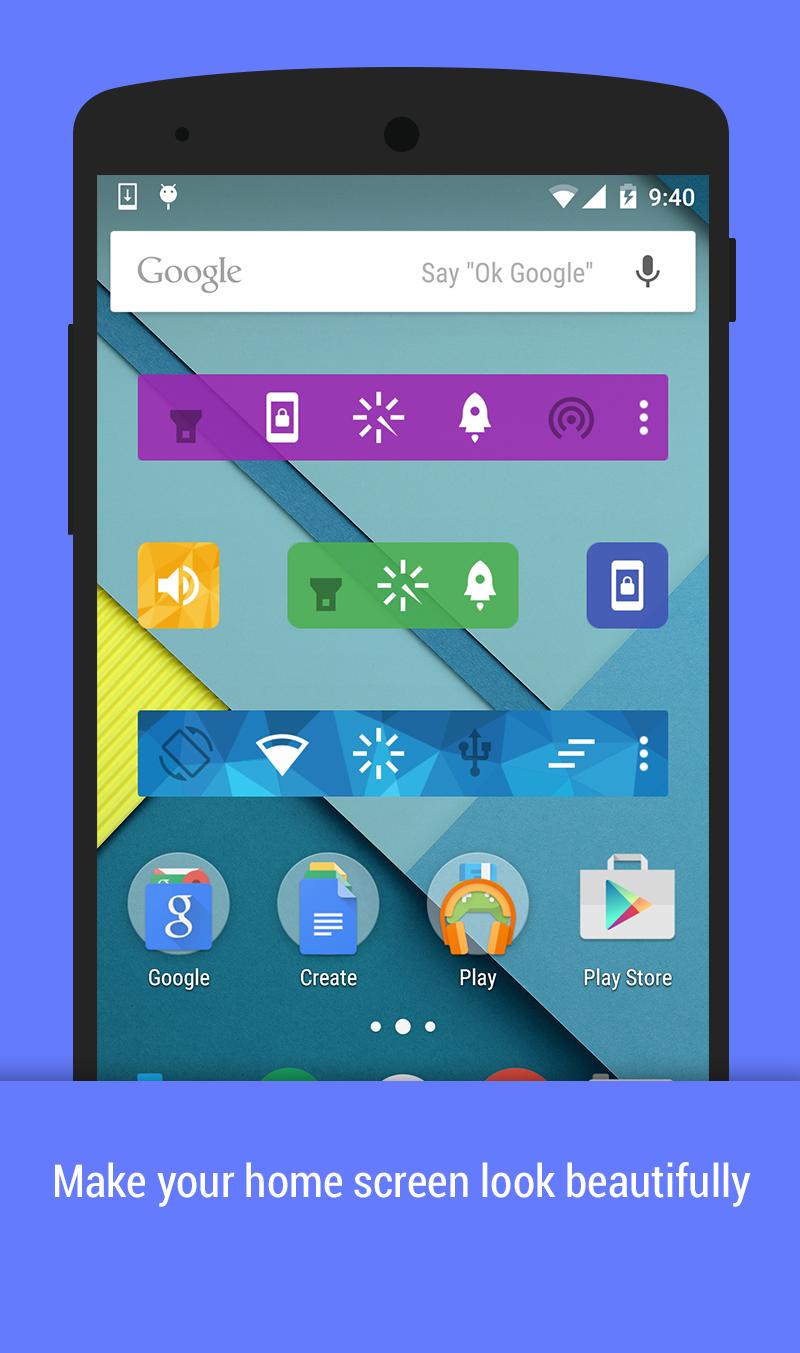
A handy tools to toggle and start most common actions.
Features
✓ 25 common toggles and actions
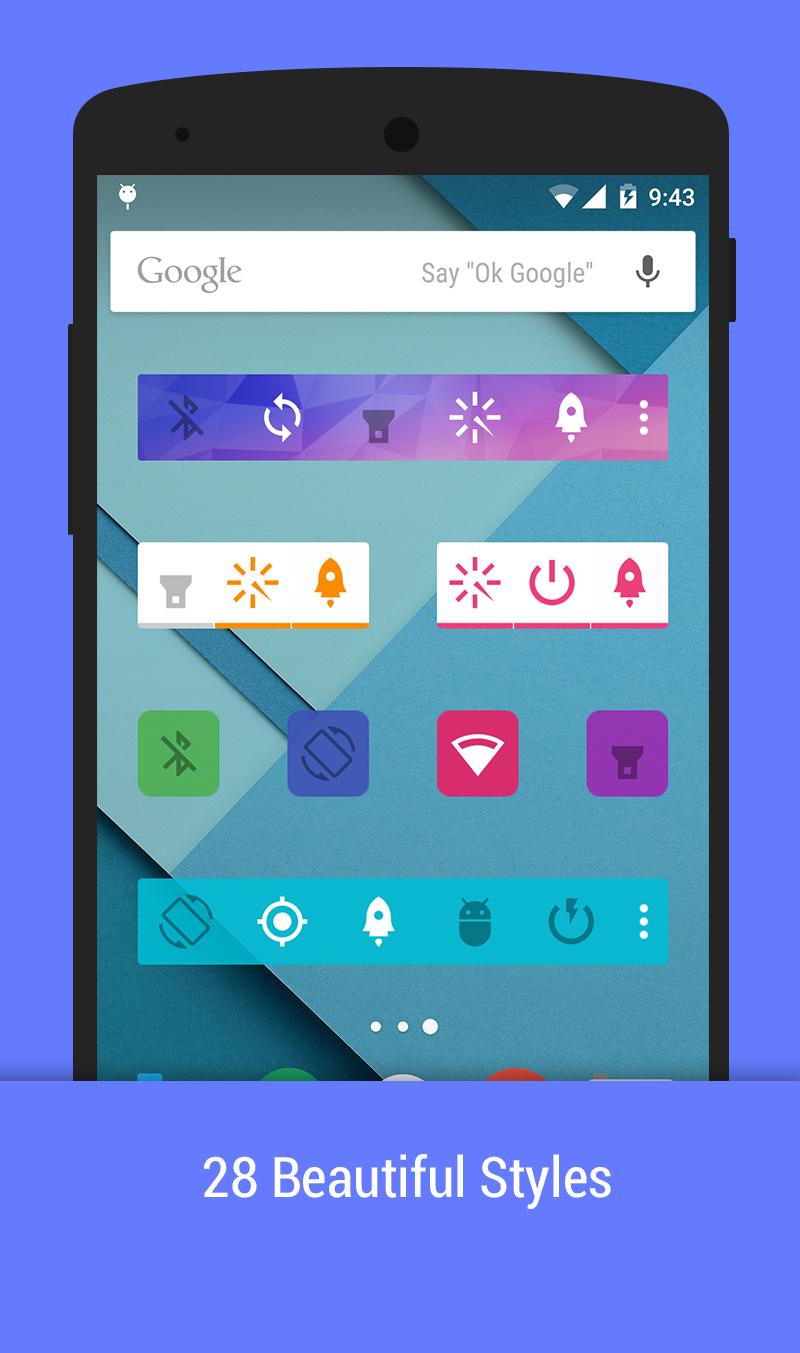
❤ 28 beautiful themes
✓ Unlimited home screen widgets: 1x1, 2x1, 4x1
✓ Notification area, action pad
✓ Auto-actions: show most use action on widgets
Toggles and action supports
☘ Mobile data - (Lollipop requires root)
☘ WiFi
☘ Bluetooth
❤ Flashlight
❤ Lock Screen
❤ Smart ram booster
☀ Sound/Silent/Vibrate mode
☀ Brightness
☀ Auto Sync
☀ Sync now
☀ GPS (Xposed)
☀ Screen off Time
☀ Screen Orientation
☘ WiFi tethering
☘ USB tethering
☘ Bluetooth tethering
✓ AirPlane (root)
✓ Adb (root)
✓ Fast reboot (root)
✓ Reboot (root)
✓ PowerOff (root)
✓ Reboot recovery (root)
✓ Clear recent apps (xposed)
✓ Power saving mode (root, Lollipop+)
❤ Clear notification (Jelly Bean+)
✓ Scream
Compose togglers:
✓ WiFi+Mobile data
✓ WiFi + Mobile data + Bluetooth
Some toggles and actions require root permission or xposed mod
Enjoy beautiful widgets. Happy customization. Also save battery with power widgets.
Ön izleme
Bilgi
geliştirici
Hoot Apps
En Son Sürüm
1.4
Son güncelleme
2015-04-21
Kategori
Araçlar
üzerinde mevcut
Google Play
Daha fazla göster
PC'de GameLoop ile Action Widgets nasıl oynanır
1. Resmi web sitesinden GameLoop'u indirin, ardından GameLoop'u kurmak için exe dosyasını çalıştırın.
2. GameLoop'u açın ve “Action Widgets”i arayın, arama sonuçlarında Action Widgets'i bulun ve “Yükle”ye tıklayın.
3. GameLoop'ta Action Widgets oynamanın keyfini çıkarın.
Minimum requirements
OS
Windows 8.1 64-bit or Windows 10 64-bit
GPU
GTX 1050
CPU
i3-8300
Memory
8GB RAM
Storage
1GB available space
Recommended requirements
OS
Windows 8.1 64-bit or Windows 10 64-bit
GPU
GTX 1050
CPU
i3-9320
Memory
16GB RAM
Storage
1GB available space