
UC Browser Tips Private PC
CostingPP
UC Browser Tips Private'i GameLoop Emulator ile PC'ye indirin
PC'de UC Browser Tips Private
CostingPP geliştiricisinden gelen UC Browser Tips Private, geçmişte Android systerm üzerinde çalışıyor.
Artık UC Browser Tips Private'i PC'de GameLoop ile sorunsuz bir şekilde oynayabilirsiniz.
GameLoop kitaplığından veya arama sonuçlarından indirin. Artık yanlış zamanda pile bakmak veya sinir bozucu aramalar yapmak yok.
UC Browser Tips Private bilgisayarın keyfini büyük ekranda ücretsiz olarak çıkarın!
UC Browser Tips Private Tanıtım
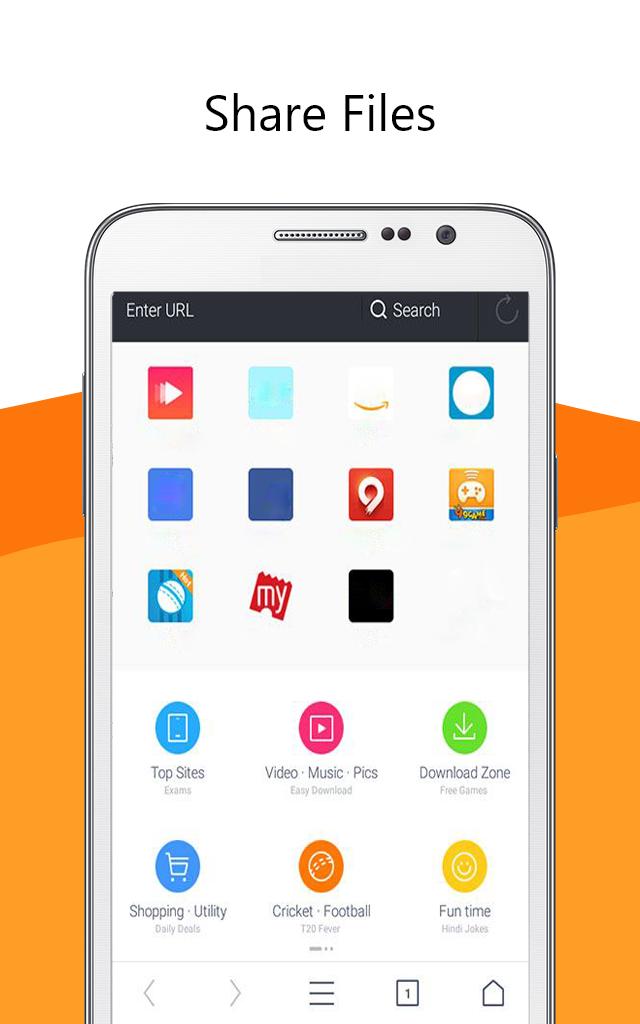
UC Browser software 🌐 is a secure and fast web browser for mobile devices. It is a free mobile browser with a simple and easy-to-use interface. It has a built-in ad blocker, smart downloads, video support, and data saving features.
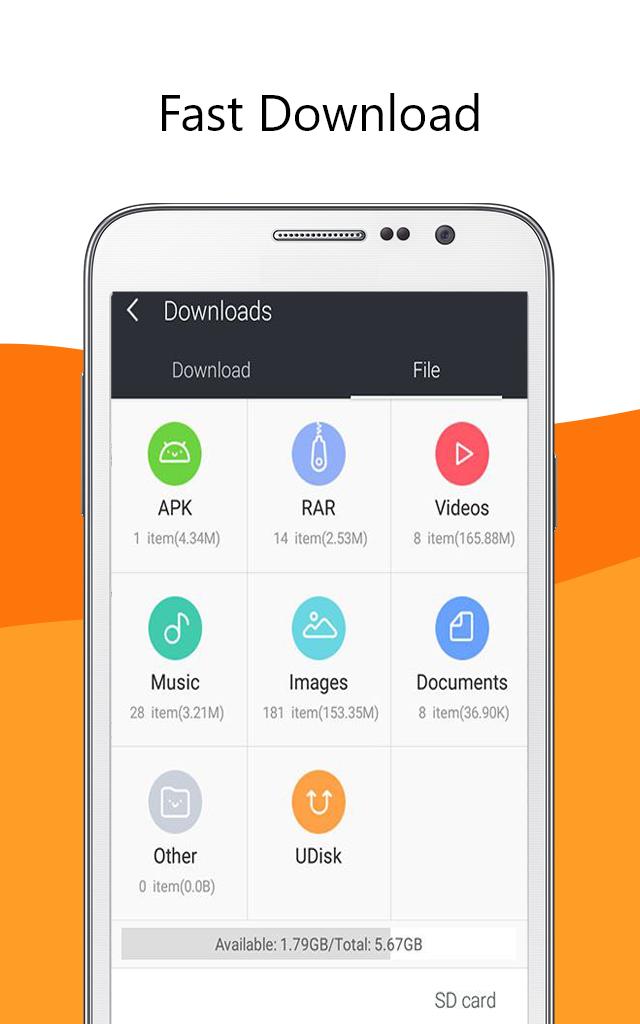
UC Browser app provides fast and secure web browsing with an intuitive and easy to use interface. Its built-in ad blocker blocks🔒 annoying ads, pop-ups, and malware. It also has a smart download feature📥 which allows you to download multiple files in parallel and resume interrupted downloads. It has a secure connection feature which encrypts your data and keeps it safe from snoopers and hackers. It also provides anti-tracking features which protect your privacy by blocking tracking cookies.
Uc browser fast app also supports video streaming 📹with optimized video playback. You can watch online videos without buffering and enjoy a smooth playback experience
Overall, UC Browser is a fast and secure web browser for mobile devices. It has a simple and easy-to-use interface with a built-in ad blocker, smart downloads, video support, and data saving features. It is a great choice for those who want a fast and secure web browsing experience.😉
Disclaimer: ❗
This is an unofficial app. Just be aware of the app and in case of any questions, give us feedback.
Ön izleme
Bilgi
geliştirici
CostingPP
En Son Sürüm
1.0.0
Son güncelleme
2023-03-16
Kategori
Sosyal
üzerinde mevcut
Google Play
Daha fazla göster
PC'de GameLoop ile UC Browser Tips Private nasıl oynanır
1. Resmi web sitesinden GameLoop'u indirin, ardından GameLoop'u kurmak için exe dosyasını çalıştırın.
2. GameLoop'u açın ve “UC Browser Tips Private”i arayın, arama sonuçlarında UC Browser Tips Private'i bulun ve “Yükle”ye tıklayın.
3. GameLoop'ta UC Browser Tips Private oynamanın keyfini çıkarın.
Minimum requirements
OS
Windows 8.1 64-bit or Windows 10 64-bit
GPU
GTX 1050
CPU
i3-8300
Memory
8GB RAM
Storage
1GB available space
Recommended requirements
OS
Windows 8.1 64-bit or Windows 10 64-bit
GPU
GTX 1050
CPU
i3-9320
Memory
16GB RAM
Storage
1GB available space