Shift Calendar (since 2013) PC
Little Fox Studio
Shift Calendar (since 2013)'i GameLoop Emulator ile PC'ye indirin
PC'de Shift Calendar (since 2013)
Little Fox Studio geliştiricisinden gelen Shift Calendar (since 2013), geçmişte Android systerm üzerinde çalışıyor.
Artık Shift Calendar (since 2013)'i PC'de GameLoop ile sorunsuz bir şekilde oynayabilirsiniz.
GameLoop kitaplığından veya arama sonuçlarından indirin. Artık yanlış zamanda pile bakmak veya sinir bozucu aramalar yapmak yok.
Shift Calendar (since 2013) bilgisayarın keyfini büyük ekranda ücretsiz olarak çıkarın!
Shift Calendar (since 2013) Tanıtım
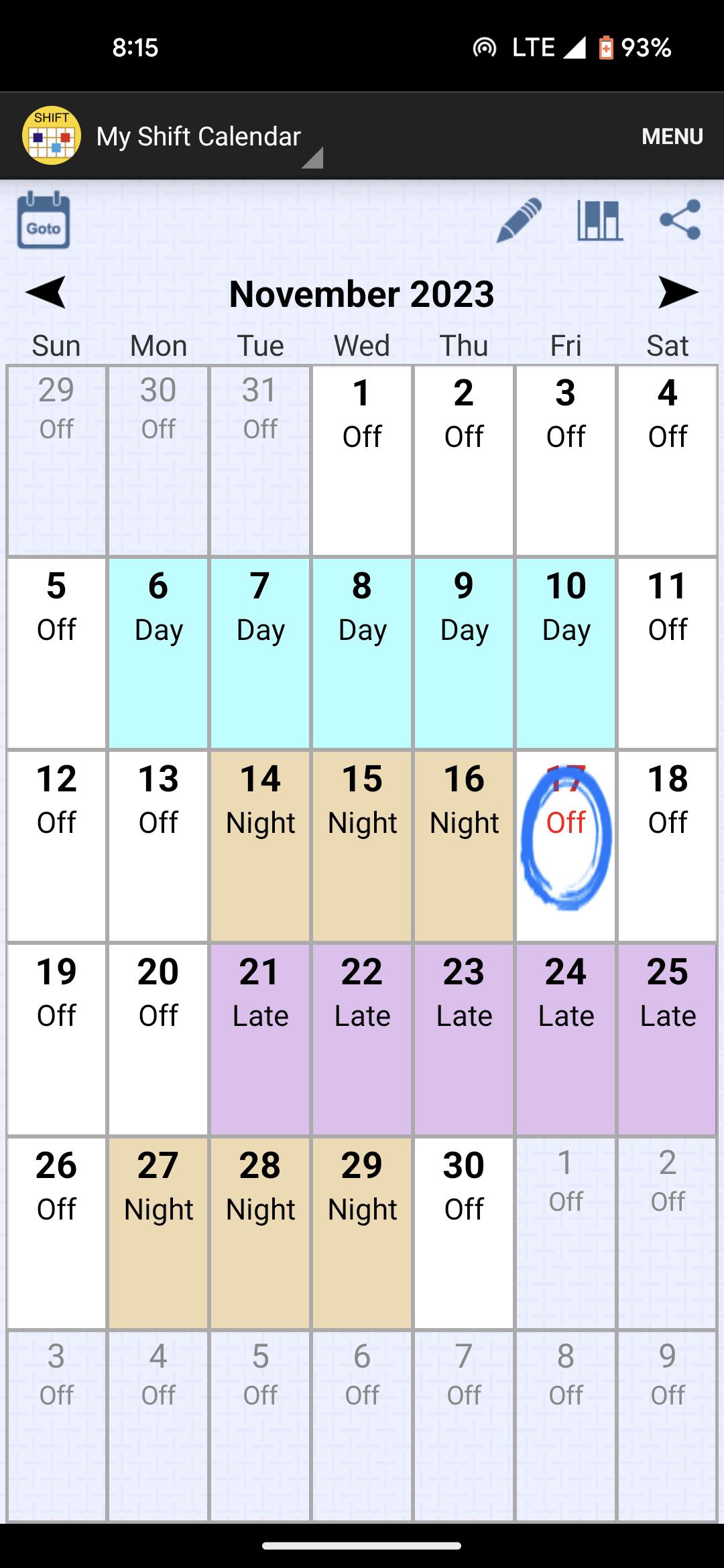
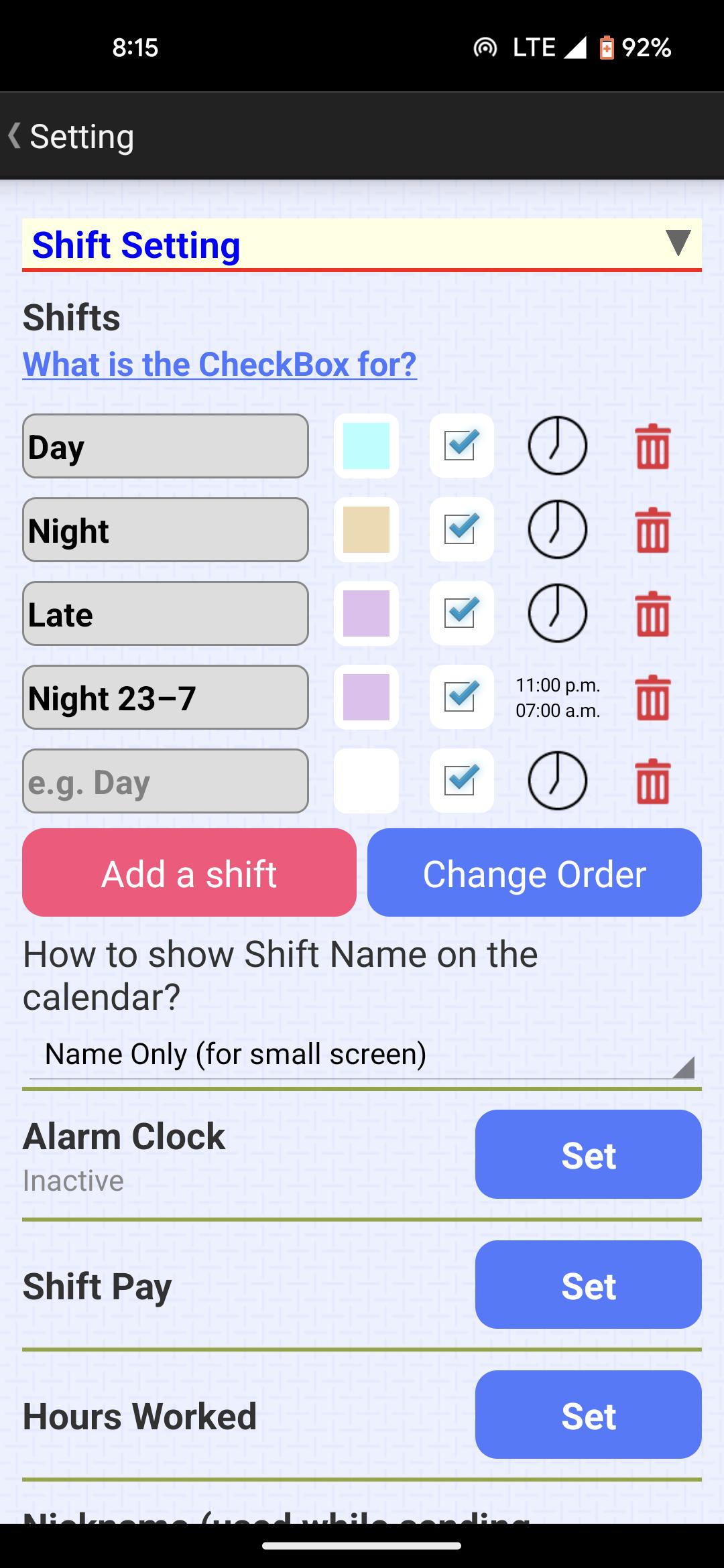
This app is designed for all hard-working shift workers. You can add customized shifts.
When editing your shifts, you can select a range of days (rather than one day) to set. Thus, you can set your schedule (roster, planner) in few seconds. Then, you can send the screenshot of your calendar to friends by clicking one button.
If you have any suggestion/question, welcome to send an email to me. E-mail: kigurumi.shia@gmail.com
Developer: Chih-Yu Lin
Permission Description:
(1) Storage : With this permission, you can export the screenshot of your calendar created by clicking the 'Share' button.
(2) Run at startup (execute programs after boot completed): The alarm clock will be restarted automatically after rebooting. This permission is required to achieve this goal.
(3) Read Calendar: The events from other calendar apps will be shown in the Note page.
(4) Control Vibration: This is used for the alarm clock function.
(5) Notification: This is used for the alarm clock function so that the app can show the notification when the alarm ringing.
(6) FOREGROUND_SERVICE, USE_FULL_SCREEN_INTENT, SCHEDULE_EXACT_ALARM, WAKE_LOCK: This is used for the alarm clock function so that a dialog can be shown when the alarm ringing.
Ön izleme
Etiketler
VerimlilikBilgi
geliştirici
Little Fox Studio
En Son Sürüm
1.79
Son güncelleme
2025-10-09
Kategori
Verimlilik
üzerinde mevcut
Google Play
Daha fazla göster
PC'de GameLoop ile Shift Calendar (since 2013) nasıl oynanır
1. Resmi web sitesinden GameLoop'u indirin, ardından GameLoop'u kurmak için exe dosyasını çalıştırın.
2. GameLoop'u açın ve “Shift Calendar (since 2013)”i arayın, arama sonuçlarında Shift Calendar (since 2013)'i bulun ve “Yükle”ye tıklayın.
3. GameLoop'ta Shift Calendar (since 2013) oynamanın keyfini çıkarın.
Minimum requirements
OS
Windows 8.1 64-bit or Windows 10 64-bit
GPU
GTX 1050
CPU
i3-8300
Memory
8GB RAM
Storage
1GB available space
Recommended requirements
OS
Windows 8.1 64-bit or Windows 10 64-bit
GPU
GTX 1050
CPU
i3-9320
Memory
16GB RAM
Storage
1GB available space