
PDFill :- Toolkit For PDF PC
Future Apps Solution
PDFill :- Toolkit For PDF'i GameLoop Emulator ile PC'ye indirin
PC'de PDFill :- Toolkit For PDF
Future Apps Solution geliştiricisinden gelen PDFill :- Toolkit For PDF, geçmişte Android systerm üzerinde çalışıyor.
Artık PDFill :- Toolkit For PDF'i PC'de GameLoop ile sorunsuz bir şekilde oynayabilirsiniz.
GameLoop kitaplığından veya arama sonuçlarından indirin. Artık yanlış zamanda pile bakmak veya sinir bozucu aramalar yapmak yok.
PDFill :- Toolkit For PDF bilgisayarın keyfini büyük ekranda ücretsiz olarak çıkarın!
PDFill :- Toolkit For PDF Tanıtım
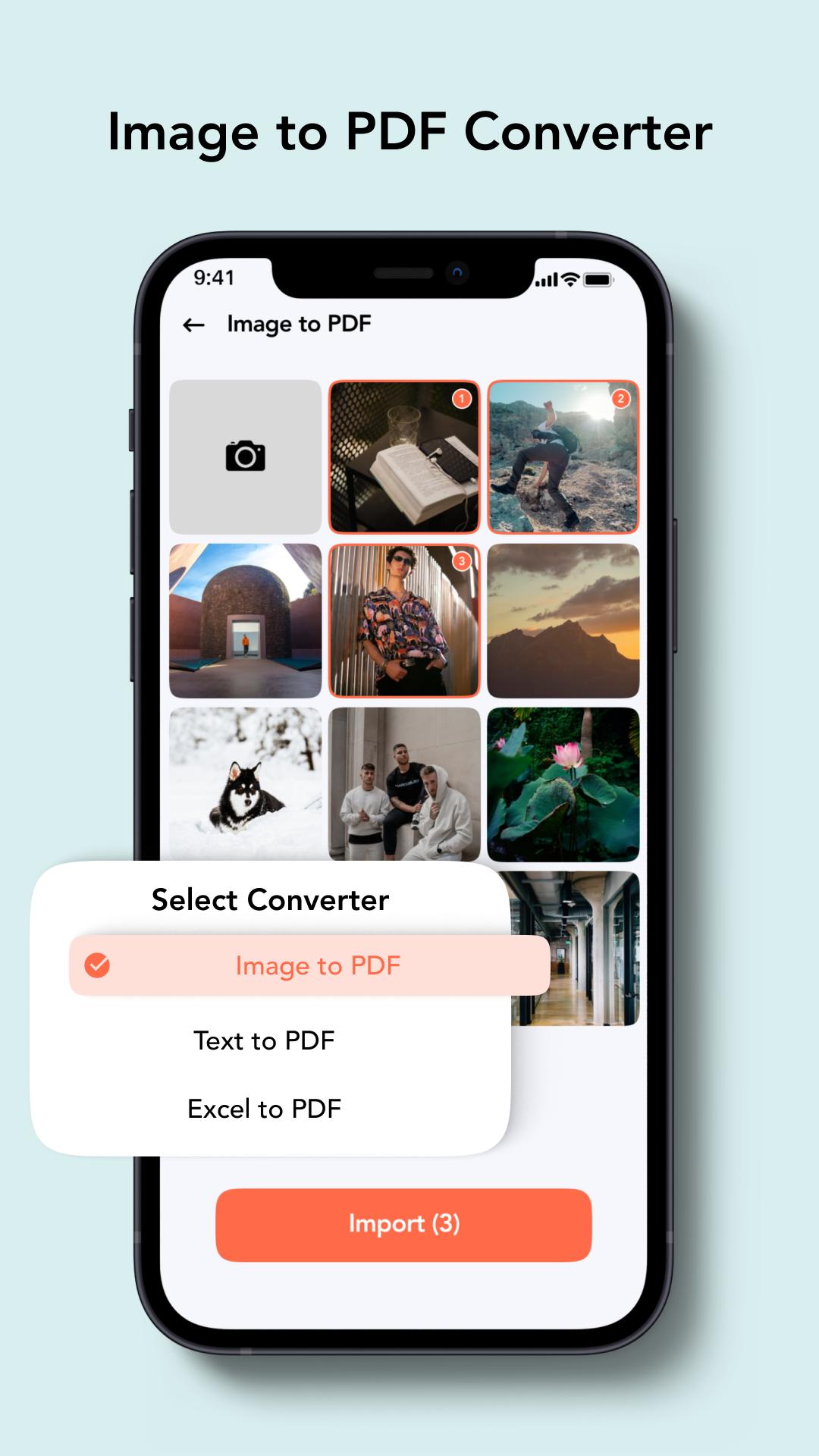
PDFill: PDF Reader & PDF Tools App is dedicated to mobile apps. It’s very easy to use and provides multiple ways to modify, edit and create PDFs in seconds.
In PDFill - The best PDF reader app has all PDF tools available in one place! Editing and modifying is extremely easy with PDFill - Advance PDF Toolkit.
PDFill: Free PDF Reader App is the perfect combination for PDF Editor and PDF Reader.
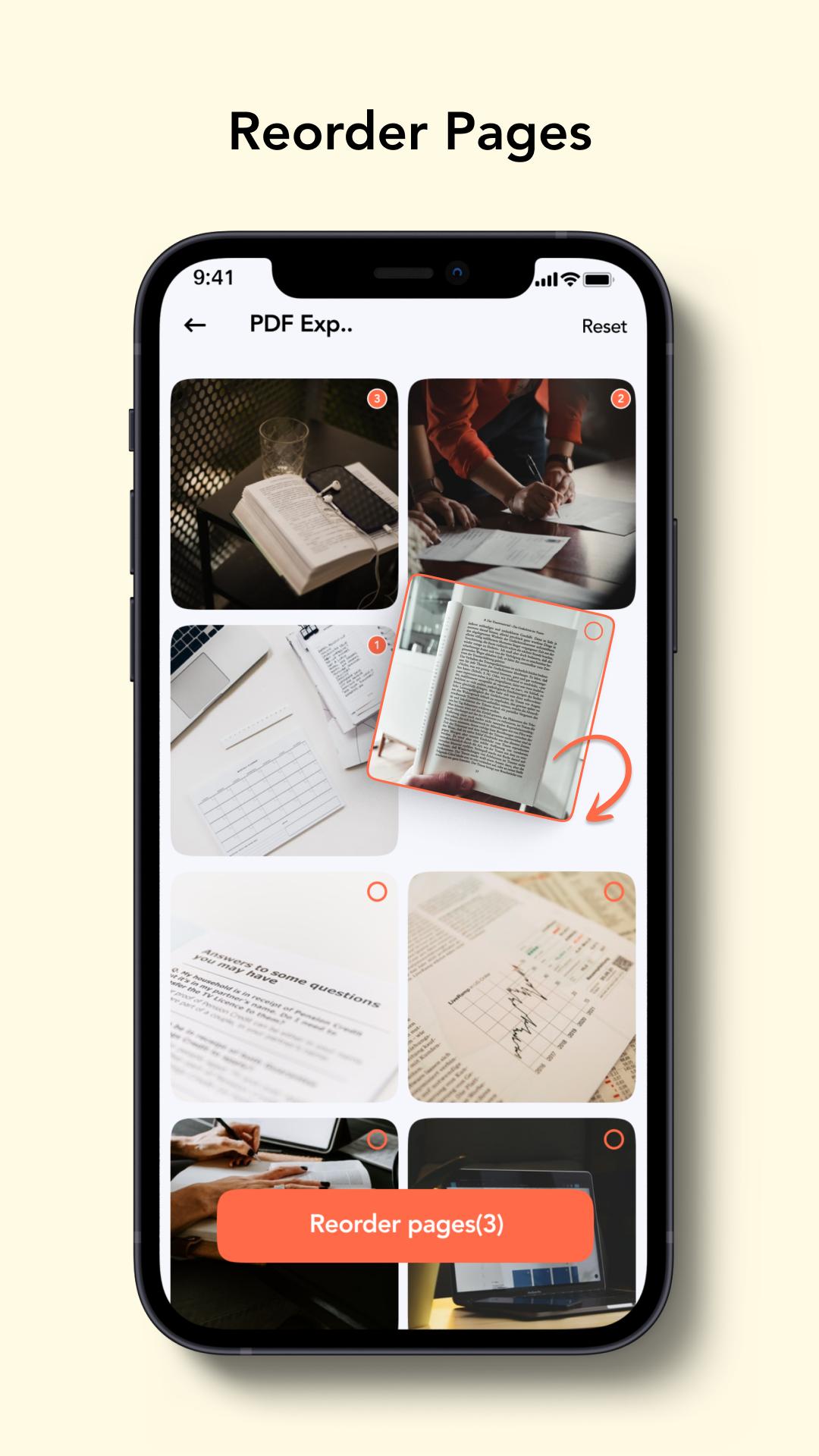
If you need a PDF editor to edit text and images, a PDF converter to export to and from PDF, or more features to create and edit PDFs, combine PDF documents, organize PDFs, and many more. Isn’t this PDF Toolkit amazing?
✨Merge & Split PDF
• Select two or more PDFs and merge them into a Single PDF Document. With PDFill - PDF Reader PDF Tools, Split a PDF file on a particular page into multiple files. Now no worries about a large file to split.
✨Extract Images & Text
• Easy to convert PDF into text files with PDF tools.
• PDF pages one by one that Convert PDF to PNG.
• Extract images from your PDF document with high quality.
✨Add & Removed Password PDF
• PDFill - PDF Reader & PDF Tools App maintains the privacy of your PDF Document by encrypting it with a Password.
• Remove passwords from PDF documents with the PDF editor app.
✨Remove Duplicate Pages
• PDF Reader enables the removal of specific pages from PDF Documents.
• To remove two identical pages.
✨Invert & Rotate PDF
• With Online PDF Editor, rotate specific pages and adjust their PDF like Portrait to Landscapes and Landscape to portrait.
• PDF Toolkit allows PDF to change document colour.
✨Fill & Sign PDFs
• With PDF Reader & PDF Editor, add a signature to your PDF file directly on your mobile or tablet
✨Zip to PDF
• PDF converter app helps to convert PDF documents to common file formats like zipping.
✨Converter PDFs
• With PDF Reader & PDF Tools App, convert office documents to PDF files. Turn your PDF files into editable office formats such as Word, Excel, and PowerPoint.
✨Add Watermark
• Please choose an image or text and add it to your PDF document. Privileged position, transparency, or typography for the best result.
• Add Watermark text on PDF with font and colour with an online PDF editor.
✨Compress PDF
• Choose and control the desirable size of your files using our PDF compressor tool. Reduce the size of your files while keeping their high-quality format using PDF Toolkit.
✨PDF Annotate
• Highlight the relevant text in your PDF using a pdf document reader and pdf tools app. Add notes and annotations to PDF document, leave comments, and draw or insert images to PDF. Choose your format of annotation.
✨Edit PDF
• Subscribe to edit text and images directly in your PDF with an online PDF editor app.
• Fix a typo or add a paragraph with the PDFill Pro editor feature.
• Add, delete, or rotate an image with your upgraded PDFill Pro Version.
✨Convert PDF to Word
• Our best PDF to Word converter easily converts into an editable document in seconds.
✨Convert PDF to EXCEL
• PDFill - The best PDF reader app allows you to convert PDF documents to Excel spreadsheets easily.
So, what are you waiting for? Download the best PDF Reader & Editor App now and enjoy the advanced PDF tools ♥
👉Disclaimer
PDFill: - Toolkit For Reader & Editor is created by PDFill:- Toolkit For PDF.
If you have any questions, please get in touch with us at Satasia.mital@gmail.com. We will reply to you as soon as possible. Thank you very much!
Ön izleme
Bilgi
geliştirici
Future Apps Solution
En Son Sürüm
1.0.2
Son güncelleme
2022-08-01
Kategori
Verimlilik
üzerinde mevcut
Google Play
Daha fazla göster
PC'de GameLoop ile PDFill :- Toolkit For PDF nasıl oynanır
1. Resmi web sitesinden GameLoop'u indirin, ardından GameLoop'u kurmak için exe dosyasını çalıştırın.
2. GameLoop'u açın ve “PDFill :- Toolkit For PDF”i arayın, arama sonuçlarında PDFill :- Toolkit For PDF'i bulun ve “Yükle”ye tıklayın.
3. GameLoop'ta PDFill :- Toolkit For PDF oynamanın keyfini çıkarın.
Minimum requirements
OS
Windows 8.1 64-bit or Windows 10 64-bit
GPU
GTX 1050
CPU
i3-8300
Memory
8GB RAM
Storage
1GB available space
Recommended requirements
OS
Windows 8.1 64-bit or Windows 10 64-bit
GPU
GTX 1050
CPU
i3-9320
Memory
16GB RAM
Storage
1GB available space