
Lilly: DNS Setter PC
Aykut Çevik
Lilly: DNS Setter'i GameLoop Emulator ile PC'ye indirin
PC'de Lilly: DNS Setter
Aykut Çevik geliştiricisinden gelen Lilly: DNS Setter, geçmişte Android systerm üzerinde çalışıyor.
Artık Lilly: DNS Setter'i PC'de GameLoop ile sorunsuz bir şekilde oynayabilirsiniz.
GameLoop kitaplığından veya arama sonuçlarından indirin. Artık yanlış zamanda pile bakmak veya sinir bozucu aramalar yapmak yok.
Lilly: DNS Setter bilgisayarın keyfini büyük ekranda ücretsiz olarak çıkarın!
Lilly: DNS Setter Tanıtım
Main features:
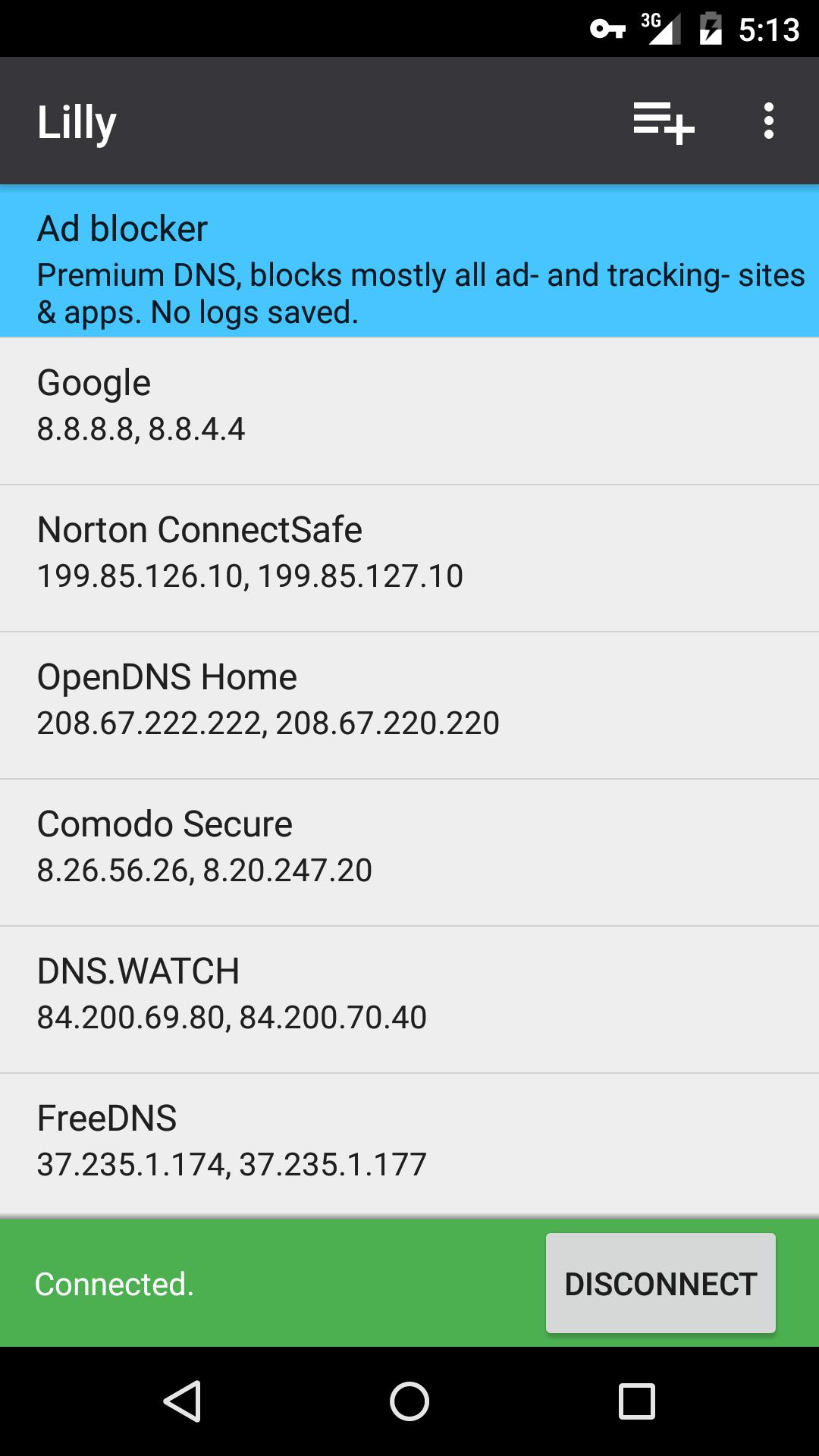
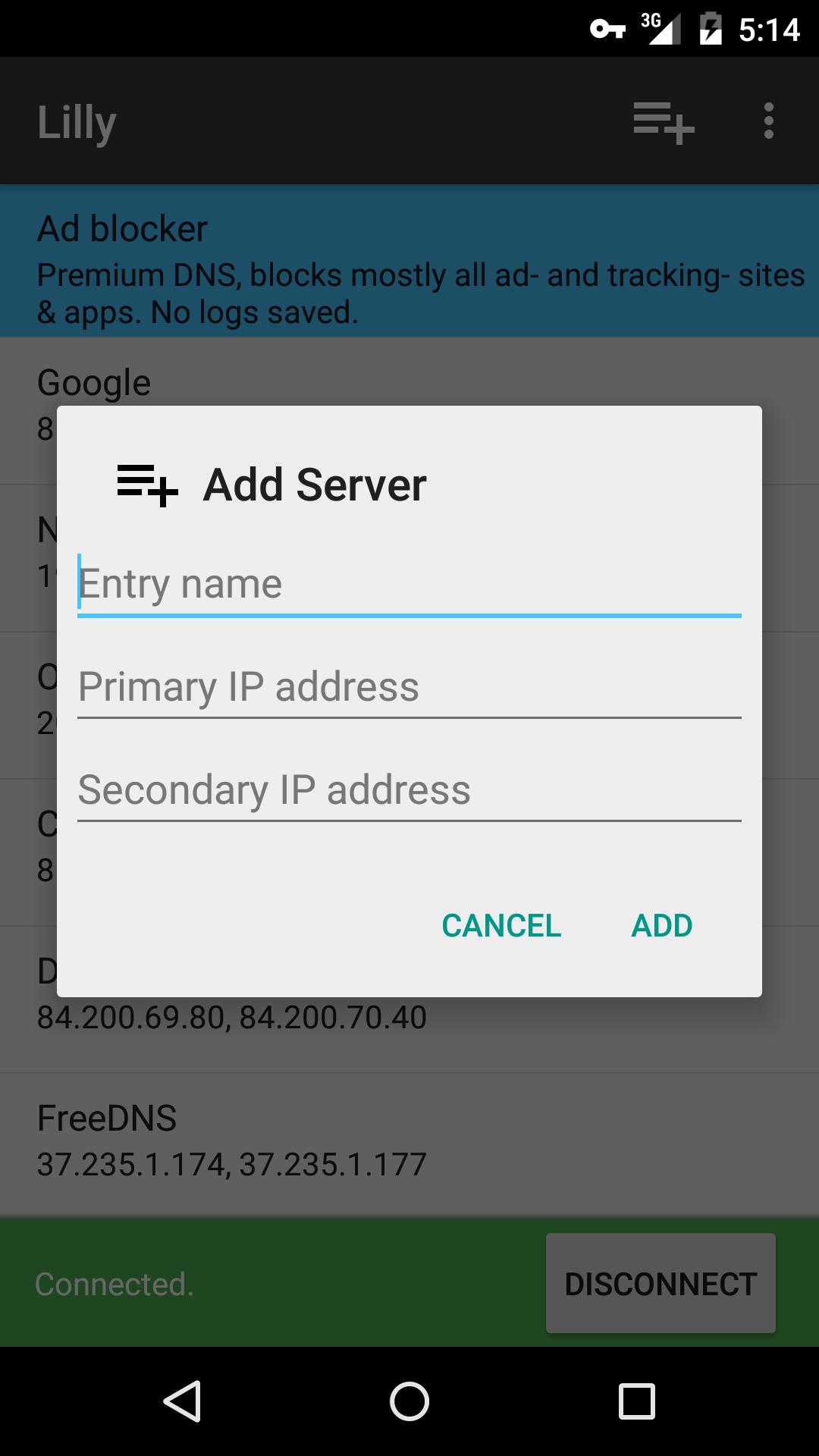
- Set a custom DNS server or select one from the list
- Works on all connection types like mobile, Wi-Fi, ethernet etc.
- "Connect on boot" feature
- Pause & continue DNS settings without opening the app
- No root needed
Features of premium adblocker DNS included in this app:
- Blocks most ads and trackers
- Reduces internet traffic
- Faster browsing
- No censorship
- No logs saved
How does it work?
Lilly uses Androids VPN service feature to set a DNS server for all types of connections. There is no routing made through our server, which you can verify with a speed test and checking your IP. You can also check your systems connection settings technically.
Premium Adblocker
Ads & trackers are blocked before they got loaded. If you still see ads in apps or on websites, try to clear the cache. If you still see them you can contact us and we will add it to our blocklist for you :)
How does it fasten my internet connection and reduces the traffic?
If you selected our adblocker DNS server, then all connections to ad & tracking providers are cut, which means all the resources they would have load are also cut.
Apps/websites do not work, when Adblocker DNS is activated!
Some apps/websites may not work with the adblocker DNS server enabled. In this case, you can pause Lilly out of the notification bar, use the app/website which had issues, and continue Lilly when you are done. Easy ;)
Ön izleme
Bilgi
geliştirici
Aykut Çevik
En Son Sürüm
1.2
Son güncelleme
2016-01-30
Kategori
Verimlilik
üzerinde mevcut
Google Play
Daha fazla göster
PC'de GameLoop ile Lilly: DNS Setter nasıl oynanır
1. Resmi web sitesinden GameLoop'u indirin, ardından GameLoop'u kurmak için exe dosyasını çalıştırın.
2. GameLoop'u açın ve “Lilly: DNS Setter”i arayın, arama sonuçlarında Lilly: DNS Setter'i bulun ve “Yükle”ye tıklayın.
3. GameLoop'ta Lilly: DNS Setter oynamanın keyfini çıkarın.
Minimum requirements
OS
Windows 8.1 64-bit or Windows 10 64-bit
GPU
GTX 1050
CPU
i3-8300
Memory
8GB RAM
Storage
1GB available space
Recommended requirements
OS
Windows 8.1 64-bit or Windows 10 64-bit
GPU
GTX 1050
CPU
i3-9320
Memory
16GB RAM
Storage
1GB available space