Image To Text Converter & Camera Scanner To PDF PC
Record My Screen & Super Gaming Recorder
Image To Text Converter & Camera Scanner To PDF'i GameLoop Emulator ile PC'ye indirin
PC'de Image To Text Converter & Camera Scanner To PDF
Record My Screen & Super Gaming Recorder geliştiricisinden gelen Image To Text Converter & Camera Scanner To PDF, geçmişte Android systerm üzerinde çalışıyor.
Artık Image To Text Converter & Camera Scanner To PDF'i PC'de GameLoop ile sorunsuz bir şekilde oynayabilirsiniz.
GameLoop kitaplığından veya arama sonuçlarından indirin. Artık yanlış zamanda pile bakmak veya sinir bozucu aramalar yapmak yok.
Image To Text Converter & Camera Scanner To PDF bilgisayarın keyfini büyük ekranda ücretsiz olarak çıkarın!
Image To Text Converter & Camera Scanner To PDF Tanıtım
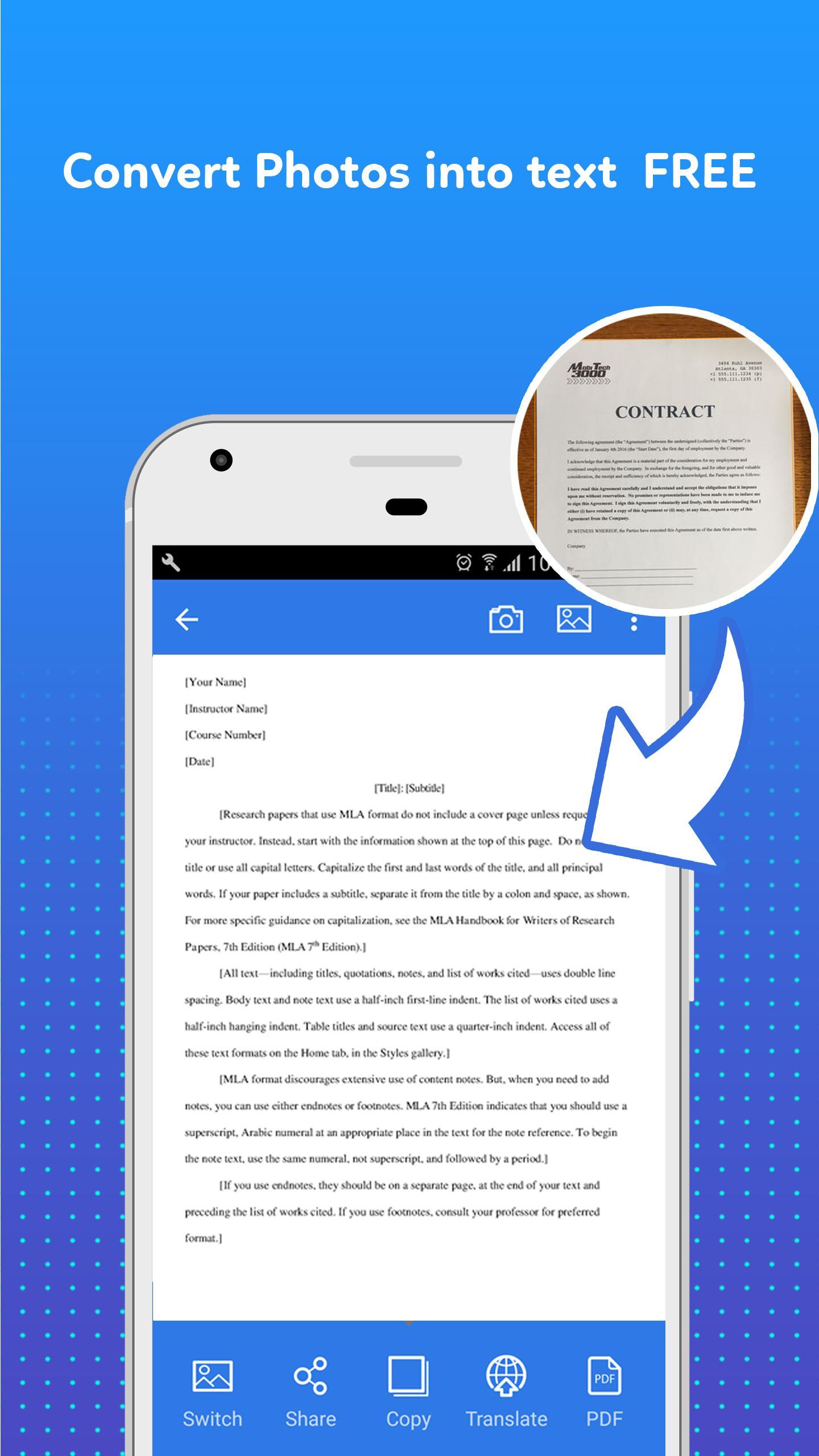
Scan picture to PDF with incredible speed !! Invoices, contracts, books or anything are easily scanned with the photo to word document converter application.
This is a FREE camera to PDF scanner & converter application that is suitable for everyone, such as students, businessmen, journalists, etc. This camera scanner image scanner application will help users scan image convert to text and store important documents on the phone through high-quality PDF. Your phone will turn into a image to PDF converter & scanner.
How the photo to text scanner & converter work:
• Capture: scan document to PDF with precision.
• Extend: 1 Touch to scan photo to text or select a photo from your camera roll. Easily preview, rearrange, crop, rotate, and edit
• Reuse: Auto-detect text, save in PDF format to use content repeatedly.
MAIN FEATURES of image scanner to PDF app:
✔ Image to text convert or JPG to PDF, JPEG to PDF
Capture a sharp image or choose a photo in the gallery for picture to text converter & scanner. After a few seconds of picture to PDF converter, this picture scanner apps for free successfully scan photo to PDF to you.
✔ Correct the viewpoint of an image.
Cut the image and Correct the viewpoint of an image. You will have a neat and intuitive text. Is this feature of camera scanner for documents app simple and easy?
✔ Edit extracted text.
You can edit directly into this text. To help you work with the best text, image to word document converter app provide you with tools: copy, and delete text.
✔ Save text in PDF format:
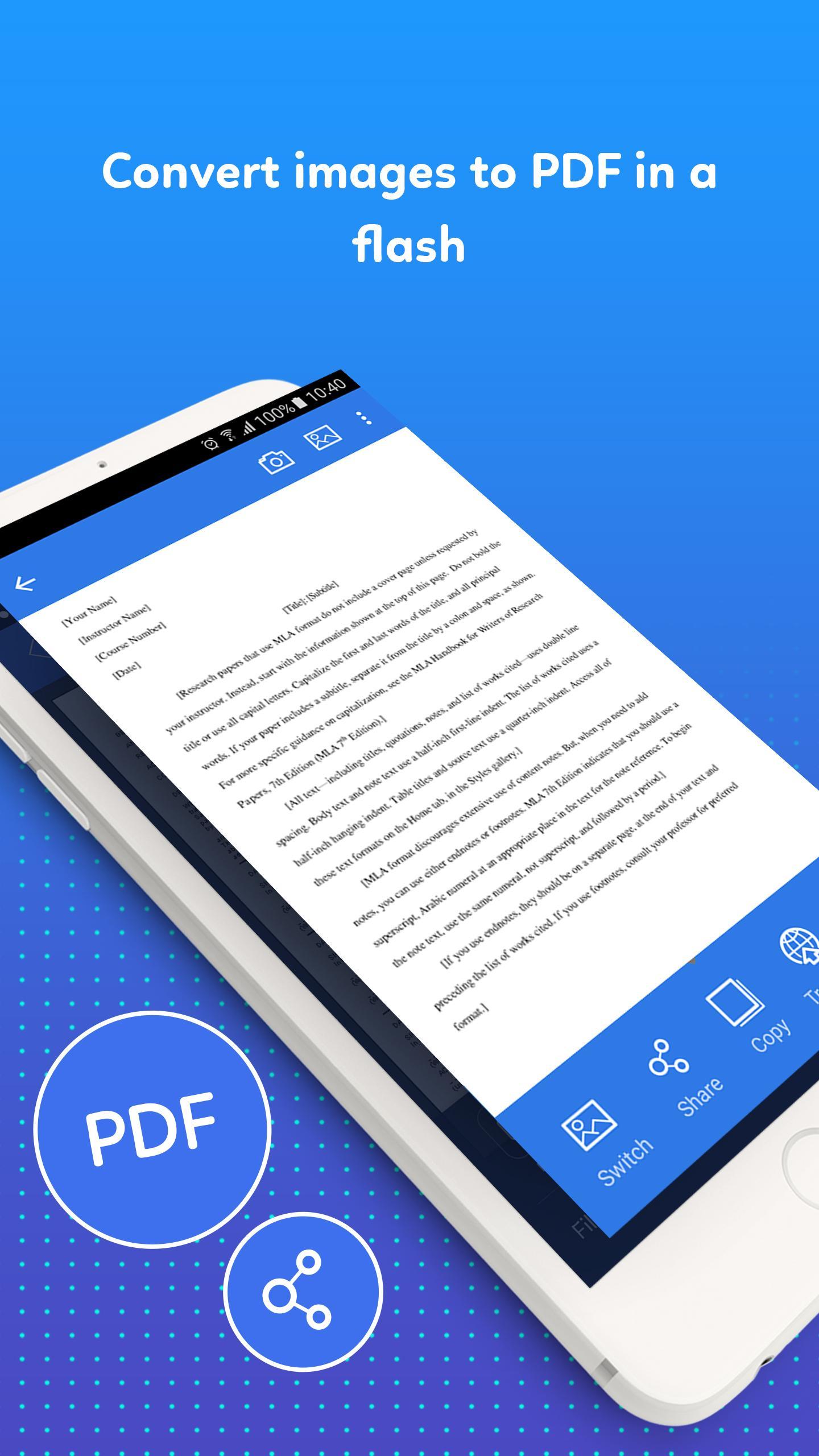
The PDF format is the best way for you to store your content. Even lengthy legal documents become manageable, as you search text, highlight key sections, and add notes in app to scan camera PDF.
✔ Text to speech
A handy tool that makes it easy to convert text to speech
✔ Share picture to words with the world with app to scan picture to word
With our JPG to PDF converter app to scan document to word, you can easily share text with friends via Email or social networking. Share to connect with the world today with text scanner from image app.
✔ Support multiple languages in photo to PDF file converter & scanner app
This application will support the identification of more than 20 different languages in scan PDF to word converter app
Note: This picture to word converter app can not receive handwriting. The text will be recognized best in clear picture.
Download the document scanner and editor app immediately to comfortably scan image to PDF. If you have any questions about the camera scanner to PDF and JPEG to PDF converter application, please comment below or email the developer. Sincerely thank you and do not forget to rate 5* photo scanner image to PDF apps for free.
Ön izleme
Bilgi
geliştirici
Record My Screen & Super Gaming Recorder
En Son Sürüm
1.1.4
Son güncelleme
2018-08-22
Kategori
Verimlilik
üzerinde mevcut
Google Play
Daha fazla göster
PC'de GameLoop ile Image To Text Converter & Camera Scanner To PDF nasıl oynanır
1. Resmi web sitesinden GameLoop'u indirin, ardından GameLoop'u kurmak için exe dosyasını çalıştırın.
2. GameLoop'u açın ve “Image To Text Converter & Camera Scanner To PDF”i arayın, arama sonuçlarında Image To Text Converter & Camera Scanner To PDF'i bulun ve “Yükle”ye tıklayın.
3. GameLoop'ta Image To Text Converter & Camera Scanner To PDF oynamanın keyfini çıkarın.
Minimum requirements
OS
Windows 8.1 64-bit or Windows 10 64-bit
GPU
GTX 1050
CPU
i3-8300
Memory
8GB RAM
Storage
1GB available space
Recommended requirements
OS
Windows 8.1 64-bit or Windows 10 64-bit
GPU
GTX 1050
CPU
i3-9320
Memory
16GB RAM
Storage
1GB available space