
Timetable & Schedule Maker PC
Liner Apps
Timetable & Schedule Maker'i GameLoop Emulator ile PC'ye indirin
PC'de Timetable & Schedule Maker
Liner Apps geliştiricisinden gelen Timetable & Schedule Maker, geçmişte Android systerm üzerinde çalışıyor.
Artık Timetable & Schedule Maker'i PC'de GameLoop ile sorunsuz bir şekilde oynayabilirsiniz.
GameLoop kitaplığından veya arama sonuçlarından indirin. Artık yanlış zamanda pile bakmak veya sinir bozucu aramalar yapmak yok.
Timetable & Schedule Maker bilgisayarın keyfini büyük ekranda ücretsiz olarak çıkarın!
Timetable & Schedule Maker Tanıtım
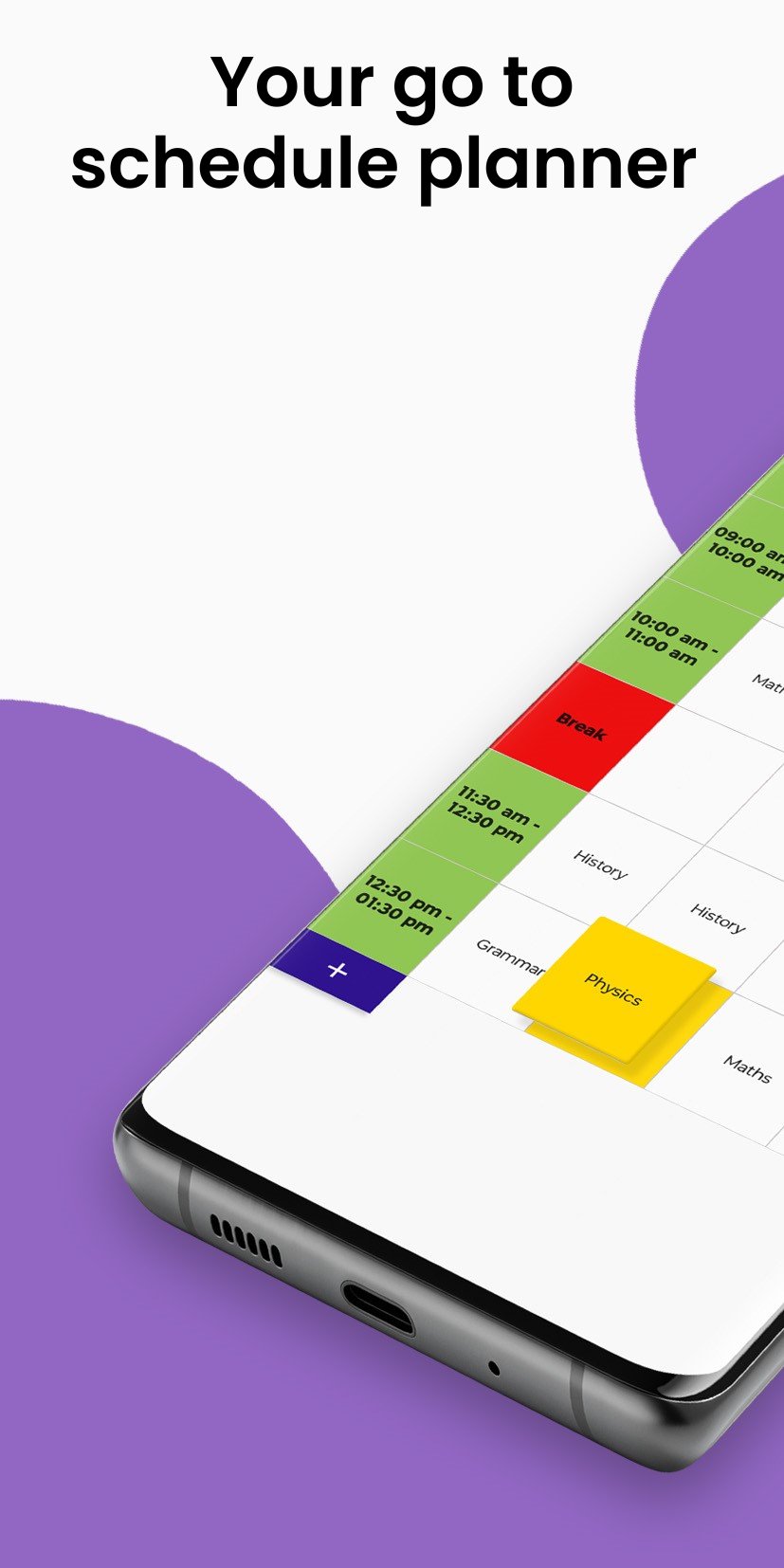
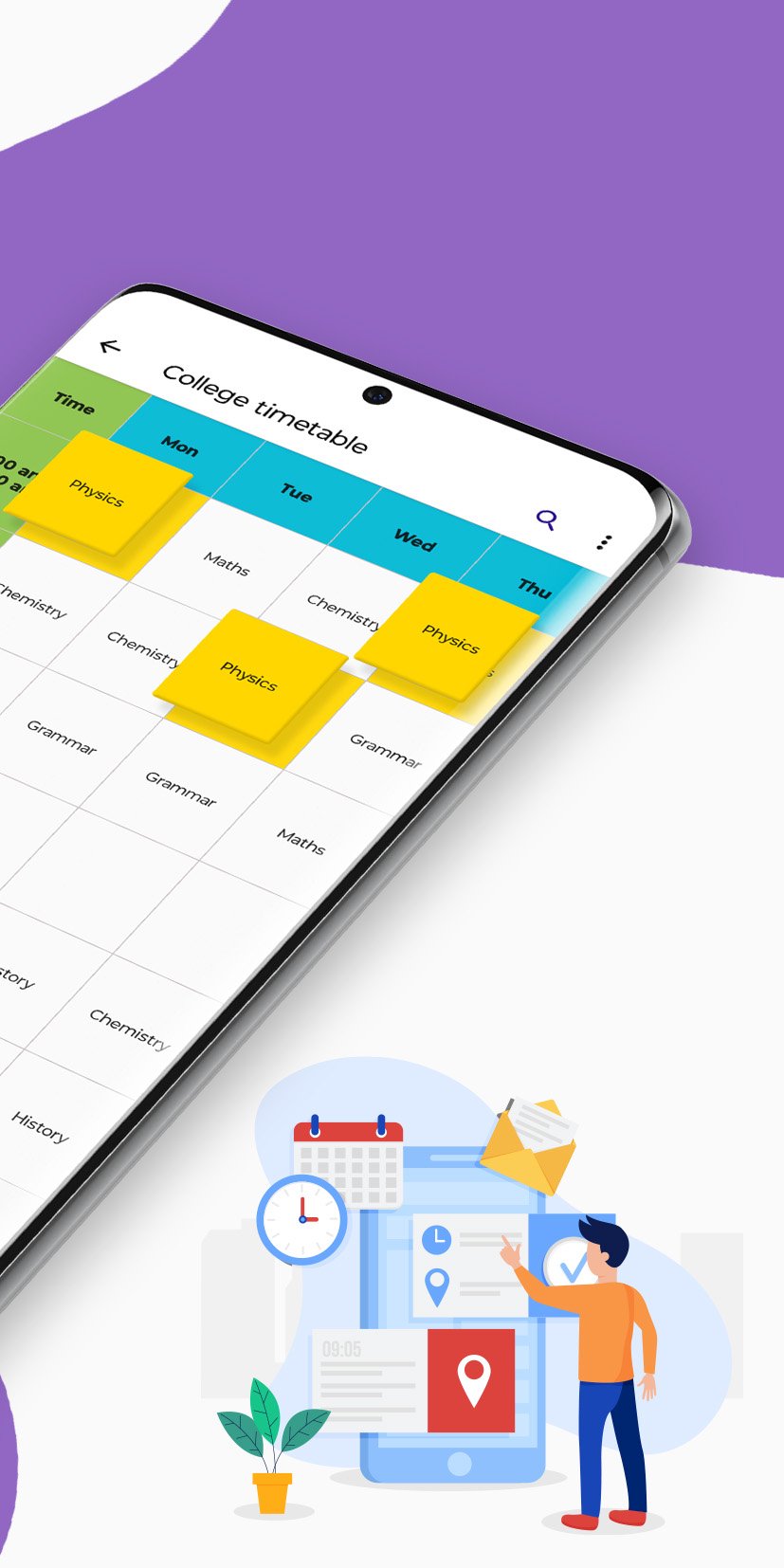
Have you been looking for an app to create timetable notes, class schedules, or daily planner without any hassle, then EasyTable app will help you do that.
EasyTable is the simplest timetable & schedule builder app for students, teachers & other professions to create & share weekly time table or organize their class schedule & study calendar.
This timetable & schedule builder app offers
✔️Multiple Tables:
You can make multiple weekly schedules as per your need and easily update anytime.
✔️Add rows/columns to table:
You can add more timeslots in the timetable by adding more rows
✔️Timetable planner templates:
You can create weekly timetable with time slots and monthly timetable with dates using calendar template.
✔️Daily Planner:
Now create your own daily planner to keep track of daily tasks or activities.
✔️Calendar Planner 2025:
Create your student calendar, study planner, exam calendar and shift calendar with new calendar planner template.
✔️Add/Update table notes:
Now quickly add important notes to table on the go.
✔️Search time table:
Easily search timetable for particular event or task or subject.
✔️Resize table:
It is very easy to resize table as per your need.
✔️Switch table view:
Now effortlessly switch table view to from vertical to horizontal.
✔️Export time table chart:
You can anytime export all the timetable to excel sheet.
✔️Save timetable to Pdf:
You can anytime save time table pdf with title in portrait as well as landscape and share with anyone.
✔️Applications:
EasyTable has many applications such as time table for study, student calendar, study planner, work schedule, class timetable, class schedule, routine maker, time table app for school, shift schedule maker & schedule planner for students. It is go-to time table maker for everyone.
✔️ Designed For:
• Students who need a class schedule maker app for college or school
• Anyone building a daily study planner or student calendar for exams
• Teachers wanting a timetable app for managing lessons
• Professionals creating a work and life routine planner
So get this timetable & schedule buinder app to help you with your weekly schedule on the go!
Ön izleme
Etiketler
VerimlilikBilgi
geliştirici
Liner Apps
En Son Sürüm
4.19
Son güncelleme
2025-12-12
Kategori
Verimlilik
üzerinde mevcut
Google Play
Daha fazla göster
PC'de GameLoop ile Timetable & Schedule Maker nasıl oynanır
1. Resmi web sitesinden GameLoop'u indirin, ardından GameLoop'u kurmak için exe dosyasını çalıştırın.
2. GameLoop'u açın ve “Timetable & Schedule Maker”i arayın, arama sonuçlarında Timetable & Schedule Maker'i bulun ve “Yükle”ye tıklayın.
3. GameLoop'ta Timetable & Schedule Maker oynamanın keyfini çıkarın.
Minimum requirements
OS
Windows 8.1 64-bit or Windows 10 64-bit
GPU
GTX 1050
CPU
i3-8300
Memory
8GB RAM
Storage
1GB available space
Recommended requirements
OS
Windows 8.1 64-bit or Windows 10 64-bit
GPU
GTX 1050
CPU
i3-9320
Memory
16GB RAM
Storage
1GB available space