Camera for iphone 8 : 0S 13 Camera Effects PC
Leoz Tech
Camera for iphone 8 : 0S 13 Camera Effects'i GameLoop Emulator ile PC'ye indirin
PC'de Camera for iphone 8 : 0S 13 Camera Effects
Leoz Tech geliştiricisinden gelen Camera for iphone 8 : 0S 13 Camera Effects, geçmişte Android systerm üzerinde çalışıyor.
Artık Camera for iphone 8 : 0S 13 Camera Effects'i PC'de GameLoop ile sorunsuz bir şekilde oynayabilirsiniz.
GameLoop kitaplığından veya arama sonuçlarından indirin. Artık yanlış zamanda pile bakmak veya sinir bozucu aramalar yapmak yok.
Camera for iphone 8 : 0S 13 Camera Effects bilgisayarın keyfini büyük ekranda ücretsiz olarak çıkarın!
Camera for iphone 8 : 0S 13 Camera Effects Tanıtım
iphone 8 camera effects
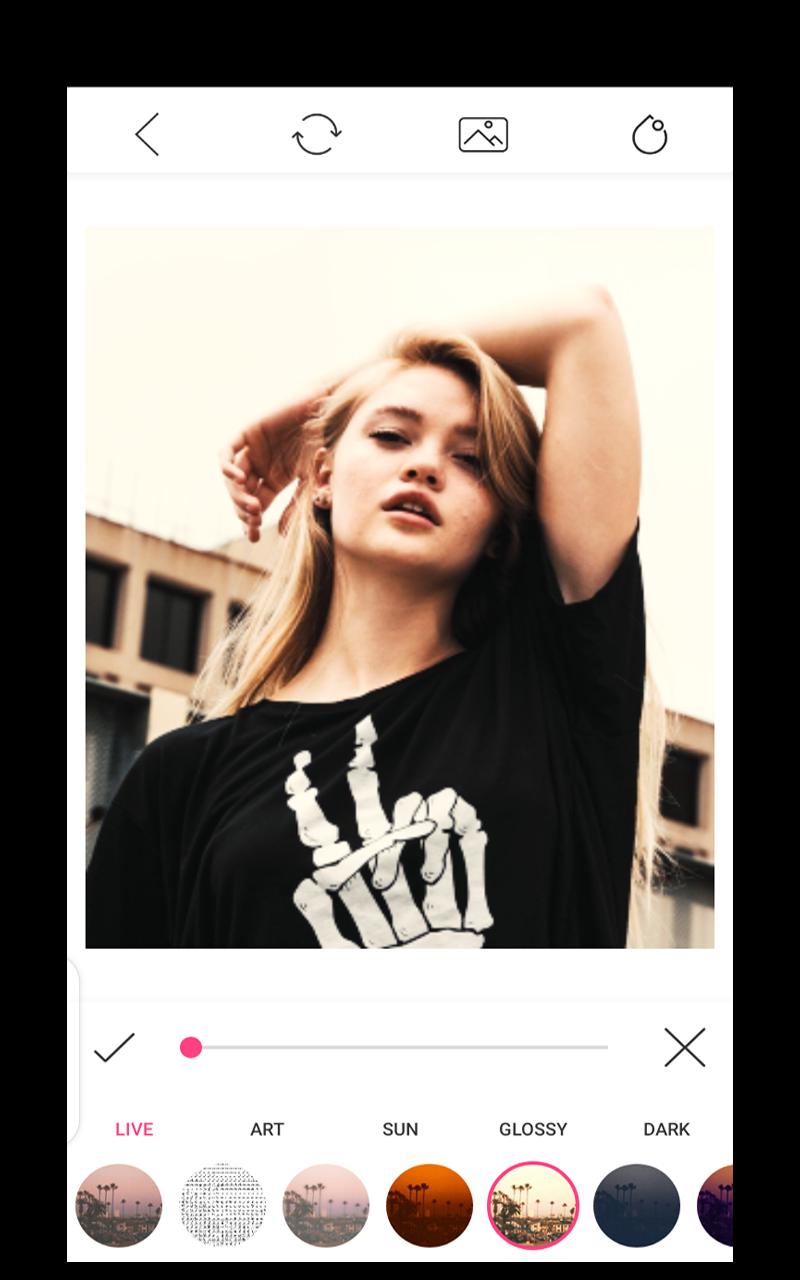
Give a chance to iphone 8 camera app to improve your pictures or take some new stunning selfies and apply different effects on them.
App also having some features of iphone 7 camera, iphone xs camera, iphone 11 camera and iphone 12.
We are alway focuing to provides better app to our users and one of them is iphone camera app. Hope this app new features defenetely help you out.
Some Highlights:
* Used to blur the unwanted part of your pic.
* Background blur effect like professional DSLR Camera.
* Blur some part or all of your photo.
* Use brush to blur where you want.
* All Device Combability.
* Share freely on social network.
Ön izleme

Etiketler
VerimlilikBilgi
geliştirici
Leoz Tech
En Son Sürüm
2.0
Son güncelleme
2022-07-24
Kategori
Verimlilik
üzerinde mevcut
Google Play
Daha fazla göster
PC'de GameLoop ile Camera for iphone 8 : 0S 13 Camera Effects nasıl oynanır
1. Resmi web sitesinden GameLoop'u indirin, ardından GameLoop'u kurmak için exe dosyasını çalıştırın.
2. GameLoop'u açın ve “Camera for iphone 8 : 0S 13 Camera Effects”i arayın, arama sonuçlarında Camera for iphone 8 : 0S 13 Camera Effects'i bulun ve “Yükle”ye tıklayın.
3. GameLoop'ta Camera for iphone 8 : 0S 13 Camera Effects oynamanın keyfini çıkarın.
Minimum requirements
OS
Windows 8.1 64-bit or Windows 10 64-bit
GPU
GTX 1050
CPU
i3-8300
Memory
8GB RAM
Storage
1GB available space
Recommended requirements
OS
Windows 8.1 64-bit or Windows 10 64-bit
GPU
GTX 1050
CPU
i3-9320
Memory
16GB RAM
Storage
1GB available space