
Remove Background & Edit Photo PC
Lutech Ltd
Remove Background & Edit Photo'i GameLoop Emulator ile PC'ye indirin
PC'de Remove Background & Edit Photo
Lutech Ltd geliştiricisinden gelen Remove Background & Edit Photo, geçmişte Android systerm üzerinde çalışıyor.
Artık Remove Background & Edit Photo'i PC'de GameLoop ile sorunsuz bir şekilde oynayabilirsiniz.
GameLoop kitaplığından veya arama sonuçlarından indirin. Artık yanlış zamanda pile bakmak veya sinir bozucu aramalar yapmak yok.
Remove Background & Edit Photo bilgisayarın keyfini büyük ekranda ücretsiz olarak çıkarın!
Remove Background & Edit Photo Tanıtım
Want to erase the background of your photos and replace it with another background? This app is a great photo eraser, photo editor for you.
No complex photo processing skill needed, change background of any photos to your ideal backdrop, you can become a professional photographer to edit photos with Erase Background & Edit Photo app.
Erase Background & Edit Photo app supports multiple erasing modes, remove background and photo editor such as:
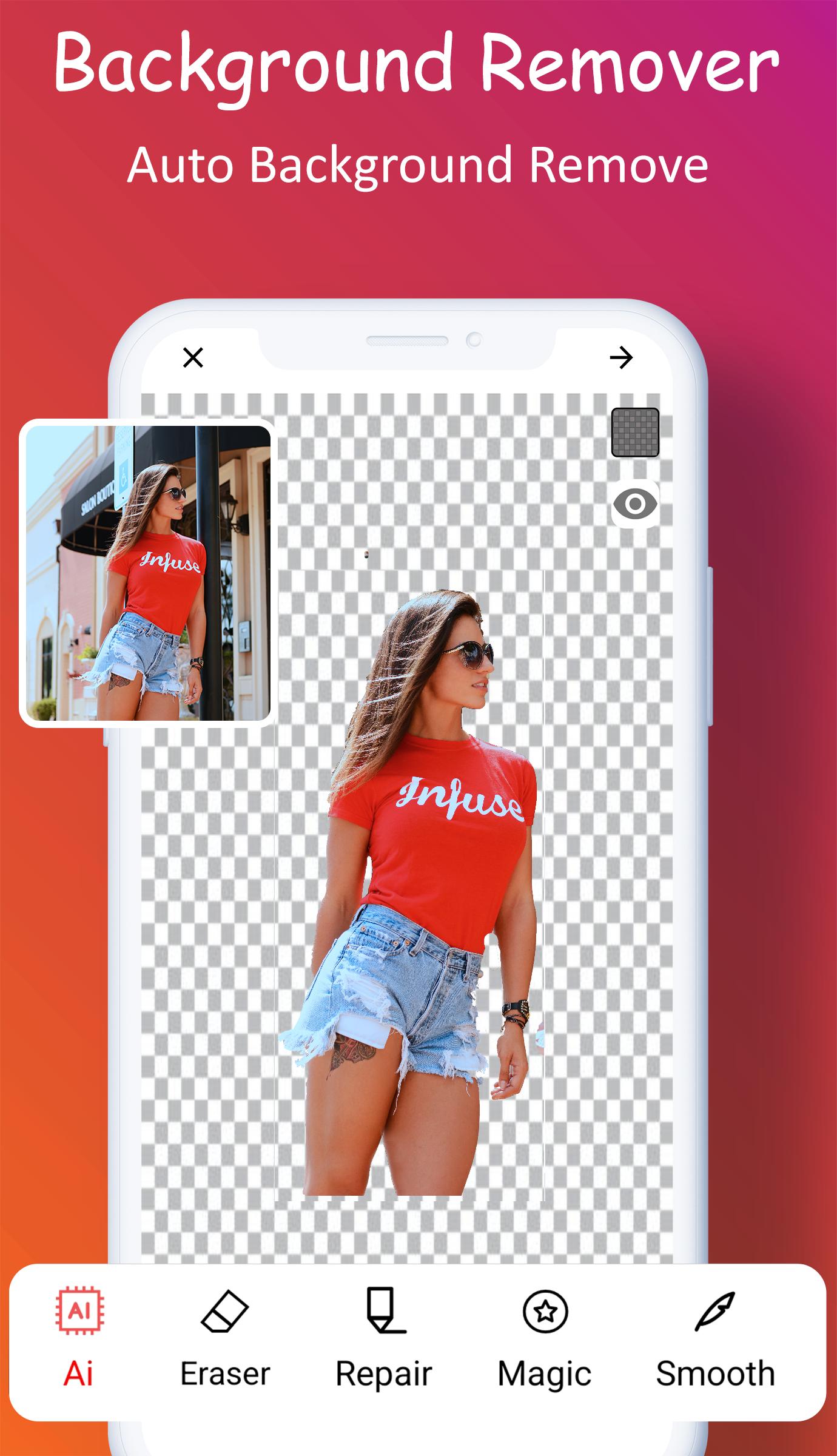
Erase Background
You spent a lot of time trying a bunch of bg removal apps to get a transparent photo. Here's a way to get straight to the point with an attractive, simple UI and smart photo cutting. Using this smart photo eraser will help you to remove objects or people in video or image easily.
Scissor precise object
The background eraser application recognizes images of people, animals, trees, activities, etc… To remove background, with just one syntax, objects will be deleted completely or erase background from image and make transparent background png pictures in seconds.
Background Changer and Editor
With a changer background and editor, you can set your photo on a transparent background, plain white/color background or add another image as a photo framework. The interesting feature of this photo eraser is delivering to you beautiful images as you desire. You can change background to a travel place, cut and edit photo with your idol, photo with friends or happy photo with family
Photo Editor
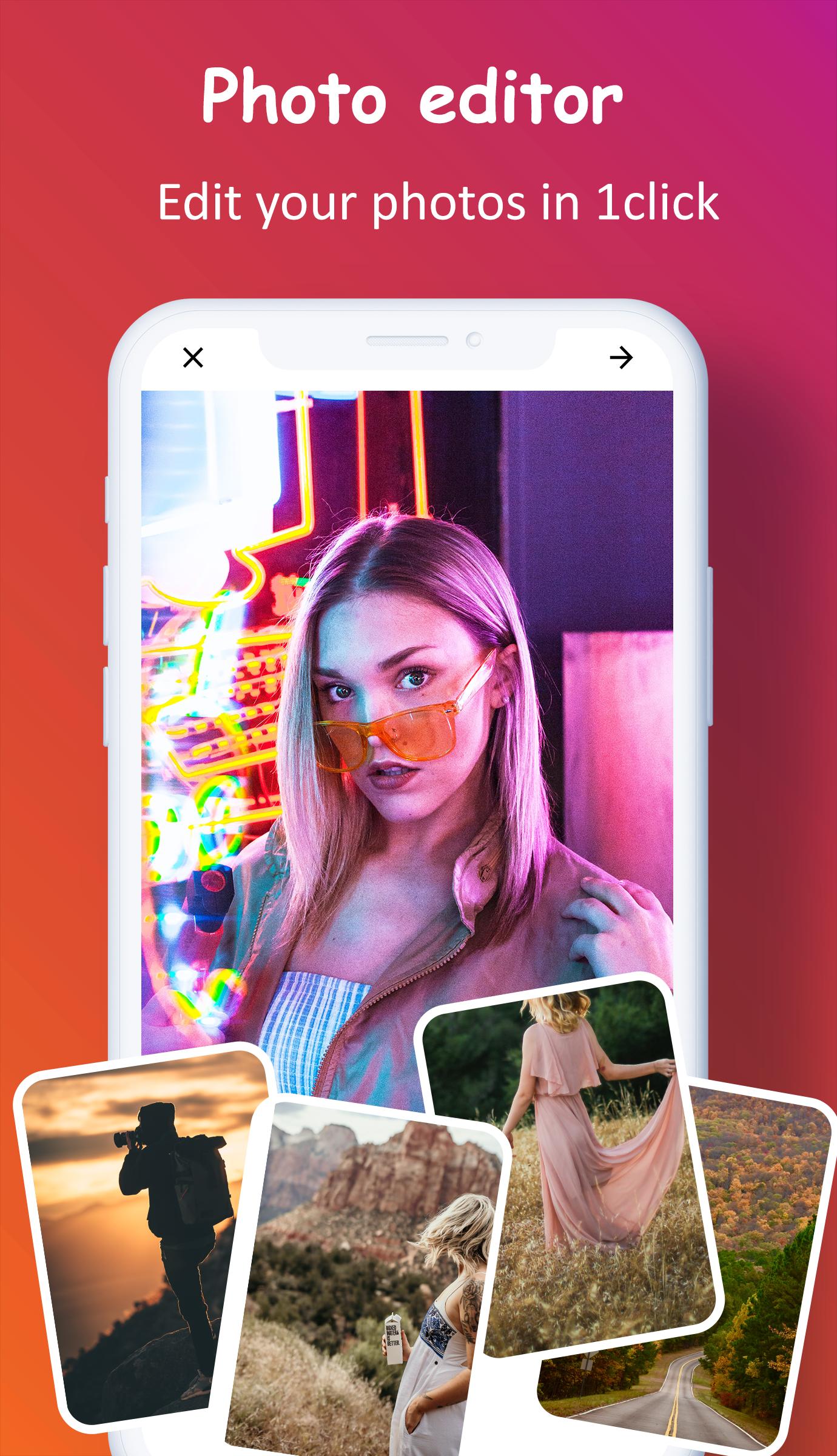
You can edit photos freely, an unlimited features tool for image eraser; colorful, vibrant filters for image editor and unique collage layouts and thousands of fun, colorful stickers can be added to images after using image eraser. All in one photo eraser - transparent photo.
Save & Share
Save high quality funny photos and share with friends using social networks.
Other Features
- Make the picture's background transparent accurately, make vector background png images and photo eraser;
- Select and erase the objects precisely, remove backgrounds and change background in 1 click, erase similar pixels automatically;
- Choose & add background photos from specially designed photo categories;
- Edit photo, create text for images, many unique fonts, text colors to add the perfect message to your images;
- Blur photo instead of remove background, adjust image brightness, contrast, humidity and saturation.
Download app now. Get ready to discover endless creativity!
About permission
To use Erase Background & Edit Photo app and make transparent png, this application must be allowed to access photos and files on your device.
Moreover, to take photos and convert images to photo png, this app needs access to the “Camera” permission to take pictures.
Feedback and support us
Let us know how much you enjoy using this Erase Background & Edit Photo and let us know about bugs, questions, feature requests or any other suggestions you'd like and read our privacy policy. Don't forget to rate 5 stars and share with your family and friends.
If you have any problems or suggestions, feel to let us know at email: nguyenluan@lutech.ltd
Ön izleme
Etiketler
FotoğrafçılıkBilgi
geliştirici
Lutech Ltd
En Son Sürüm
1312
Son güncelleme
2022-05-27
Kategori
Fotoğrafçılık
üzerinde mevcut
Google Play
Daha fazla göster
PC'de GameLoop ile Remove Background & Edit Photo nasıl oynanır
1. Resmi web sitesinden GameLoop'u indirin, ardından GameLoop'u kurmak için exe dosyasını çalıştırın.
2. GameLoop'u açın ve “Remove Background & Edit Photo”i arayın, arama sonuçlarında Remove Background & Edit Photo'i bulun ve “Yükle”ye tıklayın.
3. GameLoop'ta Remove Background & Edit Photo oynamanın keyfini çıkarın.
Minimum requirements
OS
Windows 8.1 64-bit or Windows 10 64-bit
GPU
GTX 1050
CPU
i3-8300
Memory
8GB RAM
Storage
1GB available space
Recommended requirements
OS
Windows 8.1 64-bit or Windows 10 64-bit
GPU
GTX 1050
CPU
i3-9320
Memory
16GB RAM
Storage
1GB available space