Photo Studio Pro PC
Lephco
Photo Studio Pro'i GameLoop Emulator ile PC'ye indirin
PC'de Photo Studio Pro
Lephco geliştiricisinden gelen Photo Studio Pro, geçmişte Android systerm üzerinde çalışıyor.
Artık Photo Studio Pro'i PC'de GameLoop ile sorunsuz bir şekilde oynayabilirsiniz.
GameLoop kitaplığından veya arama sonuçlarından indirin. Artık yanlış zamanda pile bakmak veya sinir bozucu aramalar yapmak yok.
Photo Studio Pro bilgisayarın keyfini büyük ekranda ücretsiz olarak çıkarın!
Photo Studio Pro Tanıtım
WHERE EVERYONE BECOMES AN ARTIST!!!
Our Photo Studio Pro is a powerful, fast, and fun photo editor which we created because we wanted an easy way to edit our photos on the go with no fuss.
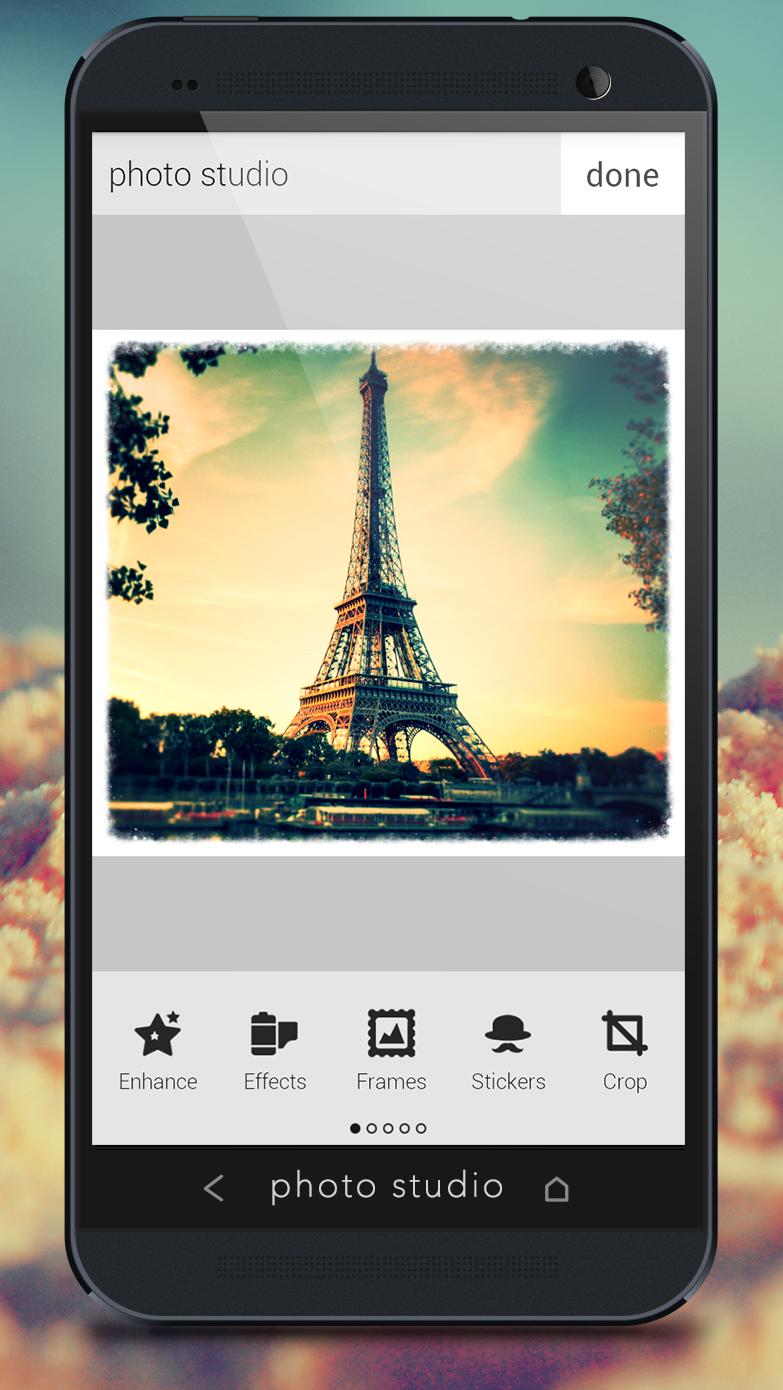
Photo Studio Pro provides tons of photo manipulations, photo masks, photo collages, photo frames, photo borders, photo stickers, photo text effects, crop, rotate, color adjust and more! We got everything for photos!
We’ve included all the photo tools you need, in a super intuitive interface so you can get right to photo editing.
INTUITIVE AND SIMPLE INTERFACE WITH A LOT OF PROFESSIONAL PHOTO EFFECTS!!!
✭ POWERFUL EDITING TOOLS ✭
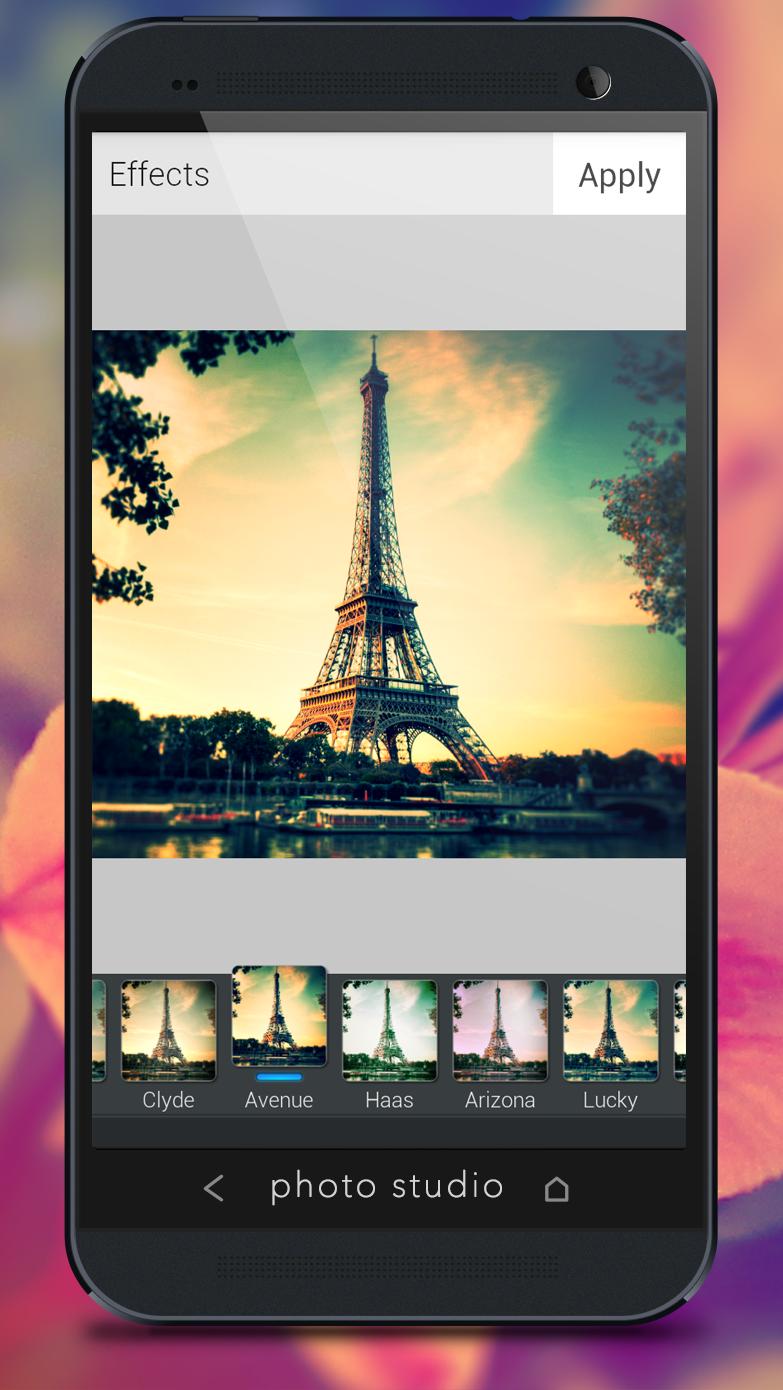
✭ AMAZING EFFECTS ✭
✭ SHARE PHOTOS INSTANTLY ✭
✭ NEW: ADD TEXT TO PHOTOS ✭
✭ MARVELOUS PHOTO FRAMES ✭
FEATURES:
• Amazing Beautifying Effects
• Hand-picked Filters and Borders
• Fun Photo Decorations
• One-tap auto photo enhance
• Gorgeous photo effects
• Minimalistic & Beautiful Interface
• Fun stickers
• Color balance
• Color Splash
• Focus (Tilt Shift)
• Create your own photo memes
• Crop or rotate your photo
• Adjust photo brightness, contrast, and saturation
• Sharpen and blur photos
• Draw and add text to photos
• Cosmetic tools: fix redeye, remove blemishes and whiten teeth
• Photo Studio saves your edited photos in FULL HIGH RESOLUTION!
• Sharing photos to Facebook, Twitter
Download PHOTO STUDIO PRO and discover your inner photo artist!!!
Ön izleme
Bilgi
geliştirici
Lephco
En Son Sürüm
3.0.5
Son güncelleme
2014-01-21
Kategori
Fotoğrafçılık
üzerinde mevcut
Google Play
Daha fazla göster
PC'de GameLoop ile Photo Studio Pro nasıl oynanır
1. Resmi web sitesinden GameLoop'u indirin, ardından GameLoop'u kurmak için exe dosyasını çalıştırın.
2. GameLoop'u açın ve “Photo Studio Pro”i arayın, arama sonuçlarında Photo Studio Pro'i bulun ve “Yükle”ye tıklayın.
3. GameLoop'ta Photo Studio Pro oynamanın keyfini çıkarın.
Minimum requirements
OS
Windows 8.1 64-bit or Windows 10 64-bit
GPU
GTX 1050
CPU
i3-8300
Memory
8GB RAM
Storage
1GB available space
Recommended requirements
OS
Windows 8.1 64-bit or Windows 10 64-bit
GPU
GTX 1050
CPU
i3-9320
Memory
16GB RAM
Storage
1GB available space