Ephoto 360 Pro PC
Yogroup Studio
Ephoto 360 Pro'i GameLoop Emulator ile PC'ye indirin
PC'de Ephoto 360 Pro
Yogroup Studio geliştiricisinden gelen Ephoto 360 Pro, geçmişte Android systerm üzerinde çalışıyor.
Artık Ephoto 360 Pro'i PC'de GameLoop ile sorunsuz bir şekilde oynayabilirsiniz.
GameLoop kitaplığından veya arama sonuçlarından indirin. Artık yanlış zamanda pile bakmak veya sinir bozucu aramalar yapmak yok.
Ephoto 360 Pro bilgisayarın keyfini büyük ekranda ücretsiz olarak çıkarın!
Ephoto 360 Pro Tanıtım
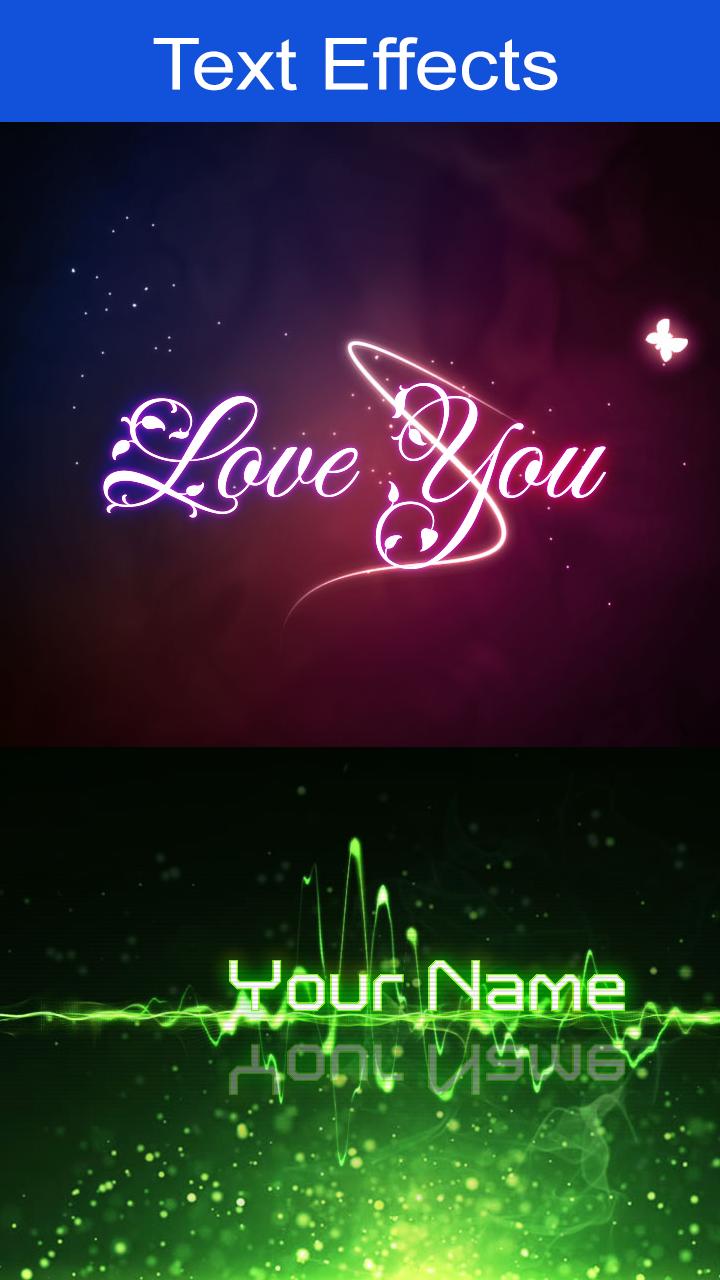
Ephoto360 Pro app is designed very simple, for people to easily use and creative with effects for your photos.
Some unique features of the applications - ephoto360 pro make users can not be ignored:
- The effect of writing, writing wishes on birthday cake, birthday photo frame, collage on birthday cake
- The impressive effects: Love photo frames, Love greeting card
- Utilities calligraphy online with as many nice feng shui calligraphy, calligraphy couplets written, ...
- Warehouse Art frames effects extremely impressive and constantly updated
- Effects of lead paint, turn photos into paintings ....
- There's also a lot of effects such as love photo frames, crystal ball, galaxy text effects, art text graffiti ...
Ön izleme

Bilgi
geliştirici
Yogroup Studio
En Son Sürüm
1.4.13
Son güncelleme
2017-03-10
Kategori
Fotoğrafçılık
üzerinde mevcut
Google Play
Daha fazla göster
PC'de GameLoop ile Ephoto 360 Pro nasıl oynanır
1. Resmi web sitesinden GameLoop'u indirin, ardından GameLoop'u kurmak için exe dosyasını çalıştırın.
2. GameLoop'u açın ve “Ephoto 360 Pro”i arayın, arama sonuçlarında Ephoto 360 Pro'i bulun ve “Yükle”ye tıklayın.
3. GameLoop'ta Ephoto 360 Pro oynamanın keyfini çıkarın.
Minimum requirements
OS
Windows 8.1 64-bit or Windows 10 64-bit
GPU
GTX 1050
CPU
i3-8300
Memory
8GB RAM
Storage
1GB available space
Recommended requirements
OS
Windows 8.1 64-bit or Windows 10 64-bit
GPU
GTX 1050
CPU
i3-9320
Memory
16GB RAM
Storage
1GB available space