Easy GIF - Video to GIF, Images to GIF, Edit GIF PC
Navneet Krishna
Easy GIF - Video to GIF, Images to GIF, Edit GIF'i GameLoop Emulator ile PC'ye indirin
PC'de Easy GIF - Video to GIF, Images to GIF, Edit GIF
Navneet Krishna geliştiricisinden gelen Easy GIF - Video to GIF, Images to GIF, Edit GIF, geçmişte Android systerm üzerinde çalışıyor.
Artık Easy GIF - Video to GIF, Images to GIF, Edit GIF'i PC'de GameLoop ile sorunsuz bir şekilde oynayabilirsiniz.
GameLoop kitaplığından veya arama sonuçlarından indirin. Artık yanlış zamanda pile bakmak veya sinir bozucu aramalar yapmak yok.
Easy GIF - Video to GIF, Images to GIF, Edit GIF bilgisayarın keyfini büyük ekranda ücretsiz olarak çıkarın!
Easy GIF - Video to GIF, Images to GIF, Edit GIF Tanıtım
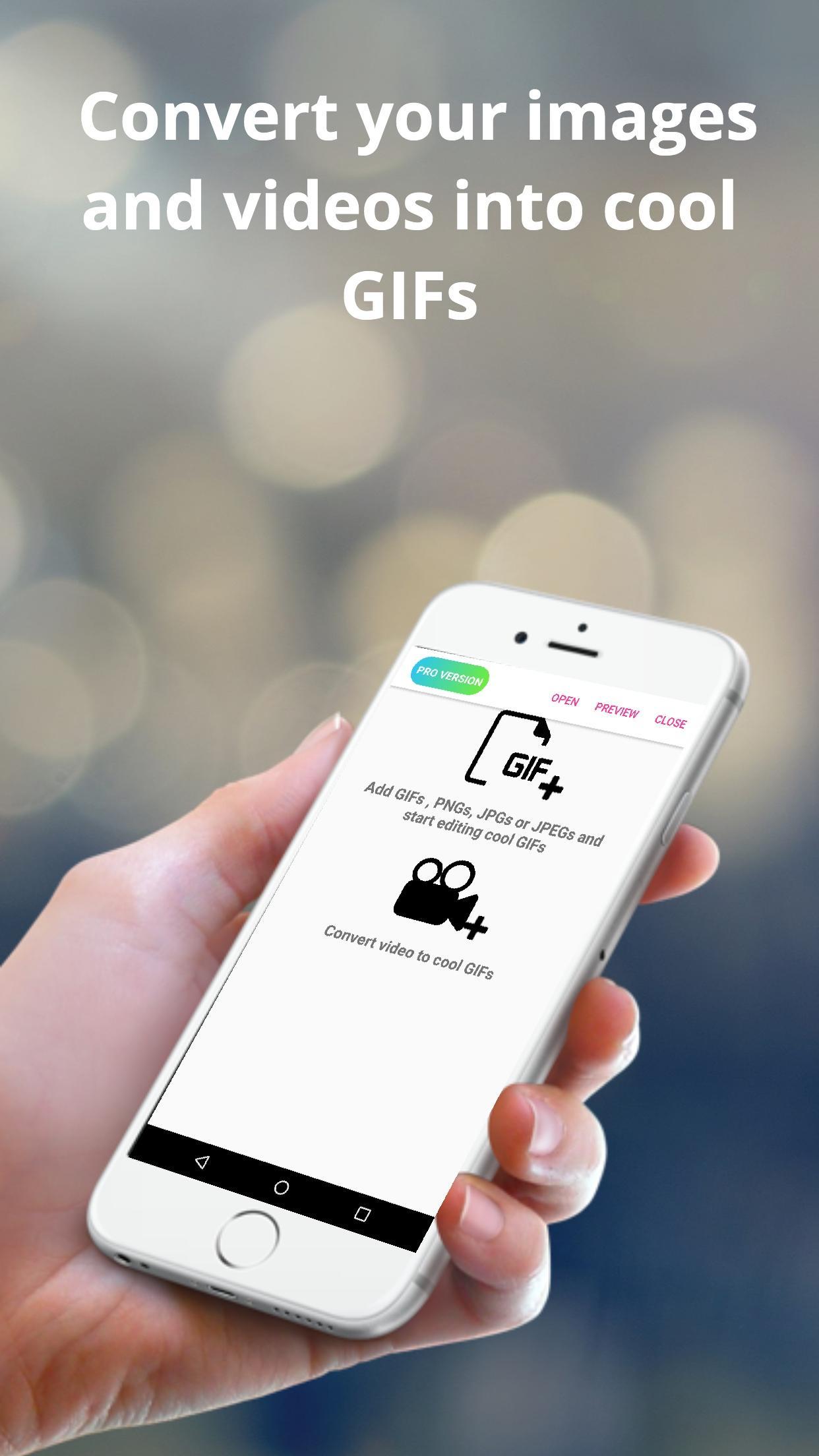
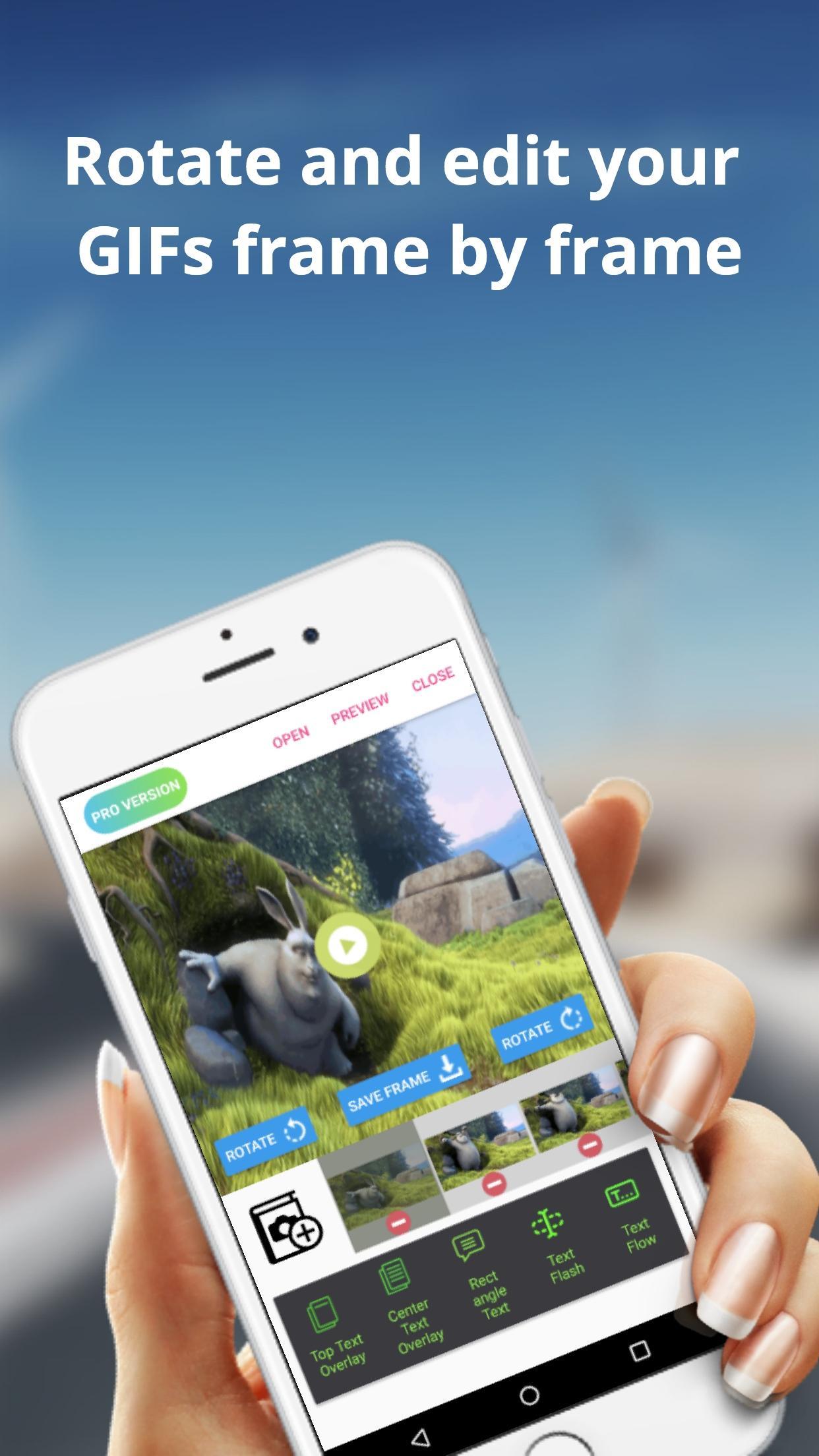
The Easy GIF app can assist you in building cool gifs by providing options like gif edit(add or remove gif frames),add animated text on gifs etc. With Easy GIF, you can package your favourite moments into a gif format and share with your friends family. You can also add text overlays on your GIFs.
The app also helps you to convert videos to GIF. For larger videos, the app helps to trim the videos to 10 sec clips and then convert to gif. You can also save images from the video to your gallery.
You can also batch import images to the app and then convert them to gif. You can finally save the created GIF to gallery or even share with friends and family using whatsapp, gmail etc.
Some features provided by the app includes :
> Convert images to GIF
> Browse multiple images at once from gallery and then convert images
> Edit already built GIFs
> Save rotated gif to gallery
> trim large videos to short videos automatically
> Convert GIF to images and save to gallery
> Convert Video to images and save to gallery
> Add text overlays in already built GIFs
> Add or Delete frames from GIFs
Ön izleme
Etiketler
FotoğrafçılıkBilgi
geliştirici
Navneet Krishna
En Son Sürüm
1.0.9
Son güncelleme
2019-07-05
Kategori
Fotoğrafçılık
üzerinde mevcut
Google Play
Daha fazla göster
PC'de GameLoop ile Easy GIF - Video to GIF, Images to GIF, Edit GIF nasıl oynanır
1. Resmi web sitesinden GameLoop'u indirin, ardından GameLoop'u kurmak için exe dosyasını çalıştırın.
2. GameLoop'u açın ve “Easy GIF - Video to GIF, Images to GIF, Edit GIF”i arayın, arama sonuçlarında Easy GIF - Video to GIF, Images to GIF, Edit GIF'i bulun ve “Yükle”ye tıklayın.
3. GameLoop'ta Easy GIF - Video to GIF, Images to GIF, Edit GIF oynamanın keyfini çıkarın.
Minimum requirements
OS
Windows 8.1 64-bit or Windows 10 64-bit
GPU
GTX 1050
CPU
i3-8300
Memory
8GB RAM
Storage
1GB available space
Recommended requirements
OS
Windows 8.1 64-bit or Windows 10 64-bit
GPU
GTX 1050
CPU
i3-9320
Memory
16GB RAM
Storage
1GB available space