Themes App PC
Wallpapers and Themes
Themes App'i GameLoop Emulator ile PC'ye indirin
PC'de Themes App
Wallpapers and Themes geliştiricisinden gelen Themes App, geçmişte Android systerm üzerinde çalışıyor.
Artık Themes App'i PC'de GameLoop ile sorunsuz bir şekilde oynayabilirsiniz.
GameLoop kitaplığından veya arama sonuçlarından indirin. Artık yanlış zamanda pile bakmak veya sinir bozucu aramalar yapmak yok.
Themes App bilgisayarın keyfini büyük ekranda ücretsiz olarak çıkarın!
Themes App Tanıtım
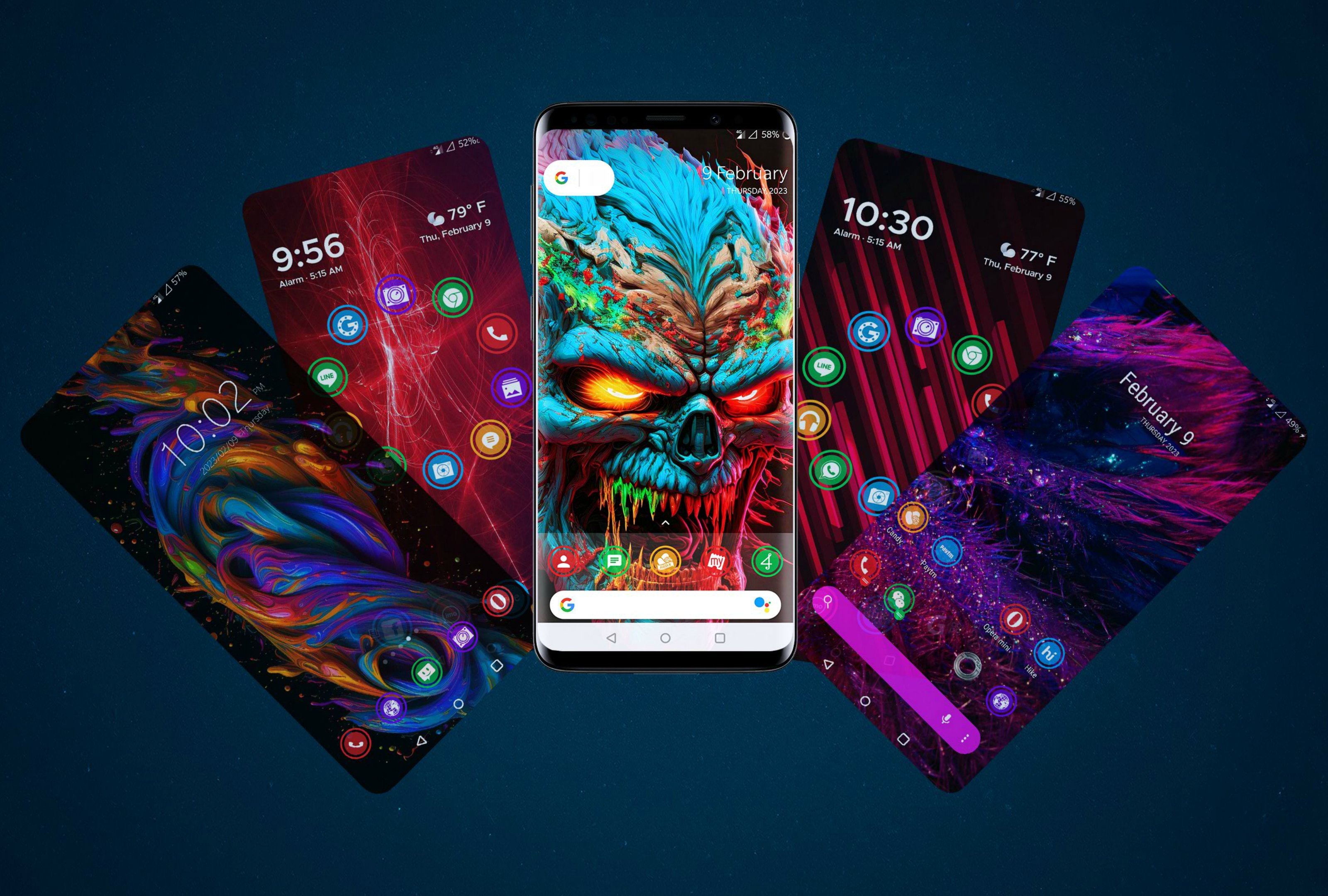
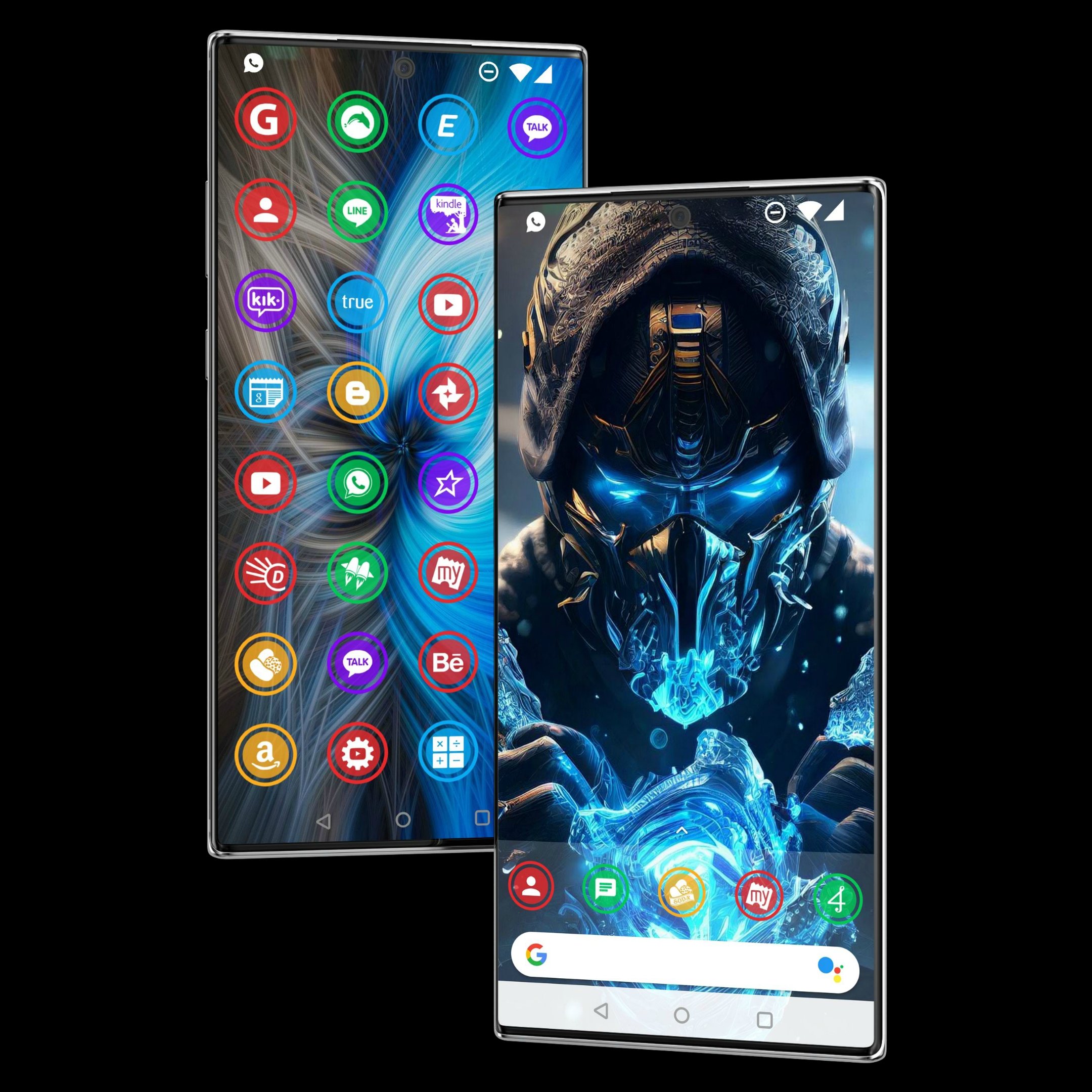
Themes app - 900+ HD icons for Android & wallpaper photos.
Change icon style easily with the themes app, download wallpaper photos and personalize Android launcher beautifully.
Themes app offer round shape beautiful HD icons & the icon pack works with all Android launcher.
Downloading wallpaper photos are super easy & make your own wallpaper collection.
Themes app supports all Android phones including Samsung, realme, oneplus & oppo phones.
Change icon style now with our beautiful themes app.
▶ How to apply theme:-
To apply themes you need to install an Android launcher like go launcher, Neox launcher, etc.
Please follow these simple steps to apply themes on Neox launcher
1. Install Neox Launcher from Play Store
2. Open Themes - click on Apply
▶ Support Us
Please support us with Ratings & Comments.
It will also inspire us to Develop More Free Themes for you.
Ön izleme
Etiketler
KişiselleştirmeMasaBilgi
geliştirici
Wallpapers and Themes
En Son Sürüm
v3.6.4
Son güncelleme
2025-11-09
Kategori
Kişiselleştirme
üzerinde mevcut
Google Play
Daha fazla göster
PC'de GameLoop ile Themes App nasıl oynanır
1. Resmi web sitesinden GameLoop'u indirin, ardından GameLoop'u kurmak için exe dosyasını çalıştırın.
2. GameLoop'u açın ve “Themes App”i arayın, arama sonuçlarında Themes App'i bulun ve “Yükle”ye tıklayın.
3. GameLoop'ta Themes App oynamanın keyfini çıkarın.
Minimum requirements
OS
Windows 8.1 64-bit or Windows 10 64-bit
GPU
GTX 1050
CPU
i3-8300
Memory
8GB RAM
Storage
1GB available space
Recommended requirements
OS
Windows 8.1 64-bit or Windows 10 64-bit
GPU
GTX 1050
CPU
i3-9320
Memory
16GB RAM
Storage
1GB available space