Neon hologram cheetah keyboard PC
Pretty Keyboard Theme
Neon hologram cheetah keyboard'i GameLoop Emulator ile PC'ye indirin
PC'de Neon hologram cheetah keyboard
Pretty Keyboard Theme geliştiricisinden gelen Neon hologram cheetah keyboard, geçmişte Android systerm üzerinde çalışıyor.
Artık Neon hologram cheetah keyboard'i PC'de GameLoop ile sorunsuz bir şekilde oynayabilirsiniz.
GameLoop kitaplığından veya arama sonuçlarından indirin. Artık yanlış zamanda pile bakmak veya sinir bozucu aramalar yapmak yok.
Neon hologram cheetah keyboard bilgisayarın keyfini büyük ekranda ücretsiz olarak çıkarın!
Neon hologram cheetah keyboard Tanıtım
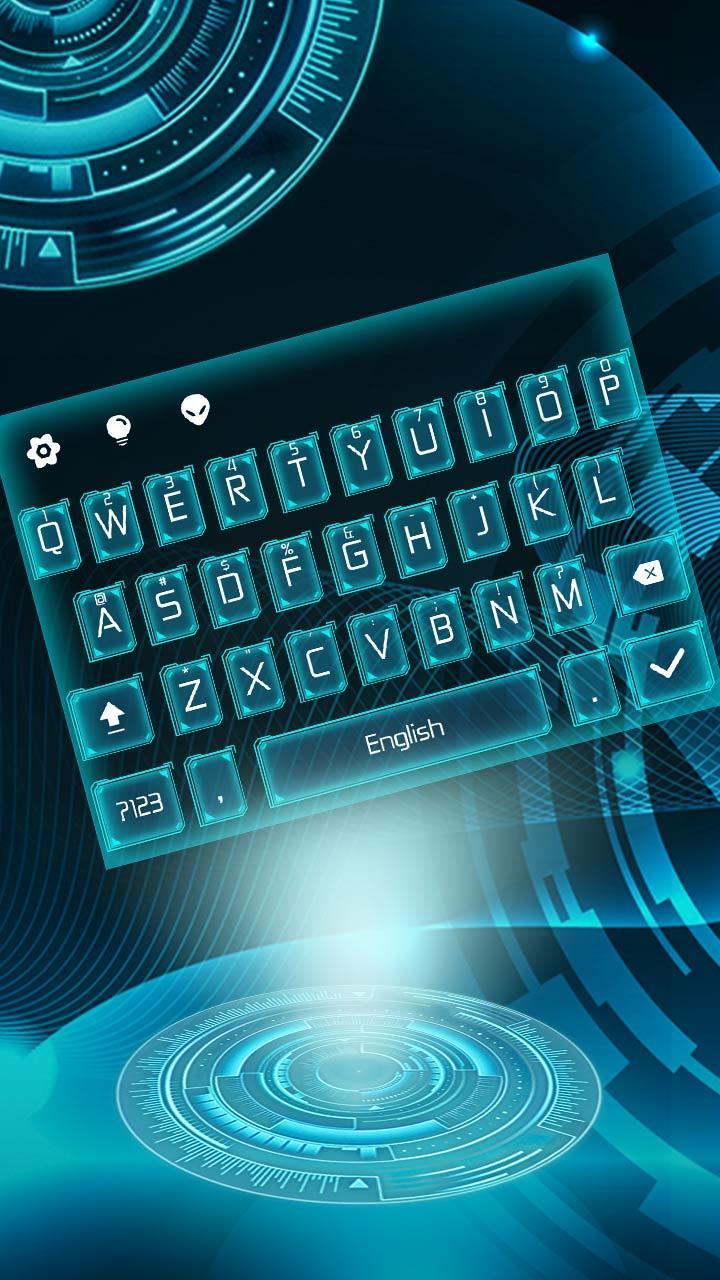
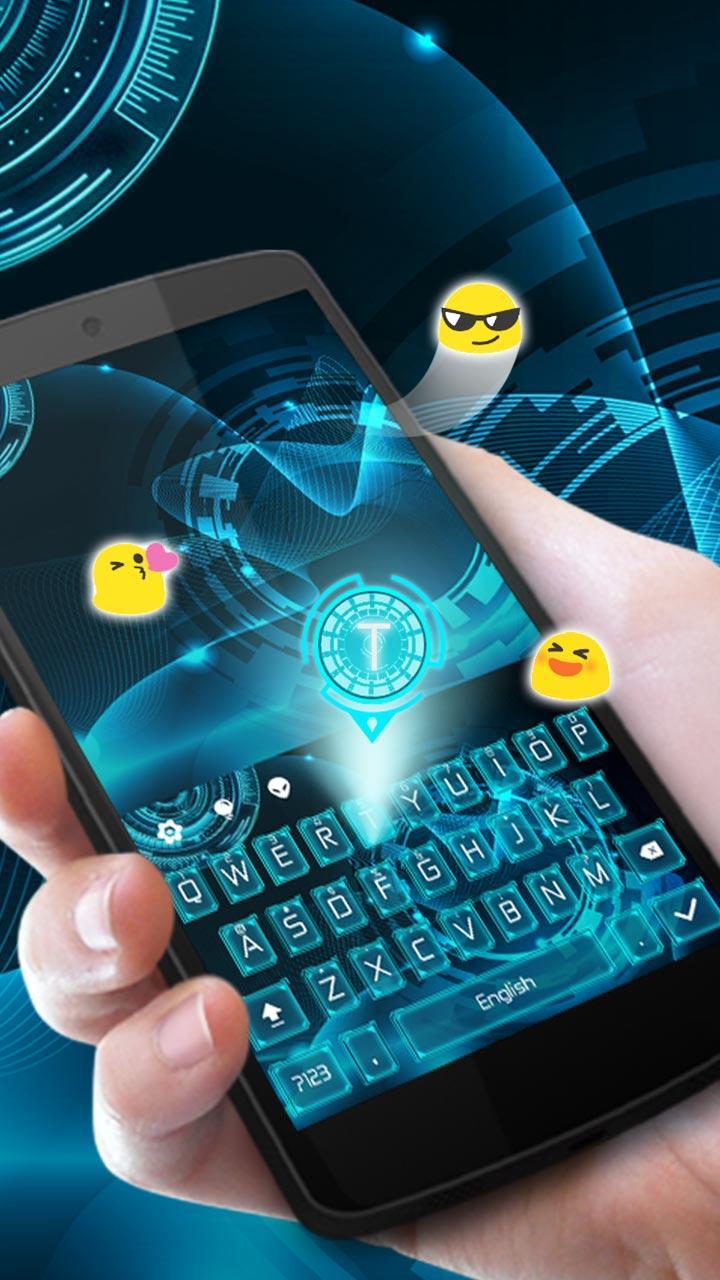
We are very excited to present our latest release: Neon hologram keyboard keyboard mechanism tech theme! DOWNLOAD Neon hologram keyboard keyboard theme and enjoy your favorite mechanism tech style and neon blue color.
Neon hologram keyboard typewriter theme has mechanism tech backgrounds, Neon hologram keyboard app icons,mechanism tech fashion fonts and neon blue digital sound. This Neon hologram keyboard keyboard(typewriter) theme is specially designed for mechanism tech people who loves neon blue theme.
Download and apply Neon hologram keyboard for free and stylize your Android phone. Neon hologram keyboard can be used in different IM Apps, like Instagram, Messenger, BeeTalk, Facebook Lite and so on. Neon hologram keyboard can help you to type faster and easier in those apps.
Neon hologram keyboard is also compatible with different brands of phones like Samsung(Samsung Galaxy S7 Edge, Samsung Galaxy S6 Edge, Samsung Galaxy S5, Samsung Galaxy J7, Samsung Galaxy Note7), Huawei(Huawei P9, Huawei P8, Huawei Mate 9, Huawei Mate 8, Huawei Honor 8), Sony Xperia Z5, Sony Xperia Z4, Sony Xperia Z3, Sony Xperia XZ, HTC(HTC 10, HTC One A9, HTC One X9, HTC Desire 10 Pro). Neon hologram keyboard keyboard theme is designed to let you enjoy mechanism tech feeling , a faster and smoother mobile , neon blue operating experience.
★How to Apply Neon hologram keyboard keyboard theme?
[Notice: The theme supports our keyboard(typewriter) only.]
1) Download the Neon hologram keyboard theme, tap the INSTALL button.
2) Download our keyboard(typewriter) from Google Play Store. If you already have it installed, please tap on the APPLY button directly .
★Why is our keyboard the most useful keyboard?
【Different keyboard(typewriter) Themes】
Cool and colorful themes are provided. Find different theme categories, including tech, basic, Neon hologram keyboard, cool, crystal(krystal),neon blue, golden, mechanism tech, pink, shiny and many more, experience the best mechanism tech typing experience!
【Fun Emoji and Emoticon 】
Words are not enough to express your mechanism tech feelings? Just express with emoji and emoticon such as ( ^ω^)! Easy to find emoji and emoticons in our Neon hologram keyboard keyboard(typewriter) and add more fun to your chats!
【Customized Fonts】
We offer you matching neon blue font style, so you could enjoy a fuller experience of your chosen mechanism tech theme. More neon blue font styles will be available in the future.
【 Smart Word Prediction】
Our keyboard(typewriter) is smart enough to recognize mistyping words, provide smart word prediction and make your mechanism tech typing easier and faster .
【Personalized Touch Tone Themes】
Personalize the touch tone of your keyboard(typewriter) with mechanism tech themes.
【 Swype to type】
Gesture Typing: Swype through keys to experience Glide(slide) Typing.Voice Typing(input): To type by your unique voice. Make your phone unique with all sorts of cool mechanism tech animated effects.
Ön izleme
Bilgi
geliştirici
Pretty Keyboard Theme
En Son Sürüm
10001003
Son güncelleme
2017-06-30
Kategori
Kişiselleştirme
üzerinde mevcut
Google Play
Daha fazla göster
PC'de GameLoop ile Neon hologram cheetah keyboard nasıl oynanır
1. Resmi web sitesinden GameLoop'u indirin, ardından GameLoop'u kurmak için exe dosyasını çalıştırın.
2. GameLoop'u açın ve “Neon hologram cheetah keyboard”i arayın, arama sonuçlarında Neon hologram cheetah keyboard'i bulun ve “Yükle”ye tıklayın.
3. GameLoop'ta Neon hologram cheetah keyboard oynamanın keyfini çıkarın.
Minimum requirements
OS
Windows 8.1 64-bit or Windows 10 64-bit
GPU
GTX 1050
CPU
i3-8300
Memory
8GB RAM
Storage
1GB available space
Recommended requirements
OS
Windows 8.1 64-bit or Windows 10 64-bit
GPU
GTX 1050
CPU
i3-9320
Memory
16GB RAM
Storage
1GB available space