Me Clock widget-Analog&Digital PC
Android_media
Me Clock widget-Analog&Digital'i GameLoop Emulator ile PC'ye indirin
PC'de Me Clock widget-Analog&Digital
Android_media geliştiricisinden gelen Me Clock widget-Analog&Digital, geçmişte Android systerm üzerinde çalışıyor.
Artık Me Clock widget-Analog&Digital'i PC'de GameLoop ile sorunsuz bir şekilde oynayabilirsiniz.
GameLoop kitaplığından veya arama sonuçlarından indirin. Artık yanlış zamanda pile bakmak veya sinir bozucu aramalar yapmak yok.
Me Clock widget-Analog&Digital bilgisayarın keyfini büyük ekranda ücretsiz olarak çıkarın!
Me Clock widget-Analog&Digital Tanıtım
How to use:
1. Download "Me Clock" .
2. Long press on an empty region of your home screen.
3. Add "Me Clock Widget" from your widget list.
4. Select clock skin from the list.
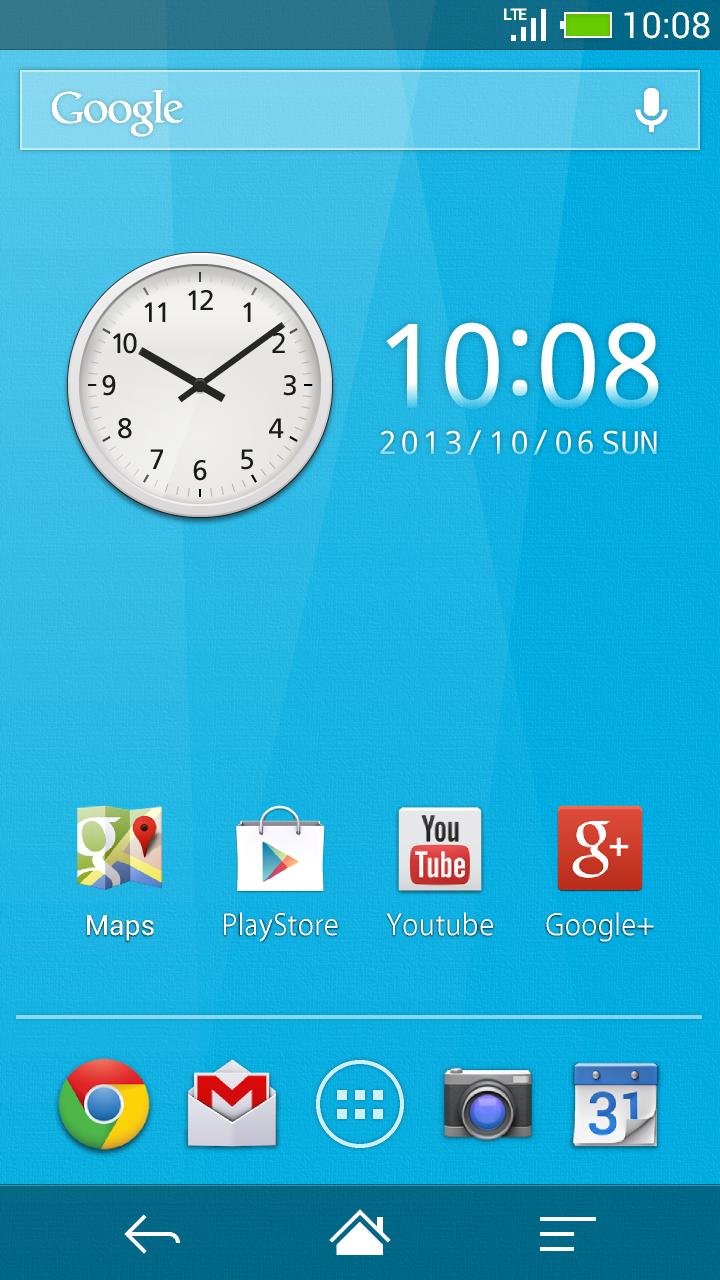
5. The widget will appear in your home screen.
< Remove the widget from the home >
1. Long press the widget.
2. The widget drag and drop to the trash on the home.
< Re-sizing the widget (Android3.1+ and Go Launcher) >
1. Long press the widget.
2. You will see four dots popup and a line bordering the widget’s area.
3. Drag the dots to their desired position for what size you would like then release.
4. Press the back key.
< Launch application >
1. Tap the widget and open "Me Clock Widget" setting menu.
2. Select " Tap to open application "
3. Choose application from the list.
4. Press the back key and menu closed.
5. Launch application when tap the widget on next time.
< Change displayed 12h/24h >
1. Tap the widget and open "Me Clock Widget" setting menu.
2. Check the " 24h "
3. Press the back key and menu closed.
< Change displayed date format >
1. Tap the widget and open "Me Clock Widget" setting menu.
2. Tap the " Date Format "
3. Select format on the list.
4. Press the back key and menu closed.
FAQ :
Q : Clock disappeared after the update
A : There is a possibility that clock widget that is disposed is transparent. After you throw away and hold to the trash to the location to which you put the clock widget, please place again.
Q : Don't work tap the application shortcut from the home.
A : Please to use from the widget list. And no problem remove the shortcut from the home.
Q : I want to change setting after launch application setting.
A : Once remove the widget and put on widget again.
Q : Does it communicate frequently?
A : Only when you view the watch list, it is communicating to update the clock skins list.
If there are no updates to the list, because it uses the cache, traffic is small.
It does not do the communication in the background otherwise.
Q : Use meny process? Use meny battery power?
A : This widget have no ads. The battery use and process use a minimum.
Test Devices:
Nexus4,Nexus7,Nexus10,FUJITSU,GalaxyNoteII,XperiaAcro
Features:
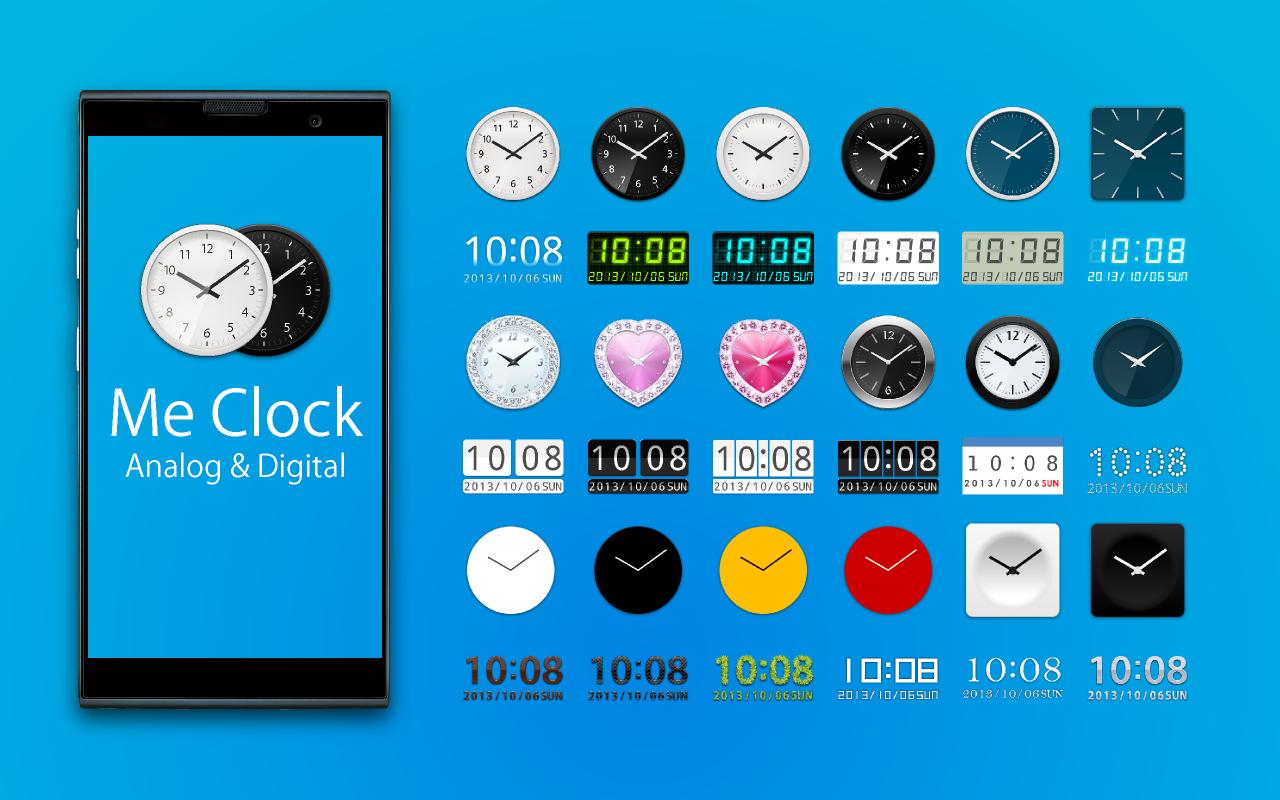
- Design skins many themes.(Analog clock, Digital clock, Simple, Cool, and Elegant)
- Support scaling adjustment of the widget size. (Android3.1+)
- Launch Application by tapping the clock widget.
- 24-hour format supported.(AM/PM)
- Date format supported.
- Lock screen widget.(Android4.2+)
- No ads.
From the team:
Thank you for using, Please rate it , and send me feedback.
Thank you.
Ön izleme
Bilgi
geliştirici
Android_media
En Son Sürüm
3.6
Son güncelleme
2015-03-02
Kategori
Kişiselleştirme
üzerinde mevcut
Google Play
Daha fazla göster
PC'de GameLoop ile Me Clock widget-Analog&Digital nasıl oynanır
1. Resmi web sitesinden GameLoop'u indirin, ardından GameLoop'u kurmak için exe dosyasını çalıştırın.
2. GameLoop'u açın ve “Me Clock widget-Analog&Digital”i arayın, arama sonuçlarında Me Clock widget-Analog&Digital'i bulun ve “Yükle”ye tıklayın.
3. GameLoop'ta Me Clock widget-Analog&Digital oynamanın keyfini çıkarın.
Minimum requirements
OS
Windows 8.1 64-bit or Windows 10 64-bit
GPU
GTX 1050
CPU
i3-8300
Memory
8GB RAM
Storage
1GB available space
Recommended requirements
OS
Windows 8.1 64-bit or Windows 10 64-bit
GPU
GTX 1050
CPU
i3-9320
Memory
16GB RAM
Storage
1GB available space