
DreamWake Next Launcher Theme PC
IceDesigner
DreamWake Next Launcher Theme'i GameLoop Emulator ile PC'ye indirin
PC'de DreamWake Next Launcher Theme
IceDesigner geliştiricisinden gelen DreamWake Next Launcher Theme, geçmişte Android systerm üzerinde çalışıyor.
Artık DreamWake Next Launcher Theme'i PC'de GameLoop ile sorunsuz bir şekilde oynayabilirsiniz.
GameLoop kitaplığından veya arama sonuçlarından indirin. Artık yanlış zamanda pile bakmak veya sinir bozucu aramalar yapmak yok.
DreamWake Next Launcher Theme bilgisayarın keyfini büyük ekranda ücretsiz olarak çıkarın!
DreamWake Next Launcher Theme Tanıtım
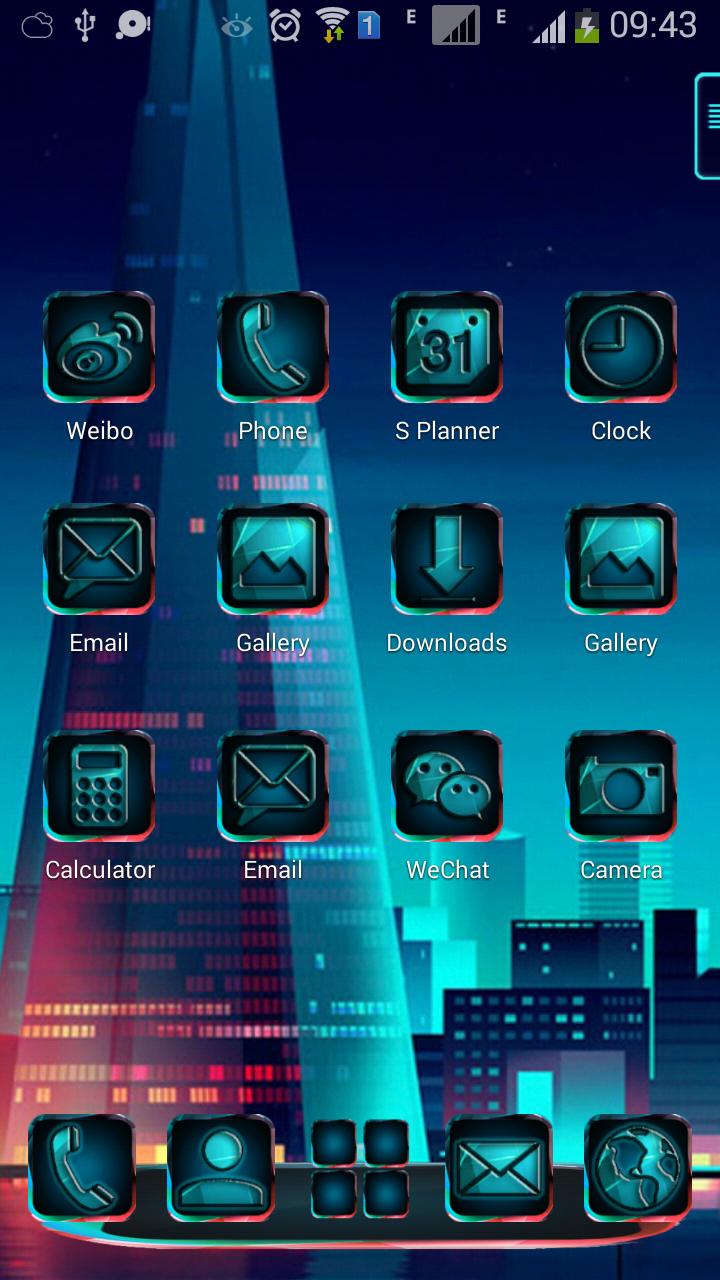
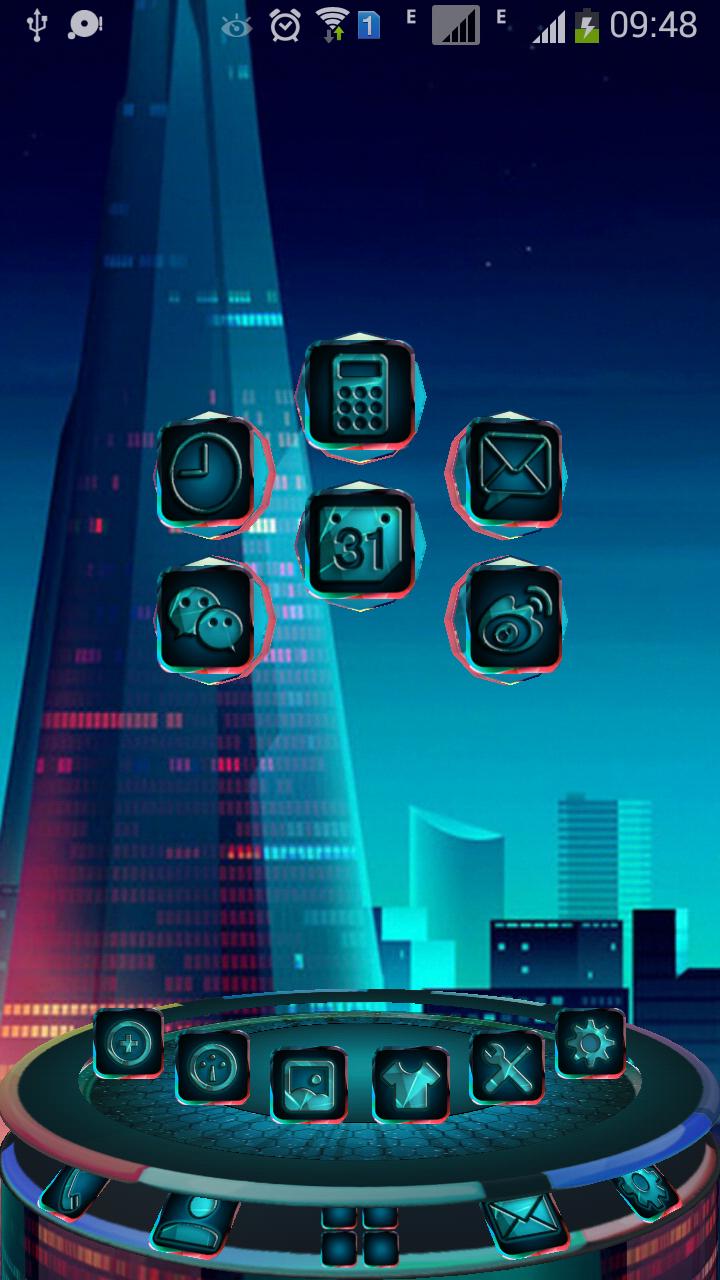
DreamWake Next Launcher 3D Theme Support 3D and 2D mode! 260 icons, HD wallpapers! If you like Dream Wake,you can use the theme in your phone.and you can download the DreamWake Pro Theme from the link:https://play.google.com/store/apps/details?id=com.gtp.nextlauncher.theme.dreamwakepro
■ Please read!
This application is free, and in order to keep it as such and to enable us to bring you more apps like this in the future, we have included a ads used the LeadBolt and use the ads platform by the StartApp. Click "Open" after installation to support the project.
Thank you!
■ Installation Instruction of theme:
1. Installing Next launcher as your home launcher
2. Use the theme:
- (2D mode): Мenu – Theme - Installed - click icon theme "DreamWake Theme" - Applay - Done
- (3D mode): Мenu – Preferences - Switch to 3D scene mode - ok - menu - theme - installed - click icon theme "DreamWake Theme" - Applay - Done
3. Use wallpapers: Menu - Wallpaper - Swipe - Click icon "DreamWake Theme" - View Wallpapers - Set Wallpaper - Done!
This theme is not affiliated with next launcher theme maker or zt.art com.gtp.nextlauncher.theme
If you have any questions,please write email to us.
■ Contact Us:
E-mail: liangrumiaos@163.com
Ön izleme
Bilgi
geliştirici
IceDesigner
En Son Sürüm
1.1
Son güncelleme
2017-03-21
Kategori
Kişiselleştirme
üzerinde mevcut
Google Play
Daha fazla göster
PC'de GameLoop ile DreamWake Next Launcher Theme nasıl oynanır
1. Resmi web sitesinden GameLoop'u indirin, ardından GameLoop'u kurmak için exe dosyasını çalıştırın.
2. GameLoop'u açın ve “DreamWake Next Launcher Theme”i arayın, arama sonuçlarında DreamWake Next Launcher Theme'i bulun ve “Yükle”ye tıklayın.
3. GameLoop'ta DreamWake Next Launcher Theme oynamanın keyfini çıkarın.
Minimum requirements
OS
Windows 8.1 64-bit or Windows 10 64-bit
GPU
GTX 1050
CPU
i3-8300
Memory
8GB RAM
Storage
1GB available space
Recommended requirements
OS
Windows 8.1 64-bit or Windows 10 64-bit
GPU
GTX 1050
CPU
i3-9320
Memory
16GB RAM
Storage
1GB available space