
Bixby Home Commands - 3.0: Device commands PC
Bixby-Commands
Bixby Home Commands - 3.0: Device commands'i GameLoop Emulator ile PC'ye indirin
PC'de Bixby Home Commands - 3.0: Device commands
Bixby-Commands geliştiricisinden gelen Bixby Home Commands - 3.0: Device commands, geçmişte Android systerm üzerinde çalışıyor.
Artık Bixby Home Commands - 3.0: Device commands'i PC'de GameLoop ile sorunsuz bir şekilde oynayabilirsiniz.
GameLoop kitaplığından veya arama sonuçlarından indirin. Artık yanlış zamanda pile bakmak veya sinir bozucu aramalar yapmak yok.
Bixby Home Commands - 3.0: Device commands bilgisayarın keyfini büyük ekranda ücretsiz olarak çıkarın!
Bixby Home Commands - 3.0: Device commands Tanıtım
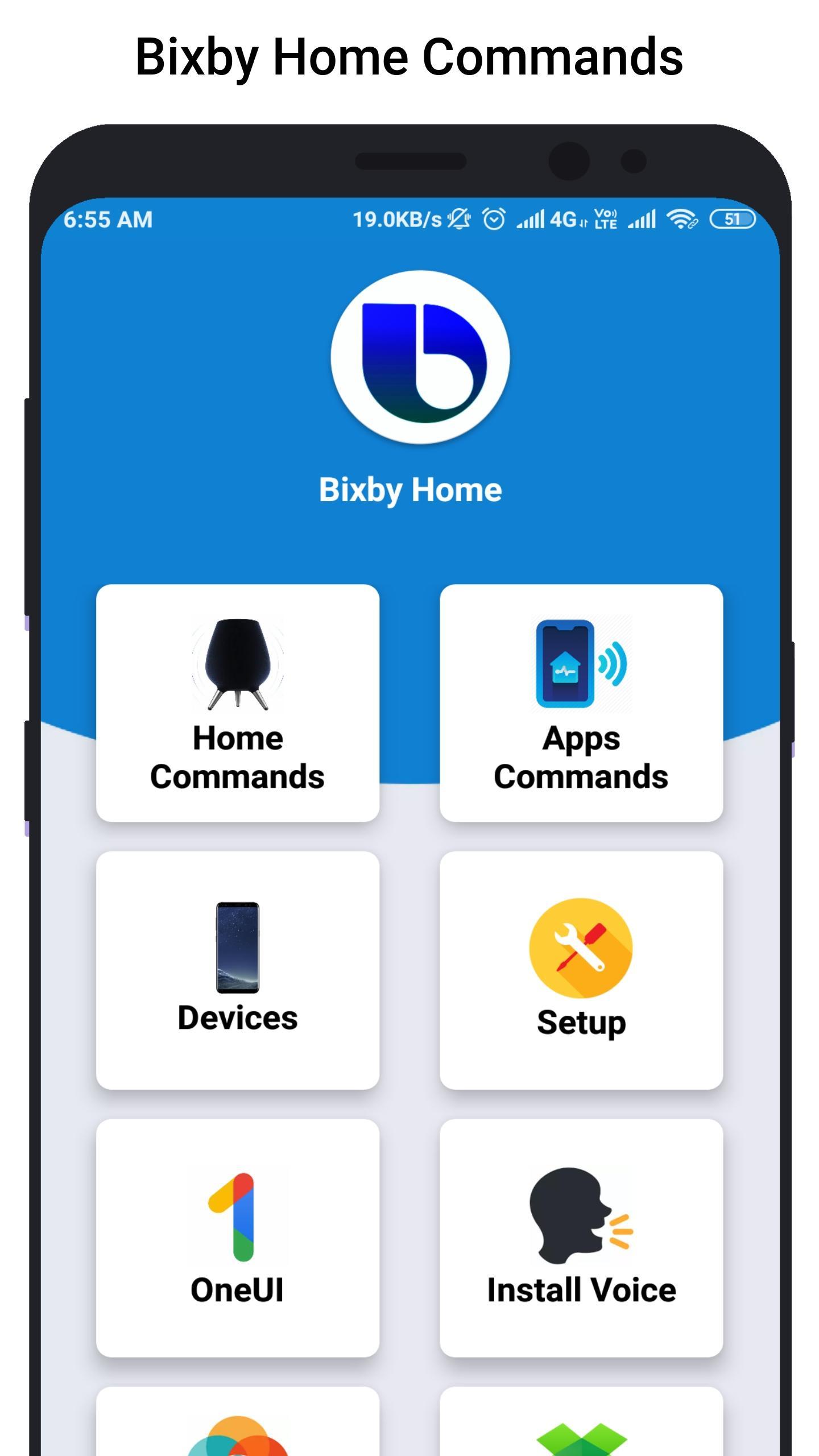
Bixby Home helps you unlock the full potential of your device. By providing useful commands and you can learn what you like and working with your favorite apps, Bixby Home makes it easy for you to get more done.
Bixby Home is always growing by adding new services and expanding supported devices, so you can focus on getting more done.
Bixby Home provides useful commands for every device so, you can learn and implement this real world commands in your smart phone or smart devices.
Hi Bixby Home "show this on my TV" to see your phone screen mirrored to a Samsung TV.
Hi Bixby Home "use this as my wallpaper" to saves the onscreen image as your phone wallpaper.
Hi Bixby Home Say "take a selfie and share it will Facebook" to force your device to do exactly that.
Hello Bixby Home "remind me to take medicine at 3pm" so that Bixby Home will save reminder.
Bixby Home "open Messages" to open the Messages app.
Bixby Home "turn on HDR" to turn on that feature in the Camera app.
Although Bixby Home is in beta stage, we cannot guarantee full functional of the app and we constantly thriving to make app better.
Ön izleme
Bilgi
geliştirici
Bixby-Commands
En Son Sürüm
1.0
Son güncelleme
2019-07-07
Kategori
Kişiselleştirme
üzerinde mevcut
Google Play
Daha fazla göster
PC'de GameLoop ile Bixby Home Commands - 3.0: Device commands nasıl oynanır
1. Resmi web sitesinden GameLoop'u indirin, ardından GameLoop'u kurmak için exe dosyasını çalıştırın.
2. GameLoop'u açın ve “Bixby Home Commands - 3.0: Device commands”i arayın, arama sonuçlarında Bixby Home Commands - 3.0: Device commands'i bulun ve “Yükle”ye tıklayın.
3. GameLoop'ta Bixby Home Commands - 3.0: Device commands oynamanın keyfini çıkarın.
Minimum requirements
OS
Windows 8.1 64-bit or Windows 10 64-bit
GPU
GTX 1050
CPU
i3-8300
Memory
8GB RAM
Storage
1GB available space
Recommended requirements
OS
Windows 8.1 64-bit or Windows 10 64-bit
GPU
GTX 1050
CPU
i3-9320
Memory
16GB RAM
Storage
1GB available space