SoundBot Player PC
SoundBot
SoundBot Player'i GameLoop Emulator ile PC'ye indirin
PC'de SoundBot Player
SoundBot geliştiricisinden gelen SoundBot Player, geçmişte Android systerm üzerinde çalışıyor.
Artık SoundBot Player'i PC'de GameLoop ile sorunsuz bir şekilde oynayabilirsiniz.
GameLoop kitaplığından veya arama sonuçlarından indirin. Artık yanlış zamanda pile bakmak veya sinir bozucu aramalar yapmak yok.
SoundBot Player bilgisayarın keyfini büyük ekranda ücretsiz olarak çıkarın!
SoundBot Player Tanıtım
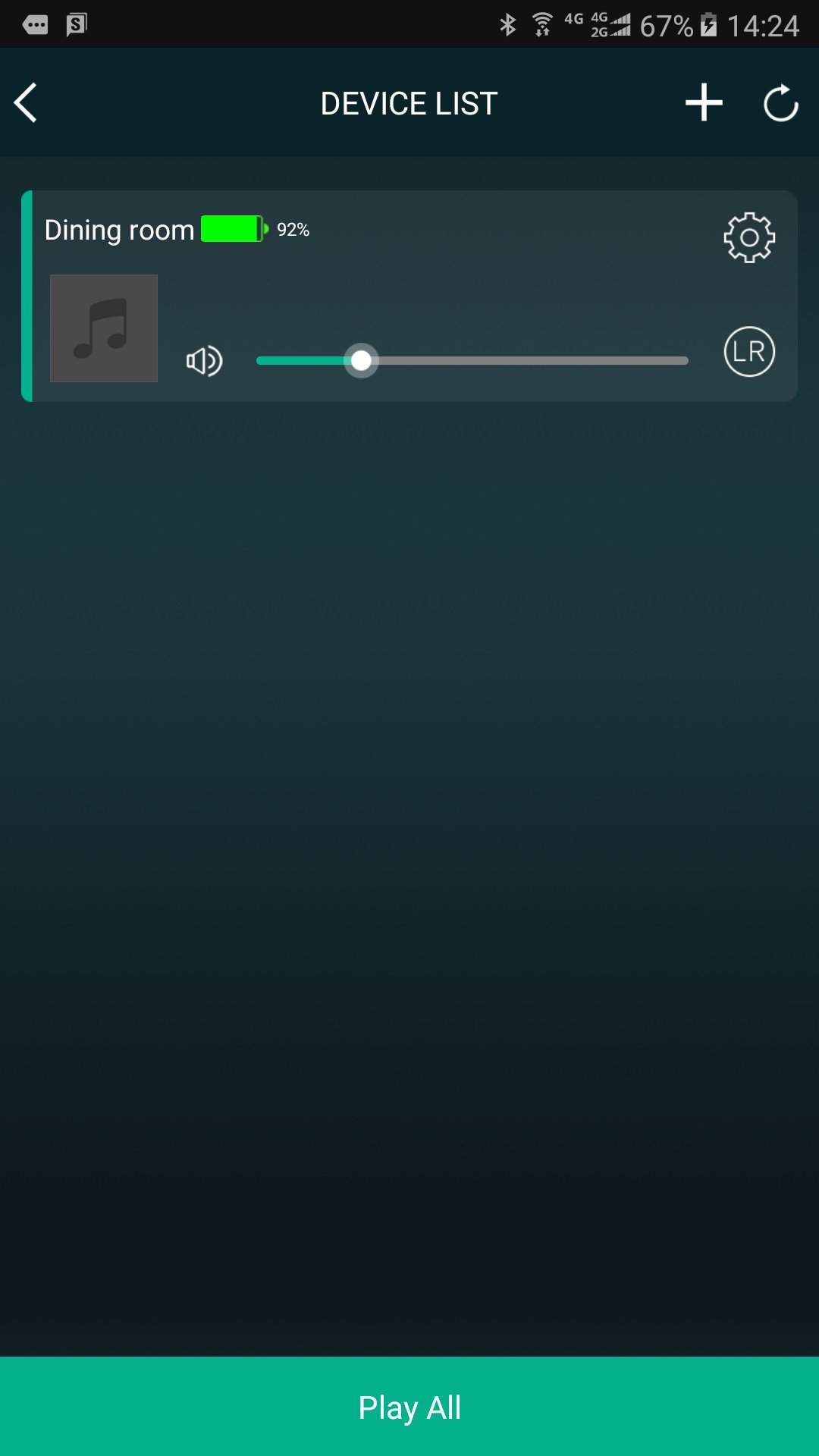
SoundBot controls your music from your phone to all SoundBot speaker.
Group and ungroup speakers, manage your stations and presets, control volume, use the intercom, and more.
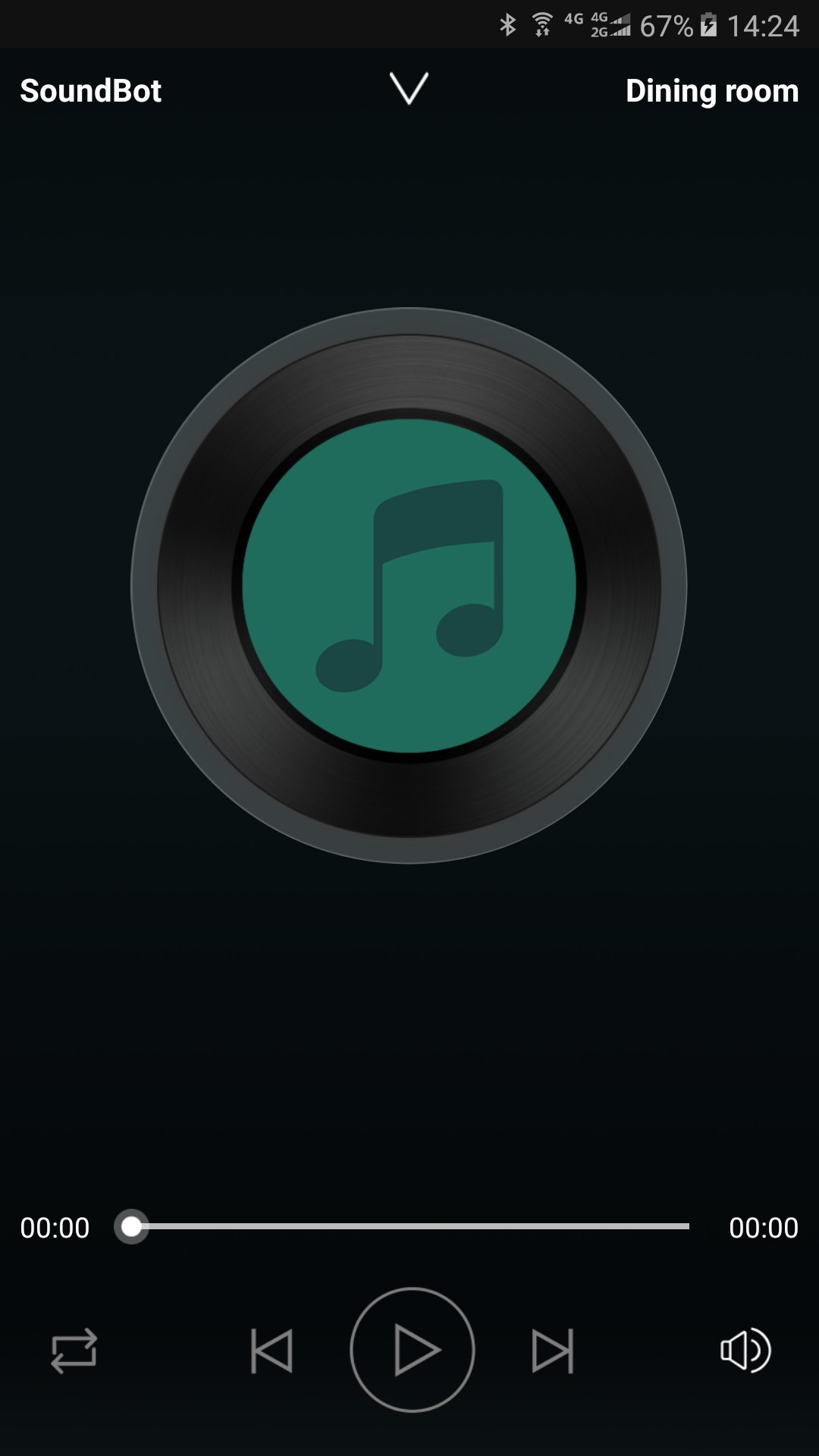
Enjoy listening to your music from cloud music service providers and online radio without connecting your phone to speakers. Just connect SoundBot speaker and use the SoundBot player app to play music wirelessly over your WiFi Network.
Stay Tuned
We will be updating the app regularly to introduce new music service providers and features. Sign up your email address to get updates at www.soundbot.com.
Ön izleme
Bilgi
geliştirici
SoundBot
En Son Sürüm
2.9.0.170927.d2ab14
Son güncelleme
2017-10-16
Kategori
Music-audio
üzerinde mevcut
Google Play
Daha fazla göster
PC'de GameLoop ile SoundBot Player nasıl oynanır
1. Resmi web sitesinden GameLoop'u indirin, ardından GameLoop'u kurmak için exe dosyasını çalıştırın.
2. GameLoop'u açın ve “SoundBot Player”i arayın, arama sonuçlarında SoundBot Player'i bulun ve “Yükle”ye tıklayın.
3. GameLoop'ta SoundBot Player oynamanın keyfini çıkarın.
Minimum requirements
OS
Windows 8.1 64-bit or Windows 10 64-bit
GPU
GTX 1050
CPU
i3-8300
Memory
8GB RAM
Storage
1GB available space
Recommended requirements
OS
Windows 8.1 64-bit or Windows 10 64-bit
GPU
GTX 1050
CPU
i3-9320
Memory
16GB RAM
Storage
1GB available space