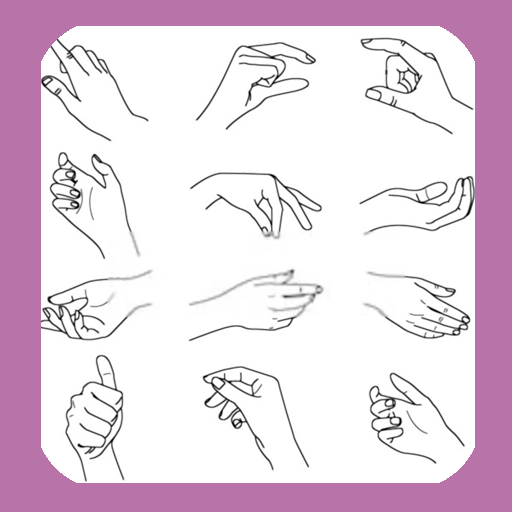
How To Draw Hands PC
WhiteStore
How To Draw Hands'i GameLoop Emulator ile PC'ye indirin
PC'de How To Draw Hands
WhiteStore geliştiricisinden gelen How To Draw Hands, geçmişte Android systerm üzerinde çalışıyor.
Artık How To Draw Hands'i PC'de GameLoop ile sorunsuz bir şekilde oynayabilirsiniz.
GameLoop kitaplığından veya arama sonuçlarından indirin. Artık yanlış zamanda pile bakmak veya sinir bozucu aramalar yapmak yok.
How To Draw Hands bilgisayarın keyfini büyük ekranda ücretsiz olarak çıkarın!
How To Draw Hands Tanıtım
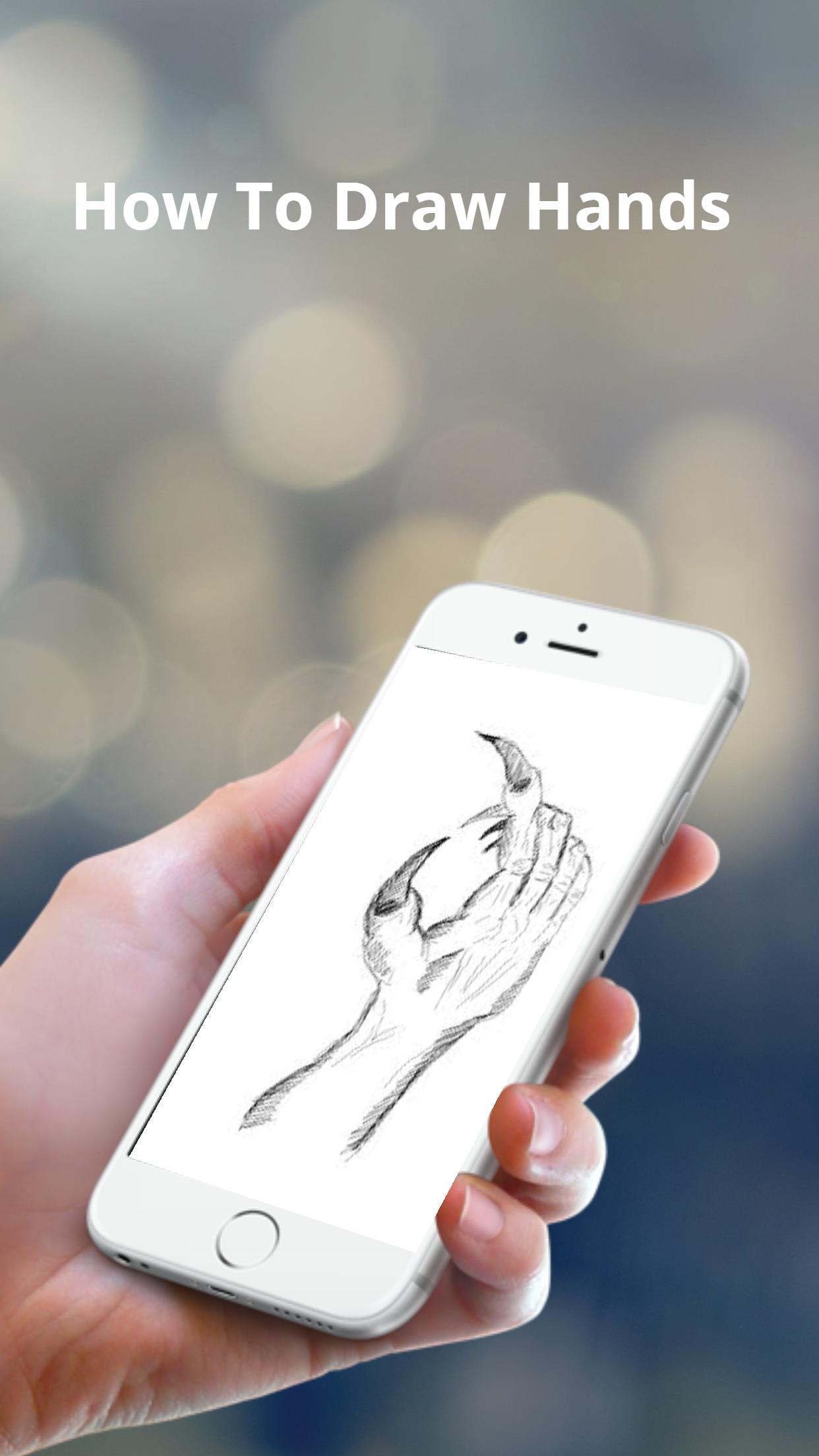
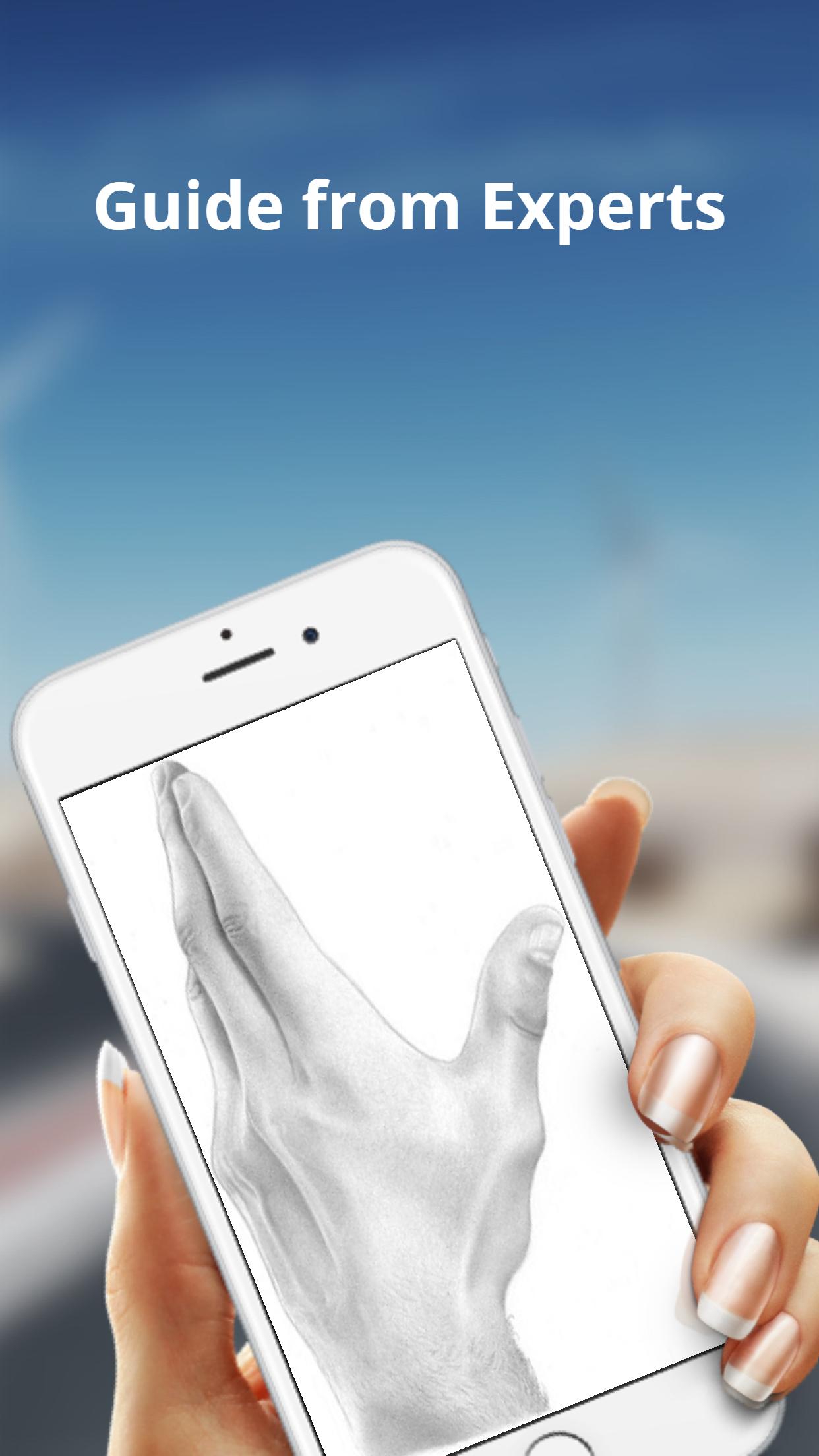
The basic shapes of a hand are not perfectly square or parallel so it is easy to get them wrong. When spread, the fingers all point in different directions.
Because the fingers’ points of origin and lengths are different, the joints do not line up in a straight line.
Note that the thumb moves in a different direction than the rest of the fingers.
To make bending possible, the skin is relatively loose and thin at the joints.
The bending marks on the palm side do not necessarily line up with the joints.
These lines might not be visible in simple drawing styles, but knowing where they are and where the skin overlaps can help when drawing the fingers bent.
Ön izleme
Etiketler
Yaşam TarzıBilgi
geliştirici
WhiteStore
En Son Sürüm
1.0.4
Son güncelleme
2022-07-26
Kategori
Yaşam Tarzı
üzerinde mevcut
Google Play
Daha fazla göster
PC'de GameLoop ile How To Draw Hands nasıl oynanır
1. Resmi web sitesinden GameLoop'u indirin, ardından GameLoop'u kurmak için exe dosyasını çalıştırın.
2. GameLoop'u açın ve “How To Draw Hands”i arayın, arama sonuçlarında How To Draw Hands'i bulun ve “Yükle”ye tıklayın.
3. GameLoop'ta How To Draw Hands oynamanın keyfini çıkarın.
Minimum requirements
OS
Windows 8.1 64-bit or Windows 10 64-bit
GPU
GTX 1050
CPU
i3-8300
Memory
8GB RAM
Storage
1GB available space
Recommended requirements
OS
Windows 8.1 64-bit or Windows 10 64-bit
GPU
GTX 1050
CPU
i3-9320
Memory
16GB RAM
Storage
1GB available space