
iTOUCH Home Automation PC
Connected Switchgear
iTOUCH Home Automation'i GameLoop Emulator ile PC'ye indirin
PC'de iTOUCH Home Automation
Connected Switchgear geliştiricisinden gelen iTOUCH Home Automation, geçmişte Android systerm üzerinde çalışıyor.
Artık iTOUCH Home Automation'i PC'de GameLoop ile sorunsuz bir şekilde oynayabilirsiniz.
GameLoop kitaplığından veya arama sonuçlarından indirin. Artık yanlış zamanda pile bakmak veya sinir bozucu aramalar yapmak yok.
iTOUCH Home Automation bilgisayarın keyfini büyük ekranda ücretsiz olarak çıkarın!
iTOUCH Home Automation Tanıtım
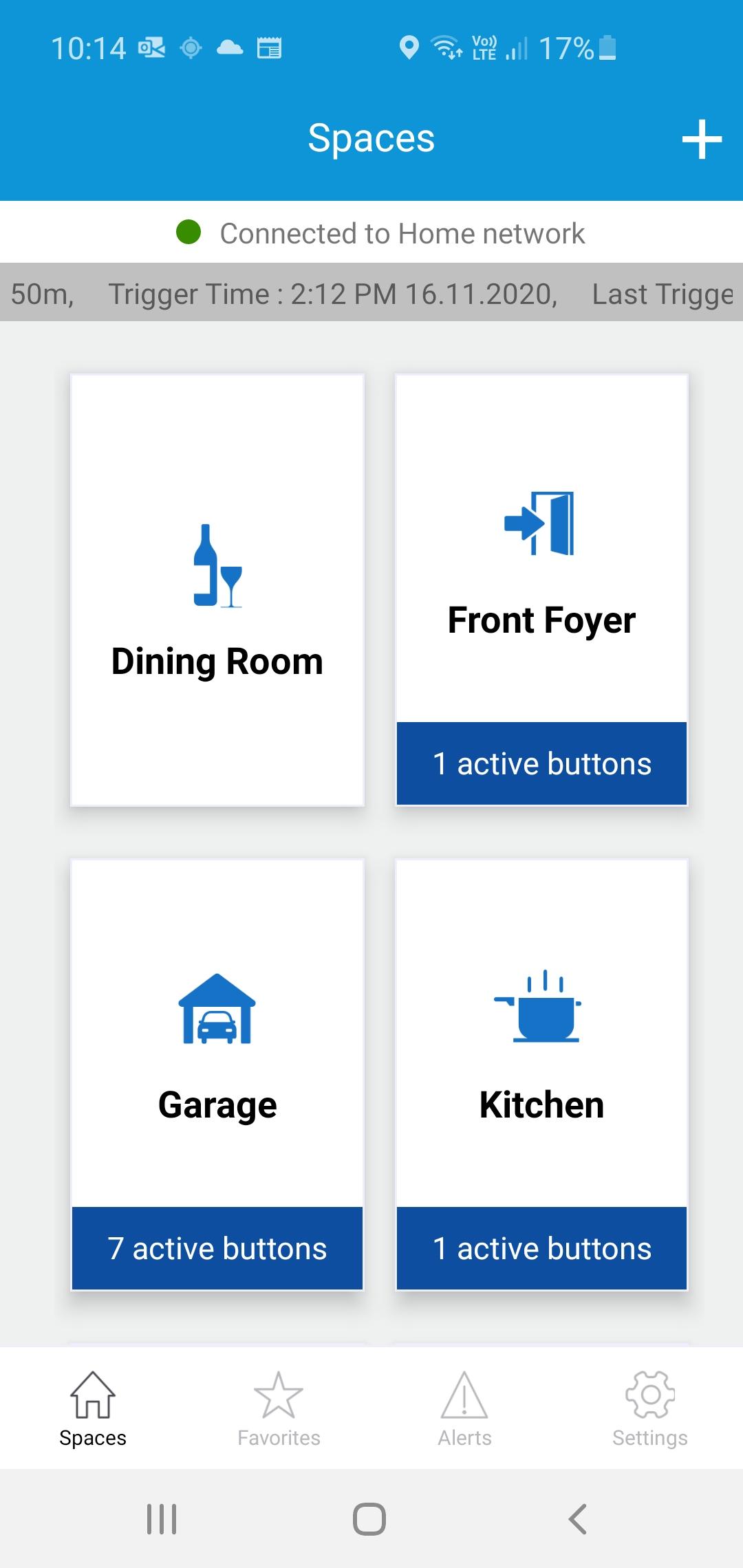
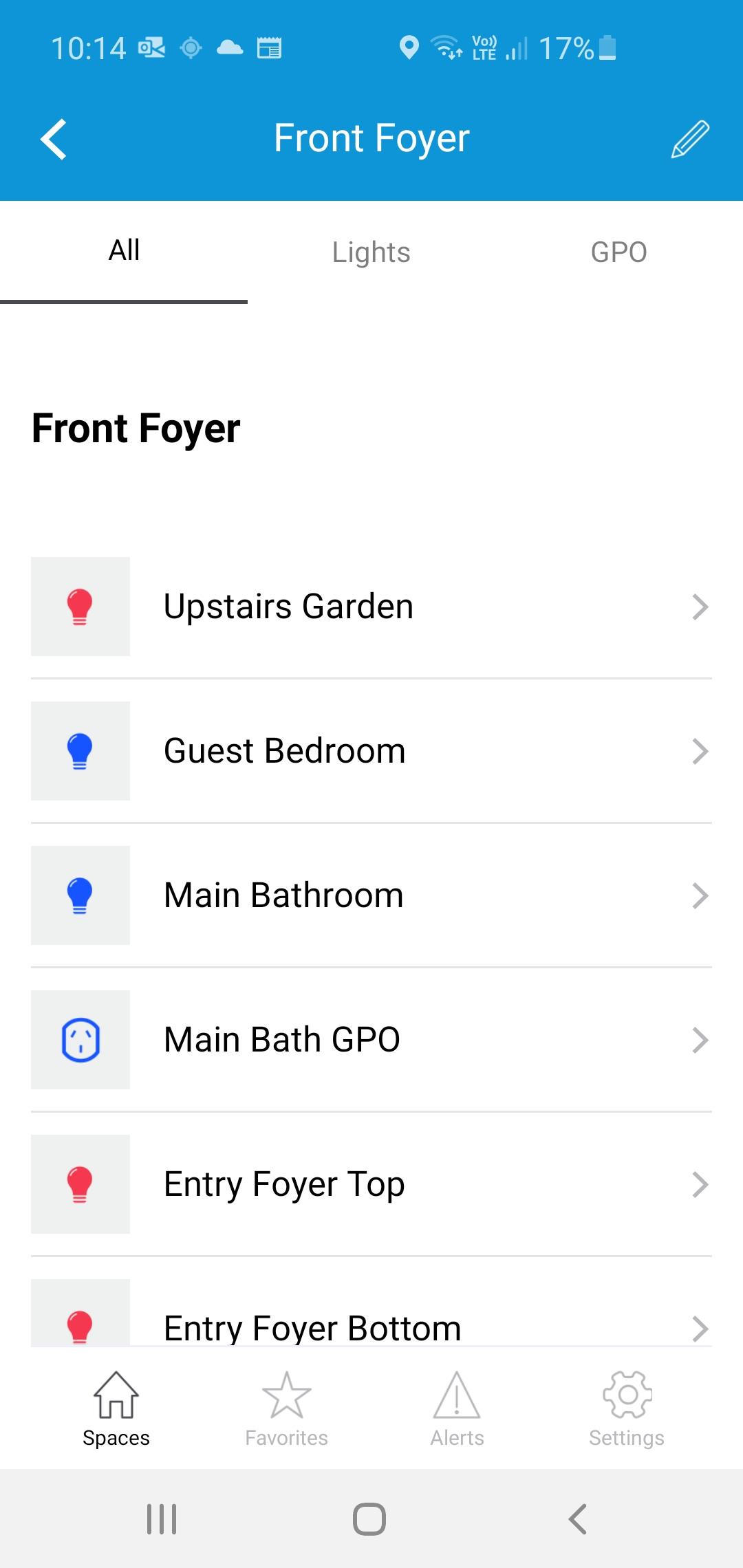
The iTOUCH Home Automation App places configuration and control of your iTOUCH Home Automation System onto your mobile device. Personalize your system by creating spaces and naming individual panels and buttons. Set up timers, ambient light triggers and group control multiple buttons using a buttons double tap feature. Issue global commands such as Home, Away, Goodnight or Good Morning. Check the state of your whole home. Assign users, access levels and passwords. Turn on or off global timers and synchronize time across the whole system. Set up Geo-Fence feature to trigger global commands using the devices GPS proximately to the installation.
Ön izleme
Etiketler
House-&Bilgi
geliştirici
Connected Switchgear
En Son Sürüm
2.0.1
Son güncelleme
2021-11-19
Kategori
House-home
üzerinde mevcut
Google Play
Daha fazla göster
PC'de GameLoop ile iTOUCH Home Automation nasıl oynanır
1. Resmi web sitesinden GameLoop'u indirin, ardından GameLoop'u kurmak için exe dosyasını çalıştırın.
2. GameLoop'u açın ve “iTOUCH Home Automation”i arayın, arama sonuçlarında iTOUCH Home Automation'i bulun ve “Yükle”ye tıklayın.
3. GameLoop'ta iTOUCH Home Automation oynamanın keyfini çıkarın.
Minimum requirements
OS
Windows 8.1 64-bit or Windows 10 64-bit
GPU
GTX 1050
CPU
i3-8300
Memory
8GB RAM
Storage
1GB available space
Recommended requirements
OS
Windows 8.1 64-bit or Windows 10 64-bit
GPU
GTX 1050
CPU
i3-9320
Memory
16GB RAM
Storage
1GB available space