
Omron Wellness PC
Omron Healthcare Inc
Omron Wellness'i GameLoop Emulator ile PC'ye indirin
PC'de Omron Wellness
Omron Healthcare Inc geliştiricisinden gelen Omron Wellness, geçmişte Android systerm üzerinde çalışıyor.
Artık Omron Wellness'i PC'de GameLoop ile sorunsuz bir şekilde oynayabilirsiniz.
GameLoop kitaplığından veya arama sonuçlarından indirin. Artık yanlış zamanda pile bakmak veya sinir bozucu aramalar yapmak yok.
Omron Wellness bilgisayarın keyfini büyük ekranda ücretsiz olarak çıkarın!
Omron Wellness Tanıtım
The following Blood Pressure Monitors can connect to this app.
BP786N, BP761N, BP653, BP654,BP786, BP761
If you are using Evolv (BP7000), please install the OMRON connect US app.
To install OMRON connect US app press the link below
https://play.google.com/store/apps/details?id=com.omronhealthcare.omronconnect
For a complete list of compatible devices, please visit
https://www.OmronHealthcare.com/connected
BE MORE CONNECTED TO YOUR HEALTH
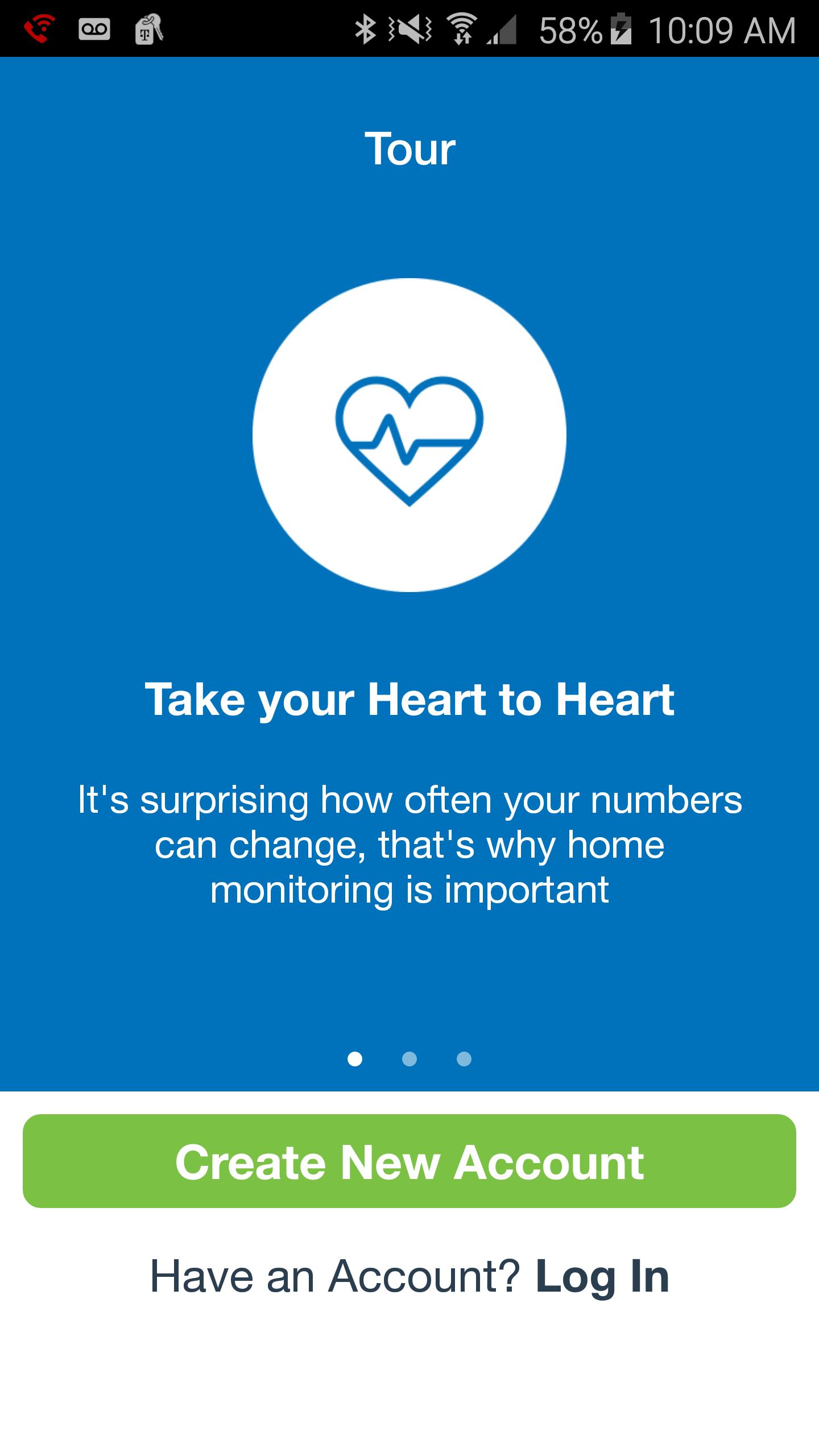
Your well-being is a numbers game. To stay ahead, you need to know your stats, chart your progress and set goals. That's just what the Omron Wellness app and compatible Omron blood pressure monitor can help you do.
Leading a more fulfilling life begins with having a clearer picture of your health. Sign up for FREE—it’s a smart way to track your blood pressure.
With the Omron Wellness app and companion website, you can:
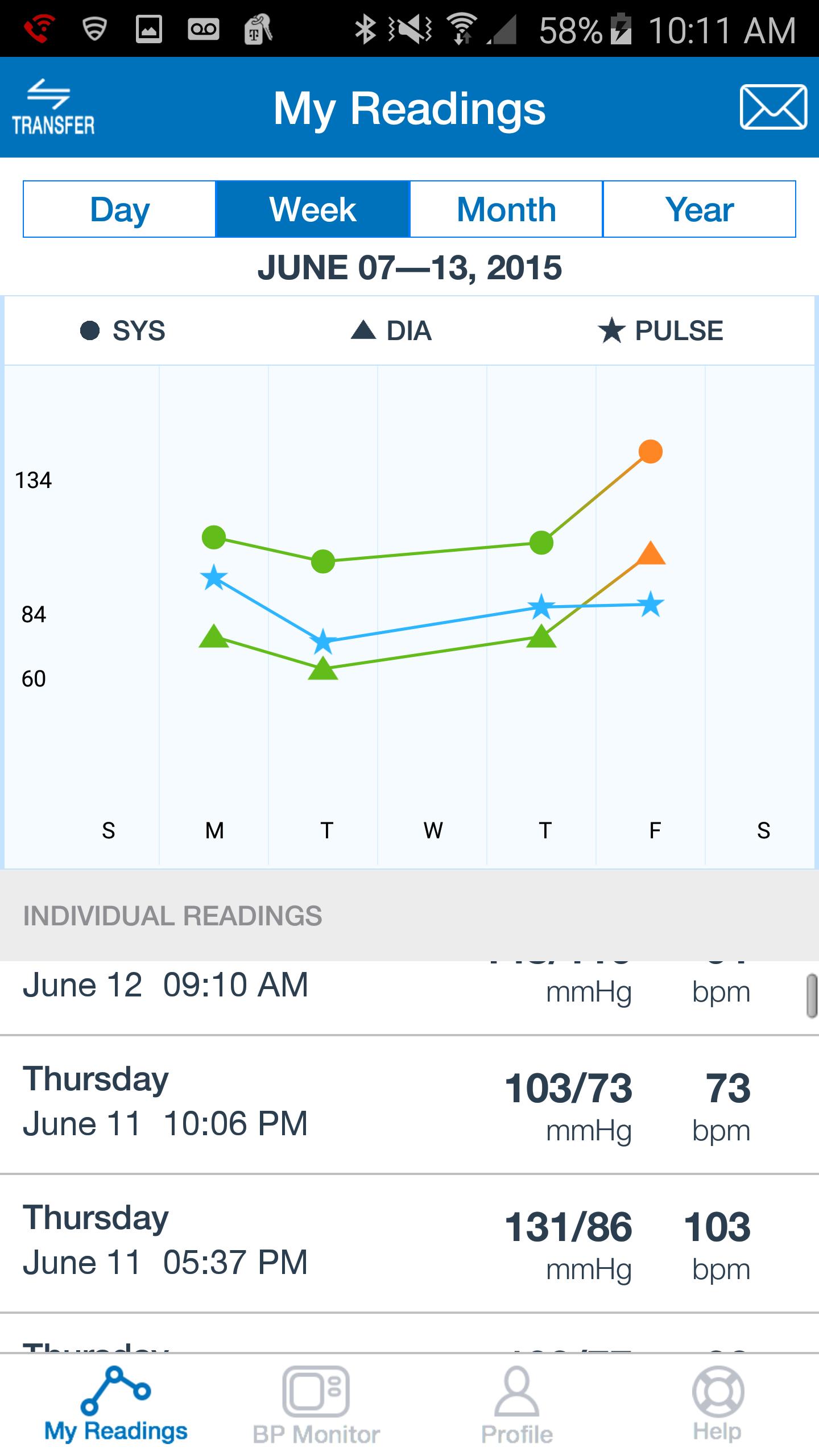
· Track your systolic, diastolic and pulse readings on the go.
· View your current and prior readings at a glance in graph or list view.
· Share your readings with a family member, caregiver or healthcare provider.
· Securely upload your readings to the Omron Wellness cloud.
· Analyze your data, set goals and track your progress over time.
· Set reminders so you won't miss a reading.
Ön izleme
Bilgi
geliştirici
Omron Healthcare Inc
En Son Sürüm
2.5.4
Son güncelleme
2018-07-18
Kategori
Health-fitness
üzerinde mevcut
Google Play
Daha fazla göster
PC'de GameLoop ile Omron Wellness nasıl oynanır
1. Resmi web sitesinden GameLoop'u indirin, ardından GameLoop'u kurmak için exe dosyasını çalıştırın.
2. GameLoop'u açın ve “Omron Wellness”i arayın, arama sonuçlarında Omron Wellness'i bulun ve “Yükle”ye tıklayın.
3. GameLoop'ta Omron Wellness oynamanın keyfini çıkarın.
Minimum requirements
OS
Windows 8.1 64-bit or Windows 10 64-bit
GPU
GTX 1050
CPU
i3-8300
Memory
8GB RAM
Storage
1GB available space
Recommended requirements
OS
Windows 8.1 64-bit or Windows 10 64-bit
GPU
GTX 1050
CPU
i3-9320
Memory
16GB RAM
Storage
1GB available space