
Sky Viper Video Viewer 2.0 PC
Skyrocket, LLC
Sky Viper Video Viewer 2.0'i GameLoop Emulator ile PC'ye indirin
PC'de Sky Viper Video Viewer 2.0
Skyrocket, LLC geliştiricisinden gelen Sky Viper Video Viewer 2.0, geçmişte Android systerm üzerinde çalışıyor.
Artık Sky Viper Video Viewer 2.0'i PC'de GameLoop ile sorunsuz bir şekilde oynayabilirsiniz.
GameLoop kitaplığından veya arama sonuçlarından indirin. Artık yanlış zamanda pile bakmak veya sinir bozucu aramalar yapmak yok.
Sky Viper Video Viewer 2.0 bilgisayarın keyfini büyük ekranda ücretsiz olarak çıkarın!
Sky Viper Video Viewer 2.0 Tanıtım
Capture Amazing Aerial Pictures & Videos and perfect your piloting skills with the new and improved Sky Viper Video Viewer 2.0 app!
FEATURES
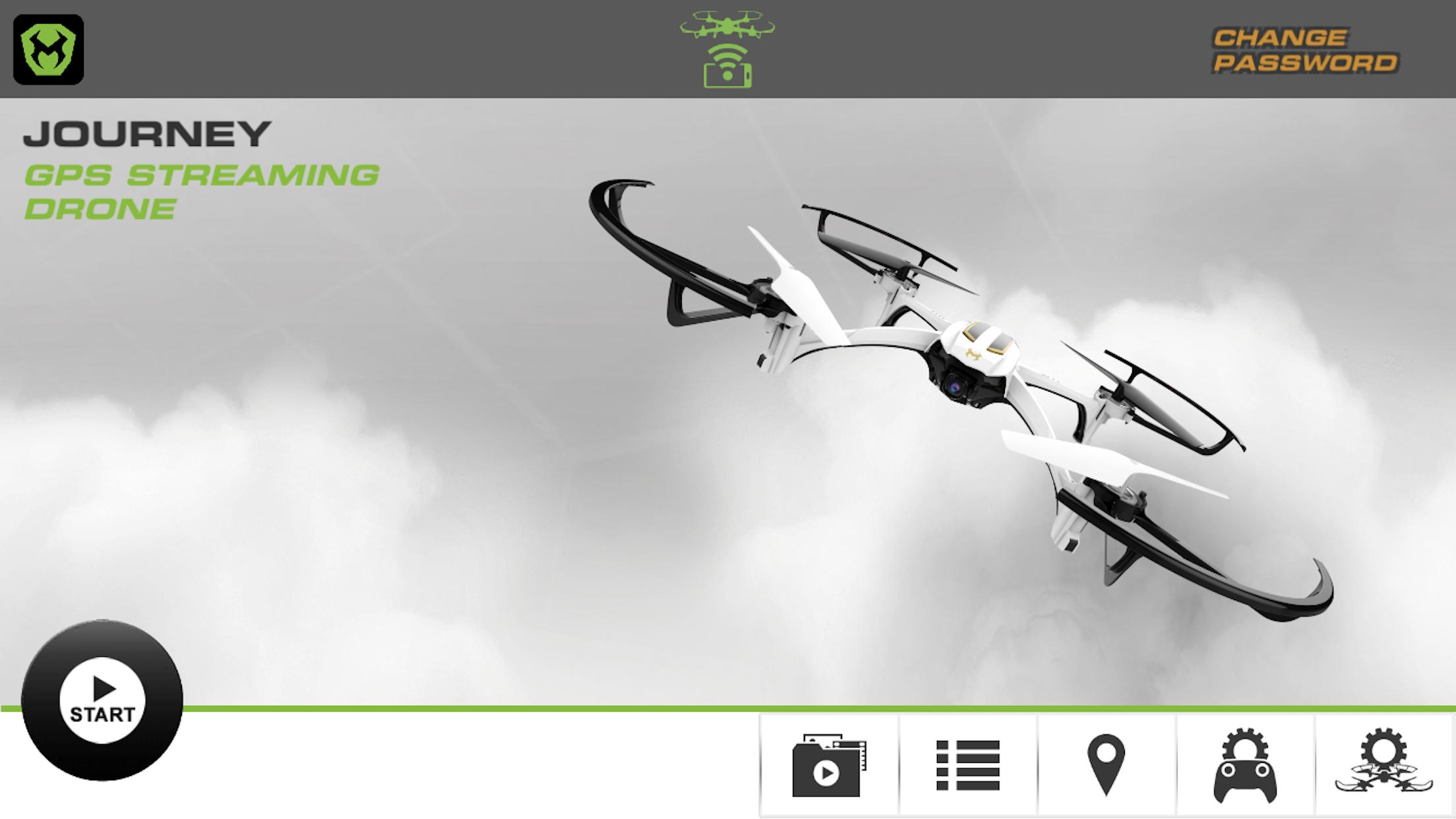
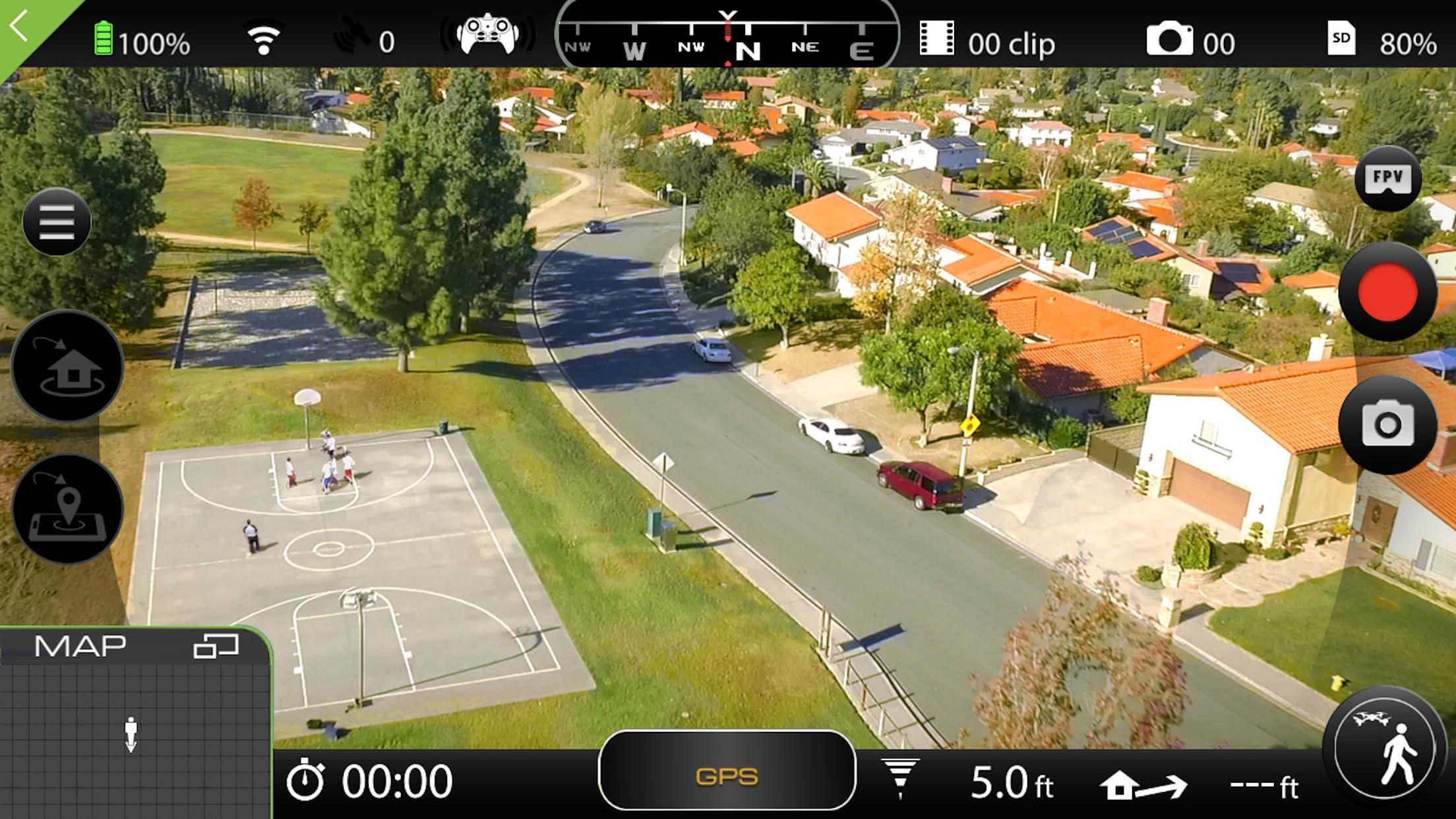
Stream live video to your smart device by connecting a supported Sky Viper drone. Supported drones include:
• Journey Streaming GPS Drone
• Scout Streaming Drone
• v2470 Streaming Drone
Configure your drone's flight profiles with a selection of flight modes and speeds.
Explore automated flight features (Journey Streaming GPS Drone only):
• Enable Follow Me mode for hands-free video on the move!
• Set up and execute waypoint missions from the map view.
Capture and save photos to your media gallery and access them at anytime. No drone connection required!
Access your complete flight activity log anytime with real time flight records.
Ön izleme
Etiketler
EğlenceBilgi
geliştirici
Skyrocket, LLC
En Son Sürüm
1.2
Son güncelleme
2018-09-18
Kategori
Eğlence
üzerinde mevcut
Google Play
Daha fazla göster
PC'de GameLoop ile Sky Viper Video Viewer 2.0 nasıl oynanır
1. Resmi web sitesinden GameLoop'u indirin, ardından GameLoop'u kurmak için exe dosyasını çalıştırın.
2. GameLoop'u açın ve “Sky Viper Video Viewer 2.0”i arayın, arama sonuçlarında Sky Viper Video Viewer 2.0'i bulun ve “Yükle”ye tıklayın.
3. GameLoop'ta Sky Viper Video Viewer 2.0 oynamanın keyfini çıkarın.
Minimum requirements
OS
Windows 8.1 64-bit or Windows 10 64-bit
GPU
GTX 1050
CPU
i3-8300
Memory
8GB RAM
Storage
1GB available space
Recommended requirements
OS
Windows 8.1 64-bit or Windows 10 64-bit
GPU
GTX 1050
CPU
i3-9320
Memory
16GB RAM
Storage
1GB available space