ODY Upshot:Archery PC
Odyssey Toys
ODY Upshot:Archery'i GameLoop Emulator ile PC'ye indirin
PC'de ODY Upshot:Archery
Odyssey Toys geliştiricisinden gelen ODY Upshot:Archery, geçmişte Android systerm üzerinde çalışıyor.
Artık ODY Upshot:Archery'i PC'de GameLoop ile sorunsuz bir şekilde oynayabilirsiniz.
GameLoop kitaplığından veya arama sonuçlarından indirin. Artık yanlış zamanda pile bakmak veya sinir bozucu aramalar yapmak yok.
ODY Upshot:Archery bilgisayarın keyfini büyük ekranda ücretsiz olarak çıkarın!
ODY Upshot:Archery Tanıtım
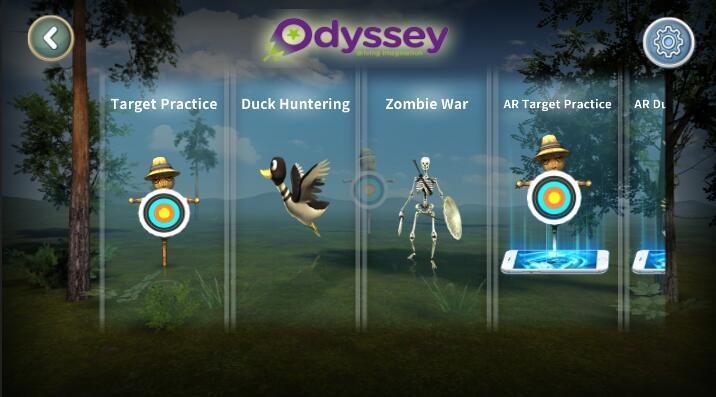
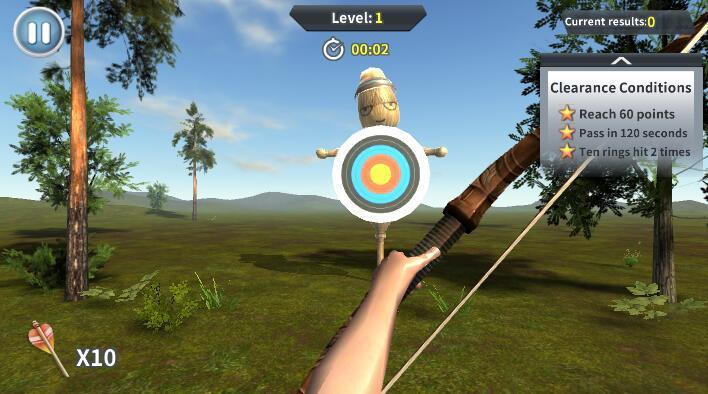
Introducing a brand new, virtual way to game that puts you in the middle of the action!It’s no secret that augmented reality (AR) has dominated today’s gaming landscape. It’s easy to see why – who doesn’t want to feel like they’re actually a part of the game that they’re playing? Odyssey Toys introduces the Upshot Bow & Arrow, which puts you right in the middle of the heart-pounding action by turning you into an augmented realty first-person archer! The Upshot: Archery app lets you download various settings and worlds – hunt ducks in a pond and get points for getting as many as you can, or access the world of tribal warriors and go to war with your opponent.
Ön izleme
Bilgi
geliştirici
Odyssey Toys
En Son Sürüm
1.2
Son güncelleme
2018-07-07
Kategori
Eğlence
üzerinde mevcut
Google Play
Daha fazla göster
PC'de GameLoop ile ODY Upshot:Archery nasıl oynanır
1. Resmi web sitesinden GameLoop'u indirin, ardından GameLoop'u kurmak için exe dosyasını çalıştırın.
2. GameLoop'u açın ve “ODY Upshot:Archery”i arayın, arama sonuçlarında ODY Upshot:Archery'i bulun ve “Yükle”ye tıklayın.
3. GameLoop'ta ODY Upshot:Archery oynamanın keyfini çıkarın.
Minimum requirements
OS
Windows 8.1 64-bit or Windows 10 64-bit
GPU
GTX 1050
CPU
i3-8300
Memory
8GB RAM
Storage
1GB available space
Recommended requirements
OS
Windows 8.1 64-bit or Windows 10 64-bit
GPU
GTX 1050
CPU
i3-9320
Memory
16GB RAM
Storage
1GB available space