KaraRemote - Karaoke Remote PC
Thunderiven Studios
KaraRemote - Karaoke Remote'i GameLoop Emulator ile PC'ye indirin
PC'de KaraRemote - Karaoke Remote
Thunderiven Studios geliştiricisinden gelen KaraRemote - Karaoke Remote, geçmişte Android systerm üzerinde çalışıyor.
Artık KaraRemote - Karaoke Remote'i PC'de GameLoop ile sorunsuz bir şekilde oynayabilirsiniz.
GameLoop kitaplığından veya arama sonuçlarından indirin. Artık yanlış zamanda pile bakmak veya sinir bozucu aramalar yapmak yok.
KaraRemote - Karaoke Remote bilgisayarın keyfini büyük ekranda ücretsiz olarak çıkarın!
KaraRemote - Karaoke Remote Tanıtım
Features:
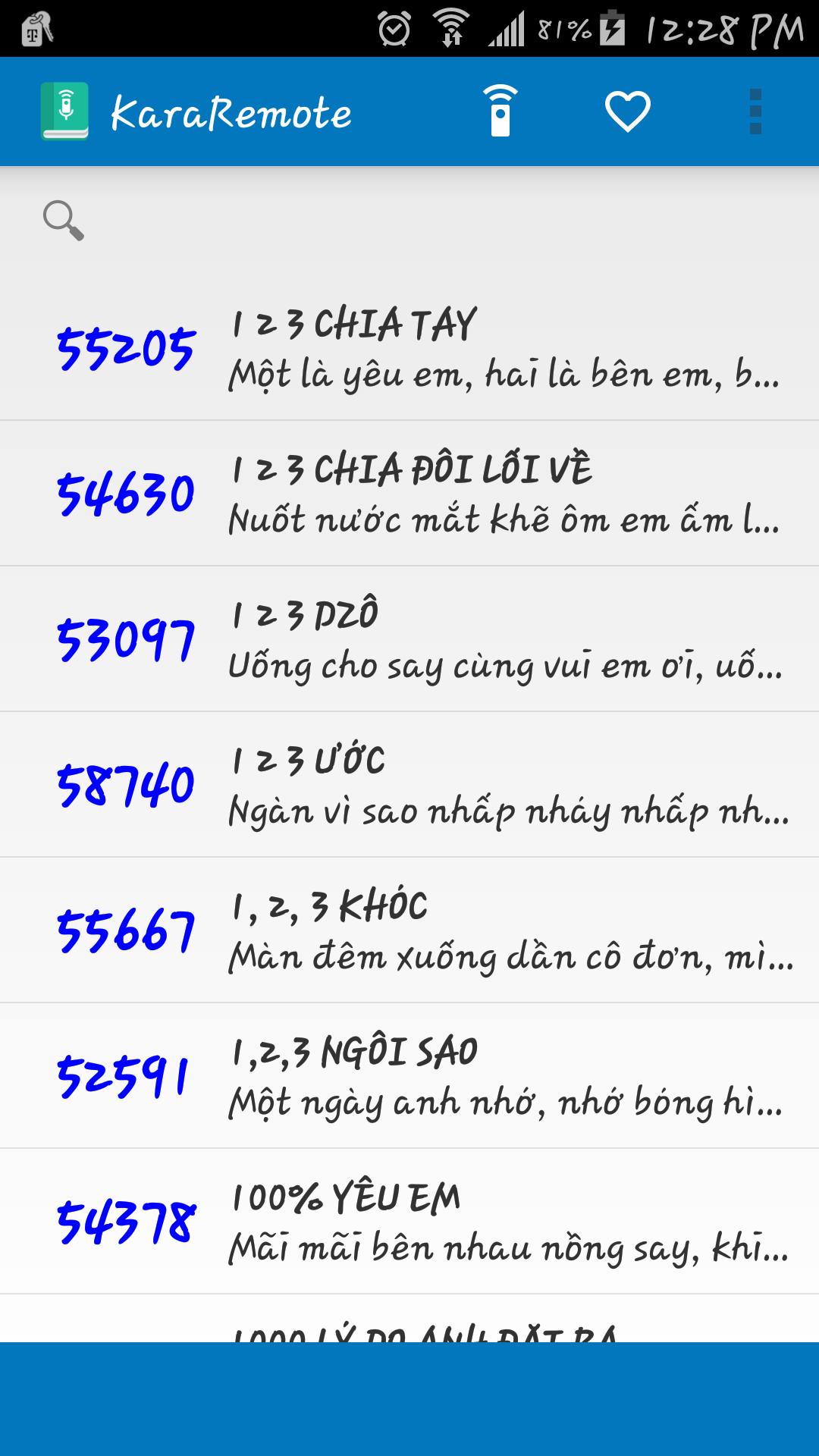
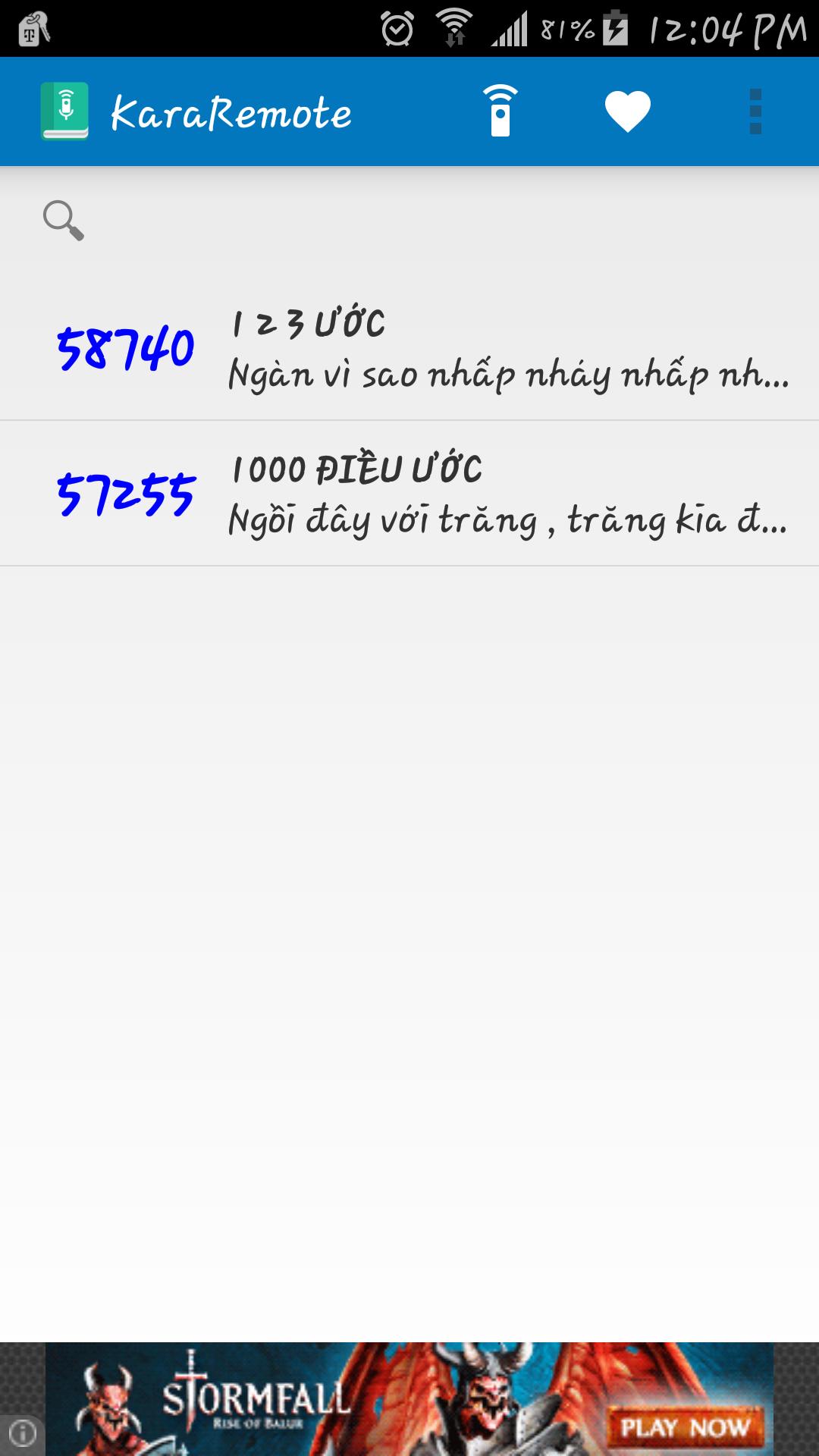
• Search song by name and abbreviation
• Bilingual Vietnamese and English
• Automatically backup and restore on Google Cloud service ( Must enable Google backup and restore )
• Built in remote control for Arirang karaoke (For devices such as Samsung and HTC with built in IR Blaster)
• Fast reserve song
• Delay between IR signal transmission
Supported Remotes:
• AR36+
• AR36NR
• AR3600
• AR3600s
• AR3600hdmi
Notes:
• Remote control feature has been tested with Samsung Galaxy S5 running on Android 5.0, if your device does not work properly, please contact me at vincentngo31051991@gmail.com for support.
Ön izleme
Bilgi
geliştirici
Thunderiven Studios
En Son Sürüm
1.1
Son güncelleme
2015-08-23
Kategori
Eğlence
üzerinde mevcut
Google Play
Daha fazla göster
PC'de GameLoop ile KaraRemote - Karaoke Remote nasıl oynanır
1. Resmi web sitesinden GameLoop'u indirin, ardından GameLoop'u kurmak için exe dosyasını çalıştırın.
2. GameLoop'u açın ve “KaraRemote - Karaoke Remote”i arayın, arama sonuçlarında KaraRemote - Karaoke Remote'i bulun ve “Yükle”ye tıklayın.
3. GameLoop'ta KaraRemote - Karaoke Remote oynamanın keyfini çıkarın.
Minimum requirements
OS
Windows 8.1 64-bit or Windows 10 64-bit
GPU
GTX 1050
CPU
i3-8300
Memory
8GB RAM
Storage
1GB available space
Recommended requirements
OS
Windows 8.1 64-bit or Windows 10 64-bit
GPU
GTX 1050
CPU
i3-9320
Memory
16GB RAM
Storage
1GB available space