Game Updates PC
CProductions
Game Updates'i GameLoop Emulator ile PC'ye indirin
PC'de Game Updates
CProductions geliştiricisinden gelen Game Updates, geçmişte Android systerm üzerinde çalışıyor.
Artık Game Updates'i PC'de GameLoop ile sorunsuz bir şekilde oynayabilirsiniz.
GameLoop kitaplığından veya arama sonuçlarından indirin. Artık yanlış zamanda pile bakmak veya sinir bozucu aramalar yapmak yok.
Game Updates bilgisayarın keyfini büyük ekranda ücretsiz olarak çıkarın!
Game Updates Tanıtım
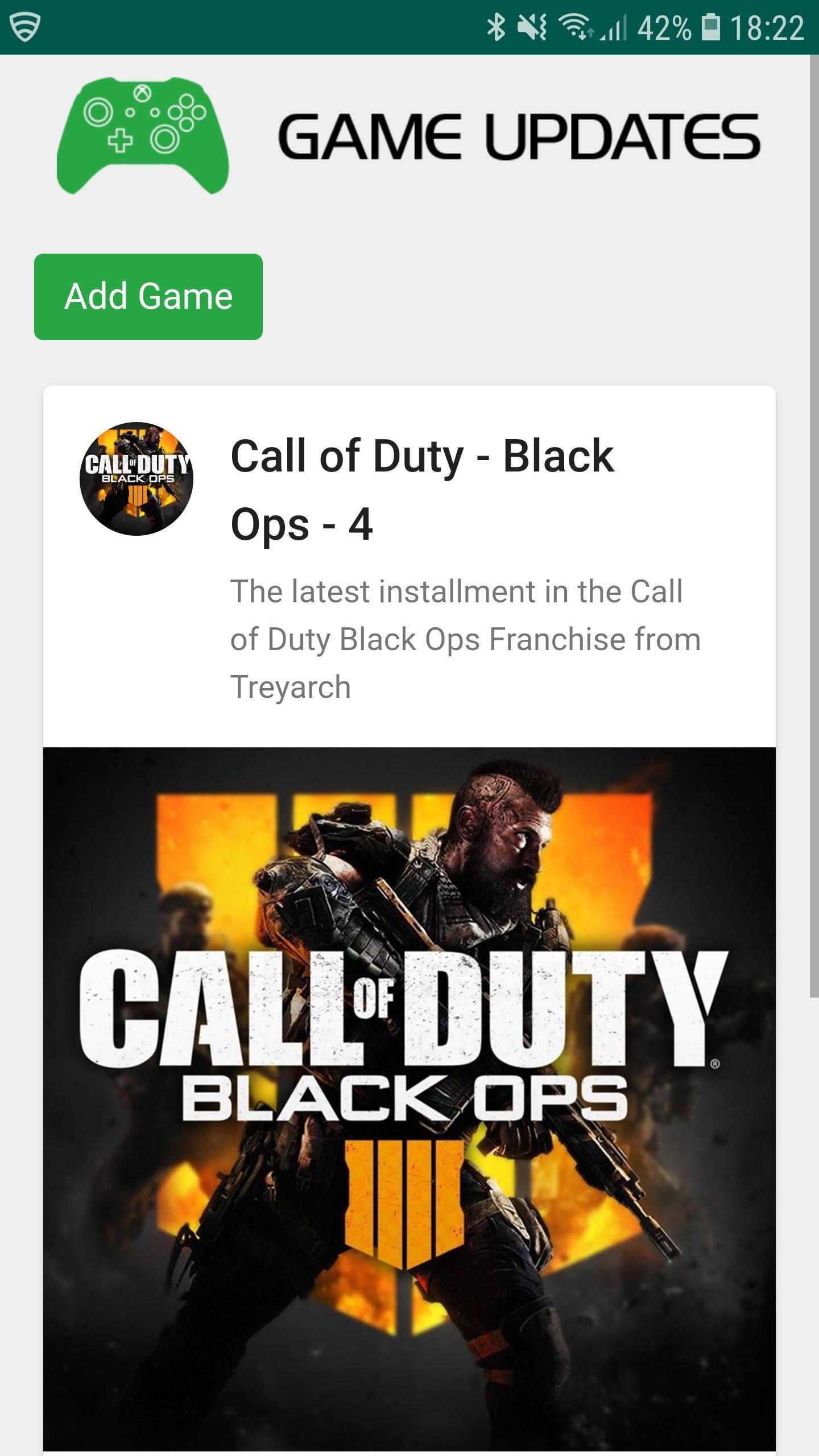
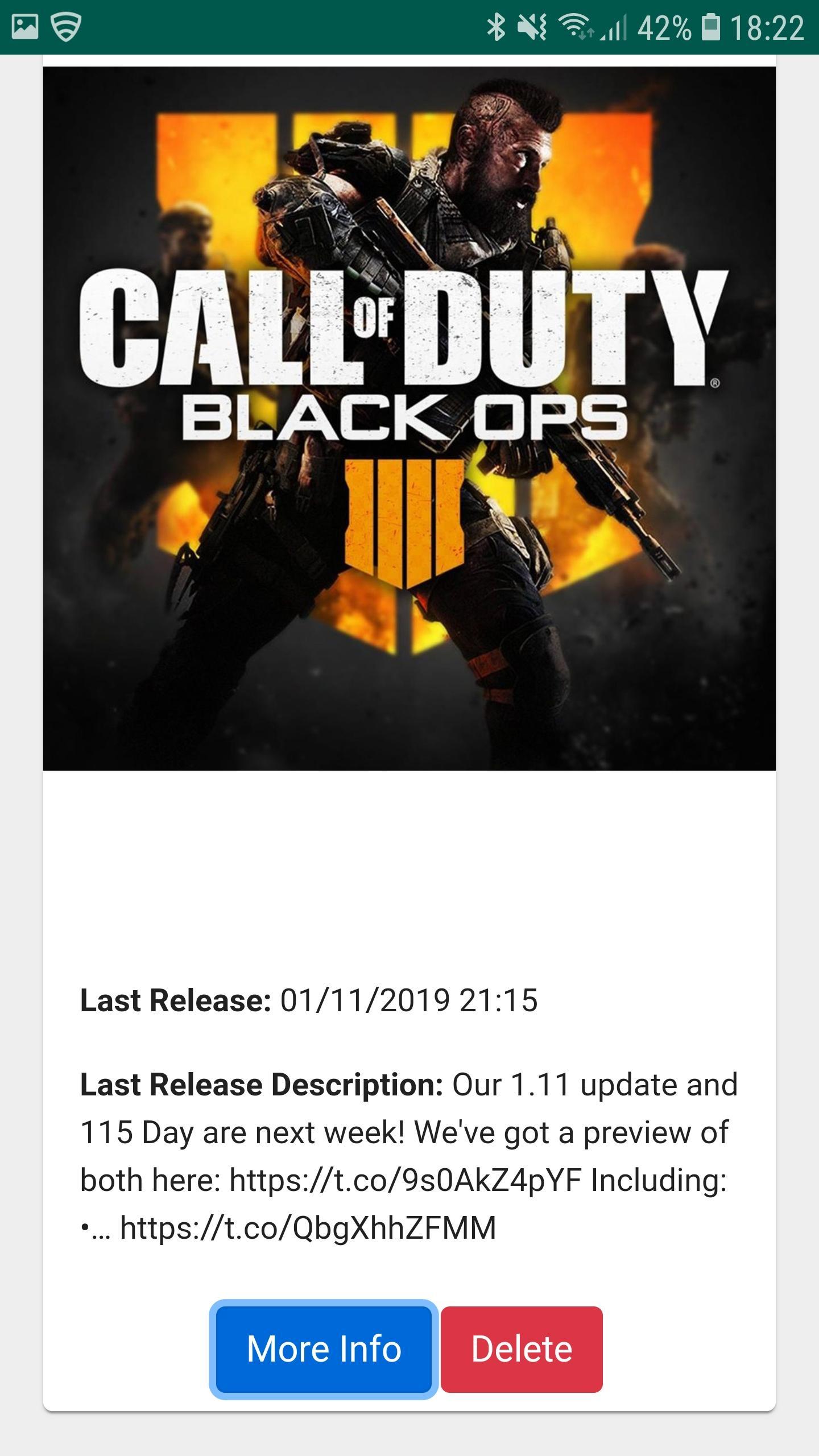
Game Updates shows you patch notes, change logs, update dates from your favourite games, all in one easy to see app.
Simply choose your favourite games and Game Updates will do the rest, showing you a list of your games along with when the last patch was released and what was included (bug fixes and features) allowing you to stay better informed about updates to your favourite games.
Fed up of waiting for your playstation, xbox or pc to download updates? Now you can plan when to update your game by being notified when game updates have been published - which maximises your game play time. Don't waste your valuable game play time by waiting for game updates.
1. Be Notified of your Game being updated via Game Updates App.
2. Turn on your Console / PC to Update your favourite game whilst you make some bacon and coffee.
3. Eat bacon and drink coffee.
4. Return to Console / PC to enjoy your updated game.
Download Game Updates today and never miss a PS4, Xbox One, Nintendo Switch, PC or Console Game Update again.
Ön izleme
Bilgi
geliştirici
CProductions
En Son Sürüm
1.2
Son güncelleme
2019-05-19
Kategori
Eğlence
üzerinde mevcut
Google Play
Daha fazla göster
PC'de GameLoop ile Game Updates nasıl oynanır
1. Resmi web sitesinden GameLoop'u indirin, ardından GameLoop'u kurmak için exe dosyasını çalıştırın.
2. GameLoop'u açın ve “Game Updates”i arayın, arama sonuçlarında Game Updates'i bulun ve “Yükle”ye tıklayın.
3. GameLoop'ta Game Updates oynamanın keyfini çıkarın.
Minimum requirements
OS
Windows 8.1 64-bit or Windows 10 64-bit
GPU
GTX 1050
CPU
i3-8300
Memory
8GB RAM
Storage
1GB available space
Recommended requirements
OS
Windows 8.1 64-bit or Windows 10 64-bit
GPU
GTX 1050
CPU
i3-9320
Memory
16GB RAM
Storage
1GB available space