Voice Changer PC
Creative Photo Tools
Voice Changer'i GameLoop Emulator ile PC'ye indirin
PC'de Voice Changer
Creative Photo Tools geliştiricisinden gelen Voice Changer, geçmişte Android systerm üzerinde çalışıyor.
Artık Voice Changer'i PC'de GameLoop ile sorunsuz bir şekilde oynayabilirsiniz.
GameLoop kitaplığından veya arama sonuçlarından indirin. Artık yanlış zamanda pile bakmak veya sinir bozucu aramalar yapmak yok.
Voice Changer bilgisayarın keyfini büyük ekranda ücretsiz olarak çıkarın!
Voice Changer Tanıtım
Voice Changer
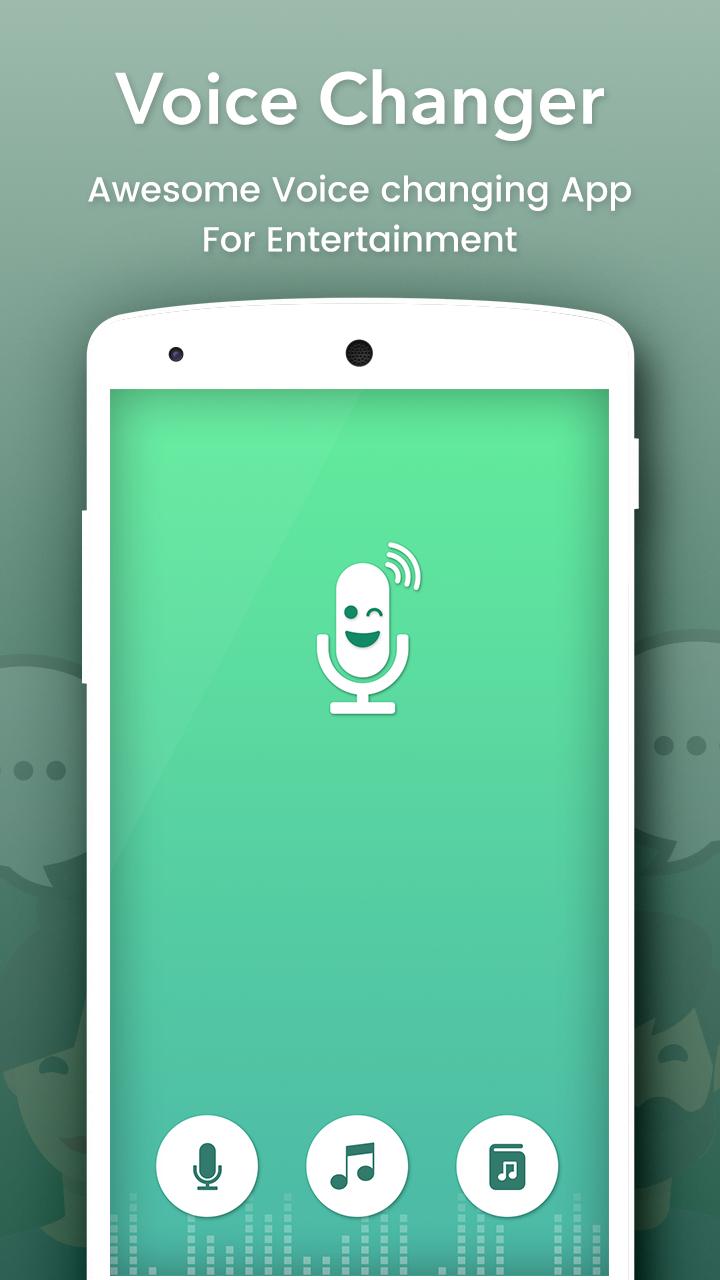
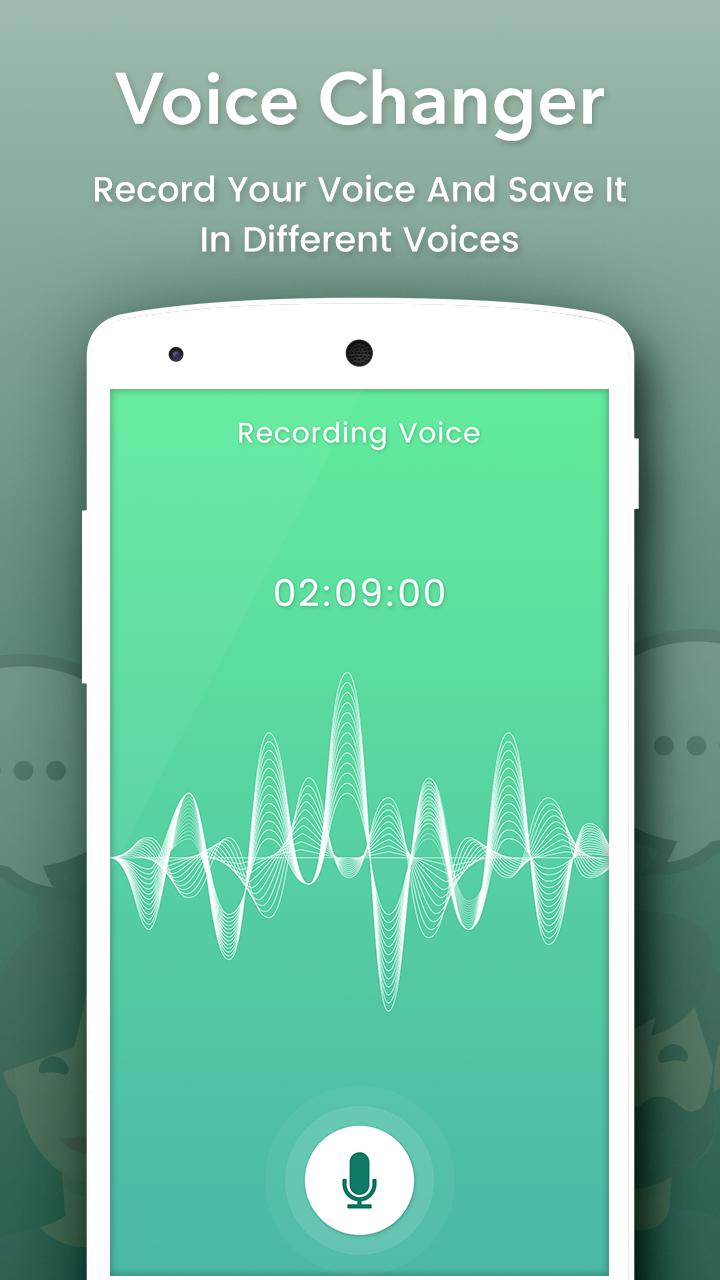
Change your voice and have fun listening to your modified voice. Record your voice, apply effects, and share them with your friends.
This is the best app for changing your voice by applying effects on the audios. It is very simple to use and can generate fantastic and funny effects.
INCLUDES FOLLOWING EFFECTS:
• Normal
• Helium
• Hexafluoride
• Robot
• Space mutant
• Backwards
• Monster
• Small creature
• Telephone
• Dragon
• Nervous
• Extraterrestrial
• Cathedral
• Cyborg
• Android
• Drunk
• Giant
• Squirrel
• Grand Canyon
• Fly
• Zombie
• Child
• Underwater
• Evil puppet
• Battery low
• Shrinking
• Devil
• Fan
• Ghost
• Alien
• Small alien
• Villain
• Death
• Everything is spinning
• Poltergeist
• Skull mask
FEATURES :
- Amazing effects: normal, helium, hexafluoride, fast, slow, cave, chipmunk, monster, alien, big sound, small sound, bee, death…
- Custom sound with effects: echo, reverb, pitch, tempo, volume, bass, mid, treble
- Record and change your voice Directly.
- Import sound, song, audio files, add effects and change them
- Save, share, set as ringtone by your records
- Amazing quality.
- Nice User Interface and Easy to Use.
- View in Album.
- View, edit the saved audios.
- Share the saved audios to your friends via bluetooth, or social networks.
Ön izleme
Bilgi
geliştirici
Creative Photo Tools
En Son Sürüm
1.4
Son güncelleme
2018-07-11
Kategori
Eğlence
üzerinde mevcut
Google Play
Daha fazla göster
PC'de GameLoop ile Voice Changer nasıl oynanır
1. Resmi web sitesinden GameLoop'u indirin, ardından GameLoop'u kurmak için exe dosyasını çalıştırın.
2. GameLoop'u açın ve “Voice Changer”i arayın, arama sonuçlarında Voice Changer'i bulun ve “Yükle”ye tıklayın.
3. GameLoop'ta Voice Changer oynamanın keyfini çıkarın.
Minimum requirements
OS
Windows 8.1 64-bit or Windows 10 64-bit
GPU
GTX 1050
CPU
i3-8300
Memory
8GB RAM
Storage
1GB available space
Recommended requirements
OS
Windows 8.1 64-bit or Windows 10 64-bit
GPU
GTX 1050
CPU
i3-9320
Memory
16GB RAM
Storage
1GB available space