Sensory Room PC
Inclusive Technology HelpKidzLearn
Sensory Room'i GameLoop Emulator ile PC'ye indirin
PC'de Sensory Room
Inclusive Technology HelpKidzLearn geliştiricisinden gelen Sensory Room, geçmişte Android systerm üzerinde çalışıyor.
Artık Sensory Room'i PC'de GameLoop ile sorunsuz bir şekilde oynayabilirsiniz.
GameLoop kitaplığından veya arama sonuçlarından indirin. Artık yanlış zamanda pile bakmak veya sinir bozucu aramalar yapmak yok.
Sensory Room bilgisayarın keyfini büyük ekranda ücretsiz olarak çıkarın!
Sensory Room Tanıtım
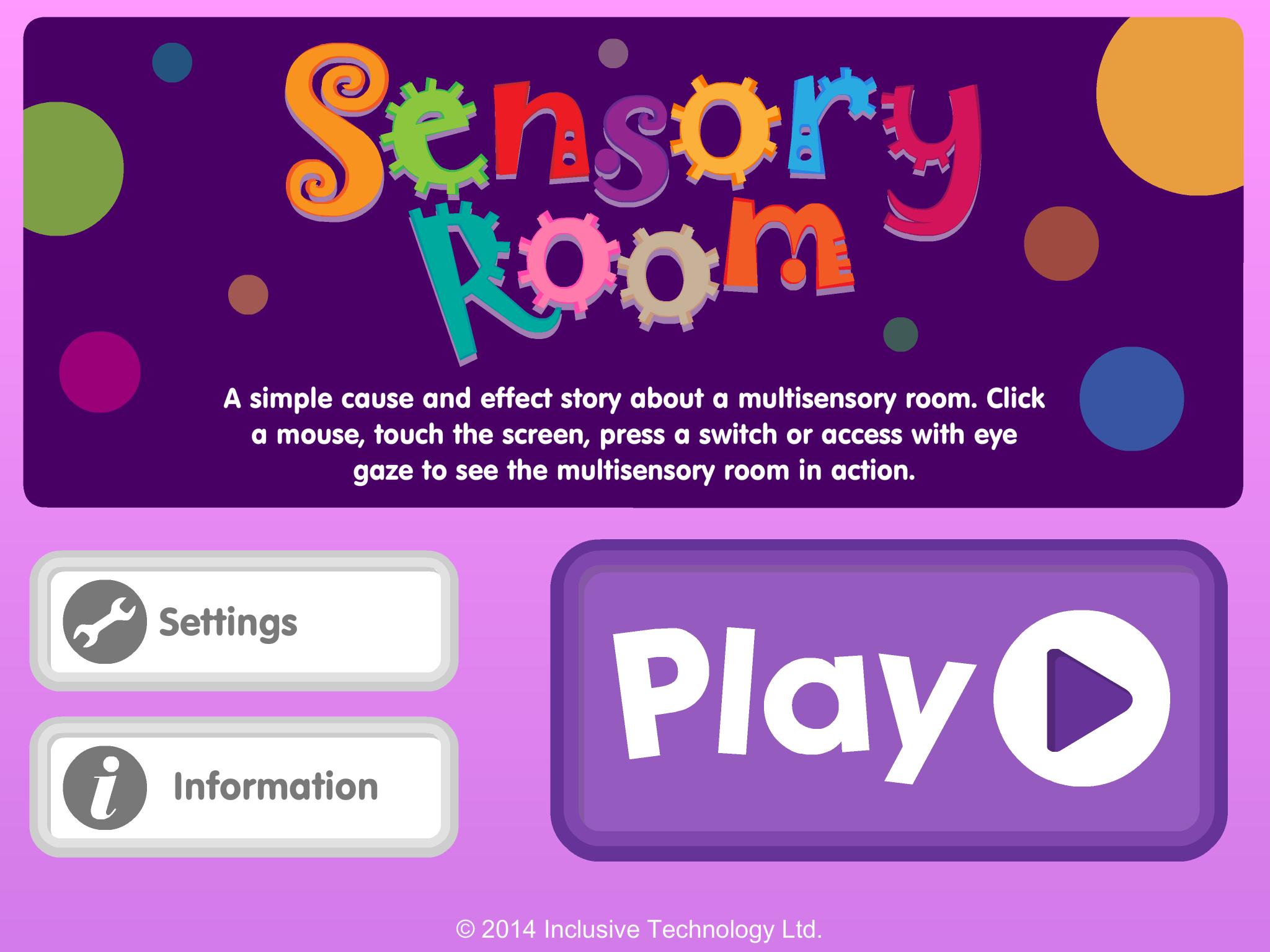
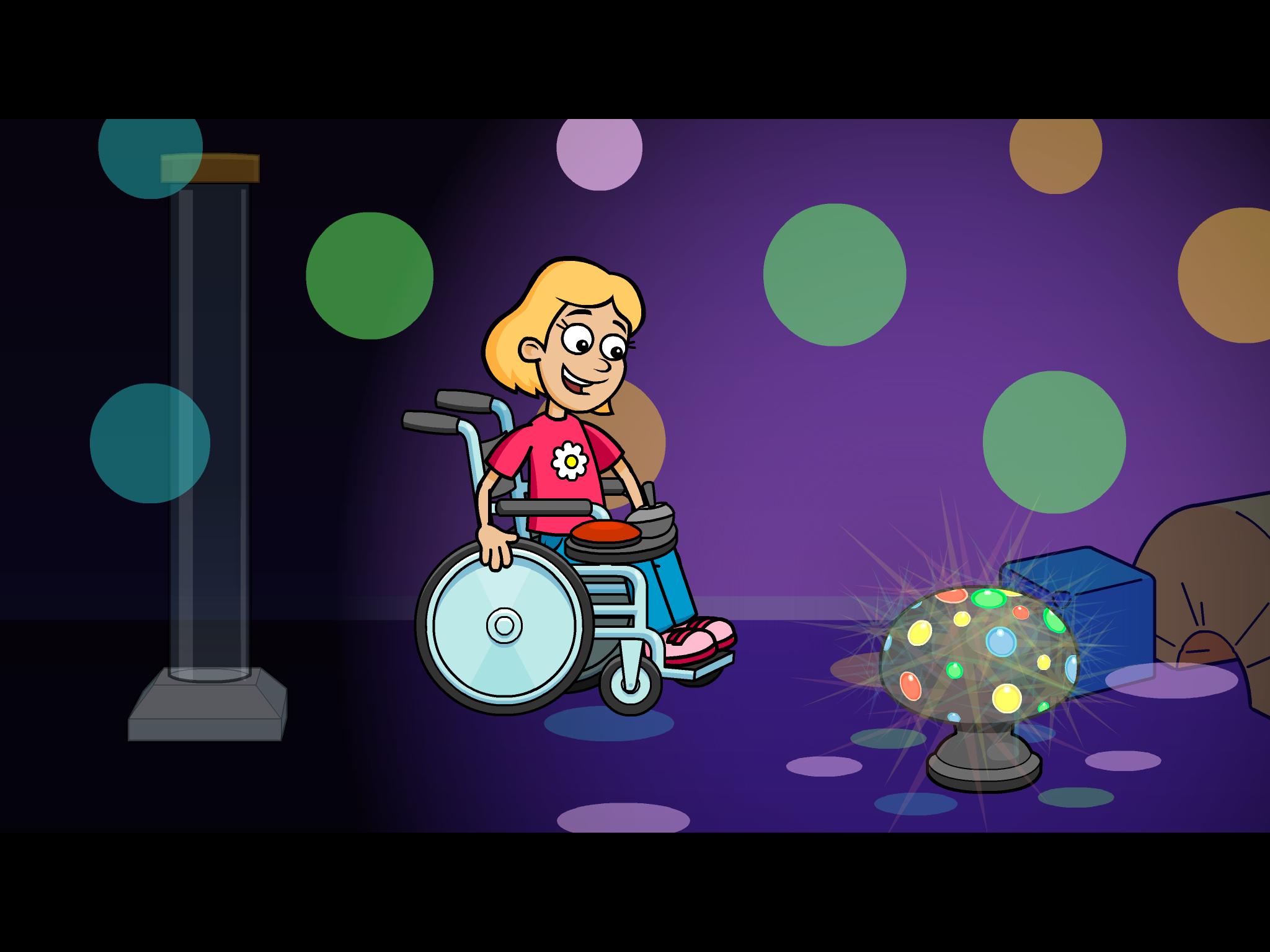
A fun cause and effect activity - look at the pictures and talk about the story in your own words: What can you see in the multi-sensory room? Do you like the bubble tube or disco lights best?
Touch the screen to see what happens next. Switch access for one or two switches is included for users with motor difficulties who need switch input (Switches can be connected via a Bluetooth switch interface). Clutter free, bright, clear graphics make it easier for students with visual impairment to see the screen.
Key features
• Bright clear graphics with bold outlines
• Lots of opportunity for discussion and language development
• Simple touch access
• Switch access options included (using available Bluetooth switch interfaces)
• Fun bright animated reward
Ön izleme
Bilgi
geliştirici
Inclusive Technology HelpKidzLearn
En Son Sürüm
1.0.1
Son güncelleme
2014-02-24
Kategori
Eğitim
üzerinde mevcut
Google Play
Daha fazla göster
PC'de GameLoop ile Sensory Room nasıl oynanır
1. Resmi web sitesinden GameLoop'u indirin, ardından GameLoop'u kurmak için exe dosyasını çalıştırın.
2. GameLoop'u açın ve “Sensory Room”i arayın, arama sonuçlarında Sensory Room'i bulun ve “Yükle”ye tıklayın.
3. GameLoop'ta Sensory Room oynamanın keyfini çıkarın.
Minimum requirements
OS
Windows 8.1 64-bit or Windows 10 64-bit
GPU
GTX 1050
CPU
i3-8300
Memory
8GB RAM
Storage
1GB available space
Recommended requirements
OS
Windows 8.1 64-bit or Windows 10 64-bit
GPU
GTX 1050
CPU
i3-9320
Memory
16GB RAM
Storage
1GB available space