RC Bluetooth Control PC
JOSE MUNOZ
RC Bluetooth Control'i GameLoop Emulator ile PC'ye indirin
PC'de RC Bluetooth Control
JOSE MUNOZ geliştiricisinden gelen RC Bluetooth Control, geçmişte Android systerm üzerinde çalışıyor.
Artık RC Bluetooth Control'i PC'de GameLoop ile sorunsuz bir şekilde oynayabilirsiniz.
GameLoop kitaplığından veya arama sonuçlarından indirin. Artık yanlış zamanda pile bakmak veya sinir bozucu aramalar yapmak yok.
RC Bluetooth Control bilgisayarın keyfini büyük ekranda ücretsiz olarak çıkarın!
RC Bluetooth Control Tanıtım
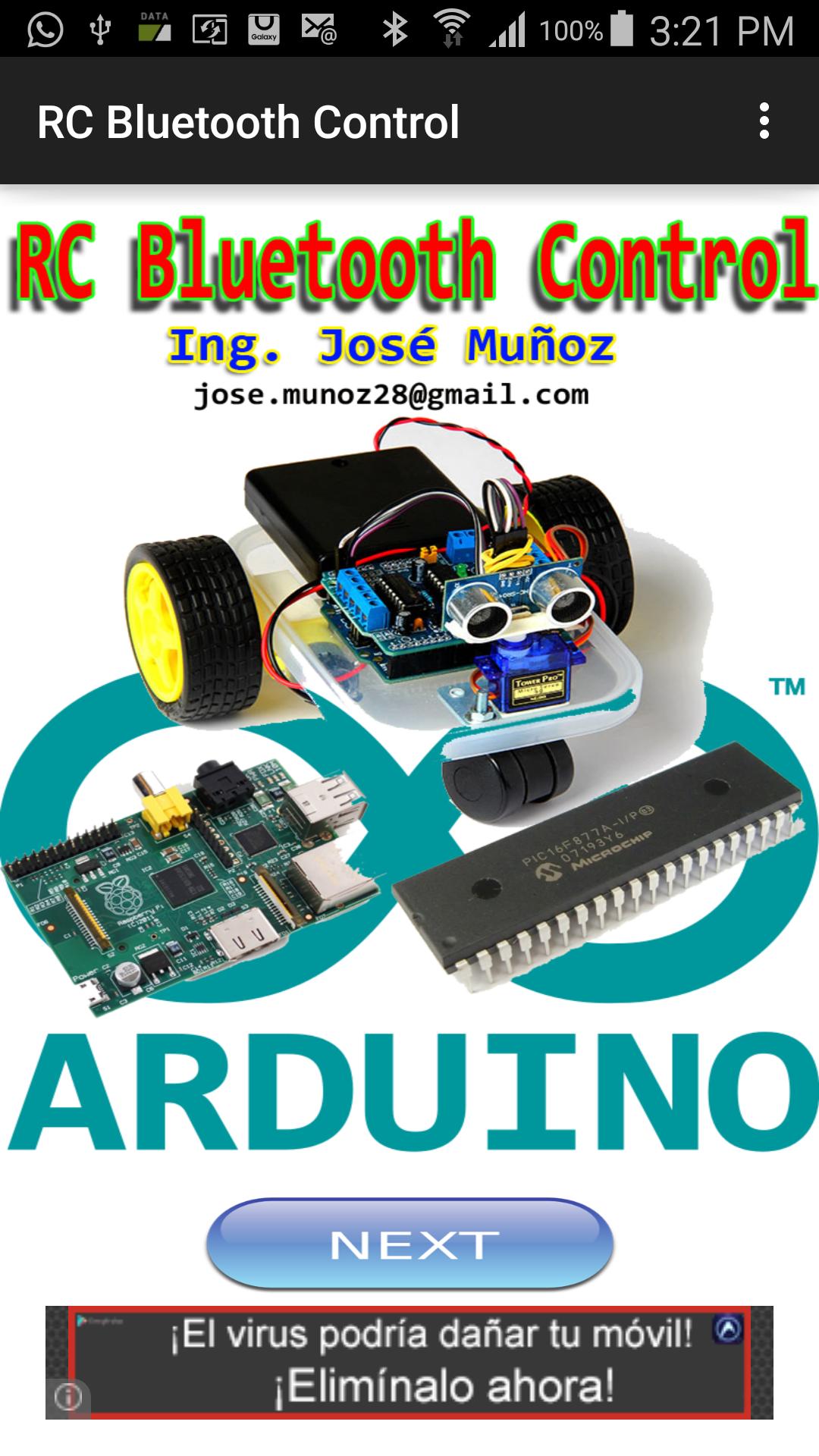
RC Bluetooth Control enables high-speed connections of data between Arduino, PIC and Rasberry Pi devices via Bluetooth connection
The connection to remote devices is immediate, without delay and reliable.
RC Bluetooth connection system
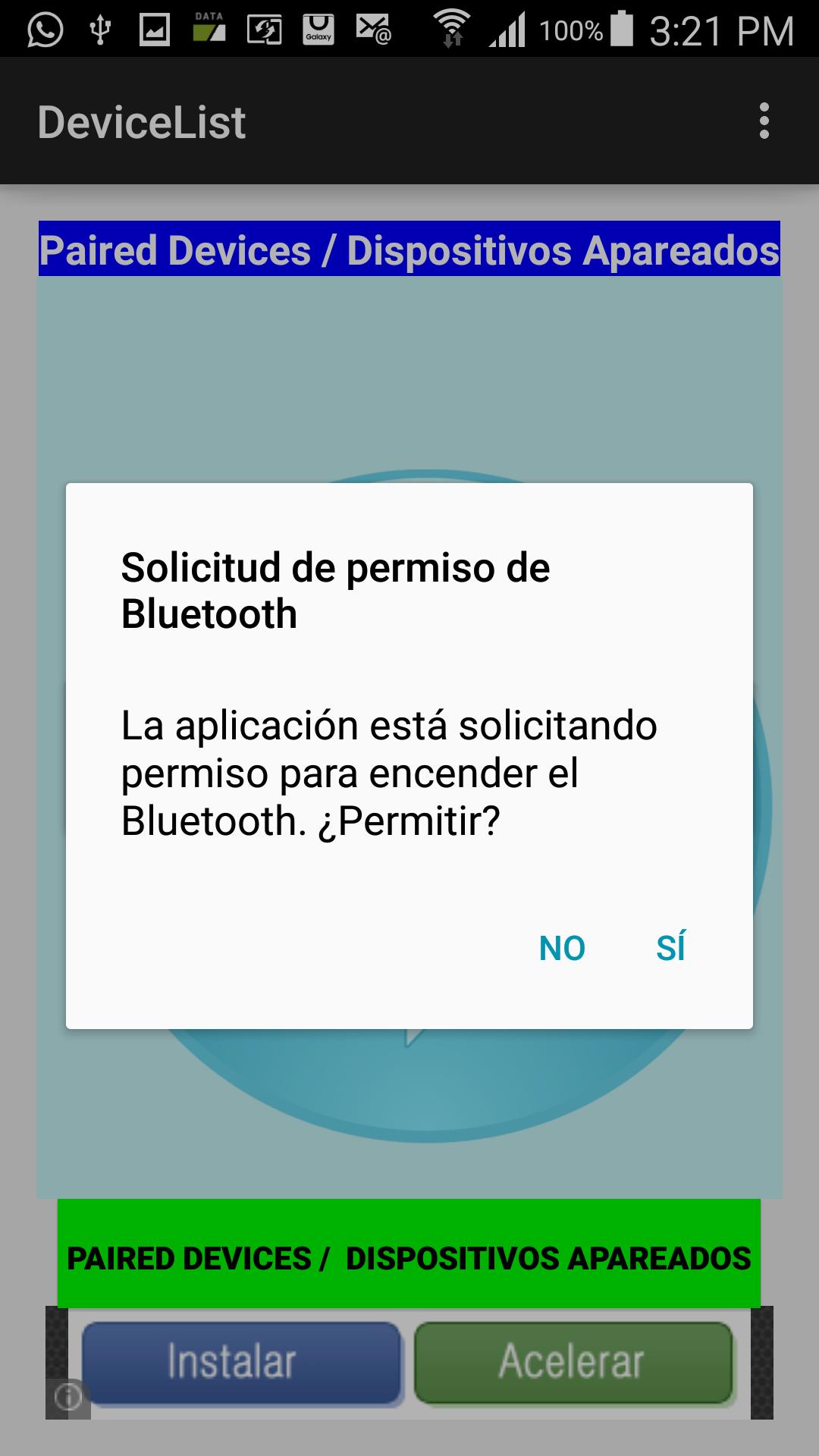
1- The RC Bluetooth Control application automatically connects to the Bluetooth device on your phone or tablet.
2- Once connected press the button PAIRED DEVICES / paired devices to display all devices paired with your phone or tablet via Bluetooth.
3- Select from the list the device you want to connect
4- The application automatically connects to the selected device.
5- To switch should click to DISCONNECT ON / OFF
6- Once'presionar may either arrow.
7- Pressing the Up arrow character is sent U.
8- Pressing Down arrow character is sent D
9. Pressing Right Arrow character character is sent R.
10- Pressing the left arrow character L. character is sent
11- Pressing the center circle the X character is sent.
12 When you press Up Arrow Right E is sent.
12. Pressing the Up Arrow Left Q is sent.
13. Pressing Right Down Arrow C is sent.
14 - Pressing Down Left flechar Z is sent.
You can visit the website: http://profjmunoz.blogspot.com/ to watch the tutorial Arduino remote connection to the system via the Bluetooth Control application.
Ön izleme
Etiketler
EğitimBilgi
geliştirici
JOSE MUNOZ
En Son Sürüm
1.0
Son güncelleme
2023-01-27
Kategori
Eğitim
üzerinde mevcut
Google Play
Daha fazla göster
PC'de GameLoop ile RC Bluetooth Control nasıl oynanır
1. Resmi web sitesinden GameLoop'u indirin, ardından GameLoop'u kurmak için exe dosyasını çalıştırın.
2. GameLoop'u açın ve “RC Bluetooth Control”i arayın, arama sonuçlarında RC Bluetooth Control'i bulun ve “Yükle”ye tıklayın.
3. GameLoop'ta RC Bluetooth Control oynamanın keyfini çıkarın.
Minimum requirements
OS
Windows 8.1 64-bit or Windows 10 64-bit
GPU
GTX 1050
CPU
i3-8300
Memory
8GB RAM
Storage
1GB available space
Recommended requirements
OS
Windows 8.1 64-bit or Windows 10 64-bit
GPU
GTX 1050
CPU
i3-9320
Memory
16GB RAM
Storage
1GB available space