
QB365 Student PC
LinLax InFoTech Private Limited
QB365 Student'i GameLoop Emulator ile PC'ye indirin
PC'de QB365 Student
LinLax InFoTech Private Limited geliştiricisinden gelen QB365 Student, geçmişte Android systerm üzerinde çalışıyor.
Artık QB365 Student'i PC'de GameLoop ile sorunsuz bir şekilde oynayabilirsiniz.
GameLoop kitaplığından veya arama sonuçlarından indirin. Artık yanlış zamanda pile bakmak veya sinir bozucu aramalar yapmak yok.
QB365 Student bilgisayarın keyfini büyük ekranda ücretsiz olarak çıkarın!
QB365 Student Tanıtım
QB365 Student
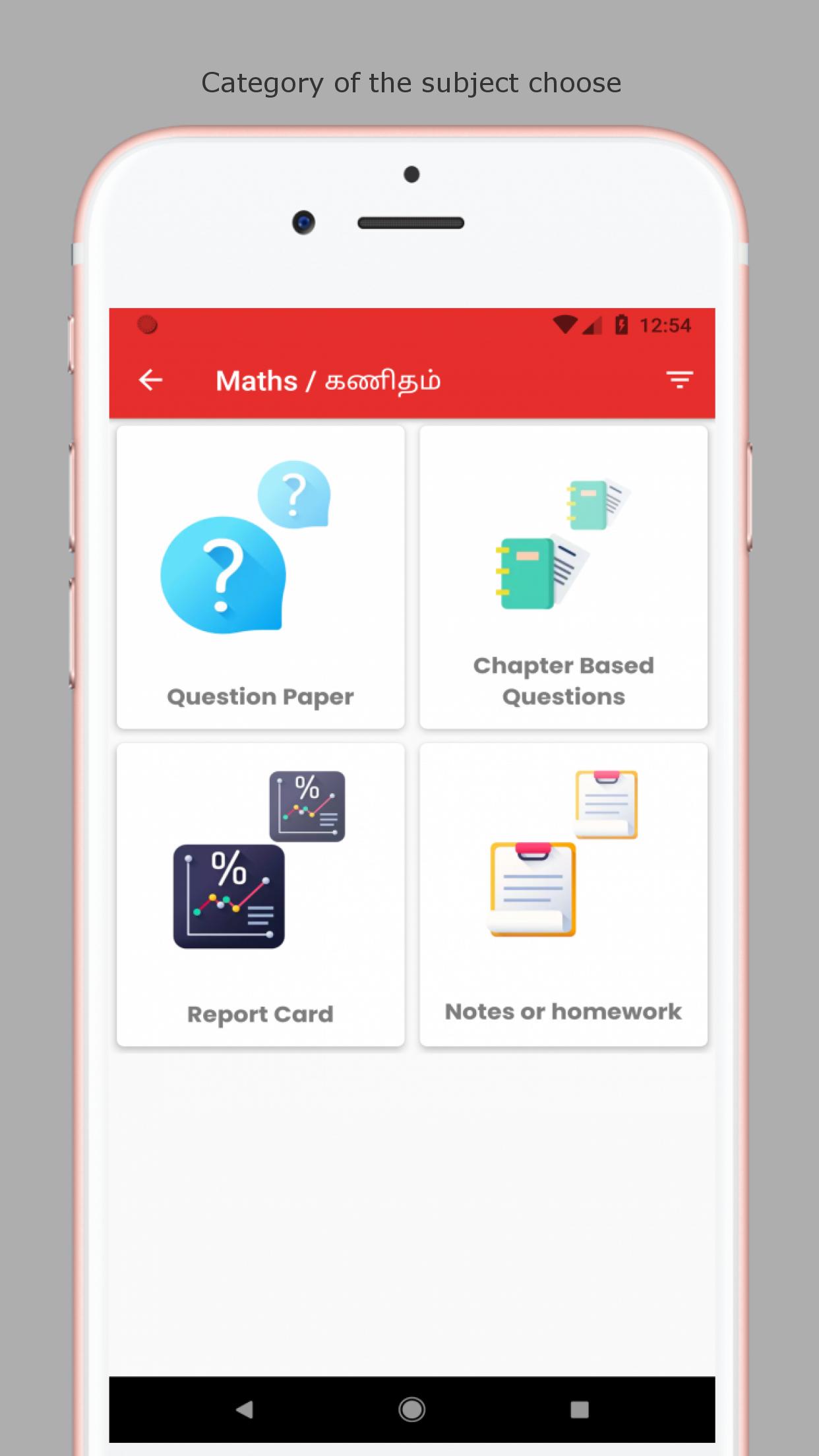
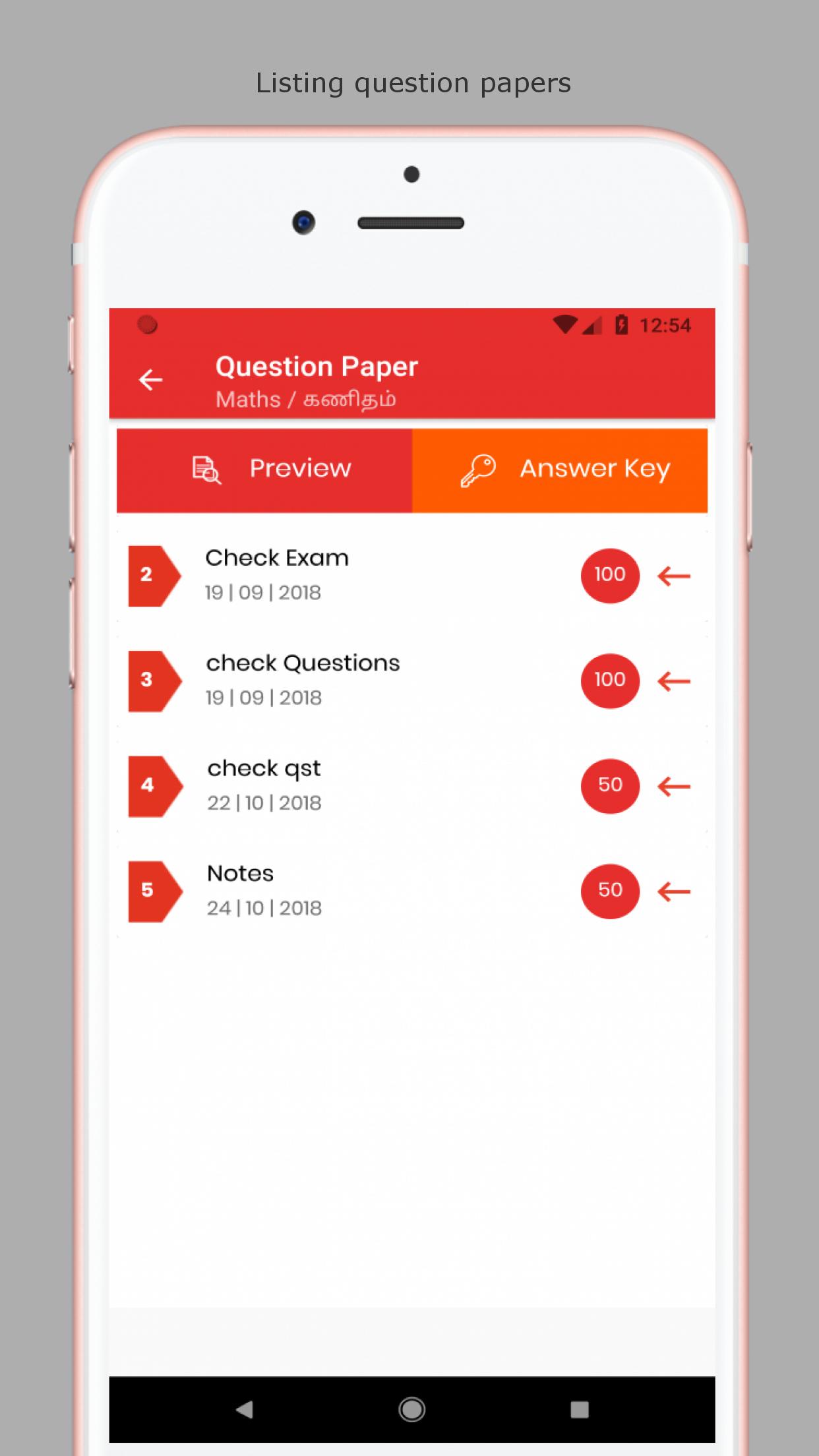
QB365 is the free question bank software available for Android and other smartphones. QB365 uses your phone's Internet connection (4G/3G/2G/EDGE or Wi-Fi, as available) to let the student to practice the question papers for their exams and can view their homework's and report by themselves through app. Switch to automated question bank software and excel in your studies.
WHY QB365
Interactive Connection
The app is designed with unique features and it is tested and operated, to provide prolonged multitasking with smoother data processing and easy switching at a speed of nanoseconds.
Multiple patterns of Question Papers
You can get all types of questions in a single app such as equation questions, MCQs, Formula questions, Diagrammatic questions, etc for practice.
Detailed Solutions
Can view the answers for all questions with detailed description. All the mathematical questions are derived step by step with detailed solution.
Get Every Notifications in App
Not only with the subject and question paper notifications, you can also get the general notification like " Holidays " .
Chapter Based Questions
Practice with all question papers including chapter based questions as well shared by your teacher.
Home Work
View the homework's allocated by your teachers along with the due dates.
Report
Get the evaluation report and strengthen knowledge in weaker topics.
Ön izleme
Bilgi
geliştirici
LinLax InFoTech Private Limited
En Son Sürüm
1.0.0
Son güncelleme
2019-03-02
Kategori
Eğitim
üzerinde mevcut
Google Play
Daha fazla göster
PC'de GameLoop ile QB365 Student nasıl oynanır
1. Resmi web sitesinden GameLoop'u indirin, ardından GameLoop'u kurmak için exe dosyasını çalıştırın.
2. GameLoop'u açın ve “QB365 Student”i arayın, arama sonuçlarında QB365 Student'i bulun ve “Yükle”ye tıklayın.
3. GameLoop'ta QB365 Student oynamanın keyfini çıkarın.
Minimum requirements
OS
Windows 8.1 64-bit or Windows 10 64-bit
GPU
GTX 1050
CPU
i3-8300
Memory
8GB RAM
Storage
1GB available space
Recommended requirements
OS
Windows 8.1 64-bit or Windows 10 64-bit
GPU
GTX 1050
CPU
i3-9320
Memory
16GB RAM
Storage
1GB available space