
Easton School Department PC
Apptegy Play Store
Easton School Department'i GameLoop Emulator ile PC'ye indirin
PC'de Easton School Department
Apptegy Play Store geliştiricisinden gelen Easton School Department, geçmişte Android systerm üzerinde çalışıyor.
Artık Easton School Department'i PC'de GameLoop ile sorunsuz bir şekilde oynayabilirsiniz.
GameLoop kitaplığından veya arama sonuçlarından indirin. Artık yanlış zamanda pile bakmak veya sinir bozucu aramalar yapmak yok.
Easton School Department bilgisayarın keyfini büyük ekranda ücretsiz olarak çıkarın!
Easton School Department Tanıtım
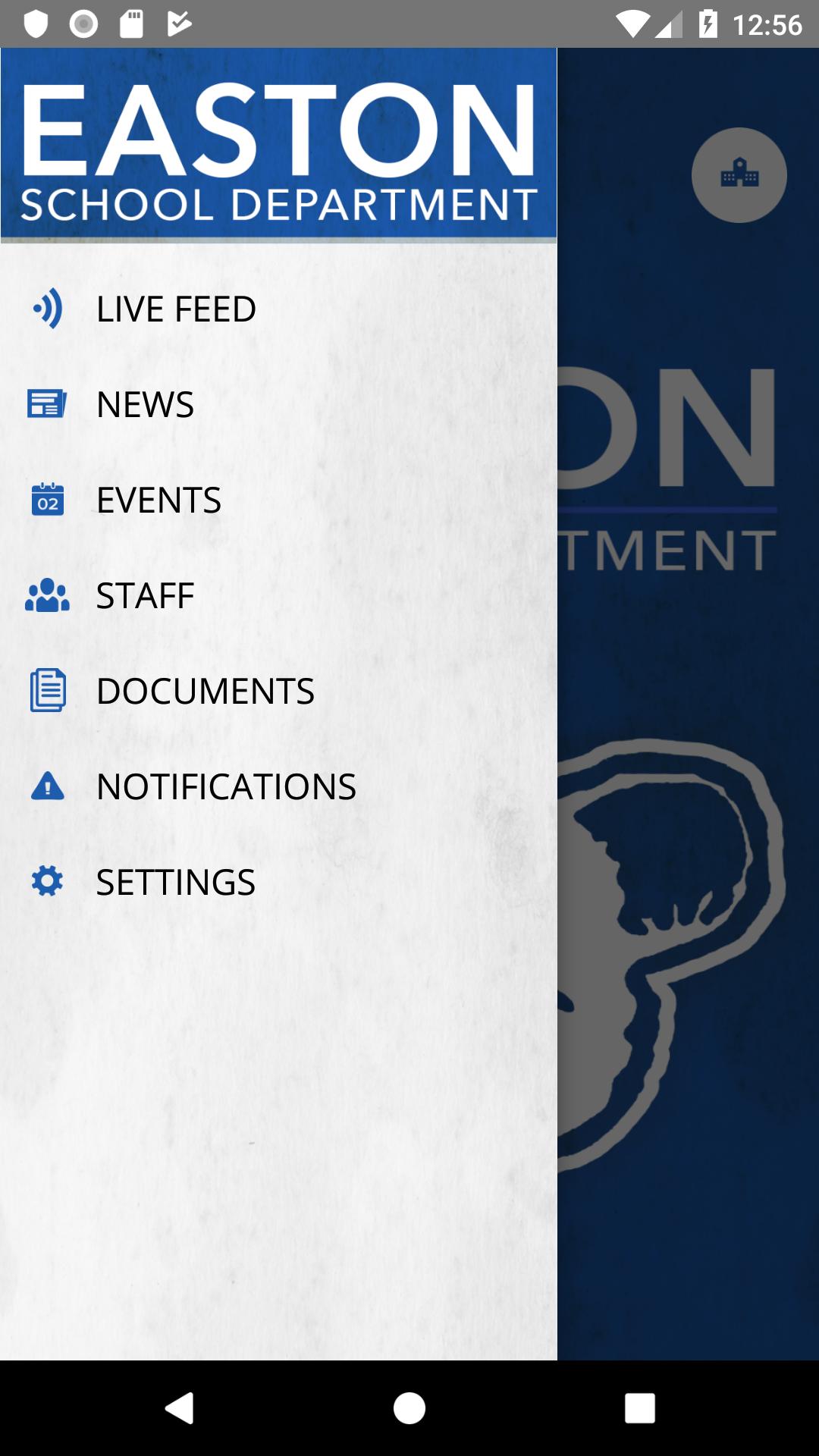
The official app for Easton School Department allows users direct access to the most recent news, announcements and event calendars. Customize the app to display information relevant to a specific campus and to receive important notifications from the district. Users may also access the directory of district faculty and staff, view dining menus, find the location of district events, contact campuses and departments, follow athletic scores and updates, and much more.
Ön izleme
Etiketler
EğitimBilgi
geliştirici
Apptegy Play Store
En Son Sürüm
3.7.0
Son güncelleme
2019-07-25
Kategori
Eğitim
üzerinde mevcut
Google Play
Daha fazla göster
PC'de GameLoop ile Easton School Department nasıl oynanır
1. Resmi web sitesinden GameLoop'u indirin, ardından GameLoop'u kurmak için exe dosyasını çalıştırın.
2. GameLoop'u açın ve “Easton School Department”i arayın, arama sonuçlarında Easton School Department'i bulun ve “Yükle”ye tıklayın.
3. GameLoop'ta Easton School Department oynamanın keyfini çıkarın.
Minimum requirements
OS
Windows 8.1 64-bit or Windows 10 64-bit
GPU
GTX 1050
CPU
i3-8300
Memory
8GB RAM
Storage
1GB available space
Recommended requirements
OS
Windows 8.1 64-bit or Windows 10 64-bit
GPU
GTX 1050
CPU
i3-9320
Memory
16GB RAM
Storage
1GB available space