
Burton Adventist Academy PC
Burton Adventist Academy
Burton Adventist Academy'i GameLoop Emulator ile PC'ye indirin
PC'de Burton Adventist Academy
Burton Adventist Academy geliştiricisinden gelen Burton Adventist Academy, geçmişte Android systerm üzerinde çalışıyor.
Artık Burton Adventist Academy'i PC'de GameLoop ile sorunsuz bir şekilde oynayabilirsiniz.
GameLoop kitaplığından veya arama sonuçlarından indirin. Artık yanlış zamanda pile bakmak veya sinir bozucu aramalar yapmak yok.
Burton Adventist Academy bilgisayarın keyfini büyük ekranda ücretsiz olarak çıkarın!
Burton Adventist Academy Tanıtım
Welcome to Burton Adventist Academy in Arlington, Texas!
Check out the key features of the BAA App below:
HOME:
Find out what's going on today with a custom marquee message, featured events, polls, and more!
CALENDARS:
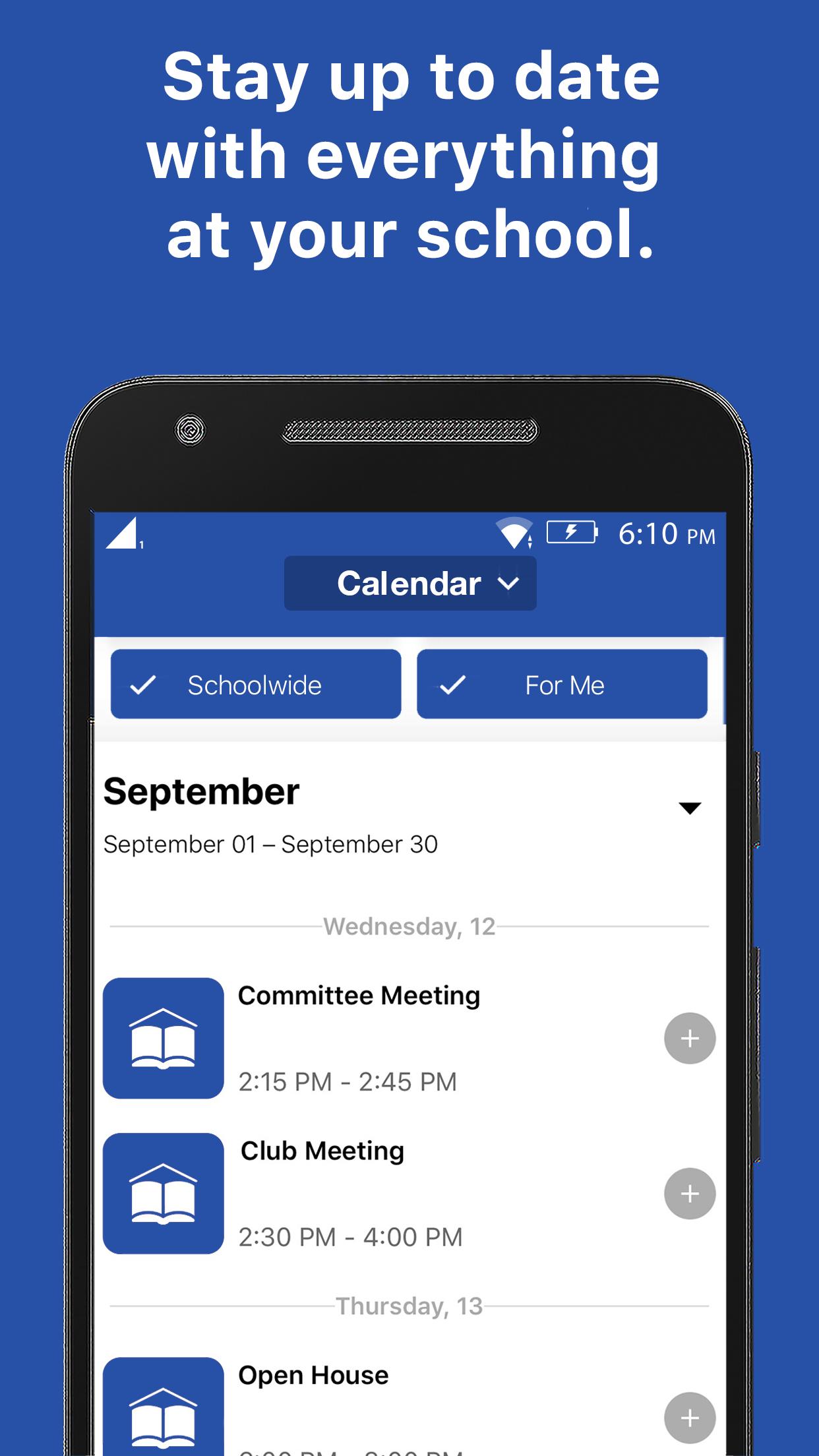
Get connected to the right calendars based on who you are. See your events, not someone else's. View event details, attachments, links, time & place. Easily find the event w/ interactive maps.
NOTIFICATIONS:
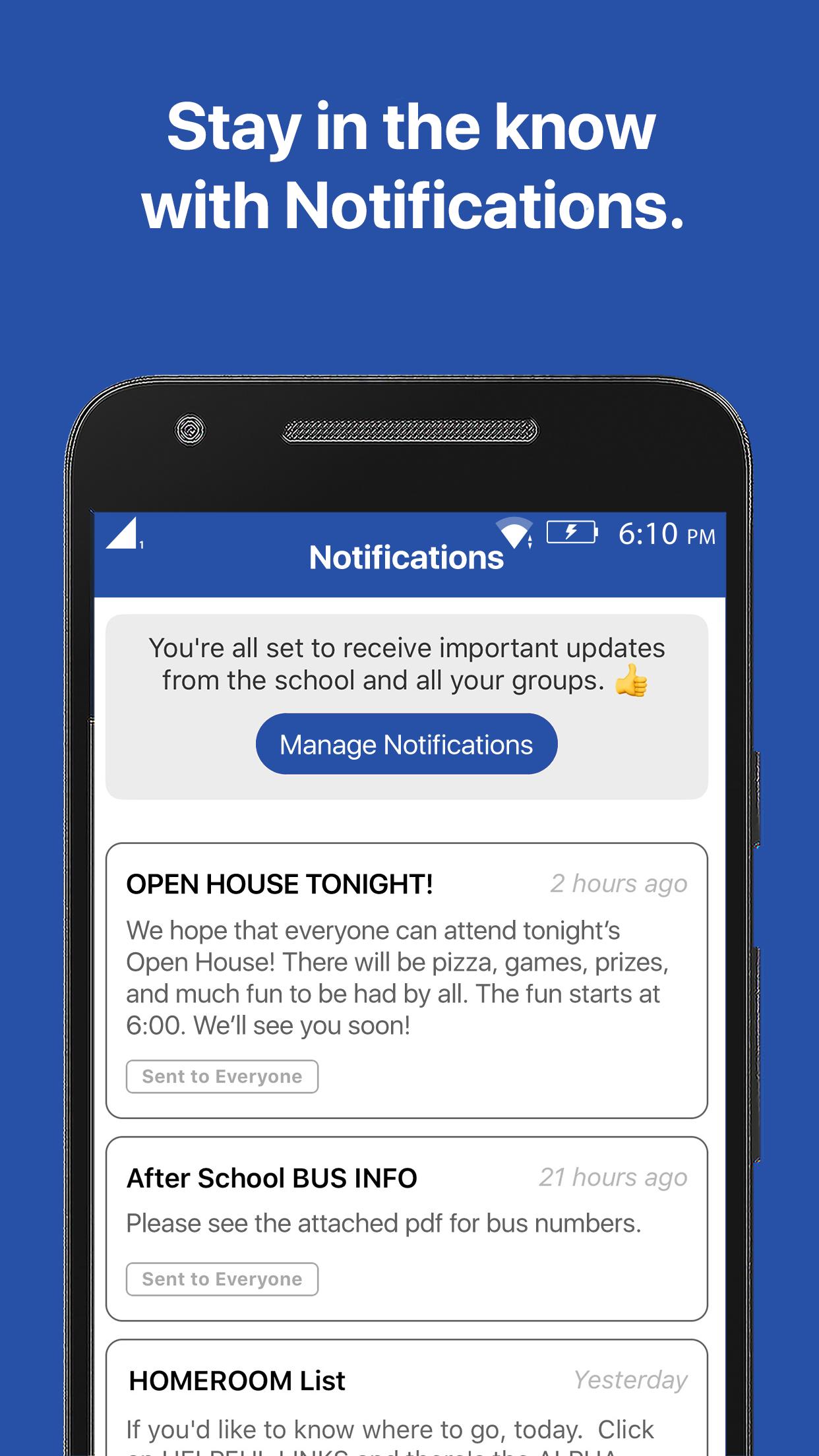
Subscribe to receive the messages that are most important to you and always stay up-to-date with the latest communication.
RESOURCES:
Have the knowledge you need. Forms, flyers, and facts all at your fingertips.
GROUPS:
Get connected with your clubs, teams, and groups, and discover new ways to get involved.
Ön izleme
Etiketler
EğitimBilgi
geliştirici
Burton Adventist Academy
En Son Sürüm
15999794
Son güncelleme
2021-01-25
Kategori
Eğitim
üzerinde mevcut
Google Play
Daha fazla göster
PC'de GameLoop ile Burton Adventist Academy nasıl oynanır
1. Resmi web sitesinden GameLoop'u indirin, ardından GameLoop'u kurmak için exe dosyasını çalıştırın.
2. GameLoop'u açın ve “Burton Adventist Academy”i arayın, arama sonuçlarında Burton Adventist Academy'i bulun ve “Yükle”ye tıklayın.
3. GameLoop'ta Burton Adventist Academy oynamanın keyfini çıkarın.
Minimum requirements
OS
Windows 8.1 64-bit or Windows 10 64-bit
GPU
GTX 1050
CPU
i3-8300
Memory
8GB RAM
Storage
1GB available space
Recommended requirements
OS
Windows 8.1 64-bit or Windows 10 64-bit
GPU
GTX 1050
CPU
i3-9320
Memory
16GB RAM
Storage
1GB available space