
LiveMe - Video Call Stream! PC
Steps VeD
LiveMe - Video Call Stream!'i GameLoop Emulator ile PC'ye indirin
PC'de LiveMe - Video Call Stream!
Steps VeD geliştiricisinden gelen LiveMe - Video Call Stream!, geçmişte Android systerm üzerinde çalışıyor.
Artık LiveMe - Video Call Stream!'i PC'de GameLoop ile sorunsuz bir şekilde oynayabilirsiniz.
GameLoop kitaplığından veya arama sonuçlarından indirin. Artık yanlış zamanda pile bakmak veya sinir bozucu aramalar yapmak yok.
LiveMe - Video Call Stream! bilgisayarın keyfini büyük ekranda ücretsiz olarak çıkarın!
LiveMe - Video Call Stream! Tanıtım
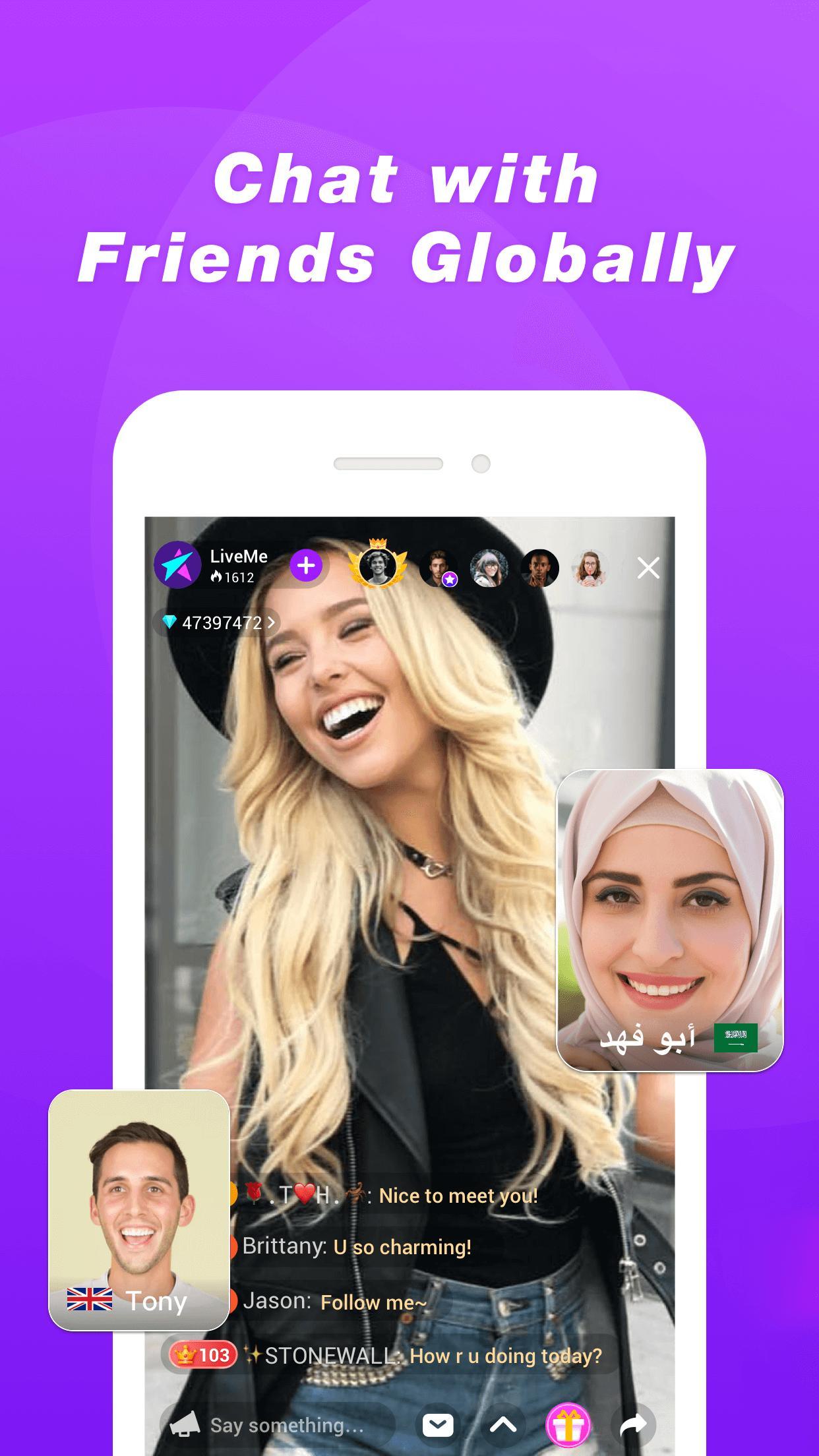
HEY YOU! It’s time to join the largest broadcasting community in the world — LiveMe🏆! In more than 85 countries, you can chat with people nearby and far, watch exciting new shows, and make money showing off your talent.
Finding people who love the same stuff you do is super easy and fast with millions of people to discover.
- Broadcast whenever you want, be an influencer, and make up to $20K-30K in a week!
- Use Instagram to promote your live broadcasts!
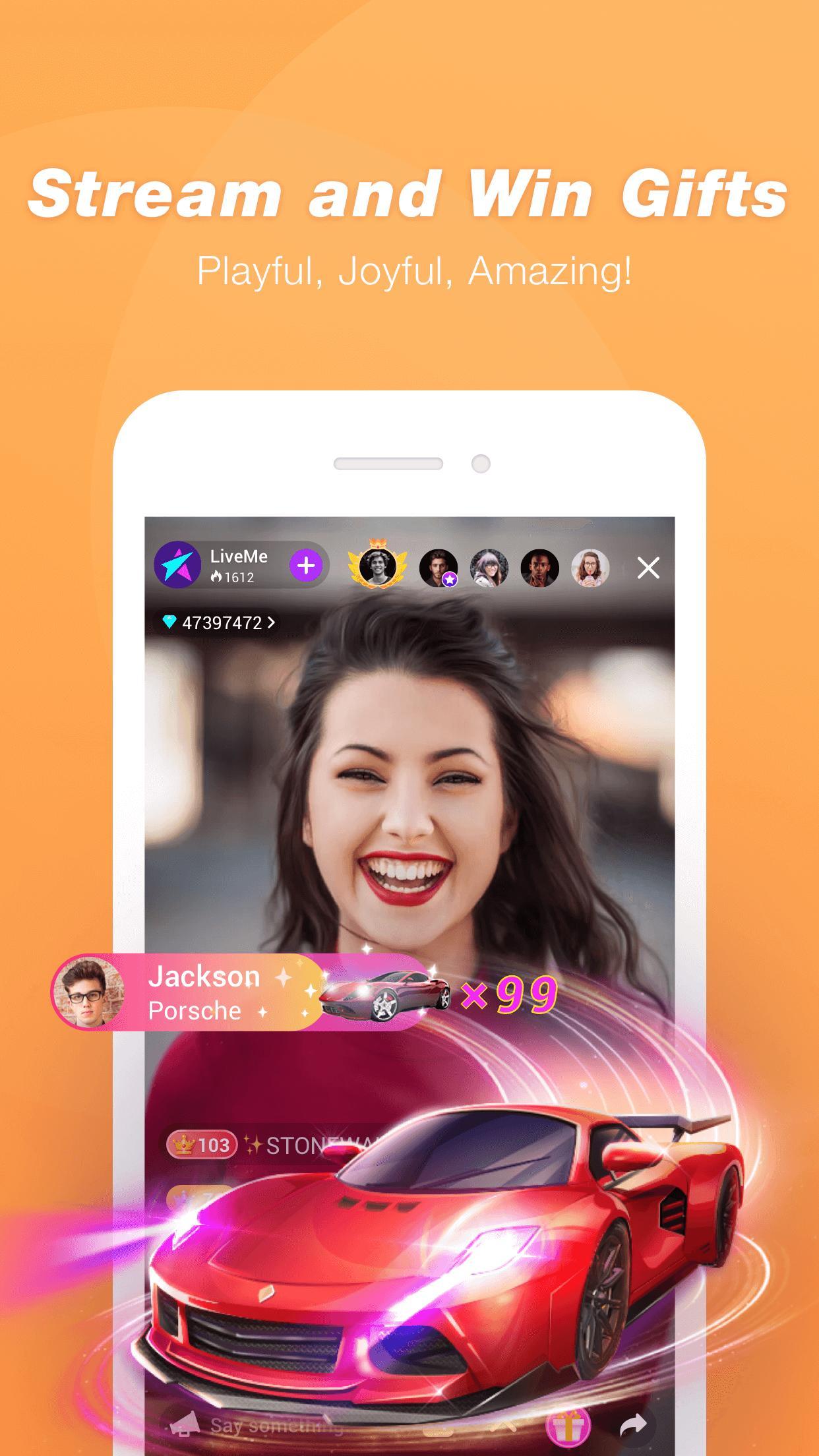
- Receive virtual gifts and convert them into real money rewards!
- Discover, meet, and connect with new people near you or around the world!
- Find and chat with people who have same interests as you!
- Meet real friends, influencers, stars, and big name celebrities!
Q: What can I do on LiveMe?
A: Live broadcasting is the new way stars are connecting with their fans. You can chat, game, do tutorials like make-up, sing, do giveaways, and more!
Q: Who’s on LiveMe?
A: Everyone! LiveMe is for new stars and famous celebrities. People broadcast about all types of things, from fashion, music, gaming, to art and beauty. If you are looking for an app to broadcast, LiveMe is it!
Q: How do I make new friends on LiveMe?
A: Go into a live broadcast, comment, or use flying comment to talk to the broadcaster. You can also send gifts to get the broadcaster’s attention. If you connect with someone, there’s also direct messaging.
Q: How do I find people to follow?
A: We have a recommendation list for new users. We’ll show you awesome people. From the discovery page, you can also find different categories of broadcasts.
Q: What kind of stuff are people talking about on LiveMe right now?
A: People are talking about what’s happening now. Where you live, you’ll find it among all the feature list.
Q: How will people find my broadcast?
A: First set a cover photo which can show people your content and why they should join your broadcast. Make sure you give it an appropriate category to help. LiveMe is full of passionate people who are constantly checking the discovery section with categories, featured lists, and the nearby page.
Q: Am I ready to download LiveMe, video chat with new friends around the world, become next generation of influencers who can influence others?
A: Yes.
Ön izleme
Etiketler
İletişimBilgi
geliştirici
Steps VeD
En Son Sürüm
1.0
Son güncelleme
2022-09-01
Kategori
İletişim
üzerinde mevcut
Google Play
Daha fazla göster
PC'de GameLoop ile LiveMe - Video Call Stream! nasıl oynanır
1. Resmi web sitesinden GameLoop'u indirin, ardından GameLoop'u kurmak için exe dosyasını çalıştırın.
2. GameLoop'u açın ve “LiveMe - Video Call Stream!”i arayın, arama sonuçlarında LiveMe - Video Call Stream!'i bulun ve “Yükle”ye tıklayın.
3. GameLoop'ta LiveMe - Video Call Stream! oynamanın keyfini çıkarın.
Minimum requirements
OS
Windows 8.1 64-bit or Windows 10 64-bit
GPU
GTX 1050
CPU
i3-8300
Memory
8GB RAM
Storage
1GB available space
Recommended requirements
OS
Windows 8.1 64-bit or Windows 10 64-bit
GPU
GTX 1050
CPU
i3-9320
Memory
16GB RAM
Storage
1GB available space