
Auto Reply PC
TechInnate Solutions
Auto Reply'i GameLoop Emulator ile PC'ye indirin
PC'de Auto Reply
TechInnate Solutions geliştiricisinden gelen Auto Reply, geçmişte Android systerm üzerinde çalışıyor.
Artık Auto Reply'i PC'de GameLoop ile sorunsuz bir şekilde oynayabilirsiniz.
GameLoop kitaplığından veya arama sonuçlarından indirin. Artık yanlış zamanda pile bakmak veya sinir bozucu aramalar yapmak yok.
Auto Reply bilgisayarın keyfini büyük ekranda ücretsiz olarak çıkarın!
Auto Reply Tanıtım
Simple Turn On
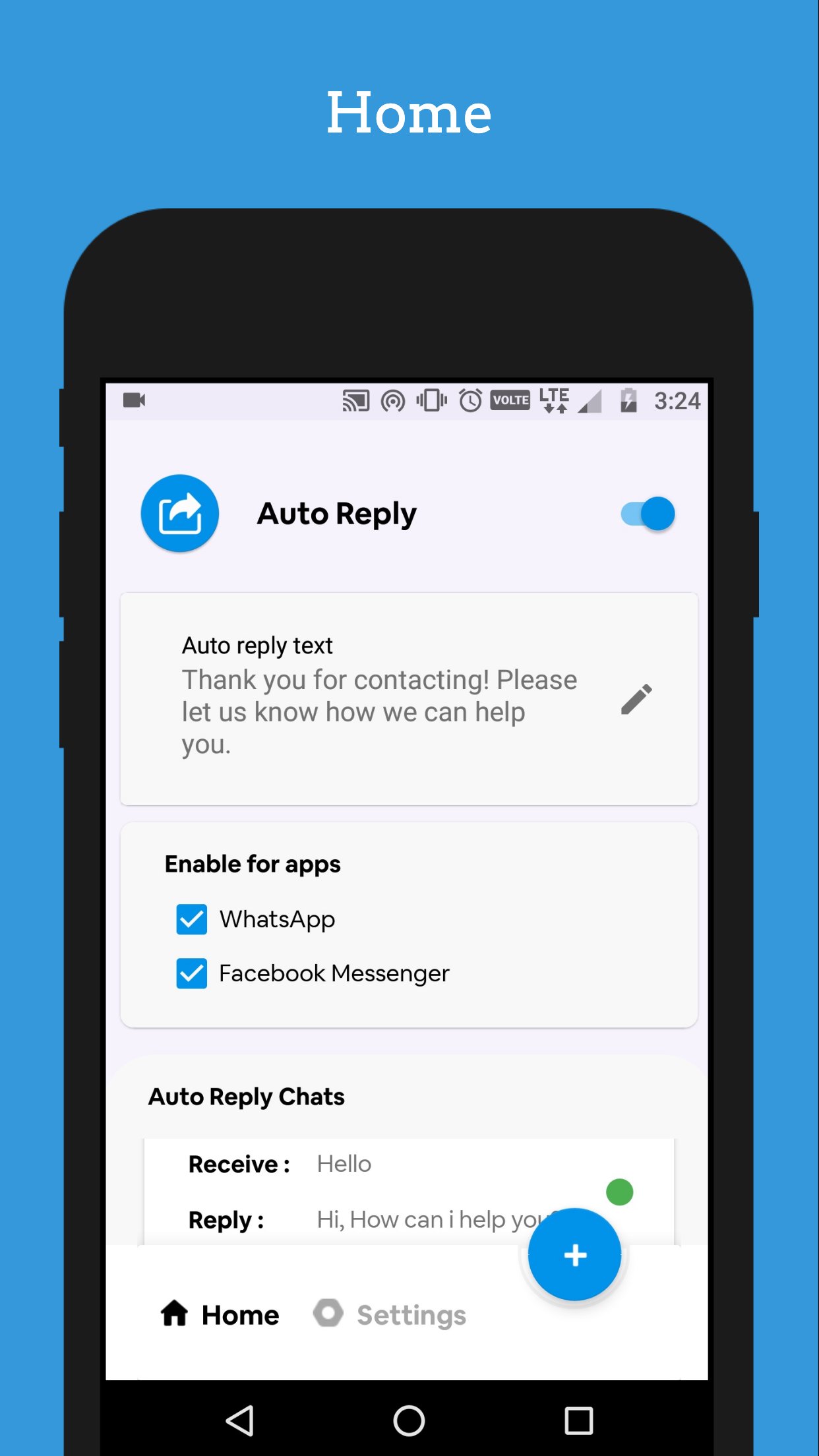
Turn on auto reply with single touch, no need to setup an complicated requirements.
Auto Reply sends an automated reply to everyone contacting you on WhatsApp or Facebook Messenger. This is especially useful if you are planning to migrate away from those services but can also be used as a simple vacation responder.
Features
• Auto reply to every incoming message or set a reply frequency
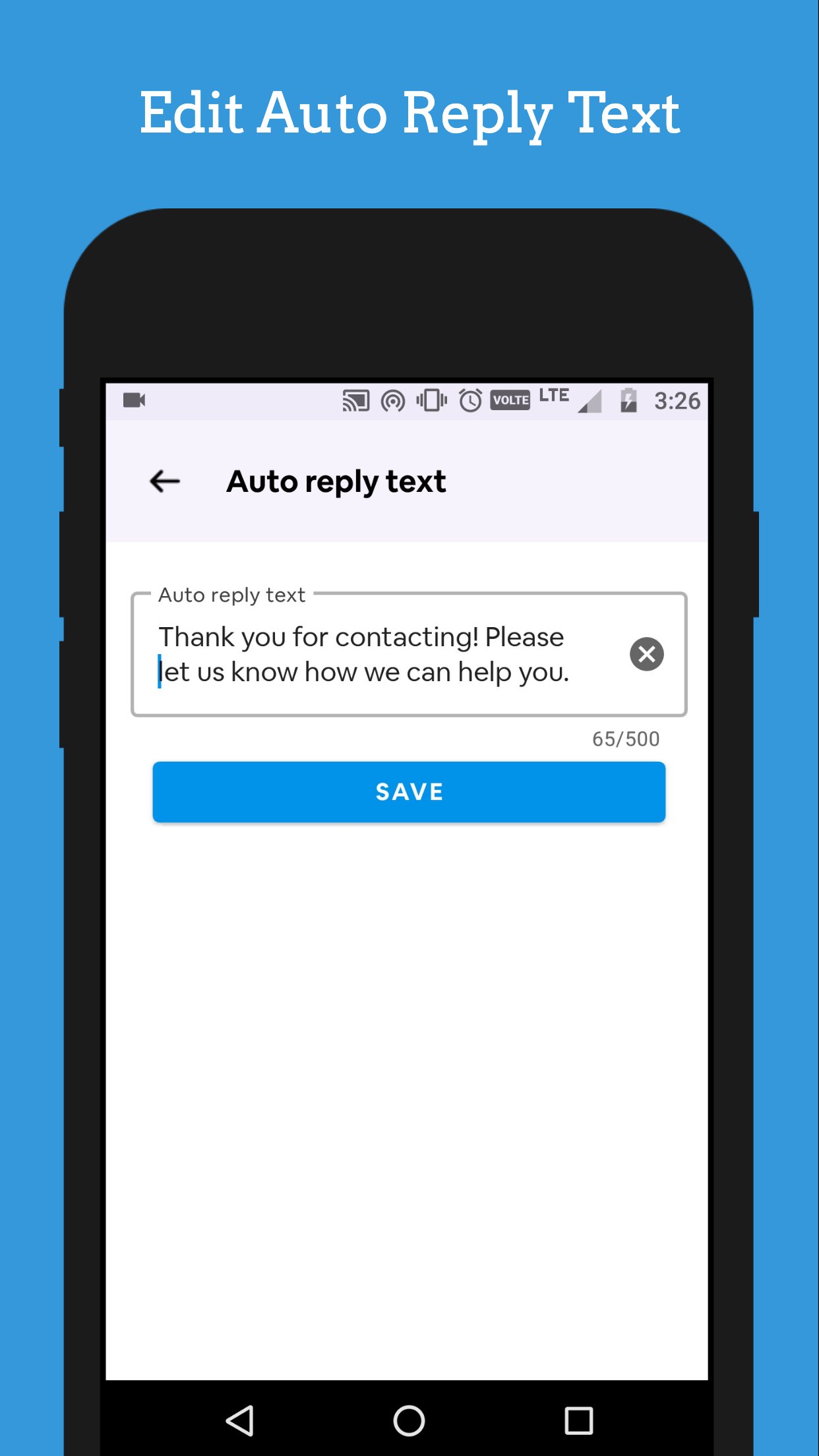
• Set your own auto reply message
• Auto reply to group chats
• Respects your privacy
Future features
• Telegram
• Line
• Viber
• Signal
• Hangouts
Auto reply Chats List
We can manage your chat list that manage how your receive and reply message respond.
Contact Base Reply
Choose whom you want to send an auto reply.
Groups Reply
We support groups, Auto Reply can send auto reply to any groups in your messaging app.
Supported Messengers
We support WhatsApp and Facebook messaging apps. With this one app you can be able to send auto reply to social messaging apps.
Ön izleme
Etiketler
İletişimBilgi
geliştirici
TechInnate Solutions
En Son Sürüm
7.1
Son güncelleme
2026-04-20
Kategori
İletişim
üzerinde mevcut
Google Play
Daha fazla göster
PC'de GameLoop ile Auto Reply nasıl oynanır
1. Resmi web sitesinden GameLoop'u indirin, ardından GameLoop'u kurmak için exe dosyasını çalıştırın.
2. GameLoop'u açın ve “Auto Reply”i arayın, arama sonuçlarında Auto Reply'i bulun ve “Yükle”ye tıklayın.
3. GameLoop'ta Auto Reply oynamanın keyfini çıkarın.
Minimum requirements
OS
Windows 8.1 64-bit or Windows 10 64-bit
GPU
GTX 1050
CPU
i3-8300
Memory
8GB RAM
Storage
1GB available space
Recommended requirements
OS
Windows 8.1 64-bit or Windows 10 64-bit
GPU
GTX 1050
CPU
i3-9320
Memory
16GB RAM
Storage
1GB available space