
Philips Hue instore app PC
Signify Netherlands B.V.
Philips Hue instore app'i GameLoop Emulator ile PC'ye indirin
PC'de Philips Hue instore app
Signify Netherlands B.V. geliştiricisinden gelen Philips Hue instore app, geçmişte Android systerm üzerinde çalışıyor.
Artık Philips Hue instore app'i PC'de GameLoop ile sorunsuz bir şekilde oynayabilirsiniz.
GameLoop kitaplığından veya arama sonuçlarından indirin. Artık yanlış zamanda pile bakmak veya sinir bozucu aramalar yapmak yok.
Philips Hue instore app bilgisayarın keyfini büyük ekranda ücretsiz olarak çıkarın!
Philips Hue instore app Tanıtım
PHILIPS HUE'LA TANIŞIN
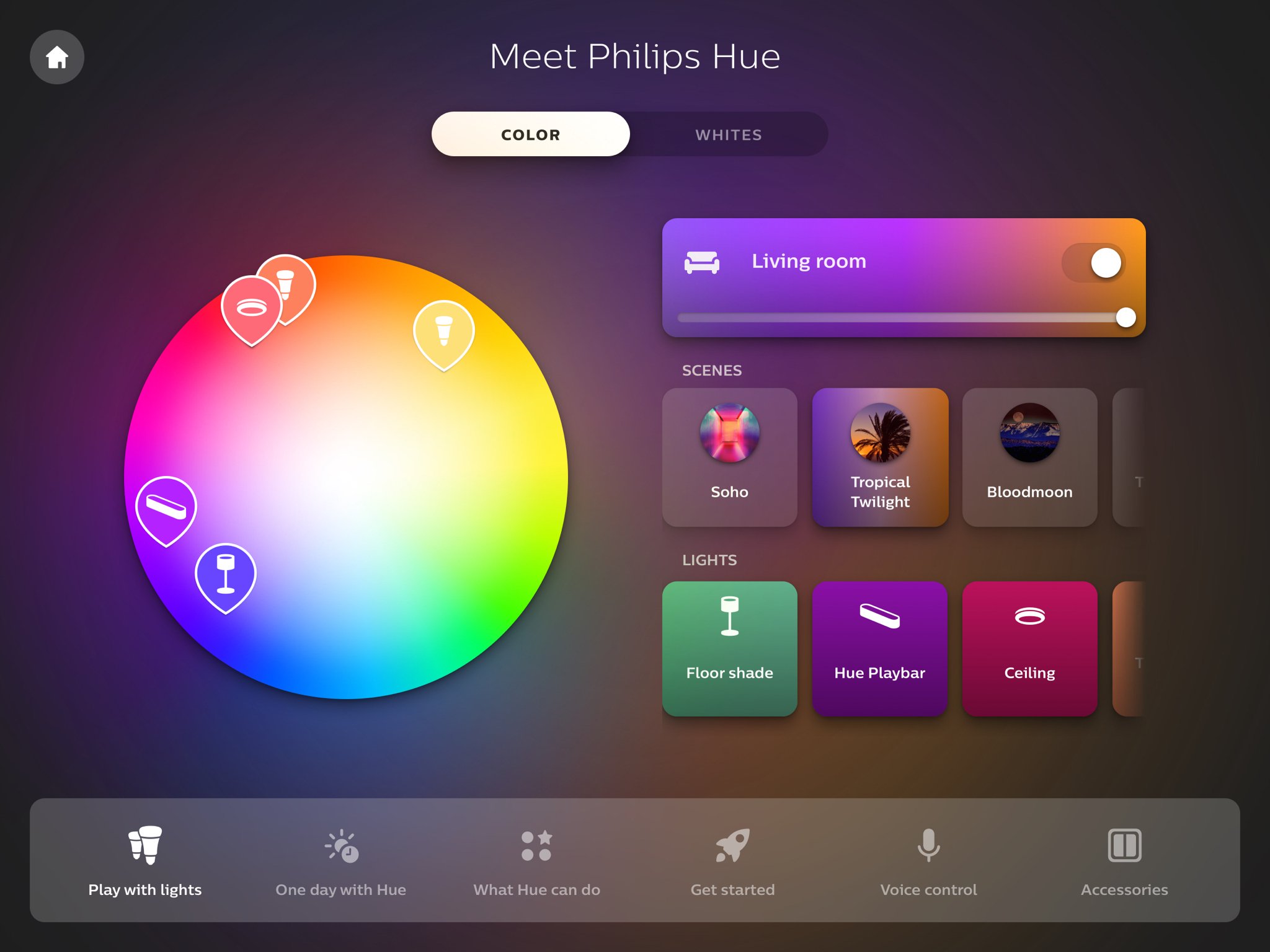
Philips Hue mağaza içi demo uygulamasıyla tanışın ve Philips Hue ışıklarınızı mağazada deneyimleme şeklinizi dönüştürün. Philips Hue Mağaza İçi Uygulaması ile mağazanızda kurulu olan ışıklarla oynayabilir, Philips Hue'nun faydasını anlayabilir, başlamanın en iyi yolunu bulabilir ve aksesuarlarımızı ve sesli yardımcı ortaklarımızı deneyebilirsiniz. Bunu mu merak ediyorsunuz? Mağazalarımızı ziyaret edin ve inceleyin!
Sorumluluk Reddi: Bu uygulama, mağazalarda yalnızca demo amacıyla kullanılmak üzere tasarlanmıştır.
Ön izleme

Etiketler
İş DünyasıBilgi
geliştirici
Signify Netherlands B.V.
En Son Sürüm
4.0.3
Son güncelleme
2022-11-02
Kategori
İş Dünyası
üzerinde mevcut
Google Play
Daha fazla göster
PC'de GameLoop ile Philips Hue instore app nasıl oynanır
1. Resmi web sitesinden GameLoop'u indirin, ardından GameLoop'u kurmak için exe dosyasını çalıştırın.
2. GameLoop'u açın ve “Philips Hue instore app”i arayın, arama sonuçlarında Philips Hue instore app'i bulun ve “Yükle”ye tıklayın.
3. GameLoop'ta Philips Hue instore app oynamanın keyfini çıkarın.
Minimum requirements
OS
Windows 8.1 64-bit or Windows 10 64-bit
GPU
GTX 1050
CPU
i3-8300
Memory
8GB RAM
Storage
1GB available space
Recommended requirements
OS
Windows 8.1 64-bit or Windows 10 64-bit
GPU
GTX 1050
CPU
i3-9320
Memory
16GB RAM
Storage
1GB available space