
Capcut - Video Editor 2020 Tips PC
DevsProApps
Capcut - Video Editor 2020 Tips'i GameLoop Emulator ile PC'ye indirin
PC'de Capcut - Video Editor 2020 Tips
DevsProApps geliştiricisinden gelen Capcut - Video Editor 2020 Tips, geçmişte Android systerm üzerinde çalışıyor.
Artık Capcut - Video Editor 2020 Tips'i PC'de GameLoop ile sorunsuz bir şekilde oynayabilirsiniz.
GameLoop kitaplığından veya arama sonuçlarından indirin. Artık yanlış zamanda pile bakmak veya sinir bozucu aramalar yapmak yok.
Capcut - Video Editor 2020 Tips bilgisayarın keyfini büyük ekranda ücretsiz olarak çıkarın!
Capcut - Video Editor 2020 Tips Tanıtım
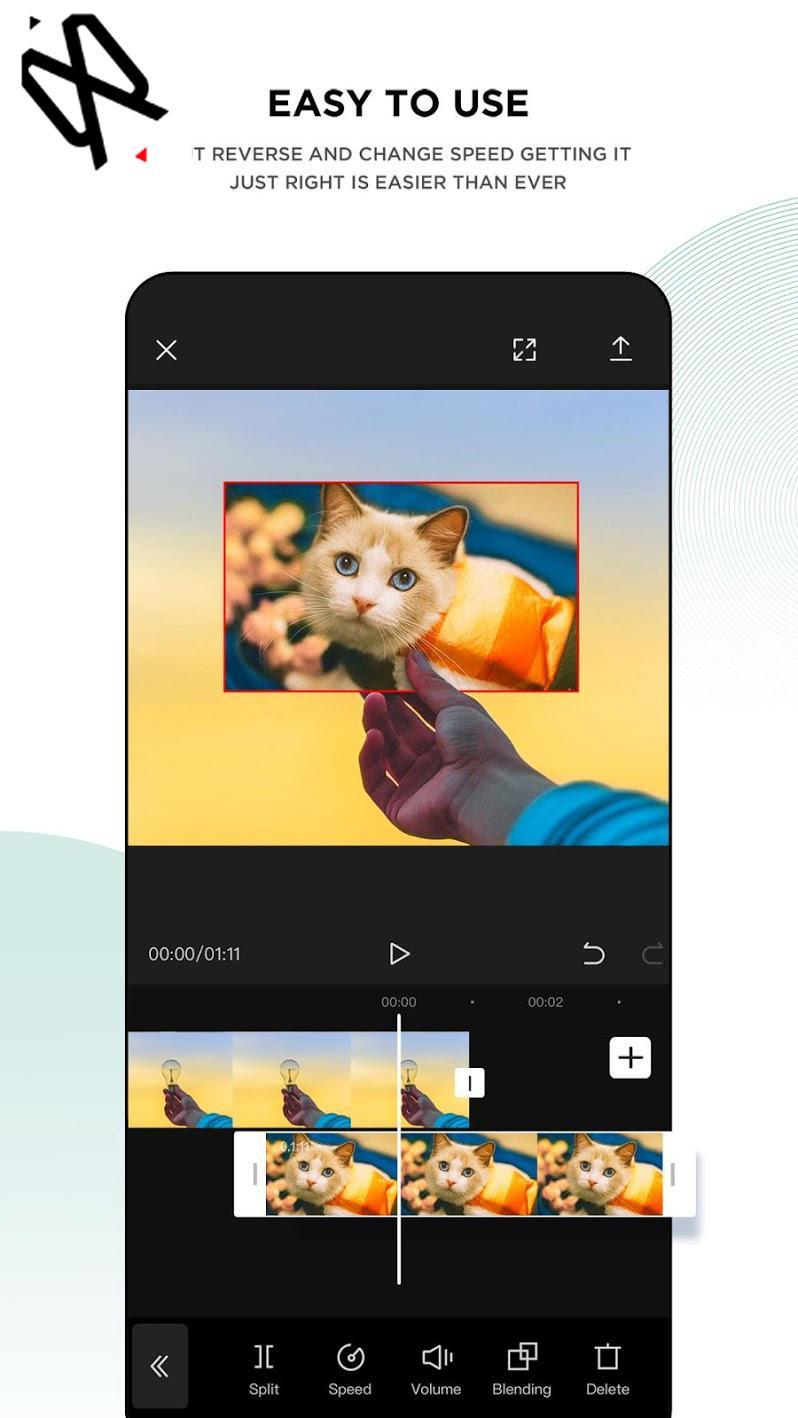
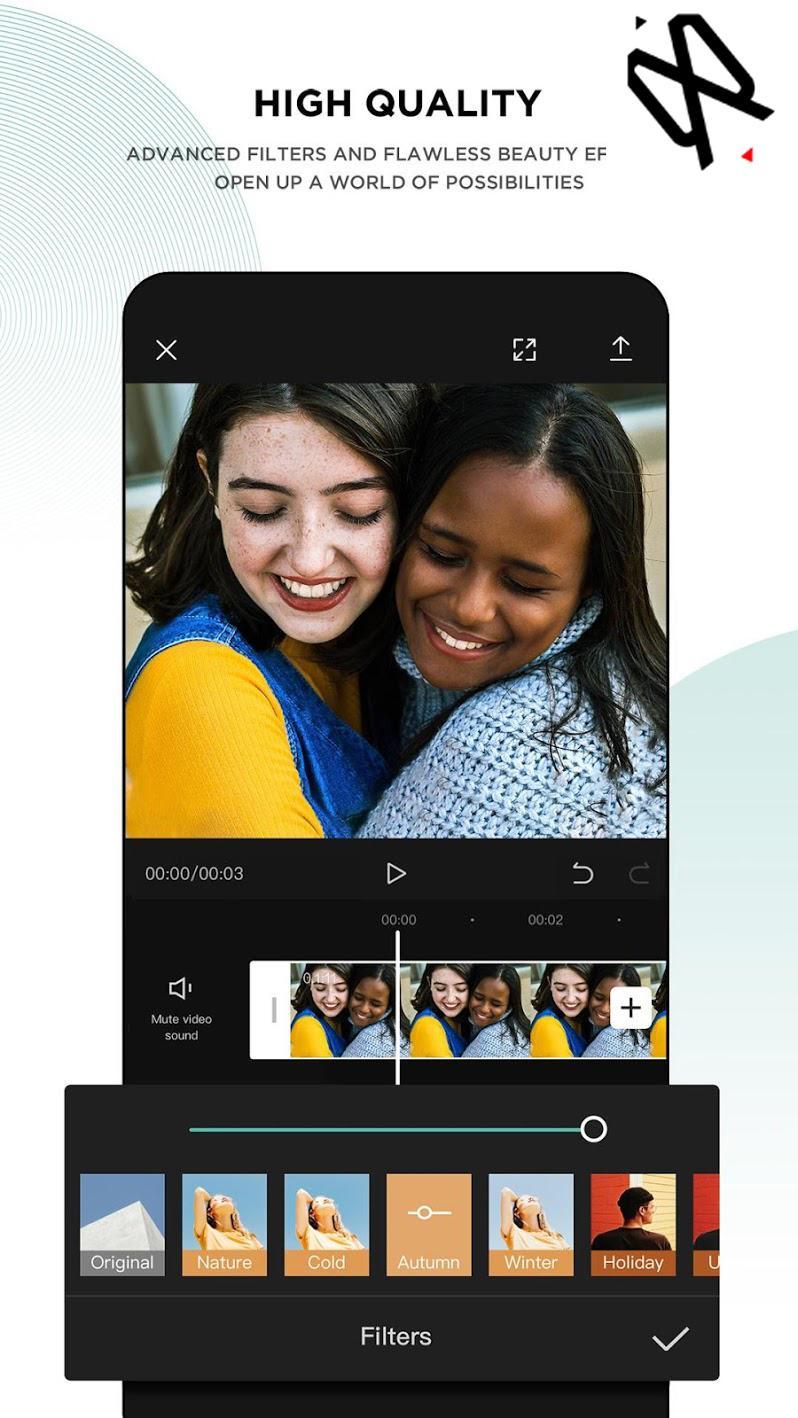
You can find in our app how how to edit your videos using CapCut or Viamaker.
CapCut is a free all in one video editing that helps you create incredible videos for 100% free.
* What is CapCut or Viamaker?
* How to use features and functions (Text, voice, images, Music, stickers, effects and more)
* Export and Sizes.
Video Adjust
* Contrast, saturation, brightness, tone and so much more! Whether you are a professional video editor or just a beginner interested in video editing, it’s user-friendly enough for you to create your amazing clips.
Video Merger & Video Joiner
* Merge video clips into one video, add video to video or add audio to videos. It is a free TikTok video editor and video maker for YouTube, also the professional video cutter and video joiner, helps compress and combine videos without losing quality.
The app is easy to use. and helps you to create videos for TikTok and other social media with high quality.
ATTENTION: This app complies with the united states copyrights act for fair use. If you see any copyrights violation that does not follow our fair usage guidelines, Please contact us directly.
NOTE: This is an unofficial Tips and Guide for video editing.
Ön izleme
Bilgi
geliştirici
DevsProApps
En Son Sürüm
1.1
Son güncelleme
2020-09-08
Kategori
Books-reference
üzerinde mevcut
Google Play
Daha fazla göster
PC'de GameLoop ile Capcut - Video Editor 2020 Tips nasıl oynanır
1. Resmi web sitesinden GameLoop'u indirin, ardından GameLoop'u kurmak için exe dosyasını çalıştırın.
2. GameLoop'u açın ve “Capcut - Video Editor 2020 Tips”i arayın, arama sonuçlarında Capcut - Video Editor 2020 Tips'i bulun ve “Yükle”ye tıklayın.
3. GameLoop'ta Capcut - Video Editor 2020 Tips oynamanın keyfini çıkarın.
Minimum requirements
OS
Windows 8.1 64-bit or Windows 10 64-bit
GPU
GTX 1050
CPU
i3-8300
Memory
8GB RAM
Storage
1GB available space
Recommended requirements
OS
Windows 8.1 64-bit or Windows 10 64-bit
GPU
GTX 1050
CPU
i3-9320
Memory
16GB RAM
Storage
1GB available space